

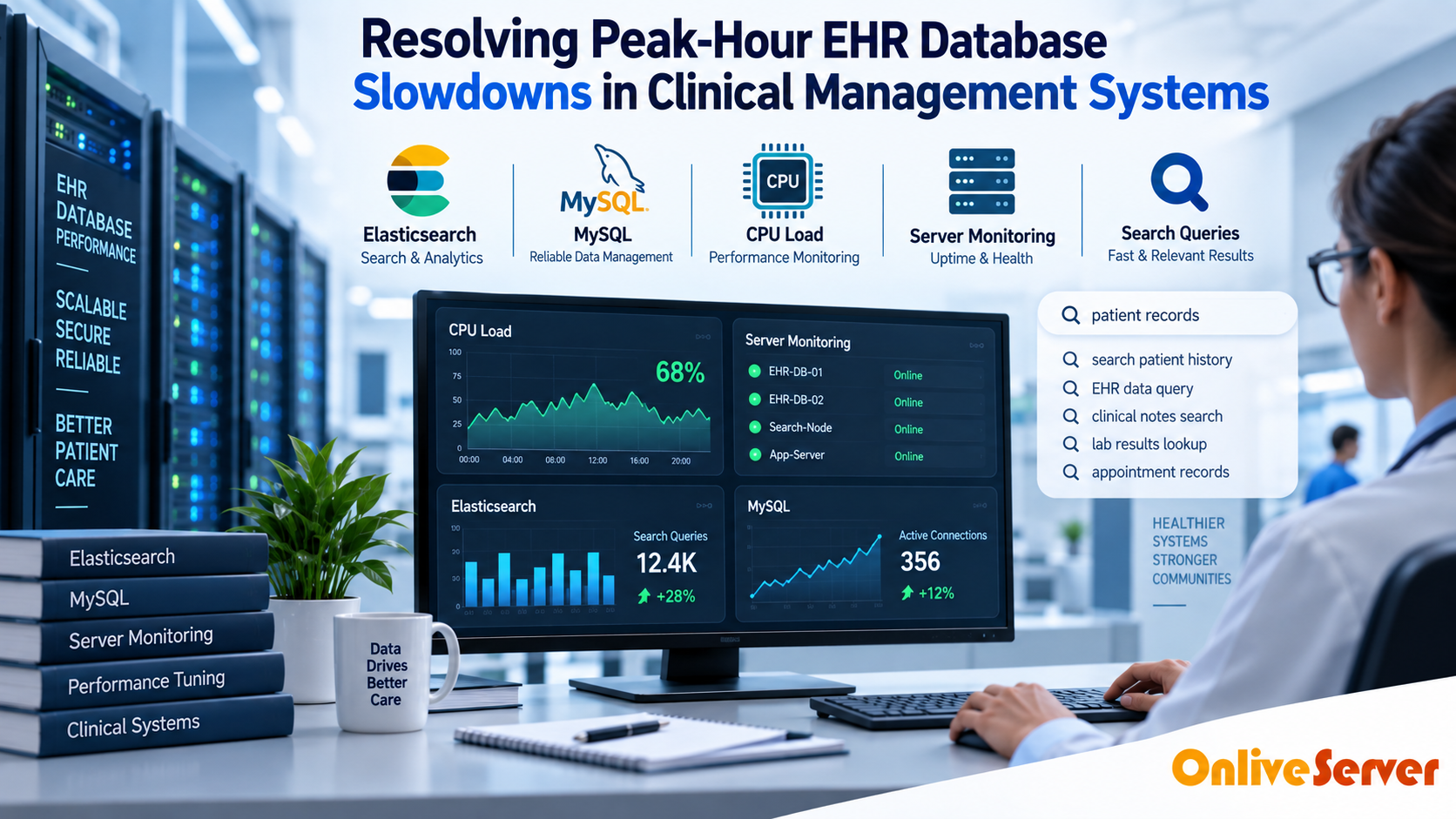
Resolving peak-hour Electronic Health Record (EHR) database slowdowns requires routing resource-heavy analytical billing queries to dedicated read-replicas, implementing transaction-level connection pooling (like PgBouncer or ProxySQL) to stop thread exhaustion, eliminating unindexed foreign-key locks on clinical tables, and deploying high-IOPS NVMe storage arrays.
Electronic Health Record (EHR) systems represent the digital heartbeat of contemporary healthcare practices. Between 9:00 AM and 11:30 AM on weekdays, clinical staff simultaneously input vitals, order lab tests, chart patient encounters, and verify insurance billing records. For verified technical specifications and deployment parameters, consult the official Linux Kernel Documentation.
During these peak hours, clinical workstations frequently lock up with spinning wait icons. A doctor waiting thirty seconds to load a patient history chart faces immense frustration, eroding clinical efficiency and increasing patient consultation delays.
Solving these chronic bottlenecks requires targeted infrastructure and database tuning. Operating on dedicated dedicated bare-metal database servers ensures dedicated compute resources and unshared storage channels that prevent virtual noisy-neighbor interference.
The Root Causes of Clinical Database Freezes
Clinical management databases blend two fundamentally conflicting workloads: rapid Online Transaction Processing (OLTP) from nurses and doctors, and massive Online Analytical Processing (OLAP) generated by automated billing and reporting scripts.
When an administrative clerk runs an insurance reconciliation query spanning 50,000 patient records, the database engine acquires read locks across primary tables. Concurrently, physicians attempting to save medication orders find their transactions queued behind the massive analytical scan.
Clinical EHR Database Bottleneck Profile
| Bottleneck Mechanism | Clinical Symptom | Technical Cause | Engineering Solution |
|---|---|---|---|
| Shared Reporting Scans | Charting freezes when billing runs | Table-level shared lock contention | Offload OLAP queries to read-replica |
| Connection Thrashing | “Server Busy” errors across clinic | EHR opens hundreds of idle threads | Implement transaction connection pooling |
| Disk I/O Wait States | Slow patient search and dropdowns | Missing indexes causing full table scans | Composite index tuning on patient charts |
| Storage Bottleneck | Lag during morning login rush | Slow spinning SAS/SATA drive pools | Deploy enterprise NVMe RAID 10 |
Three Core Architecture Remedies for Healthcare Systems
Eliminating clinical lag requires addressing database concurrency, query isolation, and storage throughput through structured architecture patterns.
First, isolate billing, compliance auditing, and administrative analytics onto an asynchronous read-replica. This guarantees that 100% of the primary database engine memory and CPU resources remain dedicated to doctor-patient encounter charting.
Second, place an intelligent connection pooling layer (such as PgBouncer for PostgreSQL or ProxySQL for MySQL) in front of the database. Connection poolers multiplex hundreds of clinic workstation sessions into a lean, optimized pool of active worker threads, eliminating memory exhaustion.
Working alongside an experienced certified Linux server administrator allows healthcare IT managers to audit query plans, identify lock cascades, and safely implement index tuning without clinic downtime.
Protecting Clinical Data with Segregated Backups
A common mistake in clinical IT is running automated database backups during normal operating hours. Backing up multi-gigabyte clinical tables locks indexes and burns through I/O bandwidth precisely when clinicians need the system most.
To eliminate this impact, schedule snapshotting pipelines to stream from standby replicas directly to dedicated high-capacity backup storage solutions. This isolates backup read loads entirely away from live clinical operations.
EHR High-Availability Performance Architecture
| Cluster Role | Assigned Traffic | Hardware Specification | Clinical Objective |
|---|---|---|---|
| Primary OLTP Node | Clinical charting, orders, prescriptions | High-frequency CPU + NVMe RAID 10 | Sub-second charting responsiveness |
| Reporting Read-Replica | Insurance claims, analytics, audit reports | High RAM + Enterprise SSD storage | 0% lock contention on clinical charts |
| Offsite Backup Server | Continuous WAL archiving & snapshots | High-density redundant SAS/SATA storage | Guaranteed point-in-time disaster recovery |
Automated Table Vacuuming and Statistics Maintenance
Electronic Health Record systems experience massive daily row updates and deletions as appointment statuses shift and encounter notes evolve. In engines like PostgreSQL, dead row tuples accumulate rapidly inside primary tables.
If autovacuum daemon thresholds are set to conservative defaults, routine vacuuming is triggered precisely during peak clinic hours, saturating storage I/O and creating query lock cascades. Tuning autovacuum cost limits and scheduling heavy table maintenance during off-peak night windows keeps tables compact and query plans sharp.
In addition to tuple reclamation, running automated database statistics collection (`ANALYZE`) ensures query planners select optimal index lookup paths. Stale planner statistics often mislead databases into choosing catastrophic full table scans for routine clinical searches.
Summary and Key Takeaways
Peak-hour EHR slowdowns are not an inevitable reality of clinical practice. They are engineering symptoms of unmanaged connection thrashing, resource competition, and legacy storage bottlenecks.
By segregating analytical reports onto dedicated read-replicas, implementing transaction-level connection pooling, and transitioning to bare-metal enterprise NVMe arrays, clinics can restore instantaneous chart responsiveness and safeguard physician satisfaction.
Connection Pool Starvation and Proxy Sizing (PgBouncer / ProxySQL)
During peak morning clinic hours, hundreds of medical staff log into Electronic Health Record (EHR) systems simultaneously to review patient charts, order medications, and update vitals. Each workstation session initiates multiple concurrent connections to backend relational database engines.
PostgreSQL and MySQL allocate dedicated operating system process memory for every open client connection. When concurrent connections surge past 500, server memory is rapidly exhausted by connection overhead, forcing the database engine into devastating thread context switching and lock contention.
Deploying dedicated high-performance connection poolers like PgBouncer (for PostgreSQL) or ProxySQL (for MySQL) resolves connection exhaustion. Operating in transaction-pooling mode, the pooler serves thousands of clinical frontend connections using a compact, pre-allocated pool of 50 to 100 persistent database connections.
Mitigating Table and Index Bloat via Aggressive Autovacuum Tuning
Clinical EHR databases experience constant updates and inserts as vital signs, medication administration records, and patient monitoring feeds stream in continuously. In multi-version concurrency control (MVCC) relational engines, updating a record creates a new row version while marking the older version as dead.
Under default database configurations, the autovacuum daemon runs too conservatively, allowing dead tuples to accumulate into massive table and index bloat. Table scans must read gigabytes of dead space, dragging clinical search response times from milliseconds to seconds.
Database administrators tune autovacuum parameters aggressively to purge dead tuples continuously:
- autovacuum_vacuum_cost_limit: Increased from 200 to 2000 to allow the vacuum daemon to utilize available NVMe storage bandwidth without premature sleep throttling.
- autovacuum_vacuum_scale_factor: Reduced from 0.20 to 0.05 on high-churn clinical tables, ensuring vacuuming triggers after 5% of rows change rather than waiting for 20% bloat.
- autovacuum_max_workers: Increased to 6 or 8 workers on multi-core hardware to ensure concurrent vacuuming across multiple clinical tables.
Online Index Maintenance and Query Execution Plan Stability
Over months of clinical operations, database B-tree indexes suffer fragmentation that degrades query execution efficiency. However, executing standard index rebuilds acquires exclusive table write locks, halting clinical charting across hospital departments.
Database administrators execute online index maintenance using non-blocking rebuild utilities (such as REINDEX CONCURRENTLY in PostgreSQL or pt-online-schema-change in MySQL). These utilities construct fresh index trees in the background while clinicians continue reading and writing patient charts uninterrupted.
Furthermore, database engines must be protected against plan regression where database query planners suddenly abandon efficient index scans for catastrophic sequential scans. Pinning query execution plans using plan extensions ensures critical patient search queries execute with deterministic speed.
Peak-Hour EHR Database Optimization Checklist
Maintaining responsive hospital EHR database systems under peak clinical loads requires rigorous multi-tier operational discipline:
- Deploy enterprise NVMe storage in RAID10 delivering over 500,000 sustained random read/write IOPS to prevent disk wait queues.
- Configure read replicas to offload heavy administrative billing, insurance, and historical clinical analytics reports from the primary transactional node.
- Enforce strict statement timeout limits (e.g., 5 seconds) to terminate rogue, unindexed analytical queries before they exhaust database connection threads.
- Implement shared memory buffer sizing (e.g., 25% to 40% of total host RAM) allowing frequent patient encounter tables to remain permanently memory-resident.
- Monitor lock waits using Prometheus to alert on transaction lock chains before they escalate into clinical application freezing.
Read-Replica Offloading for Billing and Analytical Reports
A frequent root cause of peak-hour EHR slowdowns is administrative staff running complex billing audits and clinical quality reports against the primary transaction database. These multi-table joins scan millions of rows, acquiring shared read locks and flushing warm clinical caches out of memory.
Healthcare infrastructure engineers enforce strict workload separation by routing all reporting and analytics traffic to dedicated read replicas. Transactional replication ensures replica databases remain synchronized within sub-second intervals.
API gateways and database proxies inspect incoming SQL traffic, automatically directing heavy analytical queries to replicas while reserving the primary bare-metal database exclusively for bedside patient charting and emergency order entry.
Conclusion: Ensuring Uninterrupted Clinical Database Performance
Resolving peak-hour EHR database slowdowns requires systematic architectural optimization across connection management, storage performance, and memory caching. Shielding primary transactional nodes from analytical contention ensures healthcare workers have instant access to lifesaving medical records.
By pairing enterprise connection poolers with aggressive vacuum tuning and dedicated read-replica offloading, healthcare IT teams eliminate latency spikes and system lockups. Robust database engineering guarantees that clinical software remains exceptionally fast and dependable when doctors and patients need it most.
Frequently Asked Questions
Why do EHR systems slow down specifically during mid-morning hours?
Mid-morning represents the intersection of peak patient clinic arrivals, active doctor charting, automated lab result polling, and morning billing runs competing for the same database locks and storage channels.
How does a database read-replica resolve EHR chart lag?
Heavy analytical queries (like insurance claims and operational dashboards) are redirected to the read-replica. This prevents long-running table locks from stalling physician charting on the primary database.
What is connection pooling and why does an EHR require it?
Connection pooling reuses open database connections instead of opening a new heavy process for every workstation click. It drastically reduces server RAM usage and CPU thread context switching.
Can adding missing database indexes fix patient search delays?
Yes, patient lookups by date of birth, MRN, or insurance ID often perform full table scans if composite indexes are absent. Proper indexing reduces query runtimes from seconds to a few milliseconds.
Does upgrading from SATA SSDs to NVMe really improve EHR performance?
Yes, enterprise NVMe storage handles up to 100 times more concurrent I/O queues than SATA SSDs, allowing simultaneous writes from dozens of clinical workstations without disk wait queues.
