

Hardware RAID vs Software RAID (ZFS/mdadm) for Heavy Database Workloads
Compare hardware RAID controllers with Linux software RAID, ZFS and mdadm for MySQL and PostgreSQL workloads. Understand performance, redundancy, recovery and NVMe storage considerations before choosing a RAID design.
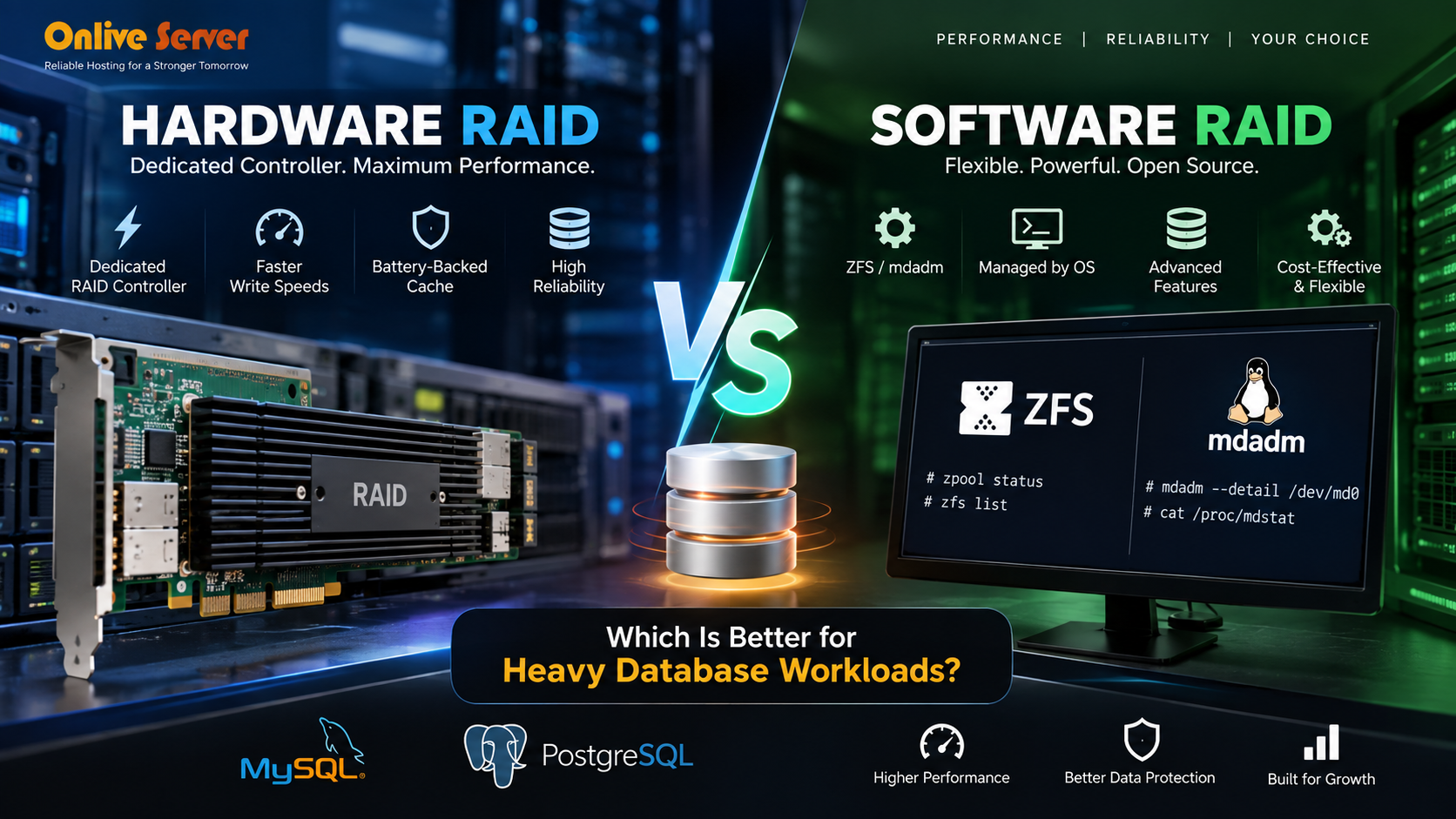
Hardware RAID with battery-backed write cache accelerates transactional database operations, while Software RAID (such as ZFS or mdadm) provides advanced bit rot self-healing, native copy-on-write snapshots, and complete vendor-independent drive portability.
Both RAID solve the same storage problem in different ways.
RAID uses a dedicated controller to manage an array of drives, while software RAID uses the operating system or storage stack to coordinate the disks. Linux environments commonly use mdadm, while ZFS combines RAID-like storage management with filesystem features such as checksumming, snapshots and compression.
For MySQL and PostgreSQL, the better design depends on workload characteristics, storage hardware, RAID level, recovery requirements and the features you need from the storage stack. There is no single RAID implementation that is automatically fastest for every database.
Why RAID Design Matters for Heavy Database Workloads
Database performance is closely tied to storage latency and the way an application performs reads, writes and transaction commits. A configuration that works well for a small website can behave very differently when the same server starts handling thousands of concurrent queries.
MySQL, MariaDB and PostgreSQL can generate a mixture of random reads, random writes, sequential operations, temporary-file activity and transaction-log writes. RAID therefore needs to be evaluated as part of the complete storage path rather than as an isolated feature.
Instead, evaluate which storage design provides the right balance of latency, throughput, redundancy, recovery and management for the database workload.
What Is Hardware RAID and How Does It Work?
Hardware RAID uses a dedicated RAID controller to manage multiple physical drives as an array. The operating system normally sees the controller’s logical volume rather than managing the individual RAID members directly.
Depending on the controller and RAID level, the controller can handle mirroring, parity calculations, rebuilds and caching. Some enterprise controllers also provide protected write-back cache using battery-backed or flash-backed protection.
This architecture can be useful in environments where centralized hardware RAID management, protected write caching or controller-based administration fits the operational requirements.
How Software RAID Works with Linux, mdadm and ZFS
Software RAID moves array management into the operating system or storage software. Instead of depending on a dedicated RAID controller, the server’s CPU and storage stack coordinate the disks.
Linux mdadm is widely used to create and manage software RAID arrays. ZFS takes a broader approach, combining a filesystem with storage-pool management, checksumming, snapshots and other data-management features.
mdadm
Linux software RAID management for supported RAID levels such as RAID 1, RAID 5, RAID 6 and RAID 10.
ZFS
Storage pools and filesystem features with checksumming, snapshots, compression and configurable redundancy.
Linux Storage Stack
Uses the operating system and CPU resources rather than relying on a dedicated hardware RAID processor.
Hardware RAID vs Software RAID: Which Is Faster for Databases?
There is no universal performance winner between hardware RAID and software RAID. Database performance depends on storage latency, queue depth, RAID level, drive technology, controller design and the workload generated by the application.
A modern CPU can perform software RAID operations efficiently, while a capable hardware RAID controller can provide useful caching and dedicated array management. With high-performance NVMe drives, however, the storage stack itself becomes an important design consideration because the drives can deliver much higher I/O performance than traditional SATA disks.
- Dedicated RAID controller
- Controller-managed array
- Optional protected write cache
- Centralized hardware management
- Controller dependency during replacement
- Managed by the OS/storage stack
- Flexible configuration
- No dedicated RAID controller required
- Easy visibility from Linux tools
- Uses host CPU resources
How Protected RAID Cache Can Affect Database Writes
Database transaction commits often depend on durable writes to the transaction log. A hardware controller with protected write-back cache can acknowledge some writes before the data reaches the underlying drives, provided the controller can preserve that cached data during a power-loss event.
This can reduce apparent write latency in suitable workloads. The result depends on the controller, cache policy, workload, drive latency and database configuration.
Do not enable unsafe write-back caching simply to increase benchmark numbers. If cached writes are lost during a power failure, database durability guarantees can be affected.
Which RAID Configuration Fits MySQL and PostgreSQL?
Database engines do not require one specific RAID implementation. The storage design should be selected according to the workload and the failure model.
Transaction-Heavy MySQL
Workloads with frequent small writes can benefit from low-latency storage and a RAID layout that avoids unnecessary write penalties.
PostgreSQL
PostgreSQL workloads can generate significant WAL and data-file activity. Storage latency, durability and recovery strategy all matter.
Ecommerce
Order processing, inventory changes and customer sessions can create many concurrent database transactions.
SaaS Platforms
Multi-tenant applications often need predictable storage latency while serving many concurrent database connections.
Why RAID 10 Is Commonly Considered for Write-Heavy Databases
RAID level often has a larger effect on database behavior than the simple distinction between hardware and software RAID.
RAID 10 combines mirroring and striping. It provides redundancy while avoiding the parity calculation and read-modify-write behavior associated with parity-based RAID levels.
RAID 10 is often considered for transaction-heavy workloads where write latency and predictable recovery are important.
RAID 10 is not automatically the right choice for every environment. Storage capacity, drive count, fault tolerance, budget and workload requirements should be considered before deployment.
Should You Use Hardware RAID or Software RAID with NVMe?
NVMe changes the storage equation because modern NVMe SSDs can deliver substantially higher I/O performance and lower latency than older SATA-based storage.
A traditional hardware RAID controller can become a design constraint if its architecture cannot keep pace with the combined performance of multiple NVMe devices. For this reason, NVMe systems are frequently designed around software-defined storage or platforms specifically designed to manage NVMe devices.
Database configuration, memory pressure, query design, filesystem behavior, CPU capacity and I/O concurrency still determine the actual application result.
Is Software RAID Reliable for Production Databases?
Software RAID can be reliable for production databases when the array is correctly configured, monitored and maintained. The absence of a dedicated RAID controller does not mean that software RAID lacks redundancy.
Reliability depends on the entire storage and recovery strategy. A redundant array protects against certain disk failures, but it does not replace backups or database replication.
If an administrator accidentally deletes a database table, RAID does not restore the previous version. The deletion is normally replicated across the redundant members of the array.
How to Benchmark RAID Storage for a Database Server
Storage benchmarks should resemble the workload that the database actually produces. A sequential read benchmark alone does not tell you how a transactional database will behave.
Useful measurements include random read/write latency, IOPS, throughput, queue depth and performance under concurrent workloads.
lsblk
cat /proc/mdstat
sudo mdadm --detail /dev/md0
For production testing, benchmark a representative workload in a controlled environment before applying the configuration to a live database.
Hardware RAID vs Software RAID for Database Servers
| Factor | Hardware RAID | Software RAID / ZFS / mdadm |
|---|---|---|
| RAID Management | Dedicated controller | Operating system / storage stack |
| CPU Usage | RAID processing handled by controller | Uses host CPU resources |
| Write Cache | Controller cache may be available | Depends on storage/software configuration |
| Flexibility | Depends on controller capabilities | High configuration flexibility |
| NVMe Design | Depends heavily on controller/platform | Often well suited to software-defined storage |
| Data Integrity | Depends on controller and filesystem | ZFS provides integrated checksumming features |
| Controller Dependency | Yes | No dedicated RAID controller required |
| Database Suitability | Strong option for suitable controller designs | Strong option when correctly configured |
Which RAID Approach Should You Choose?
Start with the workload and operational requirements rather than choosing RAID technology based only on marketing specifications.
Consider Hardware RAID When
- You need controller-managed arrays.
- Protected write caching is important.
- Your server platform supports the required drives.
- Your team prefers hardware-based RAID management.
Consider Software RAID When
- You want storage managed directly by Linux.
- You need flexible storage configurations.
- You are building an NVMe-focused environment.
- You want to avoid dependency on a specific RAID controller.
Database Storage Best Practices
Monitor Drive Health
Monitor SMART data, RAID state, disk errors and storage alerts.
Test Recovery
A redundant array is useful only when administrators understand how to recover from a failed drive.
Maintain Backups
Keep independent backups because RAID is not a backup and does not protect against every type of data loss.
Measure the Workload
Test database workloads instead of relying only on synthetic storage benchmark numbers.
Hardware RAID vs Software RAID FAQs
Is hardware RAID faster than software RAID for MySQL? +
Not necessarily. Hardware RAID can provide dedicated controller processing and protected write caching, but modern CPUs can handle software RAID efficiently. MySQL performance depends on the complete storage architecture, RAID level, drive technology and workload.
Is RAID 10 suitable for heavy database workloads? +
RAID 10 is commonly considered for transaction-heavy databases because it combines mirroring with striping and avoids the parity-write behavior of RAID 5 and RAID 6. The appropriate RAID level still depends on capacity, fault tolerance and workload requirements.
Can mdadm software RAID be used for production databases? +
Yes. mdadm can be used in production Linux environments when the array is correctly configured, monitored and maintained. Database reliability should still include independent backups and an appropriate recovery plan.
Is ZFS a good option for database storage? +
ZFS can be useful when administrators want integrated storage-pool management, checksumming, snapshots and other filesystem features. Database-specific tuning should be performed according to the workload and available memory.
Does RAID protect a database from accidental deletion? +
No. RAID protects against certain storage-device failures, but an accidental deletion can be propagated across redundant disks. Backups, snapshots and other recovery mechanisms are needed for that type of event.
Is hardware RAID suitable for NVMe database servers? +
It can be, but the controller and platform must be designed to handle the performance and connectivity requirements of the NVMe devices. In some architectures, software-defined storage can provide a more flexible approach.
Conclusion: Strategic Architecture & Performance Summary
Implementing these technical optimizations for hardware raid vs software raid (zfs/mdadm) for heavy database workloads ensures robust throughput, predictable latency, and maximum system reliability across production environments. Rigorous benchmarking and proactive parameter tuning eliminate latent resource bottlenecks before they impact end users.
Pairing disciplined operating system administration with reliable compute foundations is essential for mission-critical operations. Deploying workloads on enterprise dedicated server hosting provides the dedicated resources, network resilience, and hardware acceleration necessary to sustain high availability under heavy production load.
Choose RAID Around the Database Workload
Hardware RAID and software RAID can both provide reliable storage redundancy for MySQL and PostgreSQL. The important difference is how RAID management is implemented and which storage features the platform provides.
Hardware RAID may make sense when controller-based management and protected write caching fit the server architecture. Software RAID with mdadm or storage systems such as ZFS can provide flexibility and direct integration with the Linux storage stack.
Before choosing a configuration, evaluate storage latency, workload patterns, RAID level, NVMe compatibility, recovery requirements and backup strategy. Test the actual database workload whenever possible instead of selecting a RAID design from synthetic benchmark numbers alone.
