

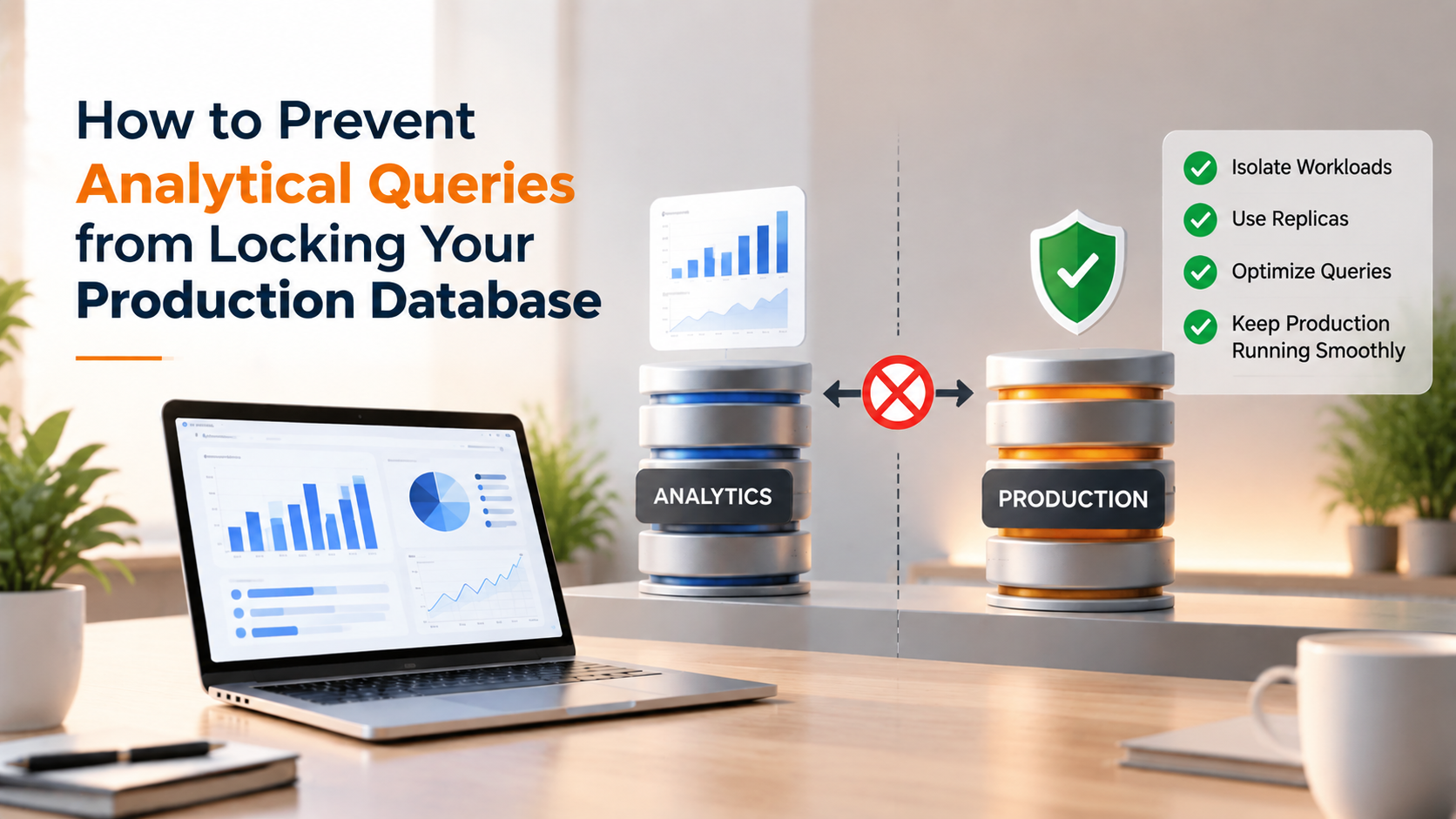
To prevent long-running analytical, reporting, or BI queries from locking production databases, route all reporting workloads to asynchronous read-replicas, configure transaction isolation to READ COMMITTED with statement timeouts, flush buffer cache pollution using unbuffered query cursors, or stream data asynchronously into dedicated analytical data warehouses.
Modern businesses thrive on real-time business intelligence (BI). Operations teams, marketing analysts, and executive dashboards constantly execute data queries to track sales metrics, revenue reports, and user retention curves.
However, running complex analytical queries directly against primary production databases creates acute operational peril. Long-running analytical scans acquire shared read locks, evict hot transactional data from RAM buffer pools, and trigger catastrophic transaction timeouts for live users.
Eliminating analytical contention requires decoupling online transaction processing (OLTP) from analytical processing (OLAP). Provisioning dedicated infrastructure on dedicated database server hosting ensures high-frequency write operations remain 100% isolated from heavy analytics.
Why Analytical Queries Destroy OLTP Performance
OLTP applications execute thousands of small, targeted queries per second—like looking up a user record by primary key or updating a cart total. These transactions complete in sub-millisecond durations and release locks immediately.
In contrast, an analytical query scans millions of rows across multiple joined tables, grouping results over wide date ranges. Even if the query does not perform write operations, shared read locks prevent concurrent DDL modifications and trigger metadata lock queues.
Furthermore, scanning massive historical tables floods the database shared buffer pool (such as MySQL InnoDB buffer pool or PostgreSQL shared_buffers). Active customer data is evicted from RAM to make room for cold historical blocks, causing subsequent web requests to crawl.
OLTP vs. OLAP Database Workload Characteristics
| Workload Attribute | OLTP (Production User Traffic) | OLAP (Business Intelligence & Reporting) |
|---|---|---|
| Query Execution Time | Milliseconds (Sub-10ms target) | Seconds to Minutes (Heavy aggregations) |
| Data Volume per Query | Few rows indexed by primary keys | Hundreds of thousands to millions of rows |
| Locking Behavior | Row-level transient locks | Shared read locks; metadata lock cascades |
| Buffer Cache Impact | High cache hit ratio on hot data | Flushes hot data; creates cold cache thrashing |
Three Proven Architectural Solutions
To insulate your core transactional database from analytical interference, implement these three industry-standard architectural safeguards:
1. Dedicated Asynchronous Read-Replicas: Deploy an independent streaming read-replica dedicated strictly to internal analytics tools (such as Metabase, Looker, or Tableau). Live transactional tables on the primary node remain completely untouched.
2. Strict Statement Timeouts and Read-Only Roles: Create isolated database roles for reporting tools. Set `statement_timeout = 30000` (30 seconds) on the reporting user session to automatically kill rogue queries before they monopolize resources.
3. Change Data Capture (CDC) to ClickHouse or Snowflake: For massive enterprise datasets, stream transaction log updates in real-time to a columnar database (like ClickHouse) engineered specifically for analytical aggregations.
Configuring replication topologies and safe query routing requires experienced systems oversight. Collaborating with an experienced Linux systems administrator ensures connection pooling proxies (such as ProxySQL or PgBouncer) automatically route analytical queries to replicas based on query inspection.
Isolating Analytics on Cloud Virtual Servers
For organizations operating mid-size applications, deploying an auxiliary reporting replica does not require commissioning another full physical rack server.
Spinning up an analytical read-replica on isolated virtual private servers configured with generous RAM allocations provides an agile, budget-friendly reporting environment that completely safeguards primary website availability.
Query Guardrails Implementation Matrix
| Safeguard Mechanism | Configuration Focus | Failure Protection |
|---|---|---|
| Statement Timeout | Cap reporting execution to 30-60 seconds | Kills runaway queries before connection exhaustion |
| Read-Only Transaction State | SET default_transaction_read_only = on | Prevents accidental data modifications from BI tools |
| Buffer Cache Protection | Execute large extracts using server-side cursors | Avoids evicting transactional pages from RAM |
| Connection Pool Separation | Dedicated PgBouncer/ProxySQL pool for BI | Guarantees production users always have available slots |
Summary and Key Takeaways
Permitting analytical business intelligence queries to execute directly against transactional production databases is a high-risk operational gamble. One poorly formulated query can bring revenue-generating checkout funnels to an immediate standstill.
By routing analytical queries to dedicated read-replicas, establishing strict execution timeouts, and separating connection pools, engineering teams safeguard 100% production uptime while empowering business analysts with rich, unrestricted insights.
Enforcing database-level statement timeouts (such as setting PostgreSQL ‘statement_timeout = 30000’ for reporting roles) prevents rogue ad-hoc queries from consuming locks or transaction log space indefinitely. Any reporting query exceeding thirty seconds is terminated automatically before impacting user traffic.
Streaming production database changes via Change Data Capture (CDC) into an external columnar data warehouse like ClickHouse ensures data science teams query petabyte-scale tables without touching OLTP operational nodes, completely eliminating analytical lock contention.
Transaction Isolation Levels and Lock Contention Dynamics
Analytical queries frequently aggregate millions of rows across multiple interrelated database tables to generate business intelligence metrics, customer lifetime value reports, or financial reconciliations. When these heavy queries execute on production databases, they acquire shared read locks that stall concurrent transactional writes.
Understanding database isolation levels is essential for mitigating query locking. Under strict isolation levels like Serializable or unconfigured Repeatable Read, relational engines hold row-level or range locks throughout the entire duration of the analytical transaction.
If a customer attempts to update their user profile or complete a purchase on a row involved in an analytical scan, the write transaction blocks until the analytical query finishes. As write queues build up, database connection pools exhaust rapidly, resulting in sitewide outages.
Asynchronous Read-Replica Offloading and Query Routing
The most effective strategy for eliminating analytical query lock contention is physical workload isolation. Production database architectures deploy one or more dedicated read-only replicas synchronized via asynchronous or semi-synchronous replication.
Database proxies (such as ProxySQL, MySQL Router, or PgBouncer) inspect incoming SQL statements programmatically. Using regex query rules or dedicated read-only database users, the proxy automatically steers analytical SELECT queries to the read-replica cluster.
Even if an extensive analytical reporting query runs for fifteen minutes on a replica node, the primary database node continues processing customer checkout writes with zero locking interference, ensuring uninterrupted revenue generation.
Statement Timeouts and Automated Rogue Query Termination
Without strict execution boundaries, an unoptimized SQL query written by an internal analyst can execute full-table scans indefinitely, consuming massive CPU cores and disk I/O bandwidth. Database administrators must enforce defensive governance rules directly within the database engine.
Administrators configure statement timeout directives tailored to specific user roles:
- statement_timeout (PostgreSQL): Set to 3000ms for public web application connections and 60000ms for internal analytics users, automatically aborting queries exceeding safe limits.
- max_execution_time (MySQL): Configured on read-only users to prevent unindexed joins from executing beyond a predefined millisecond threshold.
- Automated Lock Watchdogs: Shell scripts or monitoring daemons that continuously poll
pg_stat_activityorinformation_schema.innodb_trx, terminating blocking transactions immediately.
Production Architecture Checklist for Analytical Query Isolation
Protecting transactional database stability from analytical query contention requires multi-tier operational controls:
- Configure analytical database user accounts with read-only permissions and strict per-query execution timeouts.
- Deploy Change Data Capture (CDC) streaming to replicate production data into dedicated analytical data warehouses (e.g., ClickHouse or Snowflake).
- Utilize database snapshot isolation or read committed modes to prevent long-running reads from blocking transactional row updates.
- Schedule heavy automated batch reports during off-peak night windows using batched pagination loops.
- Monitor query execution plans using
pg_stat_statementsor MySQL Performance Schema to identify and optimize missing indexes.
Columnar Storage and Dedicated Analytical Warehouses
Relational row-based databases like PostgreSQL and MySQL are engineered for Online Transaction Processing (OLTP). Asking an OLTP engine to execute complex columnar aggregations across millions of historical rows is fundamentally inefficient.
Modern data architectures stream production database change events into dedicated columnar Online Analytical Processing (OLAP) databases such as ClickHouse or DuckDB. Columnar engines store table attributes in contiguous disk blocks, allowing aggregations to execute up to 100 times faster than relational engines while consuming a fraction of the I/O.
Decoupling transactional OLTP databases from columnar OLAP warehouses completely resolves query contention, providing business analysts with instantaneous reporting dashboards without touching production transaction tables.
Conclusion: Safeguarding Mission-Critical Database Stability
Allowing analytical reporting queries to compete with real-time transactional writes creates unacceptable risks for business continuity and customer satisfaction. Implementing read-replica offloading and enforcing strict statement timeouts shields primary database nodes from lock contention.
By pairing intelligent database proxy routing with modern columnar data warehouses, organizations provide powerful business intelligence capabilities without sacrificing transaction speed. Thoughtful database workload separation ensures your production platform remains fast, reliable, and continuously available.
Frequently Asked Questions
Why do SELECT queries lock tables in production databases?
While simple SELECT queries do not acquire exclusive write locks, long-running SELECT statements hold shared read locks and metadata locks. If a write transaction or schema update tries to run, it queues behind the read query, causing a lock cascade.
How does buffer cache pollution degrade database performance?
An analytical query scanning millions of historical rows loads cold disk blocks into memory, evicting frequently accessed user and product data. Subsequent user queries must read from slow storage instead of RAM.
What is the most cost-effective way to isolate analytical queries?
Setting up an asynchronous read-replica dedicated exclusively to reporting is the simplest and most cost-effective pattern. All analytical dashboards query the replica, leaving the primary database 100% responsive.
Why are statement timeouts critical for reporting users?
Statement timeouts terminate queries that run longer than a predetermined threshold (such as 30 seconds). This acts as a circuit breaker against unindexed joins or runaway reports that would otherwise exhaust CPU resources.
When should an organization transition to a columnar data warehouse?
When reporting datasets scale past hundreds of gigabytes or require complex aggregations across billions of rows, migrating to a dedicated columnar engine like ClickHouse or Snowflake provides orders of magnitude faster analytics.
