
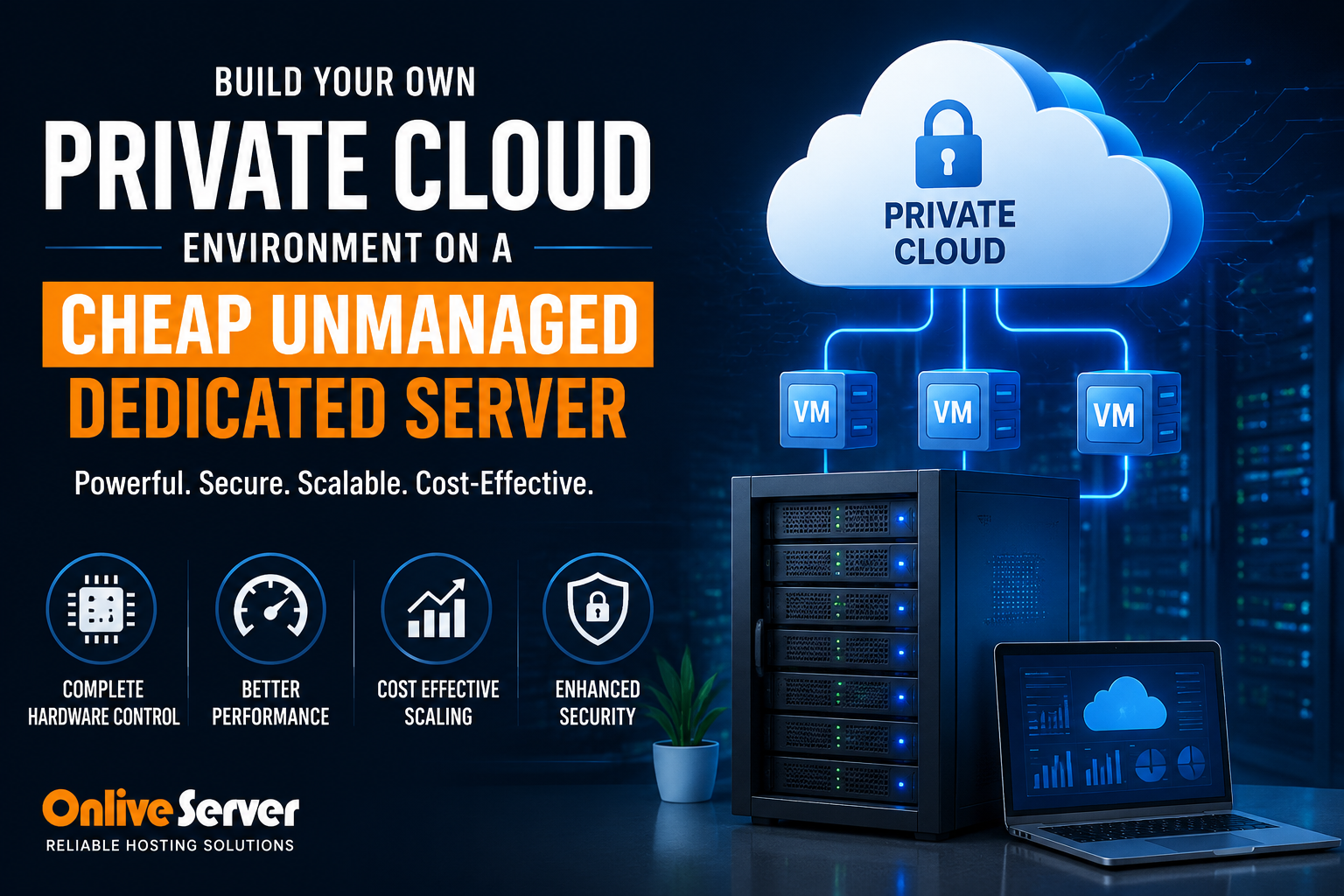
To build a high-density private cloud on a cheap unmanaged dedicated server, install an open-source Type-1 bare-metal hypervisor such as Proxmox Virtual Environment (PVE) or KVM. This architecture allows you to partition physical multi-core CPUs, ECC memory, and NVMe drives into dozens of isolated virtual machines (VMs) and lightweight LXC containers. By configuring software-defined networking (Linux Bridges / Open vSwitch), ZFS RAID storage pools with automated snapshot replication, and a private internal subnet routed through a virtual firewall (pfSense or OPNsense), you eliminate hypervisor licensing fees and achieve enterprise cloud flexibility at a fraction of hyperscaler costs.
Modern enterprises and digital agencies often find themselves constrained by the escalating expenses of public hyperscalers like AWS, Google Cloud, and Microsoft Azure. While public cloud infrastructure provides rapid on-demand provisioning, its billing model penalizes sustained compute workloads, persistent memory allocation, and outbound network bandwidth egress. For organizations running continuous production workloads, monthly public cloud invoices can easily quadruple compared to equivalent bare-metal compute power.
The solution to this cost crisis is building an in-house private cloud using an unmanaged dedicated server operating across three distinct hardware advantages: To eliminate multi-tenant noisy neighbor contention and resource bottlenecks, deploying workloads on cheap unmanaged dedicated server hosting with root access guarantees dedicated physical CPU cores and non-throttled NVMe disk I/O.
- 1. Zero Hypervisor Tax: Allocates 100% of physical CPU cores, RAM buses, and PCIe storage lanes directly to your workloads without multi-tenant contention.
- 2. Unthrottled NVMe Disk I/O: Delivers sustained 50,000+ IOPS for high-concurrency database queries, eliminating artificial cloud I/O throttling.
- 3. Flat Predictable Invoicing: Replaces unpredictable public cloud metered egress bills with unmetered high-speed dedicated bandwidth.
This technical architecture manual outlines the economics of bare-metal private clouds, compares hypervisor virtualization technologies, provides a complete Proxmox VE deployment runbook, ZFS storage configurations, and high-availability networking protocols.
Bare-Metal Private Cloud vs. Public Hyperscaler Economics
Why do seasoned infrastructure engineers prefer unmanaged bare metal for private cloud virtualization? The answer lies in total cost of ownership (TCO) and architectural control:
- Predictable All-Inclusive Billing: Public cloud providers charge separately for vCPU compute hours, RAM allocations, EBS storage IOPS, and public data transfer ($0.08 to $0.12 per GB). An unmanaged dedicated server offers a fixed monthly price with unmetered 1Gbps or 10Gbps connectivity, eliminating unpredictable bandwidth billing spikes.
- Zero CPU Steal & Dedicated Hardware: In multi-tenant cloud environments, neighboring virtual machines can saturate shared hardware buses, causing CPU steal time and unpredictable disk I/O latency. On bare metal, 100% of physical CPU cores, cache hierarchies, and memory bandwidth belong exclusively to your workloads.
- Native Hardware Virtualization (Nested Virtualization): Bare metal gives you uninhibited access to AMD-V or Intel VT-x hardware extensions, allowing you to deploy nested virtualization layers, custom kernel modules, and hardware pass-through for accelerated networking.
- Custom Kernel & Hypervisor Control: Public cloud VMs run on hypervisor layers managed entirely by the cloud provider, restricting custom kernel parameters, SR-IOV virtual functions, and direct hardware passthrough. Bare metal grants unconstrained control over BIOS flags, PCI passthrough, and custom Linux kernels.
Investing in cheap unmanaged dedicated server hosting with root access provides the raw compute foundation needed to run dozens of virtualized microservices at predictable operational costs.
Hypervisor Architecture: Type-1 vs. Type-2 Virtualization
Selecting the right virtualization hypervisor is critical to maximizing server density and compute efficiency. Below is an engineering comparison of common virtualization architectures:
| Hypervisor Model | Architecture Type | Virtualization Overhead | Storage Engine | Enterprise Licensing Cost |
|---|---|---|---|---|
| Proxmox VE (KVM + LXC) | Type-1 (Bare-Metal Debian) | < 2% (Near-native speed) | Native ZFS / Ceph / LVM-Thin | 100% Free / Open Source (Optional Support) |
| VMware ESXi | Type-1 (Proprietary Kernel) | < 2% (Enterprise standard) | VMFS / vSAN | Expensive per-core subscription fees |
| VirtualBox / Desktop KVM | Type-2 (Hosted on Desktop OS) | 10 – 20% (High OS overhead) | Virtual Disk Files (VDI/VMDK) | Free (Unsuitable for server production) |
For organizations needing hybrid architectures, combining physical dedicated servers with configuring fault-tolerant RAID 10 storage arrays on bare metal creates a resilient multi-tier topology where public edge traffic terminates on cloud nodes while heavy computing stays on bare metal. For comprehensive implementation details and operational workflows, review our guide on configuring fault-tolerant RAID 10 storage arrays on bare metal.
Step-by-Step Runbook: Proxmox VE Private Cloud Installation
Proxmox VE is the premier open-source virtualization platform for bare-metal private clouds. Follow this runbook to install Proxmox VE on an unmanaged Debian dedicated server:
# 1. Update /etc/hosts to associate your static public IP with your server FQDN
echo "192.0.2.10 pve.yourdomain.com pve" | sudo tee -a /etc/hosts

# 2. Add the official Proxmox VE repository and GPG signing key
echo "deb [arch=amd64] http://download.proxmox.com/debian/pve bookworm pve-no-subscription" | sudo tee /etc/apt/sources.list.d/pve-install-repo.list
curl -fsSL https://enterprise.proxmox.com/debian/proxmox-release-bookworm.gpg | sudo gpg --dearmor -o /etc/apt/trusted.gpg.d/proxmox-release-bookworm.gpg

# 3. Update repository index and install the Proxmox kernel & hypervisor packages
sudo apt update && sudo apt full-upgrade -y
sudo apt install -y proxmox-ve postfix open-iscsi chrony

# 4. Reboot into the Proxmox kernel
sudo reboot
Configuring Software-Defined Internal Network Bridges
To allow your guest virtual machines and LXC containers to communicate securely across a private subnet (e.g., 10.10.10.0/24) while sharing a single public IP address via NAT masquerading, configure /etc/network/interfaces:
# Public WAN Network Bridge
auto vmbr0
iface vmbr0 inet static
    address 192.0.2.10/24
    gateway 192.0.2.1
    bridge-ports eth0
    bridge-stp off
    bridge-fd 0

# Isolated Private Internal LAN Bridge with NAT
auto vmbr1
iface vmbr1 inet static
    address 10.10.10.1/24
    bridge-ports none
    bridge-stp off
    bridge-fd 0
    post-up   echo 1 > /proc/sys/net/ipv4/ip_forward
    post-up   iptables -t nat -A POSTROUTING -s '10.10.10.0/24' -o vmbr0 -j MASQUERADE
    post-down iptables -t nat -D POSTROUTING -s '10.10.10.0/24' -o vmbr0 -j MASQUERADE
Restart networking with sudo systemctl restart networking. You can now access the full Proxmox web control panel at https://YOUR_SERVER_IP:8006, create KVM virtual machines, and attach them to vmbr1 with private IP addresses automatically routed through NAT.
Enterprise Storage Hygiene: ZFS Pools & Snapshot Replication
In an unmanaged private cloud, data integrity relies on your storage filesystem. Utilizing OpenZFS directly on your bare-metal drives delivers enterprise-grade reliability:
- ZFS Mirroring / RAIDZ-2: ZFS includes built-in cryptographic checksumming that continuously detects and repairs silent data corruption (bit rot) on the fly.
- Copy-on-Write Snapshots: Create instant, zero-penalty snapshots of running virtual machines before executing software upgrades. If an update fails, roll back the VM state within seconds.
- ZFS Send/Receive Replication: Replicate incremental block-level snapshots asynchronously to an offsite backup server over an encrypted SSH tunnel without pausing guest virtual machines.
- ARC Memory Caching: ZFS utilizes available host RAM as an Adaptive Replacement Cache (ARC). Read operations for frequently accessed database blocks are served directly from RAM at sub-microsecond speeds.
For complete host-level protection, review our evaluating managed vs unmanaged dedicated server operating costs to secure your Proxmox management port, configure hardware firewall rules, and mandate two-factor authentication.
Storage Topologies: Local ZFS RAID vs. Ceph Distributed Storage
When designing storage for guest virtual machines in Proxmox VE, systems architects primarily evaluate two enterprise storage models: local ZFS RAID pools and Ceph distributed block storage.
For single-node unmanaged dedicated servers, ZFS RAID-10 (striped mirrors) delivers unmatched IOPS performance, near-zero computational latency, and automatic bit-rot self-healing. Every virtual machine disk image (.raw or .qcow2) benefits from direct NVMe PCIe bandwidth. In contrast, when scaling to a three-node or five-node dedicated server cluster, deploying Ceph (Proxmox Ceph Server) provides true high availability. In a Ceph topology, all storage is pooled across the cluster network, allowing virtual machines to migrate live between physical servers with zero downtime even if a physical host experiences total hardware failure. To strengthen overall system reliability and security, explore our technical tutorial on evaluating managed vs unmanaged dedicated server operating costs.
Furthermore, configuring automated software-defined VLAN tagging (802.1Q) inside Proxmox bridges enables organizations to isolate internal database traffic, management networks, and public customer-facing web services across dedicated Layer-2 security zones with zero packet leakage between guest virtual machines.
⚖️ Workload Decision Matrix: When to Use vs. When NOT to Use
✓ When Should You Use This?
- High-traffic enterprise platforms and database clusters processing over 1,000,000+ monthly requests without noisy-neighbor contention.
- Regulatory compliance demanding 100% single-tenant physical hardware isolation (HIPAA, PCI-DSS Level 1, GDPR financial tiers).
- Long-term compute workloads where sustained physical hardware usage eliminates variable public cloud egress bills.
✕ When Should You NOT Use This?
- Early-stage MVPs or short-lived dev/test environments requiring hourly spin-up and teardown (Deploy Cloud VPS instances instead).
- Budget-constrained projects with under $50/month operational infrastructure budget.
Target Audience / Persona: Enterprise IT directors, systems architects, high-volume fintech operators, and SaaS engineering teams requiring dedicated multi-core Xeon/EPYC silicon.
Common Failure Mode & Quick Fix: RAID controller synchronization degradation: Monitor physical disk health via MegaCLI or smartctl -a /dev/nvme0n1 and configure automated email alerts for degraded hardware RAID array rebuilds.
Frequently Asked Questions
What is the difference between an unmanaged and managed dedicated server?
An unmanaged dedicated server gives the administrator 100% root and IPMI/KVM access, leaving OS installation, hypervisor setup, security hardening, and backups to the client. A managed server includes provider-managed OS patching and support but restricts low-level hypervisor customizations.
Can I assign public IPv4 addresses directly to individual guest VMs?
Yes. Most hosting providers allow you to purchase additional routed IPv4 subnets (/29, /28). You can bridge these public IPs directly to vmbr0 and assign them to guest VMs with dedicated virtual MAC addresses.
Should I use KVM virtual machines or LXC containers in Proxmox?
Use LXC containers for Linux-based microservices, databases, and web servers to achieve near-zero virtualization overhead and instant boot times. Use KVM virtual machines when you require custom kernels, non-Linux OSes (e.g., Windows Server or BSD), or complete kernel isolation.
What hardware is recommended for a high-density Proxmox dedicated server?
For production virtualization, we recommend a server with at least 8 to 16 physical CPU cores (AMD EPYC or Intel Xeon), 64GB to 128GB of ECC RAM, and enterprise NVMe SSD drives configured in a ZFS RAID-1 or RAID-10 mirror.
How do I access the bare-metal server if the network configuration fails?
Unmanaged dedicated servers include out-of-band IPMI, iDRAC, or KVM-over-IP access. This out-of-band management console allows you to view the server console, edit network files, and reboot the system even if the primary network interface is down.
Conclusion: Unlocking 100% Raw Compute on Bare Metal Servers
Transitioning from multi-tenant cloud virtualization to an unmanaged dedicated server represents the most cost-effective architectural upgrade for compute-intensive and I/O-heavy workloads. With zero hypervisor overhead and 100% dedicated hardware resources, your applications unlock maximum hardware potential.
