

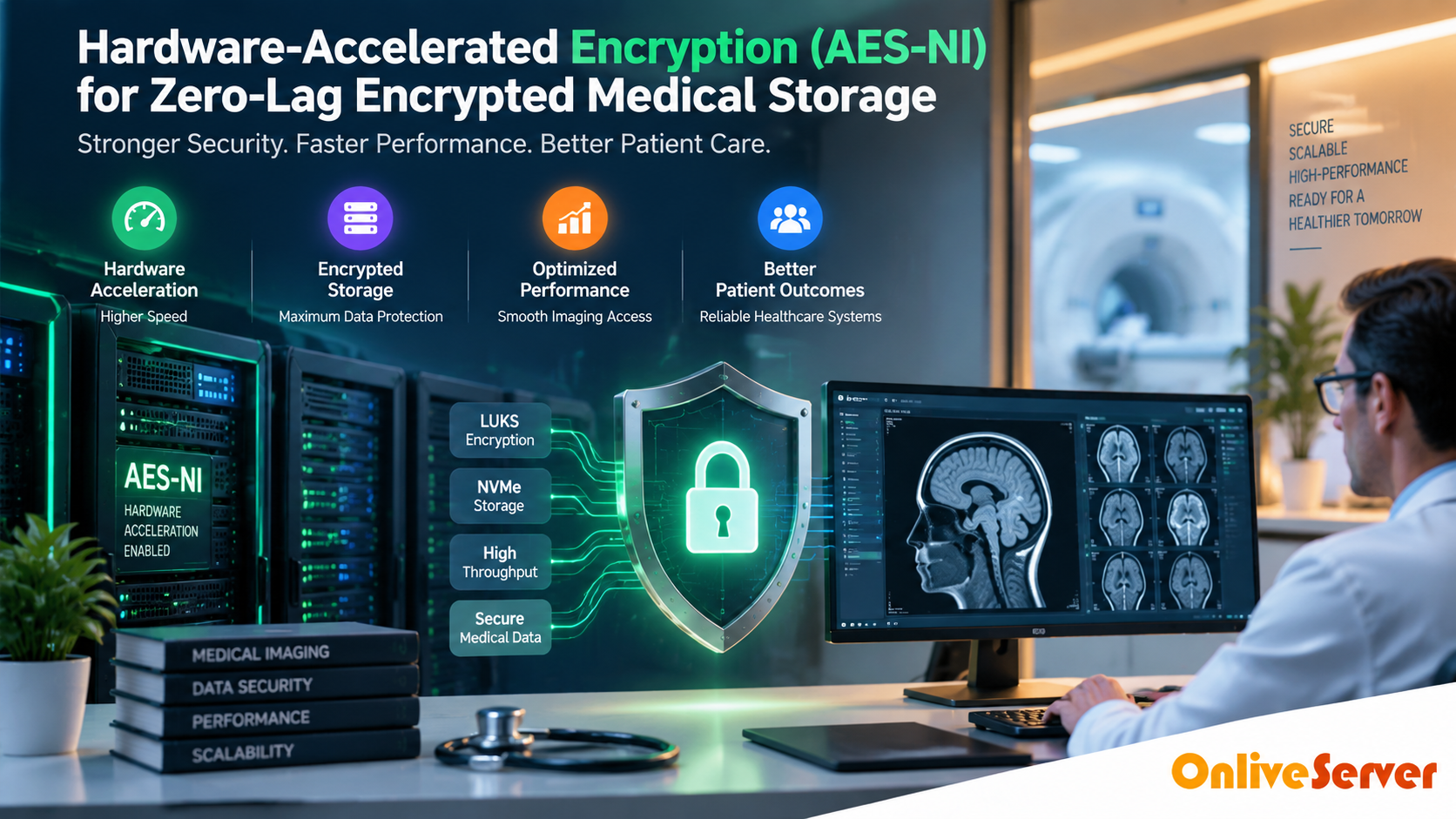
Optimizing LUKS Full-Disk Encryption Performance for Medical Imaging Servers
Full-disk encryption helps protect sensitive healthcare data such as MRI, CT, and DICOM files. However, encryption processing can affect storage performance when server resources are not properly configured.
Using AES-NI hardware acceleration, modern processors, and high-performance NVMe storage allows Linux servers to maintain encrypted storage performance while keeping medical data protected at rest.
Does LUKS Full-Disk Encryption Slow Down Medical Imaging Servers?
Encryption should protect medical information without creating unnecessary performance limitations. Healthcare workloads such as MRI, CT, and DICOM storage generate large read and write operations that require reliable storage performance.
When Linux servers use LUKS full-disk encryption, every storage operation passes through an encryption layer before reaching the physical storage. Without hardware acceleration, this process can increase CPU usage and affect overall performance.
The solution is not removing encryption. A properly configured server with AES-NI supported CPUs, NVMe storage, and optimized Linux settings can provide strong data protection with reliable application performance.
Does Full-Disk Encryption Slow Down a Server?
Full-disk encryption introduces some processing overhead because data must be encrypted before storage and decrypted when accessed. The actual performance impact depends on CPU capability, encryption algorithm, storage technology, and workload pattern.
Medical imaging environments can expose these limitations because MRI, CT, and DICOM files are large and frequently accessed. Multiple users retrieving images simultaneously can increase CPU and storage demand.
Modern Linux servers with AES-NI hardware support can significantly reduce encryption overhead and maintain strong encrypted NVMe storage performance.
Why LUKS Can Affect Medical Imaging Workloads
LUKS creates an encryption layer between applications and physical storage. When a PACS system or DICOM application accesses medical images, data passes through the filesystem, dm-crypt layer, and encryption process before reaching the storage device.
On high-performance NVMe systems, storage devices may process data faster than the CPU can encrypt or decrypt it. In these situations, encryption processing becomes an important factor in overall performance.
What AES-NI Hardware Acceleration Does
AES-NI (Advanced Encryption Standard New Instructions) is a processor technology designed to accelerate AES encryption and decryption operations.
Instead of handling encryption completely through software, supported Linux processors can execute AES operations more efficiently. This reduces CPU overhead during encrypted storage workloads.
Encryption operations require fewer processor resources when hardware acceleration is available.
Fast storage can operate more efficiently when encryption processing is optimized.
Healthcare information remains encrypted while stored on the server.
How to Check AES-NI Support in Linux
Before optimizing encrypted storage performance, verify whether the server processor supports AES instruction acceleration.
lscpu | grep aes
If the output displays AES flags, the processor supports hardware acceleration for AES encryption workloads.
PERFORMANCE TESTING
Benchmark Encryption Before Blaming Storage Performance
A common mistake is assuming that slow encrypted storage always means the
NVMe drive is performing poorly. In reality, the bottleneck may come from
CPU encryption overhead, database activity, compression, or other running
services.
Performance testing should compare the complete storage stack instead of
looking at a single speed measurement.
CPU Usage
Identify whether encryption processing is consuming excessive processor
resources.
Storage Latency
Measure how quickly storage responds to read and write requests.
Throughput
Check how much data the encrypted storage layer can process.
Useful Linux Monitoring Commands
# Check CPU usage

top

# Interactive system monitoring

htop

# Monitor storage latency and throughput

iostat -xz 1
For controlled storage testing, benchmark tools such as fio can help compare
encrypted and unencrypted environments. Always perform tests on a non-production
system before applying changes to healthcare workloads.
fio --name=read-test \
--filename=/path/to/testfile \
--rw=read \
--bs=1M \
--size=4G \
--iodepth=16 \
--direct=1
06
NVME PERFORMANCE
Understanding Encrypted NVMe Database Throughput
Modern NVMe storage provides very high throughput and low latency, making it
suitable for medical databases, DICOM indexes, and large imaging repositories.
However, faster storage can expose other bottlenecks. If NVMe storage can
process data faster than the CPU can encrypt or decrypt it, the encryption
layer becomes a limiting factor.
| Metric | What It Identifies |
|---|---|
| Read Throughput | Large medical image retrieval performance |
| Write Throughput | Image ingestion and archive operations |
| Read Latency | Application response consistency |
| IOPS | Small database and metadata operations |
| CPU Utilization | Encryption and processing overhead |
For healthcare workloads, latency consistency can be as important as maximum
transfer speed. A server with high throughput but unstable latency may still
create delays during image access.
07
OPTIMIZATION
How to Reduce LUKS Encryption Performance Overhead
If encrypted storage performance is lower than expected, removing encryption
is not the only option. Several optimization steps can improve performance
while keeping medical data protected.
Use AES-NI Supported CPUs
Modern processors reduce AES encryption workload using dedicated instructions.
Choose NVMe Storage
Fast SSD technology helps maintain better performance for large imaging files.
Monitor Resources
Track CPU, storage latency, IOPS, and memory usage before changing settings.
Optimize Linux Configuration
Review filesystem, I/O, and LUKS configuration on a test environment first.
Separate Heavy Workloads
Avoid running backups, analytics, and imaging processing on the same resources.
Test Before Production
Measure real workload performance before deploying configuration changes.
08
ARCHITECTURE DESIGN
A Practical Architecture for Encrypted Medical Storage
A balanced healthcare storage architecture combines encryption protection with
hardware capable of handling demanding imaging workloads.
A typical Linux-based encrypted medical storage environment can follow this
structure:
This approach keeps sensitive healthcare data encrypted at rest while allowing
medical applications to access large datasets efficiently.
Architecture Consideration
The correct configuration depends on workload patterns. Monitor CPU usage,
storage latency, IOPS, and throughput instead of selecting hardware only from
specifications.
09
PERFORMANCE IMPROVEMENT
Improve Encrypted Medical Storage Performance
Slow encrypted storage performance is usually caused by a mismatch between
workload requirements and server configuration.
A properly balanced system combines:
- CPU with AES-NI hardware acceleration
- High-performance NVMe storage
- Optimized LUKS configuration
- Sufficient memory resources
- Continuous performance monitoring
Healthcare workloads require predictable performance because delays in
accessing medical images can affect daily operations. Dedicated infrastructure
allows organizations to allocate CPU, RAM, and storage resources according to
their actual application requirements.
Final Optimization Rule
Do not optimize encryption separately from the complete storage system.
CPU, encryption layer, filesystem, database, and storage hardware must work
together.
FAQ
COMMON QUESTIONS
Frequently Asked Questions About LUKS Encryption Performance
Does full-disk encryption reduce Linux server performance?
Yes, full-disk encryption can introduce some performance overhead because
data needs to be encrypted during writes and decrypted during reads. The
impact depends on CPU capability, encryption method, storage hardware, and
workload intensity. Modern CPUs with AES-NI support can significantly reduce
this overhead.
What is AES-NI hardware acceleration?
AES-NI is a set of CPU instructions that accelerates AES encryption and
decryption operations. It allows Linux servers to process encrypted storage
operations more efficiently by reducing the amount of software-based
encryption work handled by the CPU.
Does LUKS encryption slow down NVMe storage?
LUKS can add encryption processing overhead, especially during heavy read and
write operations. However, when combined with AES-NI capable processors and
high-performance NVMe storage, encrypted storage can maintain strong throughput
and low latency.
How can I reduce LUKS encryption performance overhead?
Use a CPU with AES-NI support, choose fast NVMe storage, monitor CPU and disk
performance, optimize Linux storage configuration, and benchmark changes
before applying them to production systems.
Is LUKS suitable for protecting medical imaging data?
LUKS provides encryption for data at rest on Linux servers. Healthcare
organizations should also consider access control, key management, backups,
recovery planning, and applicable security requirements when designing medical
storage systems.
Why is monitoring important for encrypted medical storage?
Monitoring helps identify whether performance issues are caused by CPU
encryption overhead, storage latency, insufficient resources, or application
workloads. Metrics such as CPU usage, IOPS, throughput, and latency provide
better visibility into the actual bottleneck.
Conclusion: Strategic Architecture & Performance Summary
Implementing these technical optimizations for hardware-accelerated encryption (aes-ni) for zero-lag encrypted medical storage ensures robust throughput, predictable latency, and maximum system reliability across production environments. Rigorous benchmarking and proactive parameter tuning eliminate latent resource bottlenecks before they impact end users.
Pairing disciplined operating system administration with reliable compute foundations is essential for mission-critical operations. Deploying workloads on secure Linux server infrastructure provides the dedicated resources, network resilience, and hardware acceleration necessary to sustain high availability under heavy production load.
FINAL TAKEAWAY
When processing intensive multi-threaded database transactions or mission-critical enterprise workloads, deploying on enterprise dedicated server hosting provides bare-metal hardware performance, custom RAID arrays, and dedicated unmetered bandwidth.
Protect Medical Data Without Sacrificing Storage Performance
Full-disk encryption does not have to create unacceptable performance problems
for medical imaging workloads. LUKS provides strong data-at-rest protection,
while AES-NI hardware acceleration helps reduce the processing overhead
associated with encryption and decryption.
The best results come from balancing the complete infrastructure stack:
CPU capabilities, encryption configuration, filesystem settings, storage
technology, and workload requirements.
For demanding healthcare applications handling MRI, CT, and DICOM files,
monitoring the complete system is more effective than focusing on encryption
alone. CPU usage, storage latency, throughput, and IOPS should be evaluated
together to identify the real performance limitation.
Recommended Infrastructure Approach
- Modern CPU with AES-NI support
- Enterprise NVMe storage
- Optimized LUKS configuration
- Regular backup and recovery testing
- Continuous performance monitoring
When upgrading infrastructure for encrypted medical workloads, choose server
resources based on actual application requirements. A properly configured
dedicated environment can provide predictable CPU, RAM, and storage capacity
for healthcare applications while maintaining data protection.
