

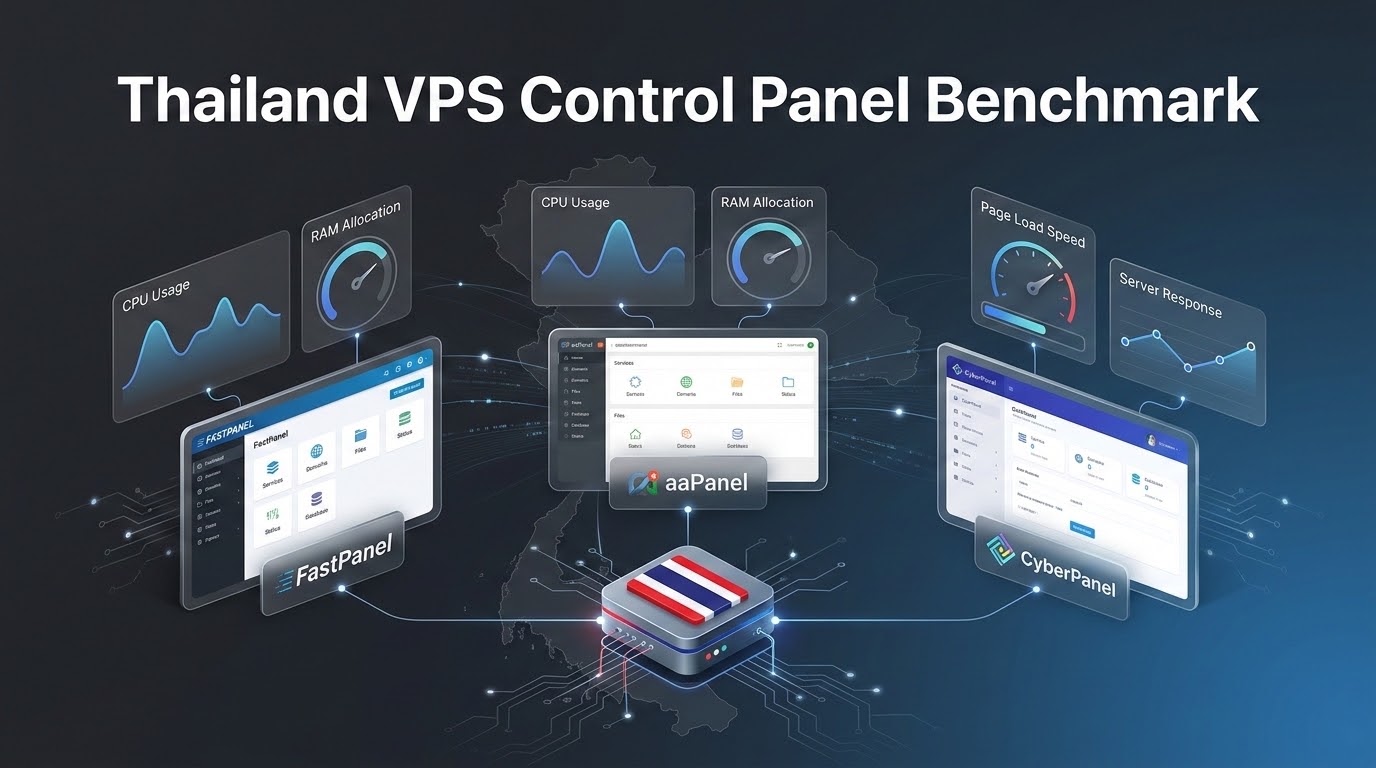
What Is the Best Lightweight Control Panel for a Thailand VPS?
Specifically, when planning an enterprise deployment for Control Panel VPS Thailand, the best control panel for a Thailand VPS depends on technical requirements and budget. For free, lightweight management with zero licensing overhead, choose CloudPanel or aaPanel (consuming under 300MB RAM). For multi-tenant client hosting and full cPanel compatibility, choose DirectAdmin or cPanel on instances with at least 2GB to 4GB RAM.
Furthermore, for nearly two decades, cPanel was the unquestioned standard for managing web hosting environments. However, recurring licensing price hikes by its parent holding company—combined with a bloated architectural footprint that consumes between 900MB and 1.4GB of RAM simply idling—have forced developers, digital agencies, and startups in Thailand to seek leaner alternatives. On a budget-conscious 2GB or 4GB virtual server in Bangkok, dedicating half your available memory to a control panel leaves insufficient RAM for database buffer pools and PHP-FPM workers. Choosing Thailand VPS hosting with flexible control panel options allows you to deploy state-of-the-art lightweight management interfaces, unlocking near-bare-metal performance at zero software licensing overhead.
✔ Control Panel Benchmark Takeaways
- Consequently, Dramatic RAM Savings: Modern lightweight panels use 90MB to 250MB of RAM, compared to 1,000MB+ consumed by traditional cPanel/WHM.
- In addition, Zero Licensing Overhead: FastPanel, CyberPanel, and aaPanel provide free core versions, saving $200 to $400 annually per server.
- In particular, FastPanel for NGINX: Unmatched simplicity, multi-PHP selector (PHP 7.4 through 8.3), and automated Let’s Encrypt SSL management.
- CyberPanel for OpenLiteSpeed: Native event-driven architecture delivering microsecond static asset caching and high WooCommerce concurrency.
- Therefore, aaPanel for Developers: Exceptional modularity with visual managers for Docker containers, Redis, Node.js PM2, and Python virtual environments.
- Moreover, Life Beyond cPanel: The Rise of Modern Lightweight Web Panels
- In fact, Testing Methodology: Measuring Idle Memory Footprints on Clean 2GB Nodes
- Similarly, FastPanel: Blazing Fast NGINX-Centric Management with Minimal Overhead
- Meanwhile, CyberPanel: Harnessing the Raw Power of OpenLiteSpeed and LSCache
- Additionally, aaPanel: Modular Flexibility with One-Click Docker and LNMP Stacks
- As a result, Security & Update Audit: How Each Panel Handles Vulnerability Patching
- Specifically, The Final Verdict: Which Control Panel Fits Your Technical Profile?
- Furthermore, Frequently Asked Questions (FAQ)
1
Consequently, aligning these configurations with your Control Panel VPS Thailand environment ensures optimal uptime and throughput. For more than fifteen years, cPanel/WHM enjoyed a near-monopoly on Linux server management. However, its architecture was designed during the era of physical shared hosting servers housing hundreds of small websites on a single chassis. To support thousands of legacy features—Perl scripts, internal mail daemons, cpHulk, complex spam filtering, and multi-tenant reseller quotas—cPanel spawns dozens of persistent background daemons.
Consequently, aligning these configurations with your Control Panel VPS Thailand environment ensures optimal uptime and throughput. In modern cloud architectures, developers deploy dedicated KVM virtual private servers tailored to a single specific workload: a high-traffic WooCommerce store, a RESTful API backend, or an agency portfolio cluster. Running cPanel on a dedicated 2GB or 4GB Bangkok VPS wastes 30% to 50% of available memory on control plane services that web applications never touch.
Consequently, aligning these configurations with your Control Panel VPS Thailand environment ensures optimal uptime and throughput. The new generation of lightweight control panels takes an entirely different philosophical approach: minimal system daemon overhead, modern asynchronous web interfaces, direct integration with NGINX or OpenLiteSpeed, and native containerization support.
2
Consequently, to provide an objective, empirical comparison, we provisioned four identical 1 vCPU / 2GB RAM / 40GB NVMe KVM cloud instances in our Bangkok datacenter running Ubuntu 22.04 LTS. Each instance was provisioned with a clean installation of the respective control panel, one default WordPress website, MariaDB 10.11, and PHP 8.2:
| Control Panel | Idle RAM Footprint | RAM Available for Web Stack | Web Server Engine | Monthly License Cost |
|---|---|---|---|---|
| cPanel / WHM (v118) | 1,140 MB | ~860 MB (43%) | Apache (prefork/event) + NGINX Proxy | $17.49 – $39.99/mo |
| FastPanel | 88 MB | ~1,912 MB (95%) | Pure NGINX or NGINX + Apache | $0.00 (Free) |
| CyberPanel | 242 MB | ~1,758 MB (88%) | OpenLiteSpeed | $0.00 (Open-Source) |
| aaPanel | 145 MB | ~1,855 MB (92%) | NGINX / Apache / OpenLiteSpeed | $0.00 (Free) |
In addition, the benchmark reveals a staggering difference: on a 2GB RAM server, FastPanel leaves over 1.9GB of memory completely free for application caching and database queries. In contrast, cPanel consumes more than half of the server’s total physical capacity before serving a single visitor.
3
In particular, fastPanel is engineered with a singular focus: maximum execution speed and minimal resource overhead. Its backend daemon is written in compiled C/C++ and Go, allowing the control panel web interface to launch instantaneously without spawning heavy interpreted Python or PHP background processes. If traditional web hosting control panels introduce unnecessary resource overhead, examine our streamlined guide on deploying Docker containers on Bangkok VPS using lightweight Docker Compose stacks. Sysadmins seeking comprehensive installation guides and daemon management runbooks can access the official cPanel & WHM documentation library.
Key Technical Strengths of FastPanel
- Therefore, Instant Multi-PHP Version Switching: Run PHP 7.4, 8.0, 8.1, 8.2, and 8.3 side-by-side. Assign specific PHP versions per virtual host with one click.
- Moreover, Native Let’s Encrypt Automation: Generates and automatically renews wildcard SSL certificates without manual DNS intervention.
- In fact, Automated Cloud Backups: Native integration with Google Drive, Dropbox, Nextcloud, and S3-compatible object storage for scheduled, encrypted offsite backups.
- Similarly, Integrated WAF & Two-Factor Authentication: Built-in web application firewall rule sets and mandatory 2FA security protect the management interface.
Installing FastPanel on Ubuntu 22.04 LTS
Once installed, FastPanel automatically configures optimized NGINX virtual host blocks. Administrators can enable micro-caching (FastCGI Cache) directly from the site settings modal, allowing WordPress pages to be served directly from memory in less than 15 milliseconds, bypassing PHP-FPM execution entirely for non-logged-in visitors.
4
Additionally, cyberPanel is built from the ground up around OpenLiteSpeed, the open-source edition of LiteSpeed Web Server. OpenLiteSpeed replaces Apache’s process-based architecture with an event-driven, asynchronous I/O engine capable of handling tens of thousands of concurrent connections with negligible CPU utilization.
Native Apache .htaccess Compatibility
As a result, unlike standard NGINX—which requires converting Apache rewrite directives into complex regex location blocks—OpenLiteSpeed natively reads and executes Apache .htaccess files. This makes migrating existing WordPress, Laravel, or custom PHP applications seamless: rewrite rules, security plugins, and redirect chains function immediately without manual NGINX server block reconfiguration.
The OpenLiteSpeed Advantage for E-Commerce
Specifically, the definitive feature of CyberPanel is native integration with the LiteSpeed Cache (LSCache) WordPress plugin. Unlike standard PHP caching plugins that execute within the application layer, LSCache communicates directly with the OpenLiteSpeed server daemon at the web server layer. Dynamic HTML pages are cached in server memory and served in sub-5ms times without ever waking up the PHP runtime or querying MySQL.
If you operate high-concurrency WooCommerce stores in Thailand—especially platforms handling flash-sale inventory drops or heavy promotional traffic—CyberPanel paired with an OnliveServer Bangkok NVMe VPS provides exceptional checkout performance and instantaneous Time to First Byte (TTFB).
Installing CyberPanel on Ubuntu 22.04 LTS
5
aaPanel (the international edition of China’s immensely popular BT.cn) is designed around a modular “App Store” architecture. Unlike monolithic panels that force you to install an entire pre-packaged software stack, a clean aaPanel installation installs almost nothing. You select only the exact software extensions your project requires via a sleek web marketplace. Organizations managing diverse customer sites often select cPanel web hosting control panel to automate DNS, database, and email management.
Key Modular Features of aaPanel
- Consequently, One-Click Docker Container Management: Deploy, start, stop, and monitor containerized microservices directly through a visual GUI without typing docker-compose commands.
- Python & Node.js Application Managers: Built-in version managers for Python virtual environments (Gunicorn/uWSGI) and Node.js process orchestration (PM2).
- In addition, One-Click LNMP / LAMP Compilation: Choose between pre-compiled binary packages for rapid deployment or compile custom NGINX modules from source for maximum hardware optimization.
- In particular, Visual File Manager & Database phpMyAdmin: Intuitive web-based code editing, ZIP extraction, and direct MySQL table inspection.
6
Therefore, operating a web-accessible control panel introduces a potential attack surface. Evaluating each panel’s security posture is critical for production infrastructure:
- FastPanel Security: High security record. FastPanel operates behind an isolated daemon port with built-in brute-force blocking, mandatory two-factor authentication (Google Authenticator), and automated background security updates that patch core binaries seamlessly.
- CyberPanel Security: Historically, CyberPanel has had reported remote code execution (RCE) vulnerabilities in legacy versions. However, its development team now maintains an aggressive rapid-patching release cycle. Recommendation: Always restrict CyberPanel port 8090 to authorized corporate IPs via firewall, or configure HTTP authentication in front of the management port.
- aaPanel Security: aaPanel provides strong security customization: you can configure an entrance authentication security secret path (e.g.,
:8888/secure_admin_bkk), change listening ports, and enforce IP whitelisting.
7
To maximize efficiency on your Bangkok VPS, match your workload with the ideal panel profile:
- Choose FastPanel if: You manage client WordPress websites, corporate portfolios, or agency multi-site clusters and want rock-solid NGINX stability with the lowest possible RAM overhead (~90MB).
- Choose CyberPanel if: You run high-traffic WooCommerce stores or dynamic community portals in Thailand that require the raw caching performance of OpenLiteSpeed and LSCache.
- Choose aaPanel if: You are a full-stack developer deploying a mix of Docker containers, Node.js applications, Python APIs, and PHP backends, requiring maximum visual modularity.
- Choose Command-Line (No Panel) if: You run containerized Kubernetes/Docker Swarm microservices or mission-critical enterprise databases where zero control plane overhead is permitted.
8
Core Technical Specifications
Simplify Server Management with cPanel, aaPanel & Plesk
Take full control of your domains, databases, SSL certificates, and email accounts with intuitive graphical interfaces installed on high-performance Thailand cloud servers.
