

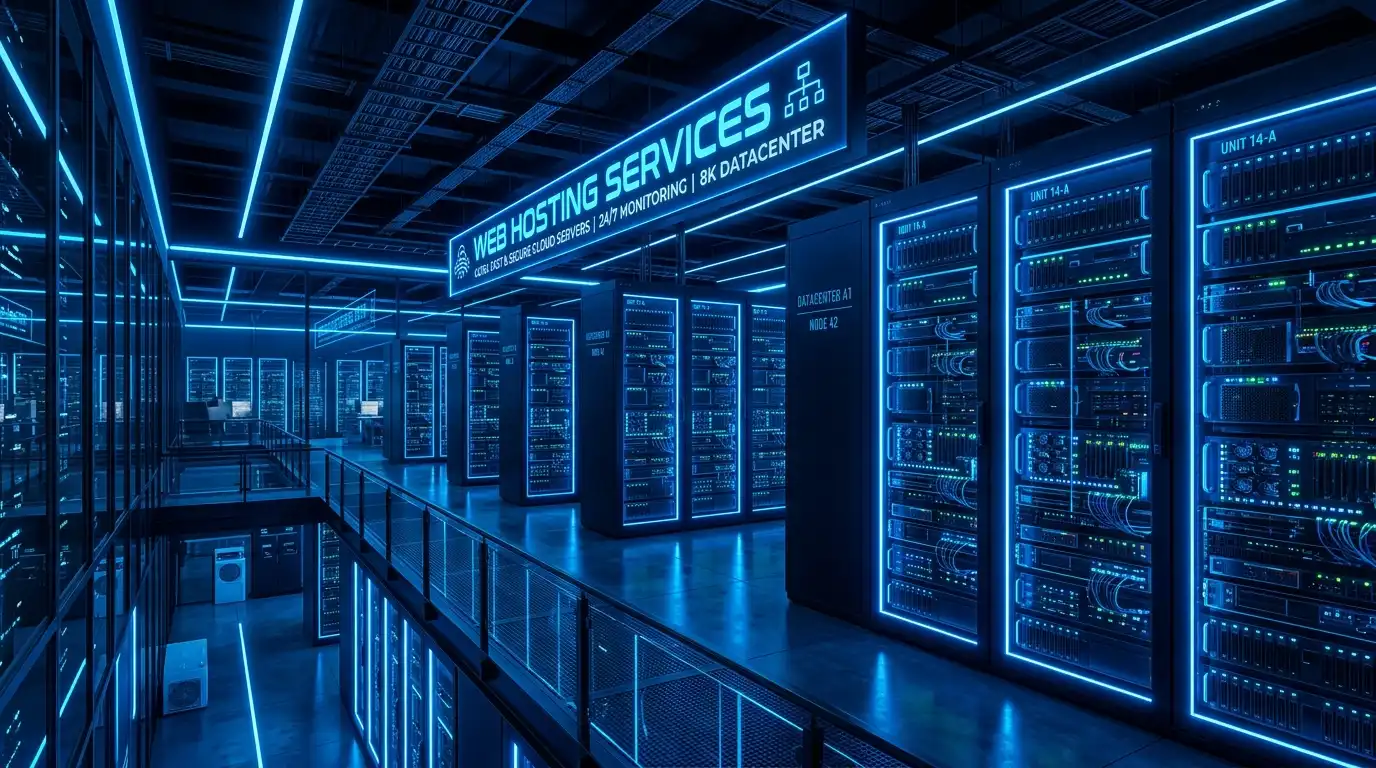
High-traffic WordPress websites outgrow shared and virtualized cloud hosting because dynamic PHP execution (WooCommerce checkouts, search queries, logged-in sessions) cannot be cached at the edge and demands intense CPU and database I/O. Bare-metal dedicated servers eliminate hypervisor CPU steal, provide dedicated DDR5 RAM for MySQL InnoDB buffer pools, and deliver unthrottled NVMe read/write speeds, guaranteeing sub-second page loads during traffic surges.
WordPress powers over 40% of the web, evolving from a simple blogging script into a complex application platform. Modern WordPress websites run heavy theme frameworks, dynamic page builders, CRM integrations, and multi-plugin WooCommerce stores. For verified technical specifications and deployment parameters, consult the official Linux Kernel Documentation.
While static caching plugins and Content Delivery Networks (CDNs) can mask hosting limitations for anonymous blog readers, dynamic traffic bypasses caching completely. Every search query, shopping cart addition, and user login forces PHP-FPM to compile scripts and execute MySQL database lookups.
Migrating enterprise WordPress platforms to high-traffic WordPress dedicated server hosting provides non-virtualized physical hardware designed to process thousands of concurrent uncached dynamic requests without performance degradation.
The Hidden Architectural Bottlenecks of Shared Virtual Hosting
When high-traffic sites run on shared or entry-level cloud virtual machines, performance collapses under traffic surges due to shared virtualization constraints:
Hypervisor CPU Steal: Virtual cloud machines share physical processor cores with dozens of neighboring tenants. When neighbor virtual machines spike, hypervisor context switching stalls active PHP-FPM worker processes, driving Time-To-First-Byte (TTFB) from 200ms to several seconds.
Database Buffer Starvation: MySQL performance relies on keeping active post metadata, user tables, and order records cached in the `innodb_buffer_pool`. Shared instances lack the RAM capacity to house large databases entirely in memory, forcing slow disk reads on every query.
Uncached Logged-In User Concurrency: Modern membership portals and dynamic WooCommerce stores generate unique HTML output on every page request, completely bypassing Varnish or CDN caching layers. Dedicated bare-metal CPU cores process these complex PHP template loops in milliseconds without thread queuing.
Database Connection Scalability: When hundreds of visitors browse products simultaneously, WordPress creates persistent database connections. Dedicated servers provide the memory space to support 500+ concurrent MySQL connections without connection exhaustion errors.
Securing high-transaction checkouts with trusted high-assurance SSL certificates ensures encrypted user sessions and customer payment details remain cryptographically shielded from end to end.
Hosting Architecture vs. WordPress Throughput
| Hosting Architecture | Concurrent Uncached Requests | Average Dynamic TTFB | Resource Isolation |
|---|---|---|---|
| Shared / Managed Cloud | < 50 concurrent users | 800ms – 2,500ms | Shared hypervisor / multi-tenant |
| Standard Cloud VPS | 100 – 300 concurrent users | 400ms – 900ms | Virtual CPU cores / shared storage |
| Dedicated Bare Metal | 2,500+ concurrent users | < 120ms (Ultra-fast) | 100% Dedicated physical hardware |
Core Components of a Bare-Metal WordPress Architecture
To extract maximum performance on bare-metal infrastructure, engineers implement a specialized software stack:
High-Throughput Web Engine: Replace legacy Apache configurations with Nginx or OpenLiteSpeed. Event-driven architectures handle tens of thousands of simultaneous connections using minimal worker memory.
In-Memory Object Caching with Redis: Deploy a dedicated Redis instance to store transient WordPress database queries. Caching relational query results in RAM reduces database workload by over 75%.
OPcache Bytecode Persistence: Allocate 512MB+ to PHP OPcache with `opcache.validate_timestamps=0` in production. Precompiled PHP scripts remain permanently in memory, executing without redundant filesystem lookups.
For smaller emerging publications and staging environments, utilizing entry-level WordPress VPS hosting offers a cost-effective testbed before promoting updates to primary production bare metal.
Summary and Key Takeaways
When WordPress sites experience slow checkout response times, database connection errors, or traffic crash spikes, virtualized hosting has reached its physical limits. Dynamic ecommerce transactions and logged-in users require massive raw compute and unthrottled I/O.
Dedicated bare-metal servers eliminate virtualization overhead, provide generous RAM allocations for database caching, and deliver deterministic sub-second response times that maximize user engagement and checkout conversion rates.
Pairing dedicated infrastructure with modern Nginx event loops, Redis object caching, and tuned PHP-FPM pools establishes an enterprise-grade WordPress hosting foundation that handles millions of monthly visitors with ease.
Configuring FastCGI cache in Nginx or LSCache in OpenLiteSpeed bypasses PHP-FPM execution entirely for public visitors, allowing bare-metal hardware to serve tens of thousands of static HTML requests per second with negligible CPU load.
Separating the MySQL/MariaDB database onto a dedicated secondary storage partition or local NVMe array ensures heavy transactional logging does not compete with web server media uploads for disk queues.
Setting ‘pm = static’ with dedicated worker allocations calculated based on physical RAM avoids the CPU latency penalty of dynamically spawning and destroying PHP processes during sudden viral traffic surges.
Concurrency Bottlenecks: Dynamic Checkouts and Uncacheable Workloads
WordPress powers over 40% of the web, functioning smoothly on shared or virtualized hosting for static blogs and small business portfolios. However, when an online store, membership platform, or high-traffic publisher scales, shared virtualization architectures quickly collapse.
High-traffic WordPress websites processing thousands of concurrent user interactions generate workloads that cannot be cached. Every shopping cart addition, checkout transaction, member login, and WooCommerce AJAX request must bypass page caching and invoke the PHP runtime and MySQL database directly.
On shared cloud virtual machines, executing hundreds of concurrent PHP worker threads saturates vCPU allocations and triggers hypervisor throttling. User checkout pages take five to ten seconds to load, triggering cart abandonment and destroying marketing campaign conversion rates.
Complete Control Over NGINX FastCGI Microcaching and Redis Object Caching
Dedicated bare-metal servers eliminate virtualization overhead and grant administrators unrestricted access to the underlying hardware and software stack. Web engineers optimize the hosting stack for extreme concurrency:
- NGINX FastCGI Microcaching: Caches dynamic HTML outputs in physical RAM for 1 to 5 seconds, allowing public pages to serve thousands of concurrent visitors with sub-30ms response times.
- Dedicated Redis Clusters: Allocates 16GB+ of unshared physical RAM to Redis, storing database query results in memory and offloading MySQL read queries by over 80%.
- PHP-FPM Worker Tuning: Configures static worker pools (
pm = static) with hundreds of pre-warmed workers, eliminating process spawn latency during sudden marketing traffic spikes.
Eliminating Noisy Neighbors and Hypervisor CPU Steal During Flash Sales
In public cloud virtual machine environments, physical hardware resources are shared among multiple tenant instances. During critical revenue events like Black Friday or flash sales, your virtual machine must compete with neighboring cloud tenants for CPU execution time and memory bus bandwidth.
When neighboring cloud instances execute heavy workloads, your server experiences CPU Steal Time (%st), causing transactional database commits to freeze momentarily. Even brief latency spikes during checkout cascades into massive database connection pool exhaustion.
Dedicated bare-metal servers provide 100% physical ownership of CPU silicon, PCIe NVMe storage controllers, and memory buses. With CPU steal permanently locked at 0.00%, your WordPress site maintains deterministic execution speeds throughout the most intense traffic surges.
Production Architecture Checklist for Enterprise WordPress Bare Metal
Maximizing WordPress concurrency and resilience on dedicated bare metal requires disciplined multi-tier optimization:
- Deploy dual enterprise NVMe drives in hardware RAID1 to guard against physical drive failure while delivering over 500,000 random read/write IOPS.
- Configure PHP OPcache preloading and allocate at least 2GB of shared memory to store pre-compiled WordPress bytecode permanently in RAM.
- Tune MySQL InnoDB buffer pool size to allocate 70% of available physical memory, keeping active product tables and post metadata permanently memory-resident.
- Implement an active Web Application Firewall (WAF) such as ModSecurity or Cloudflare to block automated brute-force attacks and malicious bots at the perimeter.
- Establish automated daily database and media backups pushed directly to offsite S3-compatible cloud storage with automated integrity verifications.
Predictable Infrastructure Economics at Enterprise Scale
Attempting to scale high-traffic WordPress websites on public cloud platforms requires provisioning large virtual instances, expensive provisioned IOPS storage volumes, and paying hefty monthly bandwidth egress surcharges. Cloud hosting invoices frequently exceed several thousand dollars per month.
Dedicated bare-metal hosting delivers vastly superior physical compute power, massive dedicated memory capacities, and unmetered gigabit network connections for a flat, predictable monthly fee. Transitioning to bare metal slashes hosting expenses by 60% to 80% while delivering substantially faster page load speeds.
Predictable infrastructure costs empower high-growth publishers and ecommerce merchants to scale their audiences and marketing investments with complete financial confidence.
Conclusion: Unlocking Uncompromised WordPress Speed and Reliability
High-traffic WordPress portals and ecommerce storefronts require dedicated infrastructure engineered to withstand massive concurrent transactional checkouts. Moving beyond shared cloud virtualization eliminates noisy neighbor interference, CPU steal pauses, and artificial storage IOPS caps.
By pairing enterprise bare-metal hardware with fine-tuned NGINX microcaching, dedicated Redis object caching, and unconstrained NVMe storage, website owners deliver blistering page speeds and flawless checkout stability. Dedicated hardware turns your WordPress infrastructure into a powerful, reliable engine of business growth.
Frequently Asked Questions
Why does my CDN fail to speed up WooCommerce checkouts?
CDNs only cache static assets and unauthenticated public pages. Cart, checkout, and account pages contain private session cookies that require live PHP and MySQL execution on the origin server on every click.
How much RAM does a high-traffic WordPress site need?
For high-traffic sites receiving millions of monthly hits, a dedicated server with 32GB to 64GB of RAM is recommended. This allows 16GB+ to be dedicated entirely to MySQL buffer pools and 4GB+ for Redis in-memory caching.
What is the primary cause of ‘Error Establishing a Database Connection’?
This error occurs when traffic surges spawn more PHP worker processes than the MySQL database has connections or memory for, causing the database engine to crash or refuse incoming connections.
Can a dedicated bare-metal server run multiple WordPress sites?
Yes. A high-spec dedicated server can comfortably host 50 to 100+ client websites using isolated PHP-FPM pools and virtual hosts, delivering superior speed and stability compared to multiple separate cloud VPS instances.
How does Redis object caching improve WordPress performance?
Redis stores complex SQL database query results directly in memory. When the same query is requested again, Redis delivers the result in microseconds without querying the relational database on disk.