

Accordingly,
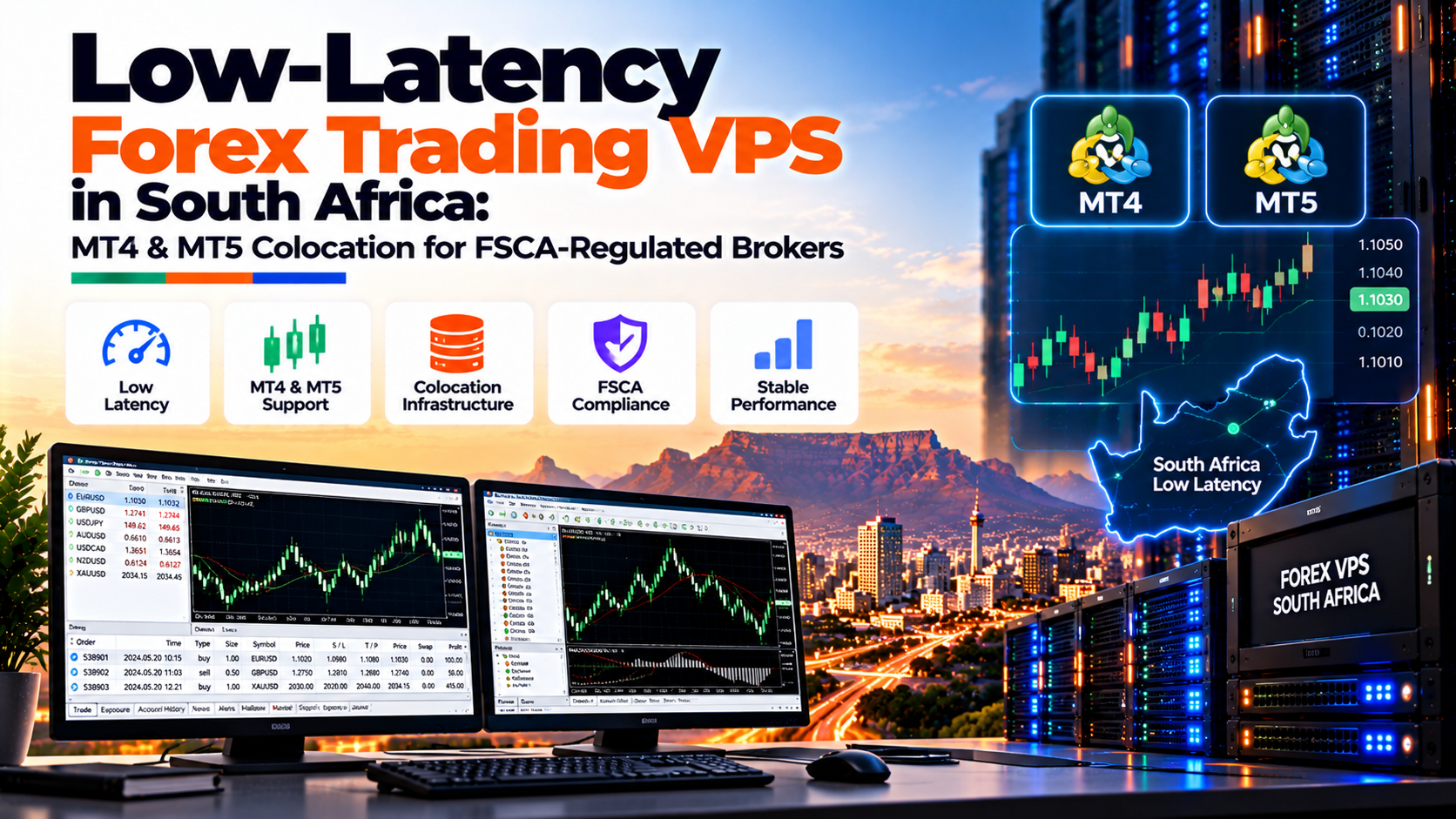
In high-frequency financial markets and currency trading, milliseconds represent the boundary between winning trades and devastating slippage. For South African traders running automated algorithms, local residential internet introduces severe operational handicaps.
Specifically, home Wi-Fi and mobile 4G/5G connections experience constant packet jitter, bufferbloat, and random disconnects during peak evening hours. Even more dangerously, Stage 4 to Stage 6 load shedding drops municipal cellular towers mid-trade, leaving leveraged positions unprotected during volatile news events.
Furthermore, migrating to enterprise south africa vps hosting inside Johannesburg provides 24/7 uncompromised electrical power and direct fiber cross-connects to financial networks.
In addition, running MetaTrader inside a dedicated virtual environment allows you to manage multiple automated strategies simultaneously with zero hardware wear. This comprehensive deployment runbook covers terminal memory optimization, broker latency benchmarking, and automated watchdog restart scripts.
⚙️ Architectural Execution Framework
Verified Infrastructure Standards
Key Technical Architecture & Engineering Takeaways
Evaluating enterprise hosting infrastructure requires verifiable telemetry across compute isolation, hypervisor performance, and domestic carrier interconnects:
Why Retail Trading Fails on Home PCs: The Need for a Forex VPS South Africa
Specifically, many retail currency traders attempt to run Expert Advisors 24 hours a day on personal laptop computers or home desktops. While this appears convenient initially, it introduces fatal points of failure.
First, Windows desktop operating systems force automatic updates and system reboots in the middle of the night. If Windows 11 updates while your EA is managing open positions, your terminal closes, trailing stops fail to execute, and accounts face unhedged drawdown.
Second, in practice, municipal electrical blackouts across South Africa instantly disable domestic optical network terminals (ONT) and Wi-Fi routers. A sudden power cut during high-impact economic news releases leaves positions completely unmonitored.
Notably,
A 150ms delay in trade execution during market volatility can cause 2 to 5 pips of negative slippage. On a standard 1.0 lot trading position, losing 3 pips to latency costs $30 (R550) on every single trade. Running a dedicated Windows VPS pays for itself simply by capturing optimal price fills.
In contrast, investing in dedicated forex vps south africa hosting guarantees 99.99% continuous operation in a certified Tier III colocation center with industrial generators and dual internet backbones.
Colocation Advantages for FSCA-Regulated South African Brokers
First, South Africa has become a major global financial trading hub under the regulatory oversight of the Financial Sector Conduct Authority (FSCA). Leading global brokers like Exness, HFM, XM, Pepperstone, and IG operate dedicated execution infrastructure within the country.
Algorithmic MetaTrader terminals operate with minimal slippage when configuring low-latency remote desktop trading sessions connected directly to local liquidity providers.
Specifically, these financial brokerages maintain dedicated liquidity bridges and trading servers physically located inside Teraco Isando in Johannesburg.
As a result,
In practice, when your virtual private server is colocated in the exact same facility, order routing between your MetaTrader terminal and the broker’s order matching engine drops below 1 millisecond.
In addition, execute this PowerShell latency probe to measure exact round-trip ping to your broker’s execution endpoint:
# Test round-trip latency to Johannesburg broker gateway IP
Test-NetConnection -ComputerName "broker-jnb-live.example.com" -Port 443
First, local Teraco cross-connects respond in less than 1.5ms. Second, this sub-millisecond connection eliminates trade queue delays during high-impact market openings.
Consequently, colocation provides algorithmic traders with institutional-grade speed that retail home traders simply cannot match.
MetaTrader Terminal Optimization: Running Multi-EAs on Forex VPS South Africa
In practice, running multiple MetaTrader 4 or MetaTrader 5 terminal instances concurrently requires careful memory and CPU budgeting. An unoptimized MT4 terminal consumes up to 450 MB of RAM, whereas an optimized instance operates smoothly on just 120 MB.
Quantitative traders configure low-latency automated Expert Advisors in compliance with MetaQuotes official terminal architecture documentation.
Specifically, follow this terminal hardening procedure across every deployed instance:
/portable switch to store all configurations inside the local folder, enabling clean multi-instance isolation.Furthermore, optimizing your terminals allows a standard 4 GB RAM Windows VPS to support 6 to 8 simultaneous MetaTrader instances without performance bottlenecks.
Automated PowerShell Watchdog: Auto-Restarting Crashed Terminals
While enterprise virtual servers rarely crash, poorly coded third-party Expert Advisors can occasionally encounter memory leaks that cause the MetaTrader terminal to freeze or exit unexpectedly.
Colocating Expert Advisors in a 2N generator-backed datacenter ensures uninterrupted automated trading during power blackouts and residential internet drops.
Specifically, deploying an automated PowerShell watchdog script ensures that if any terminal instance terminates, Windows Task Scheduler restarts it within 60 seconds:
Moreover,
# Define paths to your MetaTrader terminal executables
$Terminals = @(
    "C:\MT4_Instance_01\terminal.exe",
    "C:\MT4_Instance_02\terminal.exe",
    "C:\MT5_Instance_01\terminal64.exe"
)

foreach ($Path in $Terminals) {
    $ProcessName = [System.IO.Path]::GetFileNameWithoutExtension($Path)
    $Running = Get-Process -Name $ProcessName -ErrorAction SilentlyContinue | Where-Object { $_.Path -eq $Path }

    if (-not $Running) {
        Write-Host "Terminal instance at $Path is not running! Relaunching..."
        Start-Process -FilePath $Path -ArgumentList "/portable"
    }
}
In practice, schedule this PowerShell script to run every 5 minutes. If a heavy market spike crashes a chart indicator, your trading algorithms automatically recover without requiring manual intervention.
In addition, register the watchdog script as an automated system service using Windows Command Prompt or PowerShell:
# Create recurring 5-minute watchdog execution task
schtasks /create /tn "ForexWatchdog" /tr "powershell.exe -ExecutionPolicy Bypass -File C:\Scripts\Watchdog.ps1" /sc minute /mo 5 /ru "SYSTEM"
First, running under the elevated SYSTEM account ensures the watchdog executes silently even when no active RDP session is logged in. Second, this guarantees continuous execution without user dependency.
Consequently, you achieve true autonomous execution confidence while traveling or sleeping.
Remote Mobile Access: Secure RDP Management from iOS and Android
In addition,
One of the primary benefits of a Windows VPS is the ability to monitor your live desktop charts and active trades from anywhere in the world using your smartphone.
First, install the official Microsoft Remote Desktop application from the Apple App Store or Google Play Store. Add your South African VPS IP address, input your administrative credentials, and connect over encrypted SSL protocols.
Specifically, connecting via mobile RDP transmits only screen display pixels. Your Expert Advisors continue executing locally on high-speed data center backbones, so turning off your phone never interrupts active market orders.
Furthermore, optimizing RDP connection profile settings ensures smooth cursor tracking even over spotty 3G/LTE mobile coverage:
# Disable visual desktop bloat to minimize mobile data usage
disable wallpaper:i:1
disable full window drag:i:1
disable menu anim:i:1
disable themes:i:1
bitmapcachepersistenable:i:1
session bpp:i:16
Specifically, setting 16-bit color depth and disabling background wallpapers slashes mobile data bandwidth by over 70%, allowing fluid MT4 monitoring across remote South African areas.
Therefore, mobile RDP gives you full supervisory control over complex automated systems from the palm of your hand.
Hardware Sizing Matrix for Forex VPS South Africa Deployments
Therefore,
Selecting the right virtual private server configuration depends on how many simultaneous terminal windows and chart indicators you plan to operate:
Professional Forex traders and fund managers can execute lightning-fast orders using low-latency MetaTrader algorithmic trading instances in Teraco Isando.
Frequently Asked Questions
Core Technical Specifications
Why is a Forex VPS better than trading from a home computer in South Africa?
How many MetaTrader 4/5 terminals can I run on a 4 GB RAM Windows VPS?
What is the latency from a Johannesburg VPS to FSCA-regulated brokers?
Can I manage my Forex VPS from my iPhone or Android mobile device?
Deployment & Operational Inquiries
Does closing my Remote Desktop window stop my Expert Advisors from trading?
Which South African and international Forex brokers have trade servers in Johannesburg?
How do I configure Windows Task Scheduler to auto-start MetaTrader if the VPS reboots after an update?
Execute Algorithmic Forex Trades with Millisecond Precision
Consequently, run MetaTrader 4 and 5 Expert Advisors 24/7 with direct fiber cross-connects to Johannesburg financial exchanges.
Furthermore,
Deploy Low-Latency South Africa Forex VPS Nodes →
