

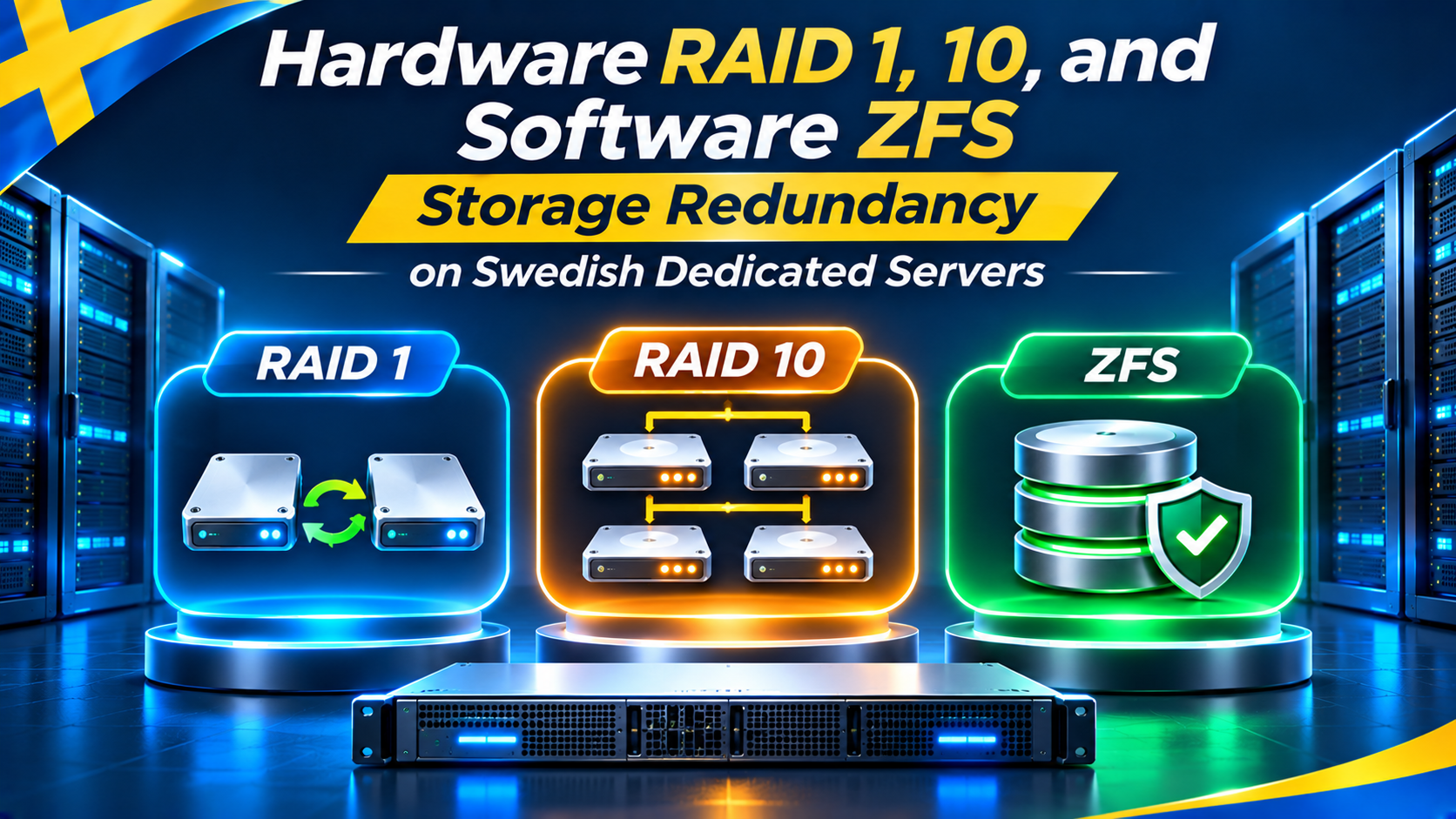
Direct Answer: For two-drive Sweden dedicated servers (DSX14 2x 1 TB SSD or DSX15 2x 2 TB SSD), choose either Hardware RAID 1 (with BBU/CacheVault protection) or an OpenZFS mirror for end-to-end bit-rot checksums and snapshots. Reserve RAID 10 or striped ZFS mirrors for four-plus drives, and always verify HBA/IT-mode pass-through before deploying ZFS.
Operational Starting Point: Confirm your server's physical drive count and controller mode before installing Linux. Eleven of Onlive Server's thirteen baseline Stockholm plans (DSX1–DSX11) ship with one drive and require a pre-order second drive to mirror; DSX14 ($245/mo) and DSX15 ($341/mo) arrive mirror-ready with 128–256 GB ECC RAM ideal for OpenZFS mirrors.
One sudden drive failure on an unmirrored bare-metal host turns routine Nordic traffic into an immediate outage and emergency restore. Designing hardware RAID or ZFS configuration on a Sweden dedicated server decides whether a dead SSD triggers a quiet alert or corrupts active tables. Because most baseline Stockholm plans ship with one drive, confirming bay count and controller mode on day zero prevents irreversible rebuild mistakes.
Native dual-drive mirroring ships on DSX14 (2x 1 TB SSD) and DSX15 (2x 2 TB SSD); DSX1–DSX11 need a pre-order 2nd drive (4+ drives for RAID 10).
Never run OpenZFS on top of a Hardware RAID virtual volume—request HBA/IT-mode direct pass-through so ZFS sees raw disks and SMART health.
Mirroring and ZFS scrubs survive physical media failures, but they instantly replicate rm -rf, ransomware encryption, and accidental SQL drops.
Drive Failure Modes & Why Single-Drive Plans Require Pre-Order Mirroring
Storage devices fail in three distinct ways on bare-metal servers: complete media death (controller bricking or motor failure), localized unreadable sectors (Unrecoverable Read Errors, or UREs, discovered during reads or array rebuilds), and silent data corruption (bit flips in cables, firmware, or aging flash cells where the drive returns bad bytes without raising an error).
Your choice of array topology dictates which failure modes your Stockholm server survives without downtime—and how many physical bays you must order upfront:
| Redundancy Layout | Minimum Physical Drives | Usable Capacity | Fault Tolerance | Write Overhead & Rebuild Profile | Compatibility with Stockholm Catalog |
|---|---|---|---|---|---|
| RAID 1 / 2-Way ZFS Mirror | 2 | 50% (1x drive) |
1 drive failure | Low write overhead; fast copy-only mirror resilver | Native on DSX14 (2x 1 TB SSD) & DSX15 (2x 2 TB SSD); add 2nd drive on DSX1–DSX11 |
| RAID 10 / Striped ZFS Mirrors | 4 (even count) | 50% (N/2 drives) |
1 drive per mirror pair | High random IOPS; zero parity math; fast per-pair rebuild | Requires pre-order 4-bay chassis upgrade (not baseline on any DSX SKU) |
| RAID 5 / RAID-Z1 | 3 | (N-1)/N |
1 drive failure | Heavy random-write parity penalty; stressful full-stripe rebuild | Requires 3+ drive upgrade; avoid for write-heavy databases |
| RAID 6 / RAID-Z2 | 4 | (N-2)/N |
Any 2 drive failures | Higher double-parity write overhead; suited for sequential archives | Requires 4+ drive upgrade; best for bulk archival media, not OLTP |
If you order DSX5 (Xeon E-2388G, single 960 GB SSD) or DSX9 (Xeon E5-2660 v3, single 960 GB NVMe) without requesting a matched second drive before provisioning, neither Hardware RAID nor OpenZFS can give you disk fault tolerance. Always align physical bay counts at order time—adding a mirror later on a live production root volume adds unnecessary migration risk.
Hardware RAID Controllers: Write-Back Cache & BBU Risks
Traditional enterprise bare metal frequently pairs SATA or SAS drives with dedicated PCIe Hardware RAID controllers (such as Broadcom/LSI MegaRAID or Dell PERC cards). Hardware RAID presents a single logical block device (e.g., /dev/sda) to the operating system, offloading mirror/stripe writes to the card's onboard processor and DRAM cache.
Write-Back vs Write-Through Cache Safety
Hardware RAID controllers use two primary write-caching policies, and choosing the wrong policy for your card's backup power hardware creates severe corruption hazards:
- Write-Back (WB) Cache: The RAID card acknowledges writes immediately upon landing in its onboard volatile DRAM cache, coalescing random writes before flushing to disks. Write-Back is only safe when backed by a healthy Battery Backup Unit (BBU) or flash-backed supercapacitor (CacheVault/FBWC). If an operator forces
Always Write-Back(Force WB) without a healthy BBU/CacheVault and the server suffers a power loss or PSU trip, cached metadata vanishes—frequently leaving ext4/XFS journals or database tables unrecoverably corrupted. - Write-Through (WT) Cache: Writes must commit directly to physical disk media before acknowledgment. Most enterprise controllers automatically fall back to Write-Through whenever a BBU degrades or runs a learn cycle, which can suddenly depress synchronous write throughput until the battery is replaced.
Hardware RAID vs OpenZFS Decision Matrix
| Engineering Criterion | Dedicated Hardware RAID (1 / 10) | Software OpenZFS (Mirror / Striped Mirrors) |
|---|---|---|
| OS Compatibility | Transparent to Linux, Windows Server, and ESXi (standard block device) | Native on Linux (zfsutils-linux), Proxmox VE, FreeBSD; not native on Windows |
| Controller Dependency | Tied to compatible RAID controller family if the card fails | Hardware-agnostic; import pool cleanly on any standard HBA/SATA controller |
| Silent Bit-Rot Protection | None at the filesystem level (only basic media sector ECC) | End-to-end cryptographic block checksums + automatic self-healing on scrub |
| RAM Footprint | Minimal host RAM used (uses card's onboard cache) | Uses Adaptive Replacement Cache (ARC) in host RAM (ideal on 64–256 GB servers) |
| Snapshots & Replication | Limited to LVM/filesystem layers above RAID | Instant copy-on-write snapshots + incremental zfs send / zfs receive |
| Controller Mode Requirement | Hardware RAID mode (RAID 1 / RAID 10) with healthy BBU/CacheVault |
HBA / IT-mode (JBOD pass-through) ONLY—never wrap ZFS over RAID logical volumes |
Critical Architecture Rule: Never create a Hardware RAID 0 single-disk volume or Hardware RAID 1 array and layer OpenZFS on top of it. Hardware RAID masks physical drive serial numbers, blocks SMART telemetry, and interferes with ZFS's direct write-barrier semantics—defeating ZFS's self-healing architecture. If your Stockholm server ships with a RAID card, ask support before provisioning to flash/set it to HBA / JBOD pass-through mode or connect drives directly to onboard motherboard SATA ports.
OpenZFS Mirrors & Scrubbing on ECC Intel Xeon Servers
OpenZFS pairs exceptionally well with Stockholm's higher-memory Intel Xeon servers—particularly DSX14 (128 GB ECC RAM, 2x 1 TB SSD) and DSX15 (256 GB ECC RAM, 2x 2 TB SSD)—because ZFS combines volume management and filesystem integrity into a single Copy-on-Write (CoW) engine.
End-to-End Checksums and Self-Healing Mirrors
Whenever OpenZFS writes a data block to a 2-way mirror, it computes a checksum (typically fletcher4 or sha256) and stores that checksum in the parent metadata pointer rather than alongside the data block itself. On every subsequent read:
- ZFS recomputes the block's checksum and compares it against the parent pointer.
- If Drive A returns silently corrupted bytes (bit rot or phantom write), ZFS immediately detects the mismatch, reads the clean copy from Drive B, verifies Drive B's checksum, serves the uncorrupted data to your application, and automatically overwrites the bad block on Drive A.
Running a scheduled monthly zpool scrub reads every allocated block across all drives proactively, catching silent corruption on cold data before a second drive failure makes recovery impossible.
Why ECC Memory Complements OpenZFS
ZFS relies heavily on in-memory metadata and ARC caching. While OpenZFS runs reliably on non-ECC hardware, Error-Correcting Code (ECC) RAM—standard on Intel Xeon E-Series and Xeon E5 v4 platforms—detects and corrects single-bit DRAM flips before corrupted bytes can be checksummed and committed to disk as "valid" data. Always confirm ECC is enabled in BIOS and visible via dmidecode -t memory during server acceptance.
Configuring ashift, LZ4 Compression & zfs_arc_max Safely
Getting three core ZFS parameters right during initial pool creation saves years of operational headaches, because one of them (ashift) cannot be altered afterward without destroying and rebuilding the vdev.
Immutable ashift Alignment and Dataset Tuning
ashift=12(4,096-byte sectors): Always specify-o ashift=12explicitly when creating pools on modern enterprise SSDs or Advanced Format 4K HDDs (some enterprise NVMe/SSD models use8Kinternal pages whereashift=13can be evaluated after confirming physical erase/page alignment). Leavingashiftto auto-detect on a drive that falsely advertises512-byte logical sectors (ashift=9) triggers severe read-modify-write amplification that cannot be fixed in place.compression=lz4: LZ4 adds negligible CPU overhead on Intel Xeon cores while reducing physical bytes written to SSD NAND—frequently improving effective sequential throughput and extending SSD flash endurance simultaneously.atime=off: Disables writing an access timestamp on every file read, eliminating unnecessary metadata write churn.- Workload-Matched
recordsize: Keep the default128Kfor general files, media, and backups; create dedicated child datasets withrecordsize=8Kfor PostgreSQL data directories orrecordsize=16Kfor MySQL/MariaDB InnoDB tablespaces so ZFS block writes align cleanly with database page sizes.
Safe OpenZFS Mirror Creation Pattern
CRITICAL DATA-LOSS WARNING — READ BEFORE RUNNING zpool create: The zpool create command immediately erases partition tables and all existing data on every listed target disk. Verify exact persistent /dev/disk/by-id/* identifiers with lsblk first, confirm the target drives hold zero production or OS boot partitions, and test on an unprovisioned secondary drive pair or fresh installer environment—never on mounted live volumes.
The snippet below demonstrates standard documented OpenZFS creation and dataset-tuning syntax (not captured from live customer hardware):
Capping zfs_arc_max to Prevent Database or VM RAM Starvation
By default on Linux, OpenZFS can grow its Adaptive Replacement Cache (ARC) up to 50% of total system memory. On a dedicated database server (DSX14 128 GB or DSX15 256 GB) where PostgreSQL shared_buffers or MySQL innodb_buffer_pool_size already caches hot tables in RAM, an uncapped ARC double-caches the same pages and can provoke Linux Out-Of-Memory (OOM) kills during sudden memory allocations.
To cap ARC safely (for example, capping ARC at 16 GiB = 17179869184 bytes on a 128 GB dedicated database host, leaving ample RAM for database pools and OS buffers):
Rollback Note: If a misconfigured /etc/modprobe.d/zfs.conf causes unexpected memory pressure, remove or edit the file, run sudo update-initramfs -u, and schedule a clean reboot—or adjust the live ceiling temporarily via /sys/module/zfs/parameters/zfs_arc_max before making it permanent.
Monitoring SMART & Pool Degradation Before Outages
A mirror only saves uptime if you swap the first failed drive before the second fails. Running degraded silently for months turns a redundant server back into a single point of failure. Configure alerting from day one:
- ZFS Event Daemon (
zed) & Scrubs: Configure/etc/zfs/zed.d/zed.rcto email or webhook immediately on checksum errors orDEGRADEDpools, and enable monthly systemd scrubs ([email protected]). - Drive-Level
smartd: Schedule weekly short and monthly extended SMART tests in/etc/smartd.confto flag risingReallocated_Sector_Ct,Media_Wearout, or NVMe critical warnings. - Hardware RAID CLI Polling: On MegaRAID/PERC servers, poll logical-drive state and BBU/CacheVault health via
storcliorperccliinto Prometheus or Zabbix.
Standard read-only pool health checks:
Why Neither RAID Nor ZFS Replaces Off-Host Backups
Draw one bright operational line: RAID and ZFS protect availability against physical drive death—they are never backups. A healthy mirror still loses data instantly on accidental DROP TABLE / rm -rf commands, credential-compromise ransomware (zfs destroy -r), kernel/filesystem bugs, or a chassis/PSU fault taking all local drives offline together.
Pair every Stockholm RAID 1 or OpenZFS mirror with automated, encrypted off-host backups (zfs send | ssh to a pull-only receiver, Proxmox Backup Server, or S3 Object Lock) verified via scheduled restore drills.
Align disk media in PCIe NVMe vs SATA SSD storage on Swedish dedicated hardware (scheduled cluster guide), harden remote rescue access via IPMI and iDRAC out-of-band management in Sweden (scheduled cluster guide), and design off-host protection in our immutable ransomware defense backup guide for Swedish servers (scheduled cluster guide).
Frequently Asked Questions
Provision Mirror-Ready Dedicated Storage in Stockholm
Deploy Hardware RAID 1 or OpenZFS mirrors immediately on Onlive Server's native dual-drive Stockholm servers—DSX14 (2x 1 TB SSD, 128 GB RAM, $245/mo) and DSX15 (2x 2 TB SSD, 256 GB RAM, $341/mo)—or request custom second-drive and HBA pass-through setups on any Xeon E-Series tier before launch. Configure Your Stockholm Dedicated Server →
Explore Stockholm Bare-Metal Plans →
