

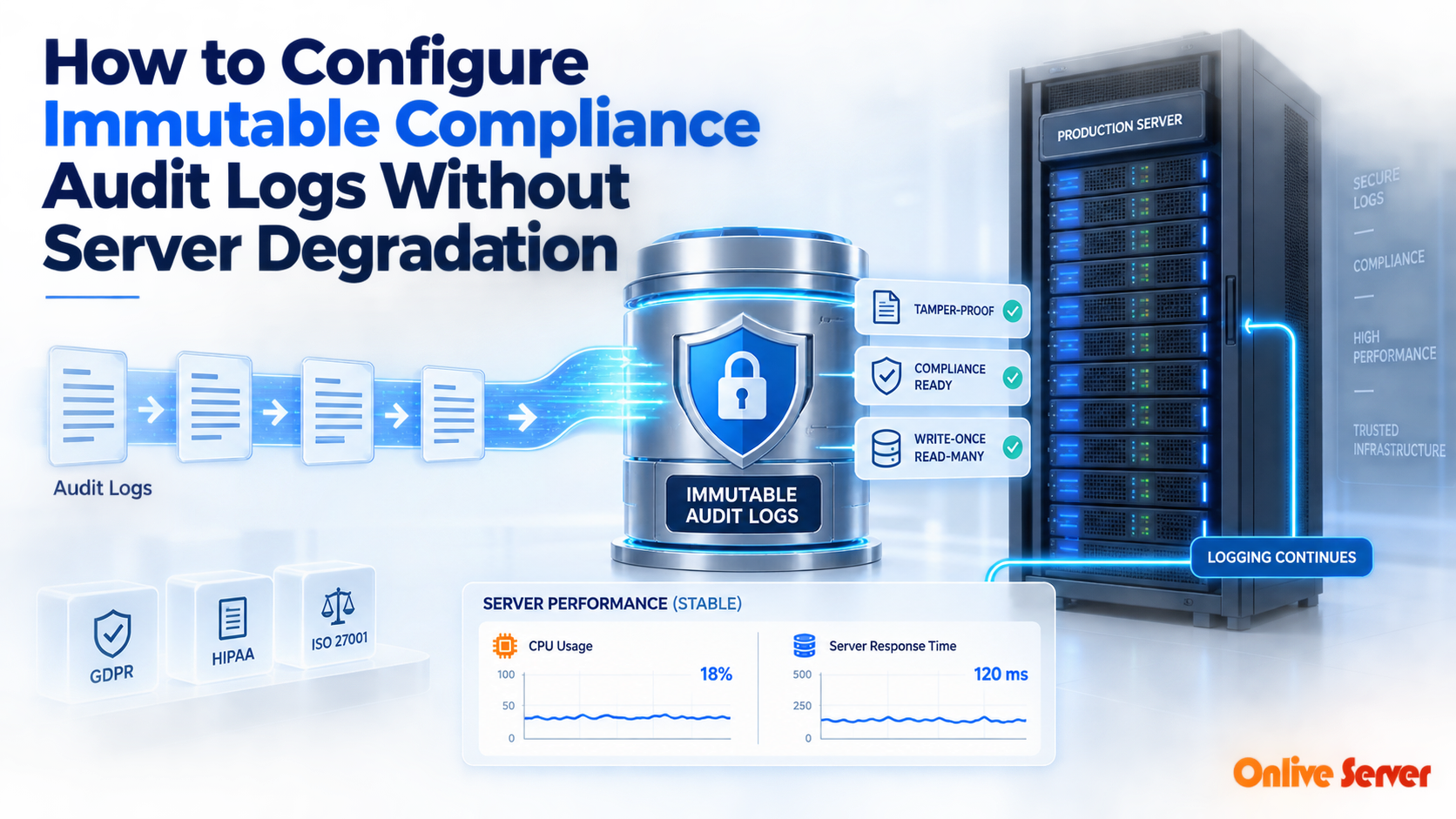
To implement tamper-proof, immutable compliance audit logging without causing server performance degradation, decouple the log collection from the application I/O pipeline using asynchronous ring buffers, dedicated logging daemons (like Vector or Fluent Bit), and out-of-band streaming to Write-Once-Read-Many (WORM) remote storage repositories.
Modern regulatory standards including HIPAA, PCI-DSS, and SOC 2 mandate strict audit log retention. Every system call, database modification, and administrative authentication event must be cryptographically recorded in an immutable, tamper-resistant trail. For verified technical specifications and deployment parameters, consult the official Linux Kernel Documentation.
However, inexperienced infrastructure setups often force production servers to synchronously write verbose audit events directly to primary root filesystems. When user transaction volume surges, disk I/O bottlenecks quickly bring the main web and database tiers to a crawl.
Safeguarding compliance while maintaining peak system response requires an architectural separation of concerns. Companies managing regulated infrastructure often implement isolated single-tenant dedicated hardware to guarantee dedicated compute and disk channels for sensitive logging queues.
The Technical Challenge: Compliance Immutability vs. I/O Latency
Immutable logging requires that once a record is written, it cannot be altered, overwritten, or deleted by any user—even an attacker who acquires root superuser permissions. This guarantees evidentiary validity during security forensics.
When immutability is handled synchronously on local storage drives via restrictive file attributes or continuous disk syncing, transaction latencies escalate. Under peak loads, thread pools stall while waiting for filesystem write confirmations.
Audit Logging Architecture Performance Impact
| Logging Architecture | I/O Overhead | Immutability Strength | Audit Failure Risk |
|---|---|---|---|
| Synchronous Local Logging | Very High (System-wide blocking) | Low (Root can alter unhardened logs) | High risk of disk saturation and crashes |
| Centralized Syslog (Unbuffered) | Moderate (Network delay dependent) | Moderate (Server separation only) | Packet loss during network congestion |
| Asynchronous Ring Buffer + WORM | Near Zero (< 1% CPU/disk impact) | Highest (Write-Once Hardware Enforced) | Resilient backpressure handling |
Core Strategies for Zero-Degradation Compliance Logging
Achieving regulatory compliance without degrading user-facing latency involves three primary architectural practices. Implementing these guarantees clean, certified records while protecting core server throughput.
First, utilize asynchronous memory-mapped ring buffers. By spooling log entries into pre-allocated memory slices, application worker threads never experience disk I/O blocking during heavy read and write database operations.
Second, offload log parsing and shipping out-of-band to light background forwarders. Modern forwarders like Vector or Fluent Bit batch and compress log streams efficiently, shipping them across isolated VLANs without interrupting application runtimes.
For organizations navigating strict compliance audits, engaging experienced system administrators through proactive Linux server management ensures log rotation pipelines, auditing daemons, and alert monitors are properly optimized.
Securing WORM Storage: Write Once, Read Many
True compliance immutability is achieved when log data leaves the generating host and arrives at an independent Write-Once-Read-Many (WORM) target. On these systems, retention locks prevent file alteration or premature truncation even if superuser accounts are compromised.
By routing batched audit streams to an air-gapped target, compliance auditors receive cryptographic proof of log integrity. At the same time, the primary production server can safely recycle local temporary spool files, keeping local storage clean and fast.
Deploying centralized log ingestion on specialized dedicated storage servers for compliance logs provides the physical capacity and sustained throughput necessary to maintain multi-year historical archives cost-effectively.
Compliance Log Management Best Practice Checklist
| Engineering Practice | Implementation Focus | Compliance Mandate |
|---|---|---|
| In-Memory Buffering | Spool audit events to RAM buffers before disk writes | Maintains API uptime under audit load |
| Out-of-Band Transport | Stream logs via private management network or secondary NIC | Prevents production bandwidth saturation |
| Cryptographic Hashing | Generate SHA-256 block hashes on log chunks | Guarantees non-repudiation in audit trails |
| Automated Backpressure | Drop verbose debug noise while prioritizing security events | Prevents out-of-memory kernel panics |
Modern Audit Tracing: Auditd vs. eBPF Observability
Traditional Linux compliance logging relies on the kernel `auditd` daemon. While functionally reliable, legacy audit rules intercept system calls synchronously, introducing a measurable 5% to 15% CPU execution penalty across high-concurrency database and web processes.
Modern enterprise infrastructures are transitioning to Extended Berkeley Packet Filter (eBPF) tracing probes. Tools like Tetragon and Falco hook safely into kernel tracepoints without intercepting or pausing thread execution paths.
By executing compliance filtering directly within sandboxed kernel space, eBPF captures process execution, file modifications, and network connections at hardware speed, reducing audit tracing CPU overhead to less than 1%.
Summary and Key Recommendations
High-security regulatory compliance does not have to come at the cost of server responsiveness. By moving away from blocking synchronous disk writes and adopting asynchronous buffering pipelines, enterprise infrastructure remains lightning-fast.
Shipping batched logs to dedicated WORM storage ensures total evidentiary compliance for HIPAA, SOC 2, and PCI-DSS audits while freeing your production compute nodes to handle revenue-generating application workloads without interruption.
Linux auditd Kernel Integration and Ring Buffer Sizing
Mandatory regulatory standards like HIPAA, PCI-DSS, and SOC 2 require continuous logging of all privileged administrative actions, system configuration modifications, and sensitive file access. On Linux hosts, the kernel-level auditd subsystem captures these security events directly at the system call layer.
However, poorly configured audit rules can crush server performance. Every time an application issues a monitored system call (such as execve, openat, or unlink), the Linux kernel must duplicate event metadata into the audit backlog queue, introducing measurable execution latency.
System engineers optimize audit performance by increasing the kernel audit backlog buffer in /etc/audit/audit.rules using the -b 8192 directive. Sizing the backlog queue appropriately prevents dropped audit events during momentary syscall spikes, while configuring --backlog_wait_time 0 ensures application threads are never stalled by logging delays.
Write-Once-Read-Many (WORM) and Cryptographic Chain Hashing
Regulatory auditors require proof that security logs have not been altered, truncated, or forged by rogue administrators or compromised system credentials. Storing audit logs on standard local filesystems fails compliance reviews because root users can easily edit or delete log files.
Enterprise compliance architectures enforce Write-Once-Read-Many (WORM) storage policies. Audit event records are cryptographically hashed using SHA-256 in continuous cryptographic chains, where each log record includes the hash of the preceding record.
Any retroactive modification or deletion of a historical log entry breaks the cryptographic chain, providing mathematical evidence of tampering. These immutable log files are pushed to cloud object storage configured with Object Lock in strict Compliance Mode, legally preventing deletion until designated retention periods expire.
Asynchronous Stream Shiplogging via TLS
Local log storage creates a single point of failure; if a physical server chassis suffers catastrophic hardware failure or total drive corruption, regulatory audit histories are lost permanently. Production logging architectures require real-time log shipping to centralized log repositories.
Lightweight, asynchronous log shippers such as Vector, Fluentbit, or Rsyslog tail local audit streams and transmit structured JSON log batches over TLS 1.3 to centralized SIEM clusters (e.g., Elasticsearch, OpenSearch, or Splunk).
Configuring local memory-assisted disk queues allows the log shipping daemon to spool audit events locally if upstream SIEM collectors experience brief network outages. Once connectivity resumes, the daemon drains the spool queue without dropping a single compliance record.
Production Architecture Checklist for Compliance Audit Logging
Achieving uncompromising regulatory log compliance while maintaining high application throughput requires systematic operational safeguards:
- Exclude noisy, non-security kernel syscalls (such as clock reads and high-frequency memory mappings) from active auditd rulesets.
- Bind centralized log shipping daemons to separate CPU cores using CPU affinity to avoid contention with primary web workers.
- Enforce RFC 3161 compliant cryptographic timestamps from trusted external time authorities to prove log event chronologies.
- Establish automated daily log validation jobs that verify SHA-256 chain hashes across all archived compliance archives.
- Configure granular access control policies restricting SIEM log search capabilities strictly to authorized security compliance personnel.
Log Compression, Partitioning, and Retention Lifecycle Management
Regulatory frameworks mandate retaining complete audit logs for durations ranging from one to seven years. In high-transaction environments, uncompressed audit trails generate dozens of gigabytes of text daily, creating immense storage cost burdens.
Automated log lifecycle daemons compress daily log archives using Zstandard (zstd) or Gzip, reducing storage footprints by up to 90% without losing forensic fidelity. Compressed archives are partitioned chronologically by year and month.
Lifecycle transition rules automatically migrate older log archives from hot NVMe storage tiers to cold archival storage (such as AWS Glacier or Wasabi) after 90 days, dramatically reducing infrastructure costs while maintaining instant retrieval readiness for surprise regulatory audits.
Conclusion: Balancing Regulatory Compliance and High Performance
Meeting strict regulatory compliance standards does not require sacrificing server performance or inflating operational complexity. Fine-tuning kernel audit ring buffers and implementing asynchronous log streaming eliminates application latency penalties.
By coupling cryptographic chain hashing with WORM cloud object storage, organizations establish tamper-proof, immutable audit records that satisfy the most stringent compliance examinations. Thoughtful log architecture ensures your enterprise remains fully compliant, highly secure, and exceptionally fast.
Frequently Asked Questions
What makes a compliance audit log legally immutable?
Legal immutability means the log data is stored on Write-Once-Read-Many (WORM) storage or secured by cryptographic chaining so that no user, including root administrators, can edit or delete entries before the retention period expires.
How does synchronous audit logging hurt web application performance?
When logging synchronously, every web or database transaction must pause and wait for the physical storage drive to flush the log entry to disk, dramatically inflating p99 latency and creating thread pool exhaustion.
Can logs be stored on the same server to pass SOC 2 audits?
While initial spools reside locally, storing long-term audit logs on the source server typically fails SOC 2 and PCI-DSS requirements because a compromised host allows adversaries to erase their footprints. Offsite streaming is mandatory.
What lightweight agents are recommended for shipping audit logs?
High-performance agents like Vector, Fluent Bit, and Telegraf offer small memory footprints and native asynchronous buffering, making them ideal replacements for heavy legacy forwarders.
How should sensitive personal data (PII) be handled in audit logs?
Audit log forwarders should be configured with masking and hashing filters to scrub credit card numbers, passwords, and sensitive healthcare identifiers before logs are serialized and shipped to persistent storage.
