

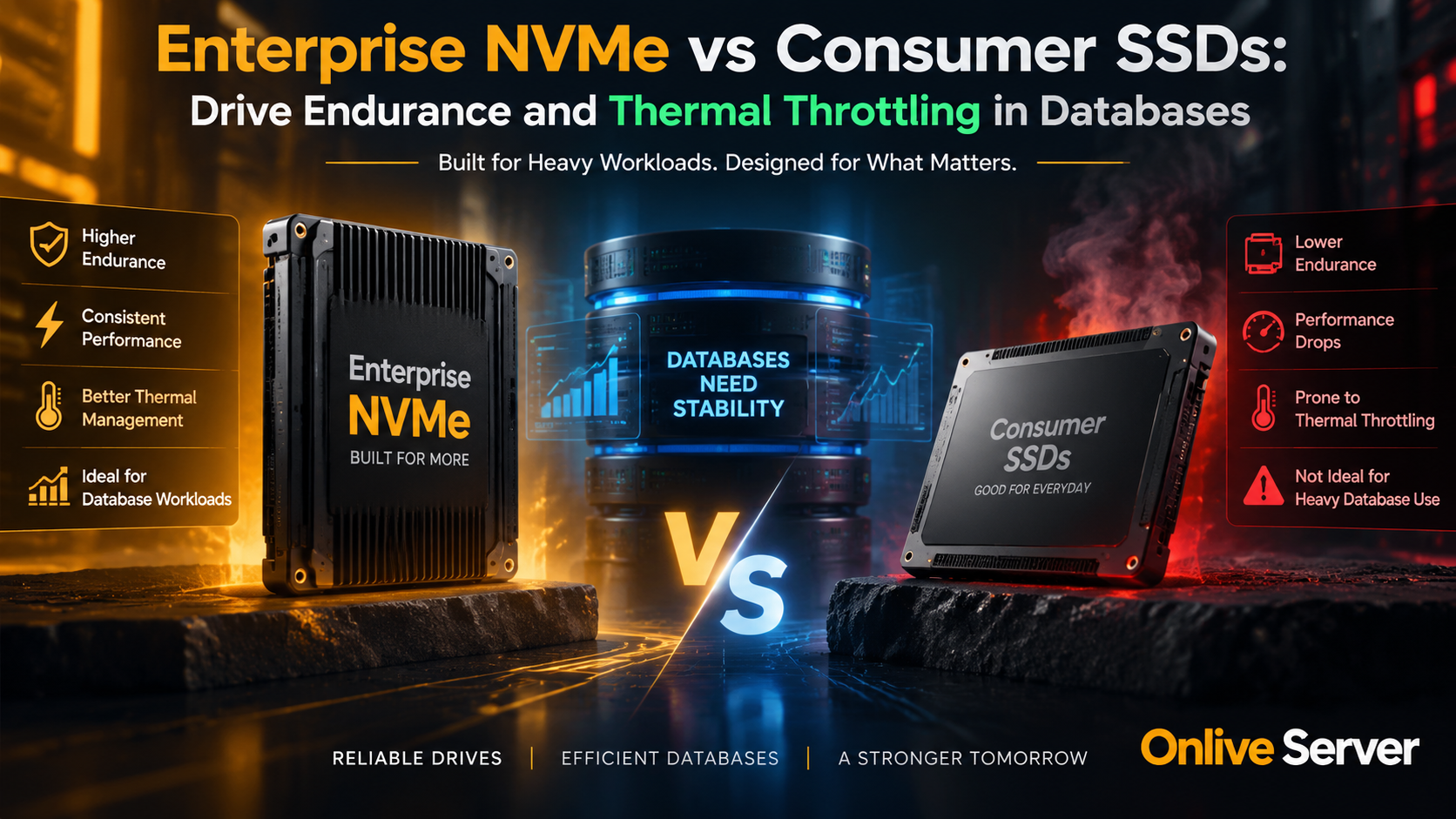
Enterprise NVMe drives are purpose-built for sustained database workloads with 1 to 3 Drive Writes Per Day (DWPD), hardware-level Power Loss Protection (PLP), and enterprise-grade thermal heat dissipation. In contrast, consumer SSDs rely on burst SLC caches that rapidly exhaust under relational database write pressure, causing severe thermal throttling, I/O hangs, and catastrophic data corruption during sudden power failures.
Deploying production databases on consumer solid-state drives is one of the most common false economies in server engineering. While a desktop consumer M.2 NVMe drive may boast impressive sequential read benchmarks on paper, database engines operate on completely different access patterns.
Relational systems like PostgreSQL, MySQL, and transactional time-series databases generate continuous, random write operations alongside strict write-ahead log flushes. Under these grueling conditions, consumer hardware quickly exhausts its burst buffers and suffers severe performance drops.
Choosing proper storage tiering is vital for reliability. Organizations deploying high-throughput transactional systems frequently select bare-metal dedicated server infrastructure equipped with certified enterprise U.2 or U.3 NVMe drives to safeguard data integrity.
Architectural Disparities: Enterprise NVMe vs. Consumer SSDs
Consumer solid-state drives are engineered for bursty, intermittent desktop workloads like operating system booting, video rendering, and gaming. These workloads write relatively small batches of data and allow the drive extended idle time to perform background garbage collection.
In contrast, enterprise NVMe storage is built for 24/7 sustained multi-queue parallelism. Enterprise controllers manage thousands of concurrent I/O requests with strict predictability, prioritizing steady-state input/output operations over temporary burst numbers.
Storage Architectural Comparison Matrix
| Feature Specification | Enterprise NVMe (U.2/U.3/E1.S) | Consumer SSD (M.2 NVMe/SATA) |
|---|---|---|
| Endurance Rating | 1 to 3+ DWPD (Petabytes written) | 0.1 to 0.3 DWPD (Limited TBW) |
| Power Loss Protection (PLP) | Hardware Tantalum Capacitors | None (Data lost in volatile DRAM) |
| Write Cache Mechanism | Protected DRAM + Constant Direct NAND | Pseudo-SLC Dynamic Cache Buffer |
| Steady-State Random Write IOPS | 150,000 – 400,000+ IOPS sustained | Drops to 15,000 – 35,000 IOPS when full |
| Form Factor & Cooling | Server backplane chassis airflow (2.5″) | Bare PCB stick prone to hotspot heat |
Understanding Drive Endurance: DWPD vs. TBW Ratings
Storage drive longevity is calculated using two primary industry metrics: Terabytes Written (TBW) and Drive Writes Per Day (DWPD). Understanding the practical difference prevents unexpected disk failures in busy production database nodes.
Consumer drives advertise TBW numbers based on sequential file transfers. However, database write-amplification factors caused by small 8KB or 16KB page updates rapidly burn through flash memory cells far faster than consumer ratings project.
Enterprise drives guarantee DWPD ratings over 5 full years under constant 100% random write workloads. For instance, a 3.84TB enterprise drive rated at 3 DWPD handles more than 11.5 Terabytes of arbitrary writes daily for five consecutive years without degrading endurance reliability.
The Silent Killer: Thermal Throttling in Server Chassis
High-performance NVMe controllers generate considerable thermal energy during sustained query indexing and write-ahead log operations. Standard server chassis rely on front-to-back chassis fans designed to push air through standard drive bays.
When consumer M.2 drives are placed on server motherboards without dedicated enterprise heatsinks, the controller quickly breaches 75°C to 80°C. Once this threshold is crossed, internal firmware aggressively throttles throughput down to SATA speeds to prevent silicon meltdown.
This thermal throttling manifests as unexplained database latency spikes and query execution timeouts. For applications requiring predictable IOPS without the complexity of hardware maintenance, utilizing high-performance NVMe virtual private servers ensures balanced, enterprise-grade storage virtualization.
Database Behavior Under Drive Thermal Events
| Controller Temperature | Drive Controller Action | Database Application Consequence |
|---|---|---|
| Under 60°C (Normal) | Full PCIe Gen4/Gen5 bus throughput | Sub-millisecond query execution and zero wait states |
| 70°C – 79°C (Warning) | Step 1 thermal throttling (30-50% throughput reduction) | Increased disk wait (iowait) and backlog of connection queues |
| 80°C+ (Critical) | Step 2 throttle; PCIe lanes throttled; I/O pauses | Connection pool exhaustion, locking cascades, deadlocks |
Power Loss Protection (PLP): Preventing Database Corruption
Databases depend on absolute write certainty. When an engine issues an `fsync` call, it requires confirmation that data held in memory buffers has physically persisted to non-volatile storage flash.
Consumer SSDs lie to the operating system or buffer write operations inside volatile onboard RAM without auxiliary power reserves. In the event of a datacenter power blip or reboot, unwritten blocks vanish, producing fractured tables and unrecoverable corruption.
Enterprise drives integrate onboard tantalum capacitors that supply reserve electrical power if system current drops. This hardware backup ensures all pending transactions in volatile drive DRAM are flushed safely to NAND flash before the drive powers down.
When designing mission-critical data platforms, pairing dedicated hardware with reliable enterprise high-capacity storage servers provides the robust durability and physical power fail-safes required by enterprise compliance audits.
Summary and Engineering Best Practices
Consumer solid-state drives provide outstanding value for desktop computers and non-critical read-only cache layers. However, relying on them for production database writes introduces intolerable risks of data corruption, thermal throttling, and premature hardware death.
Enterprise NVMe drives deliver predictable sub-millisecond tail latencies, sustained multi-year endurance ratings, and guaranteed hardware power loss protection. Investing in enterprise-grade drive architecture protects your database from costly outages and irreversible data loss.
Drive Writes Per Day (DWPD) and Terabytes Written (TBW) Realities
Database workloads present one of the most punishing storage environments in modern computing. Unlike desktop consumer usage characterized by long idle periods and occasional sequential reads, relational database management systems execute continuous random 4K writes, transaction log updates, and temporary table flushes.
Solid-state drive durability is rated primarily by Drive Writes Per Day (DWPD) and Terabytes Written (TBW) over a designated warranty lifecycle (typically 5 years). A drive’s DWPD rating indicates how many times its entire capacity can be overwritten daily without exhausting the underlying NAND flash memory cells.
Consumer SSDs typically offer 0.3 DWPD or lower, utilizing Quad-Level Cell (QLC) or cost-optimized Triple-Level Cell (TLC) NAND with limited write endurance. In contrast, enterprise NVMe storage delivers 1.0 to 3.0 DWPD or higher, utilizing premium eTLC NAND engineered specifically for nonstop enterprise write saturation.
Power Loss Protection (PLP) and Write Cache Safety
To deliver rapid write performance, all modern solid-state drives store incoming write commands in fast volatile DRAM cache before flushing data into persistent NAND cells. How a drive handles sudden electrical interruptions represents the primary safety divergence between consumer and enterprise storage.
Enterprise NVMe drives incorporate dedicated Power Loss Protection (PLP) circuitry featuring high-reliability onboard tantalum capacitors. If municipal electrical power drops, these capacitors maintain electrical current long enough for the drive controller to flush all cached data safely into non-volatile flash memory.
Consumer SSDs lack physical PLP capacitors. During unexpected power interruptions, data in flight within the volatile DRAM cache is instantaneously lost, resulting in truncated write-ahead logs, fractured InnoDB pages, and catastrophic database corruption.
Sustained IOPS vs. Burst Pseudo-SLC Caching
Consumer drive manufacturers publish impressive peak write speeds that rely entirely on dynamic pseudo-SLC cache buffers. When write operations begin, the controller writes data in single-bit SLC mode at high speeds; however, once this small buffer (typically 20GB to 50GB) fills up, write speeds collapse dramatically.
During heavy database operations—such as bulk data imports, table index rebuilds, or multi-terabyte nightly backups—consumer SSD write speeds frequently crater from 3,500 MB/s down to 200 MB/s. This collapse causes massive database query queues and unresponsive web applications.
Enterprise NVMe drives are engineered for flat, deterministic write curves. They deliver steady, predictable sustained IOPS across days of continuous 100% write saturation, guaranteeing consistent sub-millisecond database commit latency.
Enterprise Storage Telemetry and SMART Monitoring Checklist
Proactive storage telemetry enables database administrators to replace failing flash media well before data loss or drive failure occurs:
- Monitor NVMe SMART percentage used attribute using
nvme smart-log /dev/nvme0n1to track consumed flash endurance. - Configure automated alert notifications when media and data integrity errors (ECC correction events) exceed zero.
- Track available spare flash capacity; alerts must trigger if available reserve blocks fall below 10%.
- Ensure enterprise drive operating temperatures remain below 70°C via chassis cooling fans to avoid thermal throttling.
- Audit operating system I/O scheduler configurations, utilizing
noneorkyberfor low-latency NVMe block devices.
Over-Provisioning and Write Amplification Factor (WAF)
Write Amplification Factor (WAF) is an unavoidable physical phenomenon in solid-state media where the volume of physical data written to NAND cells exceeds the logical data volume requested by the operating system. High WAF rapidly degrades flash endurance.
Enterprise NVMe drives include substantial factory over-provisioning (typically 28% to 32% of unallocated physical NAND capacity). This hidden reserve allows the drive controller to perform efficient background garbage collection and wear leveling without interrupting active database I/O queues.
Consumer drives feature minimal over-provisioning (7% or less), forcing the controller into aggressive on-the-fly block erase cycles during writes. This continuous block recycling spikes WAF, prematurely burning through consumer NAND cells in transactional environments.
Conclusion: Securing Database Integrity and Performance
Deploying consumer solid-state drives in production database servers is an expensive gamble that jeopardizes data integrity and business continuity. The lack of hardware Power Loss Protection, combined with fragile low-DWPD NAND flash, creates unacceptable risks of silent data corruption.
Enterprise NVMe drives deliver the sustained throughput, deterministic latency, and robust PLP circuitry required by high-transaction relational databases. Investing in enterprise-grade storage hardware ensures your mission-critical databases operate with maximum speed and complete reliability for years to come.
Frequently Asked Questions
What is the primary difference between enterprise NVMe and consumer SSDs?
Enterprise NVMe drives feature hardware Power Loss Protection (PLP), high DWPD endurance ratings, and consistent sustained IOPS without relying on temporary pseudo-SLC caches that throttle under heavy load.
Why do consumer SSDs suffer thermal throttling in database servers?
Consumer M.2 form factors lack large enterprise heat spreaders and proper chassis airflow channels. During heavy database writes, controller chips easily exceed 80°C, causing firmware to throttle speeds to prevent hardware damage.
What happens if a consumer SSD loses power during database writes?
Without hardware tantalum capacitors, data remaining in the drive volatile DRAM cache is instantly lost. This can cause partial page writes, corrupted journal files, and broken database index pointers.
What does 1 DWPD vs 3 DWPD mean for database endurance?
Drive Writes Per Day (DWPD) indicates how many times the drive full capacity can be overwritten every day for its 5-year warranty period. 1 DWPD suits read-heavy workloads, while 3 DWPD is tailored for intensive write databases.
Can consumer SSDs be used safely for non-database server tasks?
Yes, consumer SSDs perform well for static asset caching, test environments, or non-critical web server boot drives where data can be easily restored and write cycles are modest.
