

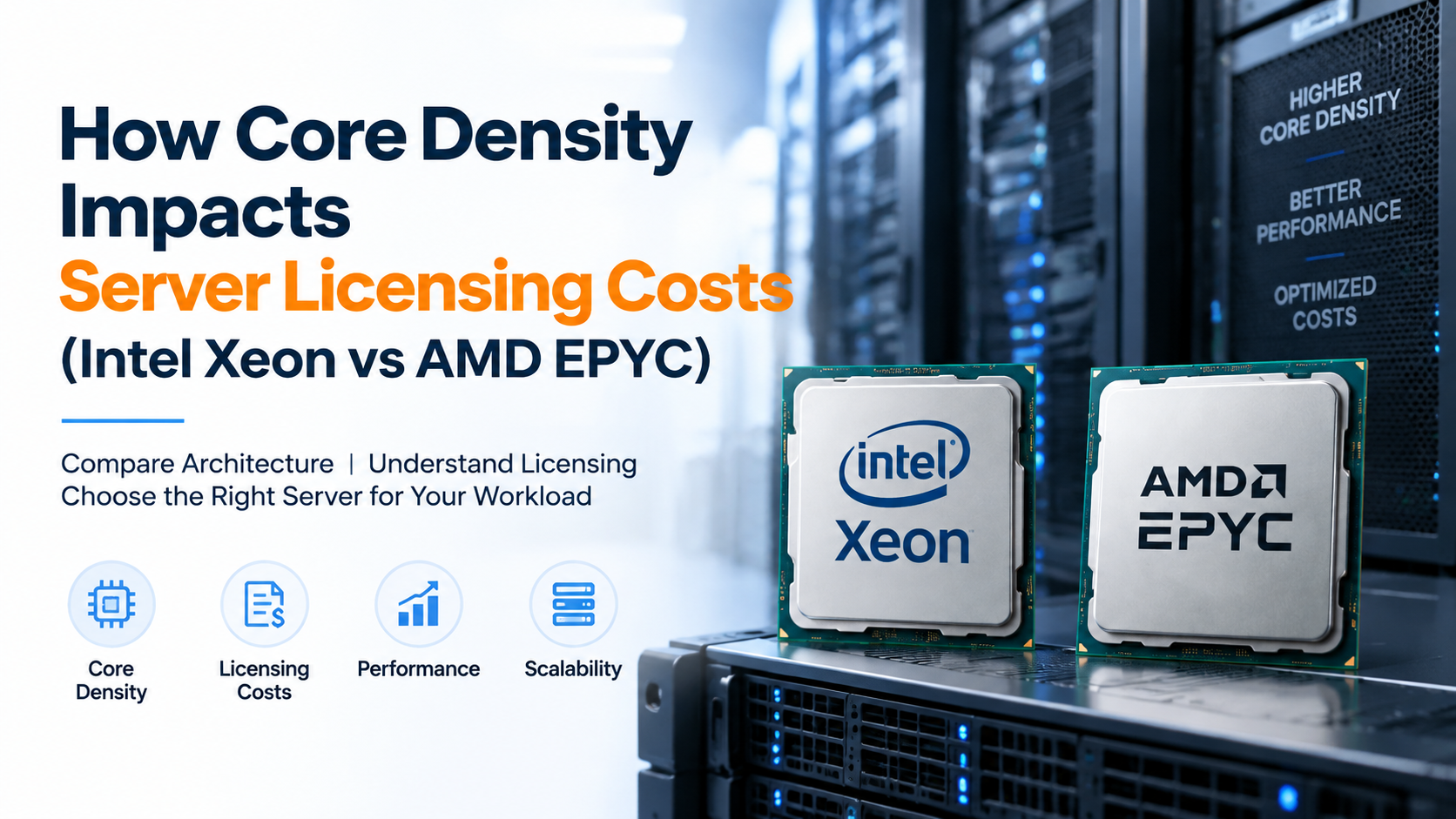
Modern enterprise server software (including Windows Server, VMware ESXi, and Microsoft SQL Server) licenses on a per-core model with minimum core thresholds, meaning high core-count CPUs can significantly increase licensing expenses. Maximizing ROI requires balancing core density: deploying fewer, higher-frequency cores (such as AMD EPYC “F” frequency-optimized series or Intel Xeon Gold) reduces per-core software costs while maximizing single-thread query performance.
How Core Density Impacts Server Licensing Costs: Intel Xeon vs AMD EPYC
Server core density plays an important role in enterprise infrastructure planning because CPU architecture affects application performance, virtualization capacity, and software licensing expenses. For verified technical specifications and deployment parameters, consult the official Linux Kernel Documentation.
Intel Xeon and AMD EPYC processors offer different approaches to server design. Xeon focuses on enterprise ecosystem compatibility, while EPYC provides high core density with more compute resources per socket.
Core Density and Server Licensing Costs: Intel Xeon vs AMD EPYC Explained
Choosing enterprise server hardware is not only about selecting the processor with the highest number of cores. CPU architecture directly affects software licensing models, virtualization efficiency, workload performance, and total infrastructure cost.
Modern businesses run demanding workloads including databases, SaaS platforms, virtual machines, AI applications, and high-traffic web environments. In these systems, understanding how many usable CPU cores are available from a server node helps organizations plan resources more efficiently.
Intel Xeon and AMD EPYC are two widely used server processor families. Their differences in core density, memory architecture, and platform design can influence both technical performance and operational expenses.
What Is Server Core Density?
Server core density refers to the number of physical CPU cores available within a server processor or complete server system. Higher core density allows a single hardware node to handle more computing workloads without adding additional physical machines.
For virtualization environments, higher core density can increase the number of virtual machines, containers, or application instances running on the same server. However, core count alone does not determine performance because CPU frequency, memory bandwidth, cache design, and software optimization also play important roles.
A server with higher core density may run more virtual machines on one physical node, reducing hardware requirements. However, software licensing models based on CPU cores may increase operational costs depending on the application.
Why Core Density Affects Server Licensing Costs
Many enterprise software platforms calculate licensing based on processor cores, sockets, or available computing capacity. Because of this, selecting a high-core-count processor can affect the total cost of running licensed applications.
For example, database platforms, virtualization software, and enterprise applications may use different licensing structures. A server with more cores can provide additional computing power but may require careful planning to avoid unnecessary licensing expenses.
More compute resources per server node with fewer physical machines.
Some applications calculate costs based on available CPU cores.
Hardware decisions should consider both performance and operating expenses.
Intel Xeon vs AMD EPYC Server Architecture
They are designed for enterprise server environments but follow different architectural approaches.
Intel Xeon
- Strong enterprise ecosystem
- Wide software compatibility
- Advanced security features
- Optimized for enterprise workloads
AMD EPYC
- High core density options
- Large memory capacity support
- Strong virtualization capability
- Efficient multi-core performance
Choosing CPU Architecture Based on Application Requirements
The right processor depends on workload requirements rather than core count alone. Different applications benefit from different CPU characteristics.
Require balanced CPU performance, memory bandwidth, and storage response time.
Benefit from higher core density and efficient resource allocation.
Need strong single-thread performance along with sufficient cores for traffic.
Requires scalable compute resources for encoding and high-volume processing.
Core Density Comparison: Intel Xeon vs AMD EPYC
Comparing server processors requires more than looking at the total number of CPU cores. Enterprise environments should evaluate core density, memory capacity, licensing impact, and workload requirements before selecting a platform.
| Performance Factor | Intel Xeon Platform | AMD EPYC Platform |
|---|---|---|
| Core Density | Balanced enterprise processor options with strong platform support | High core count configurations designed for dense computing workloads |
| Memory Support | Enterprise memory configurations with strong reliability features | Large memory capacity options for virtualization and data-intensive workloads |
| Virtualization | Suitable for enterprise VM environments and software ecosystems | High VM density due to increased core availability |
| Licensing Consideration | Software cost depends on licensed cores and application requirements | Higher core availability may require careful license planning |
| Best Fit | Enterprise applications requiring broad compatibility | Cloud platforms, virtualization, and high-density workloads |
How to Balance Server Performance and Licensing Costs
Selecting a high-core-count server does not always mean lower operational costs. Organizations should evaluate how hardware capacity interacts with software licensing models.
A server with fewer but faster cores may be suitable for applications that depend heavily on single-thread performance. Meanwhile, workloads such as virtualization and container hosting may benefit from higher core density.
Review whether software pricing depends on CPU cores, sockets, or users.
Choose server resources based on actual workload requirements instead of unused capacity.
Consider growth plans before selecting processor architecture.
Step-by-Step Server Planning and Configuration Strategy
A structured planning process helps businesses select server hardware that matches application performance requirements and operational goals.
Measure CPU utilization, memory usage, database connections, and peak traffic patterns before choosing hardware.
Compare processor frequency, core density, memory support, and licensing implications.
Select storage technology and network capacity based on application traffic and data processing requirements.
Configure SSH security, firewall rules, monitoring systems, and backup strategies.
Best Practices for High-Density Server Deployment
High-density server environments require proper resource management to maintain stable performance and predictable operations.
- Monitor CPU utilization and workload distribution regularly.
- Optimize database memory allocation based on available RAM.
- Use fast NVMe storage for I/O-intensive applications.
- Implement automated backups and recovery testing.
- Apply security updates and access control policies.
- Track application performance before upgrading hardware.
Frequently Asked Questions About Server Core Density
What does server core density mean?
Server core density refers to the number of physical CPU cores available within a server system. Higher core density allows organizations to run more applications, virtual machines, or containers on the same physical hardware.
How does CPU core count affect software licensing costs?
Some enterprise software platforms calculate licensing based on available CPU cores or sockets. A higher core-count processor may increase licensing requirements depending on the software vendor’s pricing model.
Is AMD EPYC better than Intel Xeon for every workload?
Processor selection depends on workload requirements. AMD EPYC provides high core density options, while Intel Xeon offers strong enterprise compatibility and platform features. The right choice depends on application needs.
Should businesses always choose servers with more CPU cores?
Not always. More cores can improve parallel workloads, but applications may benefit more from higher clock speed, memory performance, or storage optimization depending on the use case.
Which workloads benefit from high core density servers?
Virtualization platforms, cloud hosting environments, container deployments, data processing systems, and multi-tenant applications often benefit from higher core density.
Conclusion: Strategic Architecture & Performance Summary
Implementing these technical optimizations for how core density impacts server licensing costs (intel xeon vs amd epyc) ensures robust throughput, predictable latency, and maximum system reliability across production environments. Rigorous benchmarking and proactive parameter tuning eliminate latent resource bottlenecks before they impact end users.
Pairing disciplined operating system administration with reliable compute foundations is essential for mission-critical operations. Deploying workloads on secure Linux server infrastructure provides the dedicated resources, network resilience, and hardware acceleration necessary to sustain high availability under heavy production load.
When processing intensive multi-threaded database transactions or mission-critical enterprise workloads, deploying on enterprise dedicated server hosting provides bare-metal hardware performance, custom RAID arrays, and dedicated unmetered bandwidth.
Choose Server Architecture Based on Performance and Total Cost
Server core density influences more than computing capacity. It affects virtualization efficiency, application scaling, and software licensing considerations.
Intel Xeon and AMD EPYC platforms both provide enterprise-grade capabilities, but the correct choice depends on workload type, performance requirements, software licensing structure, and future growth plans.
A well-planned server architecture balances CPU resources, memory capacity, storage performance, network connectivity, and operational costs to create a reliable infrastructure foundation.
