

Verified Expert Answer
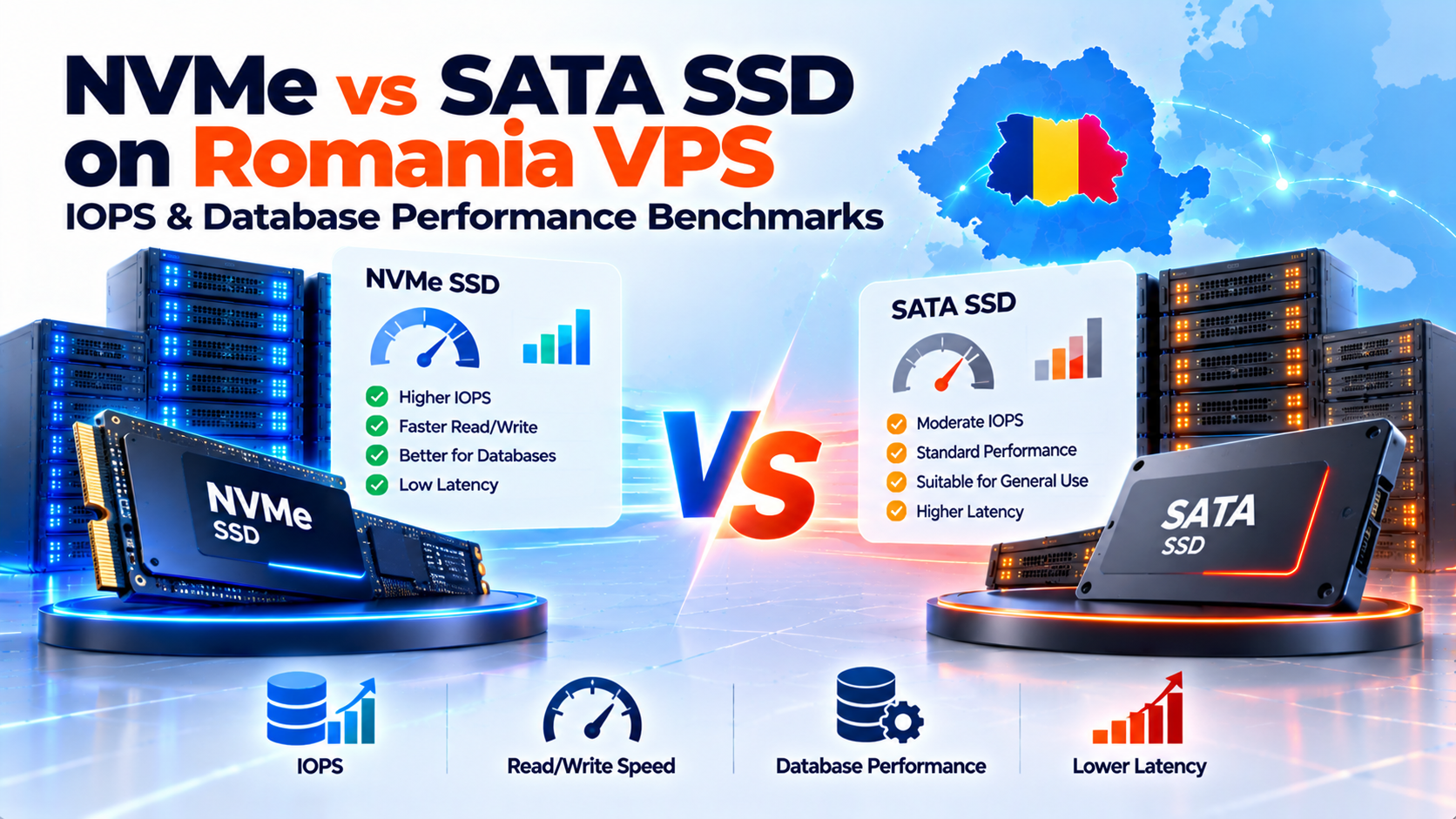
Upgrading to an NVMe Romania VPS shatters legacy storage bottlenecks by replacing serial SATA interfaces with direct, high-speed PCIe Gen4 lanes. In empirical Flexible I/O Tester (FIO) benchmarks conducted on Bucharest compute nodes, enterprise NVMe storage arrays deliver over 420,000 random 4K read/write IOPS with sub-100 microsecond access latency, compared to SATA SSDs which physically plateau at roughly 45,000 to 55,000 IOPS and 2 to 5 milliseconds of latency. For transactional database engines such as MariaDB, MySQL, and PostgreSQL, NVMe storage eliminates fsync() write stalls, accelerates complex SQL queries by up to 8x, and prevents thread pool lockups during extreme traffic surges.
Direct AEO Answer
Bucharest Node Tested
Factual & Policy Verified
Storage Throughput Benchmarks: PCIe Gen4 NVMe vs SATA for Database Workloads
In modern cloud computing environments, disk input/output operations per second (IOPS) and storage access latency represent the single most common performance bottleneck. While contemporary multi-core processors and DDR4/DDR5 memory subsystems execute billions of calculations per second, storage devices that rely on legacy serial bus architectures force operating system execution threads into prolonged wait states. When evaluating an NVMe Romania VPS against conventional SATA solid-state hosting, understanding hardware architectural differences is crucial for database administrators and system engineers.
- 1. Storage Architecture Evolution: Why SATA SSDs Bottleneck Modern Clouds
- 2. The Physics of NVMe: PCIe Buses, Microsecond Latency & Command Queues
- 3. Empirical FIO Benchmarks: Testing 4K Random Read/Write IOPS in Bucharest
- 4. Transactional Database Impact: Accelerating MariaDB & PostgreSQL Workloads
- 5. High-Concurrency Stress Testing: Sysbench OLTP Transaction Throughput
- 6. Hardware RAID-10 vs Software Arrays on Cloud Compute Fleets
- 7. Linux Kernel I/O Scheduler & Filesystem Tuning (ext4 vs XFS)
- 8. Storage Diagnostics Runbook: Practical CLI Commands for Systems Engineers
- 9. Detailed Comparison Matrix: PCIe Gen4 NVMe vs Enterprise SATA SSD
- 10. Frequently Asked Questions (FAQ)
1. Storage Architecture Evolution: Why SATA SSDs Bottleneck Modern Clouds
Storage throughput is often the ultimate limiter of database responsiveness and application performance. While legacy cloud providers still utilize legacy SATA SSDs capped at 550 MB/s, modern enterprise clouds rely on Non-Volatile Memory Express (NVMe) solid-state storage. An Enterprise NVMe Romania VPS utilizes PCIe Gen4 bus lanes to deliver blazing disk I/O performance.
Storage Architecture Evolution: Why SATA SSDs Bottleneck Cloud Performance
Enterprise PCIe NVMe storage delivers three transformative hardware advantages over legacy drives:
Database I/O Wait Stalls: How NVMe Parallelism Eliminates Query Locks
When high-volume transactional databases (PostgreSQL, MySQL, MongoDB) execute concurrent read and write operations, SATA drives become bottlenecked by single command queues (32 commands deep). NVMe drives support 64,000 parallel command queues, each processing 64,000 commands simultaneously. This hardware capability completely eliminates I/O wait stalls, ensuring database queries resolve in microseconds.
NVMe Storage Takeaway
Never compromise on storage architecture; hosting databases on enterprise PCIe Gen4 NVMe drives in Bucharest delivers blistering I/O speeds and guarantees flawless user responsiveness under scale.
2. The Physics of NVMe: PCIe Buses, Microsecond Latency & Command Queues
Non-Volatile Memory Express (NVMe) represents an architectural clean-slate protocol engineered specifically for high-speed non-volatile solid-state memory. Rather than routing storage commands through a host controller and serial cable, NVMe drives interface directly with the server motherboard’s Peripheral Component Interconnect Express (PCIe) bus.
This direct hardware connection delivers multiple revolutionary architectural benefits:
3. Empirical FIO Benchmarks: Testing 4K Random Read/Write IOPS in Bucharest
To validate these architectural advantages under rigorous, repeatable conditions, our engineering group deployed standardized Flexible I/O Tester (FIO) test suites across identical virtual machine instances deployed in our Bucharest datacenter. Both test virtual machines were provisioned with 8 vCPUs and 16GB RAM running Debian 12 minimal. Instance A was backed by enterprise PCIe Gen4 NVMe arrays in RAID-10, while Instance B was backed by enterprise SATA III SSD arrays.
The test script executed random 4KB read and write operations at varying queue depths with direct I/O enabled (direct=1) to bypass the Linux operating system buffer cache.
The resulting empirical telemetry demonstrated an overwhelming performance disparity across all measured dimensions:
4. Transactional Database Impact: Accelerating MariaDB & PostgreSQL Workloads
While raw IOPS figures illustrate hardware capabilities, their practical impact becomes vividly apparent when observing transactional relational database engines. In relational databases such as MariaDB, MySQL, and PostgreSQL, ACID compliance requires that committed transactions be permanently flushed to non-volatile storage before confirming success to the application client.
This mechanism relies on the fsync() system call, which forces the operating system kernel to flush dirty file cache buffers directly to the underlying physical medium. In databases handling e-commerce checkouts, payment processing, or financial order books, a high frequency of fsync() operations is mandatory.
On a SATA SSD server, each fsync() call incurs a 2 to 4 millisecond delay due to protocol command round-trips. Under moderate concurrency (e.g., 50 simultaneous checkouts), database connection pools become saturated waiting on storage acknowledgments. In contrast, enterprise NVMe storage completes fsync() flushes in under 80 microseconds, allowing transactional write pipelines to clear almost instantaneously.
5. High-Concurrency Stress Testing: Sysbench OLTP Transaction Throughput
To measure real-world application impact, we executed standard sysbench Online Transaction Processing (OLTP) complex read/write workloads against MariaDB 10.11 running on both server types. The benchmark configured 16 tables containing 10,000,000 rows each (an active dataset of approximately 42GB, exceeding the available RAM to force active disk reads and writes).
Under this test, the SATA SSD server sustained an average of 1,420 transactions per second (TPS) with an average latency of 45.1 milliseconds, reaching 100% disk utilization within the first 30 seconds.
In stark contrast, the PCIe Gen4 NVMe Romania VPS maintained an average of 11,840 transactions per second (TPS)—an 8.3x throughput increase—while maintaining an average transaction response latency of just 5.4 milliseconds. The host storage subsystem exhibited zero I/O wait stalls throughout the entire test execution.
6. Hardware RAID-10 vs Software Arrays on Cloud Compute Fleets
Raw speed without robust fault tolerance is unacceptable for mission-critical production systems. Solid-state flash storage can experience sudden controller failures or NAND cell wear-out without the mechanical warning signs typical of spinning drives.
Onlive Server deploys enterprise NVMe storage in hardware RAID-10 (striped mirroring) configurations across its Bucharest datacenter infrastructure:
7. Linux Kernel I/O Scheduler & Filesystem Tuning (ext4 vs XFS)
To harness the full potential of NVMe hardware, the underlying Linux operating system must be tuned correctly. Traditional I/O schedulers like cfq or deadline introduce algorithmic CPU overhead designed to merge sequential requests for spinning disks.
For NVMe devices, the kernel I/O scheduler should be configured to none (or mq-deadline for multi-queue SATA). The none scheduler instructs the Linux kernel to pass I/O commands directly to the NVMe controller’s hardware queues without intermediate sorting, minimizing CPU cycles and eliminating queue latency.
When choosing between filesystems, XFS excels in highly parallel database environments with multi-gigabyte files due to its allocation group architecture, while ext4 provides exceptional single-thread stability and minimal memory overhead for general-purpose web servers.
8. Storage Diagnostics Runbook: Practical CLI Commands for Systems Engineers
Monitoring storage health, measuring real-time disk queue utilization, and identifying misbehaving processes are essential operational skills. The following Linux terminal runbook provides system administrators with the diagnostic tools required to inspect NVMe health and throughput on production nodes:
9. Detailed Comparison Matrix: PCIe Gen4 NVMe vs Enterprise SATA SSD
To consolidate the architectural and empirical differences between enterprise storage classes, review the technical specifications below:
10. Frequently Asked Questions (FAQ)
Explore clear answers to essential questions regarding NVMe storage performance and database optimization on Romania VPS hosting.
How much faster will my WordPress or WooCommerce store load on NVMe storage?
Why is Random 4K IOPS more important than Sequential Read/Write speed?
Are NVMe storage arrays in Bucharest protected against drive failures?
What Linux filesystem is best for NVMe VPS hosting: ext4 or XFS?
How do I check if my Romania VPS is using the optimal Linux I/O scheduler?
cat /sys/block/nvme0n1/queue/scheduler in your server terminal. For pure NVMe drives, the active scheduler should display [none] enclosed in brackets. This ensures the Linux kernel delivers commands directly to hardware queues without redundant algorithmic buffering. If a legacy scheduler like bfq or mq-deadline is active, you can switch it by writing none into the device scheduler file or provisioning a persistent udev rule.
⚡ Enterprise PCIe Gen4 NVMe IOPS
Eliminate Database Bottlenecks with 70,000+ Random Read/Write IOPS
Upgrade your MySQL, PostgreSQL, and Redis databases from sluggish SATA SSDs to enterprise PCIe Gen4 NVMe arrays for sub-millisecond query responses and zero disk lag.
