

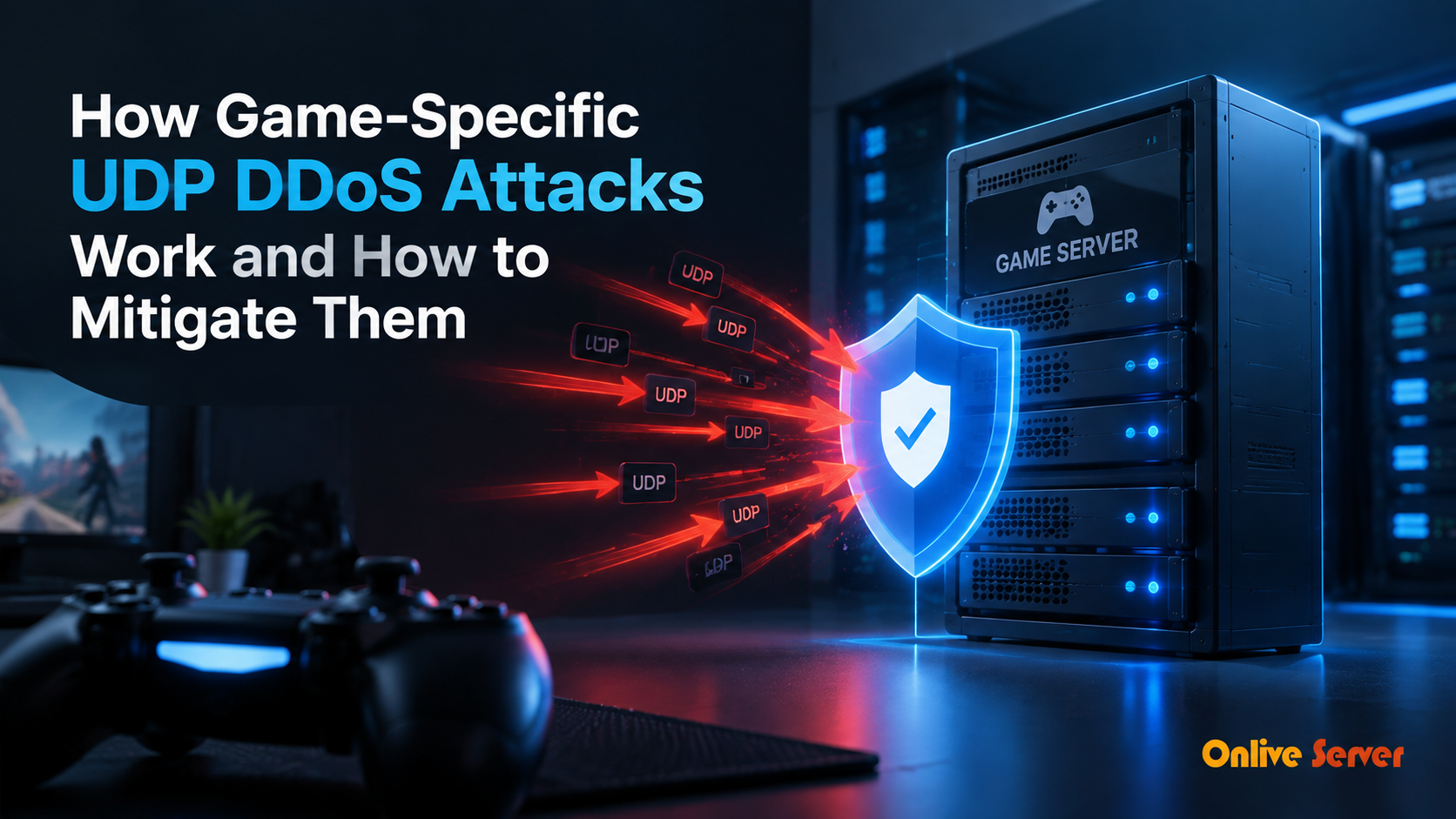
Game-specific UDP Distributed Denial of Service (DDoS) attacks bypass generic volumetric filters by spoofing valid game engine protocol handshakes (such as Source Engine Query or RakNet floods). Mitigating these attacks requires stateful inline packet inspection (like Arbor or Corero scrubbing appliances) that validates payload checksums and token handshakes at line rate, dropping malicious floods before they reach game server NICs.
Unlike web applications that operate over stateful TCP connections, real-time multiplayer games rely almost exclusively on the User Datagram Protocol (UDP). UDP eliminates connection handshakes and retransmission overhead, providing the lowest possible packet latency. For verified technical specifications and deployment parameters, consult the official Linux Kernel Documentation.
However, the connectionless nature of UDP makes game servers highly susceptible to Distributed Denial of Service (DDoS) attacks. Because UDP headers can be easily spoofed, malicious actors frequently bombard game server ports with massive flood attacks.
Defending competitive tournament infrastructure requires enterprise hardware protection. Hosting multiplayer communities on Anti-DDoS protected dedicated servers backed by multi-terabit inline scrubbing centers guarantees uninterrupted gameplay during severe cyber attacks.
How Game-Specific UDP Attacks Bypass Standard Firewalls
Traditional volumetric DDoS attacks flood network pipes with brute-force bandwidth (like DNS or NTP amplification). Standard datacenter edge routers easily identify and drop these large traffic spikes.
In contrast, modern attackers deploy game-specific application layer floods. Attackers reverse-engineer game network protocols (such as Valve Source Engine Query A2S_INFO, Minecraft RakNet, or FiveM citizen packets) and flood the server with millions of tiny, malformed requests that appear completely legitimate.
Because these packets target open game ports, standard stateless firewalls allow them to pass directly to the game server. The game engine CPU burns 100% of its resources attempting to parse and respond to millions of fraudulent query packets, causing real player connections to time out.
Gaming UDP DDoS Attack Vectors Comparison
| Attack Vector | Attack Mechanism | Game Server Impact | Defense Solution |
|---|---|---|---|
| A2S_INFO Reflection Flood | Floods server with Steam server query packets | CPU thread lockup parsing queries | Stateful challenge-response query filtering |
| RakNet Handshake Flood | Sends spoofed connection request datagrams | Exhausts game connection session table | Hardware cookie token validation |
| NTP/SSDP Amplification | Reflects massive byte volume from vulnerable servers | Saturates network port bandwidth | BGP Anycast routing + Upstream transit ACLs |
| UDP Fragment Exhaustion | Sends incomplete fragmented IP packets | Exhausts kernel IP reassembly buffer | Drop unverified UDP fragments at edge router |
Three Essential Layers of UDP Game Defense
Neutralizing sophisticated gaming attacks requires a coordinated multi-layered defense architecture:
Layer 1: Upstream BGP Anycast Scrubbing Centers. By announcing your server IP space across global Anycast networks, volumetric attacks exceeding 500Gbps are geographically split across multiple scrubbers, preventing network link saturation.
Layer 2: Protocol-Aware Hardware Scrubbing. Specialized hardware filtering appliances (such as Corero SmartWall or Arbor Sightline) inspect UDP packet payloads at line rate. Malformed game queries and handshake floods are dropped in nanoseconds before touching physical server interfaces.
Layer 3: Kernel and eBPF Packet Filtering. Deploying modern Extended Berkeley Packet Filter (eBPF / XDP) rules directly inside the Linux network driver drops unauthorized packets before the operating system allocates CPU memory buffers.
Testing network latency and routing path stability after configuring Anti-DDoS routing using an network latency testing tool ensures mitigation hardware scrubs attack traffic without adding latency hops.
Protecting Smaller Communities on Virtual Servers
Smaller gaming clans and private communities also face frequent DDoS attacks from disgruntled rivals. Fortunately, enterprise DDoS filtering is no longer restricted to multi-thousand-dollar enterprise budgets.
Deploying community game worlds on modern DDoS-protected virtual private servers gives growing gaming servers access to automated upstream scrubbing and line-rate UDP filtering at budget-friendly pricing.
Game Server Anti-DDoS Implementation Checklist
| Mitigation Layer | Technical Configuration | Protection Outcome |
|---|---|---|
| Line-Rate Scrubbing | Inline hardware FPGA packet inspection | Instantaneous mitigation (< 1 second reaction time) |
| A2S Cache Filter | Edge proxies cache Steam query info responses | Zero CPU impact on game engine from query floods |
| Rate-Limiting Rules | Limit UDP connections per source IP | Throttles botnet clients while allowing legitimate players |
| XDP Driver Filtering | Drop blacklisted packet signatures in NIC driver | Processes millions of packets per second with 0% CPU load |
Summary and Key Takeaways
Game-specific UDP DDoS attacks represent an existential threat to online multiplayer communities. Relying on basic software firewalls inside the server operating system will fail when high-frequency UDP floods overwhelm network drivers.
Deploying game servers on infrastructure backed by upstream Anycast routing, hardware packet inspection, and protocol-specific challenge-response filters guarantees that attack floods are neutralized silently in the cloud while your players enjoy uninterrupted, smooth gameplay.
Conducting scheduled attack simulation tests against edge scrubbing centers ensures game-specific filtering signatures correctly drop forged packets without affecting live player sessions, validating defense readiness.
The Anatomy of UDP Floods and Amplification Vectors
Multiplayer game servers are among the most frequent targets of malicious Distributed Denial of Service (DDoS) attacks. Because games require low-latency User Datagram Protocol (UDP) for real-time networking, attackers exploit UDP’s stateless nature to flood servers with overwhelming volumes of junk traffic.
In a standard reflection and amplification attack, cybercriminals send forged UDP requests with spoofed victim IP headers to publicly accessible third-party services—including vulnerable DNS resolvers, NTP servers, and Memcached daemons. These intermediary servers respond with massive replies directed at the gaming server, multiplying attack volume by up to 50 times.
Attacks frequently exceed 100Gbps to 500Gbps within seconds, completely saturating standard datacenter network uplinks and rendering game servers unreachable for legitimate players.
Game-Specific Protocol Exploits: Valve Source Query & RakNet Floods
Beyond brute volumetric floods, sophisticated attackers deploy Layer 7 game-specific protocol exploits designed to overwhelm application processing threads directly. These attacks utilize relatively small bandwidth volumes (often under 50Mbps), making them completely invisible to traditional volumetric bandwidth scrubbers.
Common application-layer vectors exploit game query protocols:
- A2S_INFO Query Floods: Spams the Valve Source engine query port with forged status requests, forcing the game server to allocate CPU cycles generating server metadata responses rather than running game physics.
- Connection Handshake Exhaustion: Floods connection initiation packets (such as Minecraft handshake or RakNet open-connection requests) to consume server connection queues without completing handshakes.
- Malformed Packet Payloads: Injects corrupt packet headers that trigger uncaught exceptions in game network parsers, crashing the server process instantly.
Stateful Filtering via eBPF / XDP at the Network Card Driver
Traditional Linux iptables firewalls process packets inside the operating system kernel network stack. Under a heavy packet flood (such as 10 million packets per second), the OS kernel burns 100% of CPU capacity just evaluating firewall rules, freezing the game server entirely.
Modern gaming DDoS mitigation leverages eXpress Data Path (XDP) and extended Berkeley Packet Filter (eBPF) programs executed directly inside the network interface card driver before packet memory buffers are allocated by the operating system kernel.
XDP programs inspect incoming packet payloads against game protocol signatures, dropping illegitimate query floods in fractions of a nanosecond. By filtering malicious packets at the physical NIC driver, the server easily deflects tens of millions of packets per second while the game daemon continues running with zero CPU disruption.
Production Architecture Checklist for Gaming DDoS Defense
Protecting game servers from destructive volumetric and protocol-level DDoS attacks requires multi-layered technical defenses:
- Deploy BGP Anycast network routing to distribute incoming traffic across globally distributed scrubbing centers, absorbing massive volumetric attacks close to their origin.
- Implement hardware scrubbing appliances (such as Corero or Arbor) capable of filtering multi-terabit SYN, UDP, and amplification attacks in under one second.
- Rate-limit server query ports (such as A2S_INFO) using dedicated reverse-proxy caching daemons to shield game daemons from status query floods.
- Bind game daemons to non-standard high ports, making automated reconnaissance scanning more difficult for amateur attackers.
- Maintain active automated packet capture (pcap) daemons to record zero-day attack signatures for immediate mitigation filter deployment.
Hardware Scrubbing Centers and Anycast Redirection
When an attack reaches multi-hundred-gigabit scale, local server defenses cannot prevent upstream datacenter fiber link saturation. Enterprise gaming infrastructure partners with Tier-1 DDoS mitigation providers operating global Anycast scrubbing networks.
During an attack, BGP Anycast automatically funnels malicious traffic across dozens of geographically dispersed scrubbing centers worldwide. Specialized hardware scrubbing engines analyze packet headers, strip away attack traffic, and forward clean player packets across dedicated private backbones to your game server chassis.
This automated scrubbing occurs seamlessly in milliseconds, ensuring competitive tournament matches continue without dropped players or latency spikes.
Conclusion: Securing Gaming Communities Against Cyber Threats
DDoS attacks are an ongoing reality of competitive online gaming that can quickly destroy a gaming community’s player base and reputation. Relying on basic software firewalls leaves game servers vulnerable to both massive volumetric floods and intricate protocol-layer exploits.
By pairing global BGP Anycast scrubbing networks with eBPF/XDP driver-level packet filtering and query rate-limiting, gaming operators achieve comprehensive protection. Robust DDoS defense ensures your game servers maintain unbreakable uptime, providing players with the smooth, secure gameplay they demand.
Frequently Asked Questions
Why are game servers targeted by UDP DDoS attacks more than TCP?
Games use UDP for fast real-time data transmission without connection handshakes. Attackers easily spoof source IP addresses in UDP headers, allowing them to flood open server ports with forged traffic.
What is a Steam A2S_INFO query flood?
A2S_INFO is the protocol packet games use to display player counts and map info in server browsers. Attackers flood this port with queries, forcing the game engine to waste 100% of CPU answering fake requests.
Can Linux iptables firewalls stop large UDP DDoS attacks?
Only up to a small threshold. If an attack exceeds your physical network port capacity (e.g. 1Gbps) or reaches millions of packets per second, the Linux kernel exhausts its resources before iptables can evaluate the rules.
How does BGP Anycast stop multi-gigabit DDoS attacks?
Anycast announces the same server IP from multiple datacenters worldwide. When an attack is launched, the flood is dispersed across dozens of international scrubbing centers rather than hitting a single server link.
Does Anti-DDoS scrubbing increase player ping?
Modern inline scrubbing hardware adds less than 1 millisecond of processing latency. When properly colocated near player hubs, players do not notice any latency impact during active mitigation.