

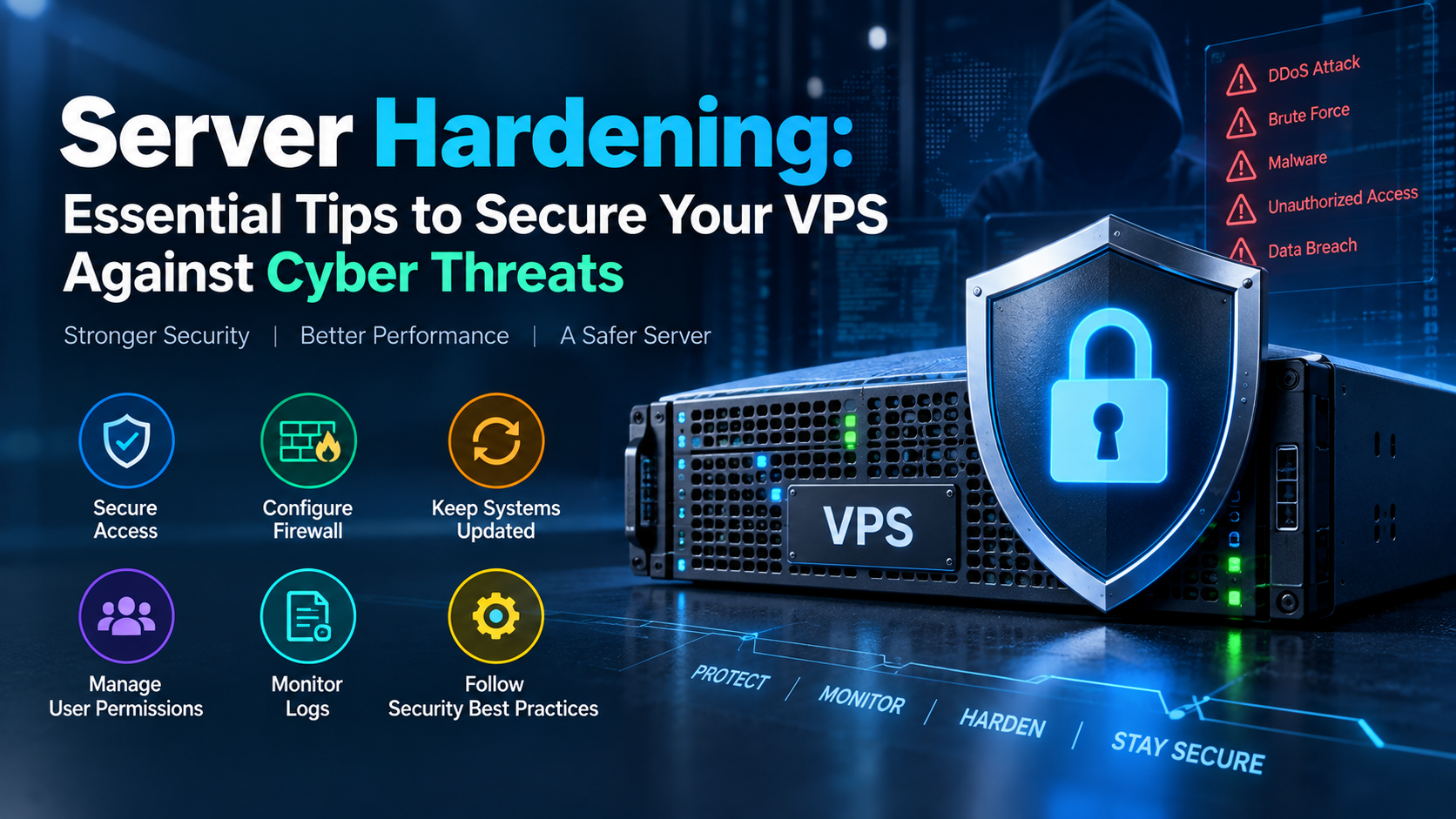
Essential server hardening for a production VPS begins with disabling root SSH access and password authentication in favor of Ed25519 cryptographic keys on a custom port. Next, configure a stateful firewall (UFW/iptables) with a default-drop policy, install Fail2ban for automated brute-force IP bans, enable automatic security patch updates (unattended-upgrades), and mount /tmp with noexec,nosuid,nodev flags to prevent unauthorized script execution.
A Linux VPS connected to a public IP can receive automated scans and login attempts soon after it becomes reachable from the internet. SSH, web applications, outdated packages, exposed databases, and unnecessary services can all increase the server’s attack surface.
VPS server hardening reduces that exposure. The goal is not to rely on one security tool. A stronger setup uses several controls together, including SSH key authentication, firewall rules, timely security updates, restricted user privileges, login monitoring, and reliable backups.
If you are deploying applications on VPS hosting , the following checklist provides a practical starting point for securing a Linux server before it carries production traffic.
Harden SSH Access
SSH is an important administrative entry point on a Linux server. Password authentication is more exposed to automated guessing attacks than properly managed public-key authentication.
Create a normal administrative account, configure its SSH key, and verify that sudo access works before disabling password or root login.
Keep your current SSH session open and make sure you have access to the VPS provider’s console or recovery interface. Test a second login before closing the original session. A configuration mistake can otherwise lock you out of the server.
# /etc/ssh/sshd_config

PermitRootLogin no
PasswordAuthentication no
PubkeyAuthentication yes
MaxAuthTries 3
X11Forwarding no

# Optional: restrict SSH to approved accounts
AllowUsers sysadmin_user

# Optional: changing the SSH port can reduce scanning noise.
# It should not be treated as a replacement for key authentication.
Port 2222
Validate the SSH configuration before restarting or reloading the service.
Depending on your Linux distribution, the service may be named
ssh or sshd.
# Check configuration syntax first
sudo sshd -t

# Debian / Ubuntu commonly use:
sudo systemctl reload ssh

# Some distributions use:
sudo systemctl reload sshdMoving SSH to another port can reduce automated connection attempts and log noise. It does not fix weak passwords, stolen credentials, or poor access control. SSH keys, restricted users, patching, and monitoring provide more meaningful protection.
Configure a Firewall and Fail2Ban
A public server should expose only the network services it actually needs. A default-deny firewall policy makes that rule easier to enforce.
For a typical web server, this may mean allowing SSH, HTTP, and HTTPS while blocking unsolicited connections to other ports.
If you manage the server remotely, add the correct SSH rule first. Otherwise, enabling the firewall can interrupt your administrative connection.
sudo ufw default deny incoming
sudo ufw default allow outgoing

# Use the actual SSH port configured on your server
sudo ufw allow 2222/tcp

# Web traffic
sudo ufw allow 80/tcp
sudo ufw allow 443/tcp

sudo ufw enable
sudo ufw status verbose
Use Fail2Ban for Repeated Authentication Failures
Fail2Ban reads supported service logs and can temporarily block IP addresses that repeatedly trigger configured authentication rules. It is useful as an additional control, especially for internet-facing services.
sudo apt update
sudo apt install -y fail2ban

sudo systemctl enable --now fail2ban
sudo fail2ban-client status
Create local overrides for the jails you need instead of relying on aggressive defaults. Verify the correct SSH port, log backend, retry threshold, and ban duration for your environment.
Keep Security Updates Under Control
Server hardening loses value if vulnerable packages remain unpatched. Review security updates regularly and define how production systems will receive them.
On Debian and Ubuntu systems, unattended upgrades can automate selected package updates. Production administrators should still monitor update results and plan for packages that require service restarts or reboots.
sudo apt update
sudo apt install unattended-upgrades

# Review available configuration before enabling
sudo dpkg-reconfigure -plow unattended-upgradesAutomation should not mean ignoring updates. Monitor failures, review important package changes, keep backups, and schedule reboots when kernel or infrastructure updates require them.
Review Network-Level Kernel Settings
Linux provides kernel parameters that influence network behavior. Some can help reduce exposure to unwanted routing behavior or malformed traffic. These settings should be reviewed against the server’s actual role.
Do not paste a large collection of performance-oriented sysctl values into production without testing. Routers, VPN gateways, containers, databases, and ordinary web servers can require different settings.
# Review these values for compatibility with your environment

net.ipv4.tcp_syncookies = 1

# Do not accept source-routed packets
net.ipv4.conf.all.accept_source_route = 0
net.ipv4.conf.default.accept_source_route = 0

# Reverse path filtering can help on suitable single-homed hosts.
# Multi-homed or asymmetric-routing systems need extra care.
net.ipv4.conf.all.rp_filter = 1
net.ipv4.conf.default.rp_filter = 1

net.ipv4.icmp_echo_ignore_broadcasts = 1
After reviewing the configuration, load the settings and check for errors.
sudo sysctl --systemParameters such as TCP buffers, connection backlogs, swappiness, dirty page ratios, and file limits are not universal security settings. Change them only when monitoring or workload testing shows a reason.
Reduce Users, Services, and Permissions
Every unnecessary account, package, listening service, and privileged process expands the attack surface. A production VPS should run only the components required for its workload.
Use ss to identify listening network services. Check whether
each exposed port is expected before adding a firewall exception.
sudo ss -tulpnProtect MySQL and MariaDB Access
A database that only serves applications on the same VPS usually does not need to accept connections from the public internet.
Review database accounts, remove unnecessary privileges, use strong credentials, and restrict network exposure. Where appropriate, bind the database service to localhost or a private network interface.
sudo mysql_secure_installationIf remote database access is genuinely required, restrict it with firewall rules and database permissions. Avoid exposing a database port globally unless the architecture specifically requires it and additional controls are in place.
Monitor Authentication and Security Events
Hardening reduces risk, but monitoring helps you see what is happening after the controls are deployed.
Review SSH authentication failures, unexpected privilege changes, unusual network listeners, security update failures, and repeated Fail2Ban events.
# Debian / Ubuntu
sudo journalctl -u ssh

# Systems may also maintain:
sudo less /var/log/auth.log

# RHEL-family systems may use:
sudo less /var/log/secure
The exact log source depends on the distribution and logging configuration. Centralized monitoring is useful when several servers need to be reviewed from one place.
Maintain Backups Outside the VPS
Security controls cannot guarantee that a server will never be compromised or misconfigured. A recovery plan is therefore part of VPS security.
Keep important backups separate from the production VPS. Define retention, encrypt sensitive backup data where appropriate, and test restoration procedures instead of assuming that a successful backup job is recoverable.
- What data must be backed up?
- How much recent data can the business afford to lose?
- How quickly must the service be restored?
- Has the restore process actually been tested?
VPS Server Hardening Checklist
FAQs About VPS Server Hardening
What should I do if I get locked out after disabling SSH passwords?
Use the console or recovery interface provided by your VPS provider, if available, to correct the SSH configuration. This is why you should keep an existing session open and test a second key-based login before disabling password authentication.
Is changing the default SSH port necessary?
No. Changing port 22 can reduce automated scanning noise, but it is not a substitute for strong authentication. SSH keys, restricted users, timely updates, and monitoring are more important controls.
How can I check a VPS for suspicious activity?
Start with authentication logs, running processes, listening ports, user accounts, scheduled jobs, and recent system changes. File integrity and malware-scanning tools can provide additional signals, but no single scanner can prove that a system is clean.
Should MySQL or MariaDB be accessible from the public internet?
Usually not when the application and database run on the same VPS. Bind the database to localhost or an appropriate private interface when possible. If remote access is required, restrict source networks and database privileges carefully.
Can I use two-factor authentication for SSH?
Yes. SSH can be integrated with PAM-based multi-factor authentication on supported Linux configurations. Test the setup through a second session and keep console access available before enforcing it on production administrators.
How often should a VPS security configuration be reviewed?
Review it whenever applications, administrators, firewall rules, or network exposure change. Routine checks should also cover pending security updates, failed logins, unused accounts, listening services, backup status, and restore testing.
Conclusion: Strategic Architecture & Performance Summary
Implementing these technical optimizations for server hardening: essential tips to secure your vps against cyber threats ensures robust throughput, predictable latency, and maximum system reliability across production environments. Rigorous benchmarking and proactive parameter tuning eliminate latent resource bottlenecks before they impact end users.
Pairing disciplined operating system administration with reliable compute foundations is essential for mission-critical operations. Deploying workloads on high-performance cloud VPS solutions provides the dedicated resources, network resilience, and hardware acceleration necessary to sustain high availability under heavy production load.
To ensure round-the-clock infrastructure availability, proactive security hardening, and rapid vulnerability patching, partnering with proactive server management and security support safeguards servers against unauthorized access and operational downtime.
Build VPS Security in Layers
VPS server hardening is most effective when several controls work together. Start with SSH keys and restricted administrative access. Add a default-deny firewall, keep packages patched, remove unnecessary services, secure the database, and monitor authentication activity.
Backups complete the security plan by providing a recovery path when configuration errors, application failures, or security incidents occur. As the server changes, review these controls again. A hardened VPS is a maintained system, not a one-time configuration task.
