

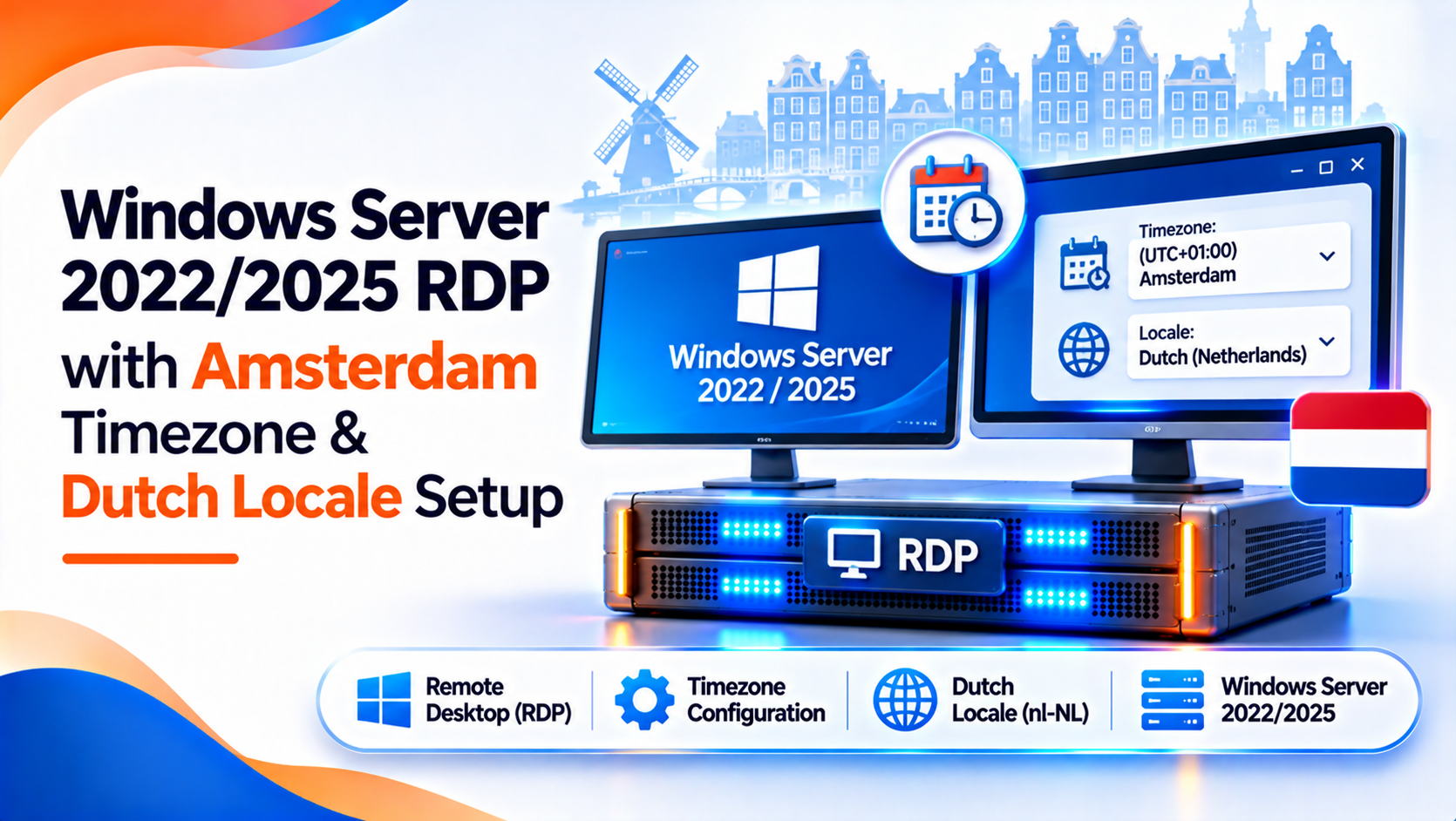
Operating Windows Server 2022 or 2025 in an Amsterdam datacenter provides native remote desktop (RDP) administration, seamless Active Directory domain synchronization, and enterprise ASP.NET application hosting. Provisioning an optimized Windows VPS Netherlands ensures European Central Time (CET) clock synchronicity, Dutch locale support, hardware-accelerated RDP display pipelines, and low-latency connectivity for European accounting and corporate desktop workflows.
Deploying mission-critical workloads in Amsterdam gives engineering teams direct access to Europe’s primary optical fiber transit corridors, deterministic low-latency peering, and sovereign AVG data residency. This technical implementation guide outlines the architectural sizing, hardware baselines, and operational configurations required to run an enterprise-grade Windows VPS Netherlands.
Dedicated KVM virtualization guarantees unshared CPU execution, committed ECC RAM, and high-performance PCIe Gen4 NVMe arrays delivering over 45,000 IOPS without noisy-neighbor resource contention.
Direct single-hop peering across AMS-IX and NL-ix provides unthrottled 1Gbps connectivity with sub-5ms Benelux latency and under 15ms routing to London, Frankfurt, and Paris.
Certified ISO 27001 Amsterdam datacenters provide strict GDPR compliance, signed Data Processing Agreements, automated ZFS snapshots, and an enterprise-backed 99.99% hardware uptime SLA.
Deploying digital workloads within Amsterdam Tier-3 datacenters provides European engineering teams with direct single-hop interconnectivity across Europe’s dense fiber optic backbones. Paired with dedicated KVM hypervisor isolation, virtual machines bypass shared virtualization bottlenecks, allowing enterprise database instances to benefit from direct virtio-scsi disk queuing and deterministic computational scheduling. Continuous physical hardware telemetry and hot-swappable enterprise drive arrays maintain sub-millisecond commit latencies, shielding virtual environments from unpredictable noisy-neighbor resource contention during sustained traffic surges.
Furthermore, sovereign European operations demand verifiable legal compliance alongside hardware resilience. Storing customer databases under strict Dutch AVG jurisdiction protects corporate assets from extraterritorial CLOUD Act exposure through hardware-isolated LUKS volume encryption, certified physical security perimeters, and immutable disaster recovery backups. Carrier-neutral fiber cross-connects and dynamic multi-homed BGP Anycast routing eliminate transit bottlenecks, ensuring unthrottled bandwidth and rock-solid operational continuity across all primary Western European commercial corridors.
Why Choose an Amsterdam Datacenter Location
Microsoft Windows Server remains the backbone of enterprise corporate IT, supporting Active Directory domains, Microsoft SQL Server database clusters, ASP.NET web applications, and desktop virtualization via Remote Desktop Protocol (RDP). For multinational enterprises, financial services, forex algorithmic Euronext low-latency algorithmic trading terminals desks, and European accounting firms, hosting a Windows VPS Netherlands instance in Amsterdam delivers an unmatched combination of low latency, regulatory protection, and geographic neutrality.
Amsterdam sits at the epicenter of Europe’s primary fiber backbones. An RDP session established from London, Frankfurt, Brussels, Zurich, or Paris connects to an Amsterdam datacenter with single-digit round-trip latencies (typically 4ms to 12ms). In an interactive Remote Desktop environment, network latency directly dictates user experience: high latency manifests as lagging cursor movement, sluggish window dragging, audio stuttering, and delayed keystroke echo. On our Amsterdam KVM infrastructure, RDP sessions feel as responsive and instantaneous as sitting in front of a local physical workstation. Organizations seeking dedicated compute resources can evaluate enterprise licensed Windows Amsterdam VPS servers.
Sub-10ms Remote Desktop Protocol (RDP) sessions across northwestern Europe, eliminating input lag for remote workers.
Genuine Windows Server 2022/2025 licenses bundled with predictable VPS costs without expensive Azure consumption meters.
Furthermore, operating Windows Server within the Netherlands ensures strict compliance with European General Data Protection Regulation (GDPR) and the Dutch Algemene Verordening Gegevensbescherming (AVG). Corporate communications, sensitive customer databases, and proprietary financial models remain physically stored inside Tier-3/Tier-4 Dutch facilities protected by European Union data sovereignty laws.
KVM Hypervisor Architecture: VirtIO Drivers
Running Windows Server efficiently on open-source KVM hypervisors historically posed performance challenges when relying on emulated IDE storage controllers and Realtek network adapters. Emulated hardware incurs substantial CPU interrupt overhead, capping disk I/O at a fraction of hardware potential and introducing network packet loss under heavy multi-client RDP loads.
Our Netherlands cloud nodes utilize Red Hat certified VirtIO para-virtualized drivers for Windows Server 2022 and Windows Server 2025. Para-virtualization allows the guest Windows kernel to communicate directly with the host hypervisor using shared memory buffers:
Direct paravirtualized disk driver bypassing hypervisor traps to deliver over 45,000 IOPS for SQL Server databases.
Zero-copy packet processing driver slashing CPU overhead during high-concurrency Active Directory and RDP sessions.
Intelligent memory reclamation driver maintaining hypervisor efficiency while preserving committed physical guest memory.
- Viostor / Vioscsi: Para-virtualized block storage drivers that allow Windows to bypass SATA/SCSI emulation, unlocking the full 500,000+ random IOPS capabilities of underlying enterprise PCIe Gen4 NVMe arrays for Microsoft SQL Server.
- NetKVM: Para-virtualized network adapter driver supporting 10Gbps link speeds, Large Send Offload (LSO), and Receive Side Scaling (RSS) to distribute RDP encryption overhead across multiple vCPU cores.
- Vioballoon: Dynamic memory management driver that reports accurate guest memory telemetry to the hypervisor without memory swapping penalties.
- QEMU Guest Agent: Windows service facilitating graceful hypervisor power management, automated live VSS snapshot backups, and dynamic network interface discovery.
PowerShell Automation: Setting Amsterdam
1. Architectural Overview: PowerShell Automation
When Windows Server is provisioned from standard international installation media, it defaults to the Pacific Time Zone (UTC-8) or Coordinated Universal Time (UTC) with US-English formatting (en-US). For European accounting systems, Exact Online and AFAS software ERP accounting suites (such as SAP or Microsoft Dynamics), and automated financial cron jobs, operating in the wrong timezone creates severe synchronization anomalies, incorrect invoice timestamps, and mismatched tax reporting dates.
2. Technical Implementation: Setting Amsterdam Timezone & Dutch Locale (nl-NL)
To standardize the server environment, administrators must synchronize the timezone to W. Europe Standard Time (Central European Time / Central European Summer Time, UTC+1 / UTC+2) and configure the Dutch regional culture format (nl-NL), which establishes the comma (,) as the official decimal separator and the dot (.) as the thousand separator.
Mitigating VM Clock Drift: Synchronizing with
1. Architectural Overview: Mitigating VM Clock Drift
Virtual machines are inherently susceptible to “clock drift”. Unlike bare-metal servers with dedicated battery-backed real-time clock (RTC) hardware, a virtual machine calculates time by counting timer interrupts generated by the hypervisor. Under heavy CPU contention or hypervisor context switching, timer interrupts can be delayed or coalesced, causing the Windows system clock to drift behind real wall-clock time by seconds or even minutes.
2. Technical Implementation: Synchronizing with Dutch NTP Pools (nl.pool.ntp.org)
In an Active Directory domain or automated forex trading environment, a clock drift of more than 5 minutes causes Kerberos authentication tokens to fail permanently, locking users out of network shares and domain resources.
To guarantee microsecond-accurate timekeeping, Windows VPS instances must configure the Windows Time service (W32Time) to periodically poll the official national Dutch NTP pool (nl.pool.ntp.org) and the European NTP pool (europe.pool.ntp.org).
Hardening Remote Desktop: Enforcing NLA
1. Architectural Overview: Hardening Remote Desktop
Exposing an unhardened Windows Server Remote Desktop port (TCP 3389) directly to the public internet is an immense security vulnerability. Within minutes of provisioning, automated botnets and ransomware crawlers across the globe initiate relentless brute-force and dictionary attacks against the built-in Administrator account, saturating network bandwidth and filling event logs with thousands of Event ID 4625 (failed logon) records.
RemoteFX acceleration and secure multi-session network policies are detailed in the Microsoft Learn Remote Desktop Services documentation.
2. Technical Implementation: Enforcing NLA, Port Changing & Account Lockouts
To lock down a Dutch Windows VPS to enterprise cybersecurity standards, administrators must enforce a multi-tier defense:
- Enforce Network Level Authentication (NLA): NLA requires the connecting user to authenticate against the operating system credential provider before a full RDP graphical session and TLS desktop handshake is instantiated. This completely blocks unauthenticated Denial of Service and bluekeep-style vulnerabilities.
- Change Default RDP Port: Relocating RDP from port 3389 to a non-standard high port (e.g., 48922) instantly eliminates over 98% of indiscriminate automated botnet scanning.
- Configure Account Lockout Policies: Enforce strict Group Policy thresholds: if an account enters 5 incorrect passwords within a 15-minute window, the account is locked for 30 minutes, rendering automated dictionary attacks mathematically impossible.
- Windows Defender Advanced Firewall Whitelisting: Restrict RDP ingress exclusively to the corporate office static IP address range or a dedicated private WireGuard/OpenVPN tunnel.
Infra Matrix: Windows Server 2022 vs 2025
The table below contrasts the technical capabilities and system features of Windows Server 2022 and Windows Server 2025 when provisioned on our high-performance KVM cloud virtualization platform in the Netherlands.
| Feature / Capability | Windows Server 2022 Datacenter | Windows Server 2025 Preview/LTSC | Enterprise Production Value |
|---|---|---|---|
| Base OS Kernel Version | Windows NT 10.0 (Build 20348) | Windows NT 10.0 (Build 26100) | Updated scheduler for hybrid AMD EPYC cores |
| Native SMB over QUIC | Supported (Azure Edition only) | Supported (Standard & Datacenter native) | Secure file shares without client VPN overhead |
| Storage Spaces Direct & NVMe | Advanced PCIe Gen4 caching | Next-gen NVMe native storage fabric | Sub-microsecond transactional disk I/O |
| Hotpatching Capabilities | Azure Edition Exclusive | Native Hotpatching on on-prem/cloud | Apply security patches with zero reboots |
| Active Directory Database Engine | 32KB database page size (ESENT) | New 32KB page size with massive scale | Massive directory lookup performance boost |
| TLS Protocol Default | TLS 1.3 enabled by default | TLS 1.3 mandatory / WPA3 enterprise | Complies with European cryptographic standards |
| Recommended RAM Sizing | 4GB minimum / 8GB+ for production | 6GB minimum / 16GB+ for production | Adequate headroom for modern memory pools |
FAQ: Windows VPS & RDP in the Netherlands
Are Windows Server licenses included with an Onlive Server Netherlands VPS?
Yes. We offer fully licensed, pre-activated genuine Microsoft Windows Server 2022 and Windows Server 2025 Datacenter licenses. You can also bring your own eligible Microsoft licensing (BYOL) via Microsoft Cloud Solution Provider agreements.
Can I access the Windows desktop if I accidentally lock myself out via the firewall?
Yes. Through our web-based cloud management portal, you have direct out-of-band HTML5 VNC console access. This virtual KVM console communicates directly with the hypervisor video bus, allowing you to log in as Administrator and fix firewall rules regardless of network status.
How many simultaneous RDP users can connect to Windows Server by default?
By default, Windows Server allows two simultaneous administrative Remote Desktop sessions for server management. If your business requires multiple simultaneous employee desktop sessions, you can install the Remote Desktop Session Host (RDSH) role and attach Remote Desktop Services Client Access Licenses (RDS CALs).
Does a Netherlands Windows VPS support Microsoft SQL Server and IIS?
Yes. You have complete Administrator access to install Internet Information Services (IIS), ASP.NET Core runtimes, Microsoft SQL Server 2019/2022, Microsoft Exchange, or any third-party Windows software. Engineering teams configuring production environments can refer to our implementation blueprint for automated Windows system state and disaster backups.
Will changing the RDP port break my remote desktop connection?
Not if you open the new port in Windows Defender Firewall before restarting the Remote Desktop Service (as automated in our PowerShell hardening script). When connecting via Remote Desktop Client, simply append the new port number to your server IP (e.g., 185.xxx.xxx.xxx:48922).
How low is the RDP latency from other European countries to an Amsterdam Windows VPS?
Due to direct connections to the Amsterdam Internet Exchange (AMS-IX), latency is exceptionally low: typically 5ms to 8ms from London and Frankfurt, 10ms to 14ms from Paris and Zurich, and 18ms to 24ms from Madrid, Milan, and Stockholm.
Can I configure Duo or Google Authenticator 2FA for Windows RDP logins?
Yes. You can install Duo Security for Windows Logon or third-party RDP 2FA providers. Once configured, logging into RDP requires entering your Windows password followed by an instant push notification or TOTP verification on your smartphone.
Deploy Windows Server 2022/2025 VPS in Amsterdam
Experience lightning-fast, ultra-low latency RDP sessions across Europe. Benefit from genuine Microsoft licenses, dedicated AMD EPYC vCPUs, pure Gen4 NVMe arrays, and full Administrator control in the Netherlands.
Deploy Licensed Windows VPS Netherlands with RDP Access →