

Verified Expert Answer
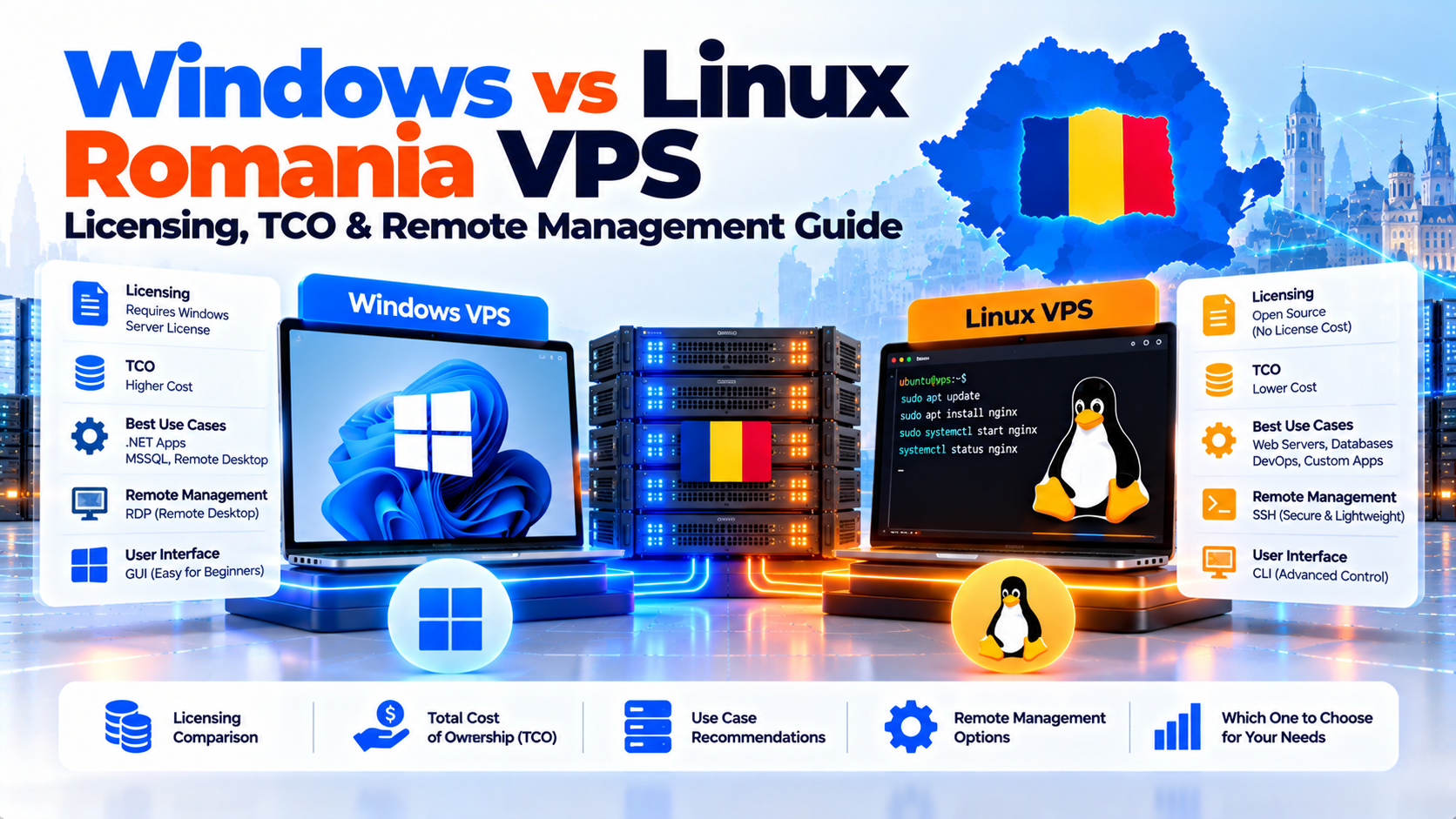
Deciding between Windows vs Linux Romania VPS hosting depends on your software dependencies, hardware budget, and administrative skillset. Choose Linux (Ubuntu, Debian, AlmaLinux) for open-source web stacks (Nginx, PHP, MariaDB, Docker), microservices, and cost optimization, as it requires zero licensing fees and runs efficiently on 1GB to 2GB of RAM. Choose Windows Server (2019/2022) when your operations mandate proprietary Microsoft technologies (ASP.NET, MSSQL Server, Active Directory), MetaTrader Forex trading terminals, or Remote Desktop (RDP) graphical administration, budgeting for Microsoft SPLA license fees and a minimum of 4GB of RAM.
Direct AEO Answer
Bucharest Node Tested
Factual & Policy Verified
Operating System Strategy: Total Cost of Ownership and Administration on Romania VPS
Selecting the appropriate operating system for your cloud infrastructure is one of the most consequential decisions in systems architecture. The choice between Microsoft Windows Server and enterprise Linux distributions directly dictates your monthly infrastructure budget, application compatibility, remote management security, and long-term administrative overhead. When evaluating a Windows vs Linux Romania VPS, infrastructure architects must balance ecosystem requirements against raw operational efficiency.
- 1. Windows Server vs. Linux: Core Architectural & Licensing Differences
- 2. Memory Overhead: Why Windows Needs 4GB RAM While Linux Excels on 1GB
- 3. Remote Administration: RDP Graphical Experience vs. High-Speed SSH Keys
- 4. Application Compatibility: ASP.NET & MSSQL vs. LEMP & Docker
- 5. Total Cost of Ownership (TCO) Matrix: 12-Month Expense Comparison
- 6. Security & Patching Overhead: Automated Linux Updates vs. Windows Policies
- 7. DevOps Runbook: Hardening Linux SSH & Windows RDP with NLA
- 8. Frequently Asked Questions (FAQ)
1. Windows Server vs. Linux: Core Architectural & Licensing Differences
Selecting the optimal operating system for your cloud instance dictates administrative overhead, software compatibility, and licensing costs. While Linux distributions (Ubuntu, Debian, AlmaLinux) power the vast majority of web servers and container clusters, licensed Windows Server instances remain essential for Active Directory, .NET applications, and Remote Desktop (RDP) environments. A Windows & Linux Romania VPS offers versatile platform support.
Operating System Selection: Balancing Linux Performance with Windows Licensing
Matching your operational workload to the right server operating system requires evaluating three core criteria:
Memory Footprint and Kernel Tuning: Resource Allocation Comparison
A minimal Linux server installation operates comfortably on 512MB to 1GB of RAM, leaving the vast majority of instance resources available for web servers, database caches, and application code. Conversely, Windows Server requires at least 4GB of RAM to maintain fluid GUI responsiveness and background system services. Sizing your Bucharest VPS appropriately ensures peak operational performance regardless of OS choice.
OS Architecture Takeaway
Choose lightweight Linux distributions for scalable web applications and microservices, and provision high-RAM Windows Server instances when enterprise .NET or RDP capabilities are mandatory.
2. Memory Overhead: Why Windows Needs 4GB RAM While Linux Excels on 1GB
Resource efficiency is one of the starkest contrasts between the two platforms. When a minimal, headless installation of Ubuntu 22.04 LTS or Debian 12 boots on a virtual server, the entire operating system, kernel buffers, and essential systemd daemons consume merely 120MB to 220MB of RAM.
This exceptional efficiency means that on a modest 1GB or 2GB RAM Linux VPS, over 85% of physical memory remains completely available for Nginx, PHP-FPM, MariaDB databases, and application caching.
In sharp contrast, Windows Server with Desktop Experience requires a baseline of 2.0GB to 2.5GB of RAM simply to boot and maintain essential background processes: Windows Explorer, DWM (Desktop Window Manager), Windows Defender Antivirus, Task Scheduler, and Remote Desktop services. Attempting to run Windows Server on a 2GB RAM virtual machine results in immediate disk swapping, sluggish RDP responsiveness, and out-of-memory crashes as soon as an application is launched. For financial trading workloads that require Windows, explore our specialized Bucharest Forex trading VPS.
3. Remote Administration: RDP Graphical Experience vs. High-Speed SSH Keys
The operational experience of managing a remote server reflects the underlying architecture:
4. Application Compatibility: ASP.NET & MSSQL vs. LEMP & Docker
Your application technology stack is often the single determining factor in operating system selection:
Choose Windows Server When Running:
Choose Linux When Running:
5. Total Cost of Ownership (TCO) Matrix: 12-Month Expense Comparison
A direct financial comparison evaluating total infrastructure expenditure over a 12-month operating window on a Windows vs Linux Romania VPS:
6. Security & Patching Overhead: Automated Linux Updates vs. Windows Policies
Maintenance and security updates represent a crucial operational difference. In Linux environments, security patches can be applied seamlessly in the background without rebooting the server using utilities like `unattended-upgrades` and kernel live-patching tools. Services like Nginx and MariaDB reload their configurations in milliseconds without dropping active TCP connections.
On Windows Server, cumulative security updates are delivered monthly during Microsoft’s “Patch Tuesday.” Installing these updates consumes substantial disk I/O and CPU cycles during compilation and almost always mandates a full system reboot, temporarily interrupting running applications unless configured within strict maintenance windows.
7. DevOps Runbook: Hardening Linux SSH & Windows RDP with NLA
Regardless of which operating system you choose for your cloud instance, hardening administrative remote access is mandatory to prevent unauthorized intrusion.
Executing these foundational hardening directives isolates administrative channels from automated brute-force attacks across both platforms.
8. Frequently Asked Questions (FAQ)
Why is a Linux Romania VPS cheaper than a Windows Romania VPS?
Linux distributions (Ubuntu, Debian, AlmaLinux) are open-source and free of licensing costs. Windows Server requires commercial Microsoft SPLA (Services Provider License Agreement) core licensing fees paid monthly to Microsoft. Additionally, Linux runs comfortably on 1GB to 2GB RAM, whereas Windows Server requires at least 4GB RAM to function smoothly, requiring a higher hardware tier.
Can I run MetaTrader and Forex Expert Advisors on a Linux VPS?
While it is technically possible to run MetaTrader on Linux using compatibility layers like Wine, it is not recommended for live financial capital. Wine can introduce subtle font rendering glitches, memory leaks, and occasional terminal crashes. For automated trading, a native Windows Server VPS is universally recommended for rock-solid stability.
Which operating system is better for hosting WordPress and WooCommerce?
Linux is overwhelmingly superior for WordPress and WooCommerce hosting. The LEMP stack (Linux, Nginx, MariaDB, PHP-FPM) was designed and optimized natively for Unix environments, offering significantly faster page generation, lower memory consumption, and seamless support for caching tools like Redis and Memcached.
How do I connect to a Windows VPS from a Mac or Linux computer?
You can easily connect to a Windows Server VPS from any operating system using free Remote Desktop clients. On macOS, install the official “Microsoft Remote Desktop” app from the Mac App Store. On Linux, use open-source RDP clients such as Remmina or FreeRDP.
Can I switch my Romania VPS from Linux to Windows later?
Yes. Onlive Server’s cloud control panel allows you to reinstall your virtual server with a new operating system template at any time. However, switching operating systems completely formats the virtual disk, so you must back up your files and databases before initiating an OS rebuild.
⚡ Dual OS Enterprise Cloud
Deploy Licensed Windows Server or Custom Linux Distributions Instantly
Choose between Windows Server with Remote Desktop (RDP) or your preferred Linux enterprise distribution (Ubuntu, Debian, AlmaLinux, Rocky) deployed in minutes.
