

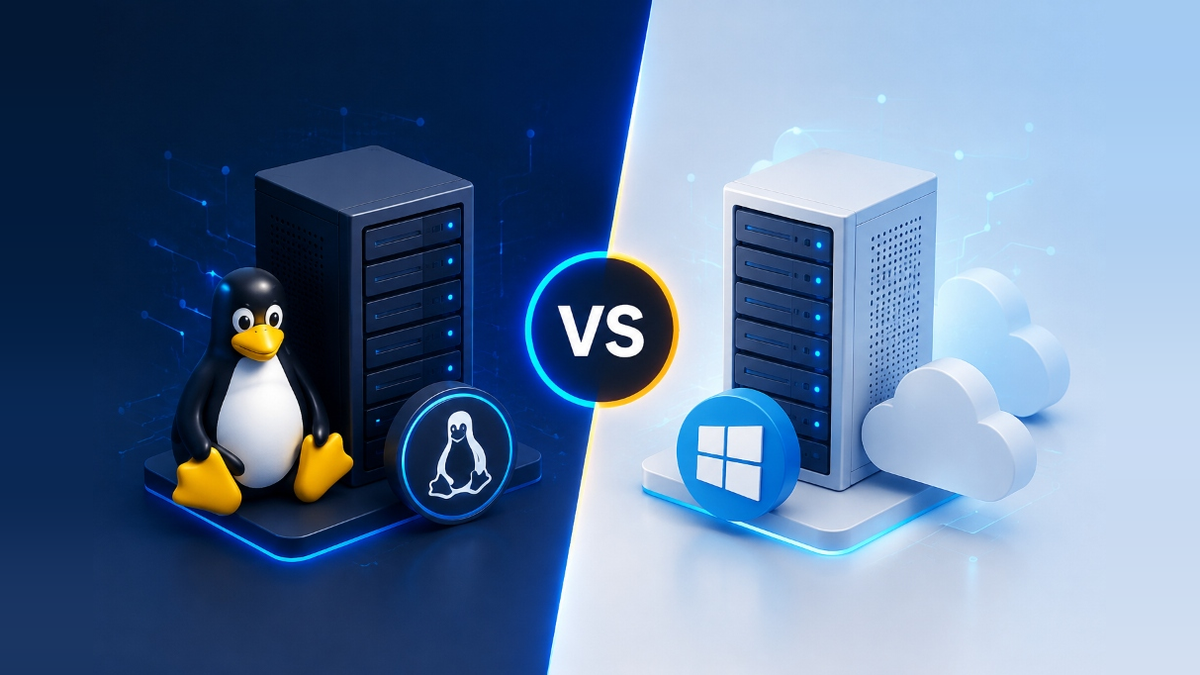
Linux VPS is recommended for open-source application stacks (WordPress, PHP, Python, Node.js, Nginx, Apache, MySQL, PostgreSQL, Docker, and cPanel), offering lower baseline memory overhead and zero OS licensing fees. Windows VPS is required when applications depend on Microsoft infrastructure (IIS web server, ASP.NET Framework, C#, Microsoft SQL Server, Remote Desktop Protocol/RDP workflows, or Active Directory integration). The optimal choice depends on software compatibility, management tools, and licensing rather than hardware performance alone.
Your choice between a Windows or Linux based virtual private server depends on application requirements, preferred management tools, and budget. Deploying on high-performance server infrastructure with the right OS ensures maximum uptime, low-latency responsiveness, and robust security for production workloads.
Key Architectural and Operating System Differences
Selecting the right Virtual Private Server (VPS) operating system is a foundational decision that impacts application compatibility, server administration workflows, security practices, and monthly hosting costs. When deploying high-performance KVM cloud VPS hosting plans, administrators choose between Linux distributions (such as Ubuntu, Debian, AlmaLinux, or Rocky Linux) and Microsoft Windows Server (such as Windows Server 2022 or 2019).
Linux is a Unix-like open-source operating system where system management is primarily performed using Command Line Interface (CLI) tools via Secure Shell (SSH). It executes applications within lightweight, modular user-space processes managed by systemd. Windows Server is a proprietary commercial operating system developed by Microsoft that features a native Graphical User Interface (GUI), Desktop Experience, and Windows Remote Management (WinRM) driven by PowerShell and Remote Desktop Protocol (RDP).
Key Decision Factors: Remote Management, Licensing, and Resource Overhead
While underlying hypervisors allocate dedicated virtual CPU cores and RAM to guest virtual machines, each operating system manages those resources differently. The choice involves three core operational trade-offs:
SSH vs RDP Protocol
Linux uses encrypted SSH (Port 22) for lightweight terminal access. Windows Server utilizes RDP (Port 3389) for full remote desktop rendering and administration.
Open Source vs Proprietary
Mainstream Linux distributions carry no OS licensing fees. Windows Server VPS plans include Microsoft SPLA licensing costs per CPU core.
Baseline RAM Footprint
Headless Linux boots within 256MB–512MB RAM, reserving resources for apps. Windows Server GUI requires 1.5GB–2GB RAM at baseline.
Software Stack Compatibility: Web Servers, Databases, and Frameworks
Software stack requirements dictate operating system selection. Web applications built using PHP (WordPress, WooCommerce, Laravel), Python (Django, Flask), Node.js, Ruby, and Go run natively on Linux web server stacks including Nginx, Apache HTTP Server, and LiteSpeed Enterprise.
Applications relying on Internet Information Services (IIS), legacy ASP.NET Framework 4.x, C# assemblies, Microsoft SQL Server enterprise databases, or Microsoft SharePoint require a Windows Server environment. While modern .NET (.NET 6+) and SQL Server have cross-platform support on Linux, applications bound to Windows-specific APIs or Active Directory authentication require a native Windows Server instance. Utilizing automated server backup routines and disaster recovery planning ensures full snapshot protection across both platforms.
Windows vs Linux VPS — Visual Comparison & Setup Guide
Watch this detailed video walkthrough to see the practical differences between both operating systems, including setup, management interfaces, and performance benchmarks.
Comparative Technical Analysis: Feature-by-Feature Breakdown
The table below summarizes key operational, technical, and architectural differences between both VPS operating systems:
| Evaluation Vector | Linux VPS (Ubuntu / AlmaLinux / Rocky) | Windows VPS (Windows Server 2022 / 2019) |
|---|---|---|
| Primary Workloads | WordPress, PHP, Python, Node.js, Docker, Java | ASP.NET Framework, IIS, C#, MS SQL Server, RDP Apps |
| Remote Access | SSH (Port 22, Public Key Authentication, CLI) | RDP (Port 3389, GUI Desktop, WinRM PowerShell) |
| Web Server Engines | Nginx, Apache, LiteSpeed, OpenLiteSpeed | Internet Information Services (IIS), Nginx for Windows |
| Database Systems | MySQL, MariaDB, PostgreSQL, Redis, MongoDB | Microsoft SQL Server, MySQL, PostgreSQL |
| Control Panels | cPanel/WHM, Plesk, DirectAdmin, CyberPanel | Plesk for Windows, SolidCP, Webmin |
| OS Licensing Cost | Included / Free (Open-Source License) | Microsoft SPLA Licensing Fee per CPU core |
| Baseline Memory Overhead | Low (256 MB – 512 MB idle RAM usage) | Higher (1.5 GB – 2.0 GB idle RAM usage for GUI) |
| File System & Paths | ext4 / XFS (Case-sensitive, forward-slash /) |
NTFS (Case-insensitive, backslash \) |
Security Architecture, Access Control, and Patch Management
Neither operating system is inherently secure by default; server security depends on hardening practices, patch management, and network firewalls. Linux security focuses on SSH key enforcement, disabling root password authentication, configuring ufw or firewalld, installing Fail2ban for brute-force protection, and maintaining automated apt/dnf package updates.
Windows Server security requires securing Remote Desktop Protocol (changing default port 3389, enforcing Network Level Authentication/NLA, and limiting RDP access to trusted IP ranges), configuring Windows Defender Antivirus, applying regular Windows Update patches, and maintaining strong account passwords. When deploying container workloads using Docker, Linux offers native containerization through cgroups, whereas Windows utilizes Hyper-V containers for Windows binaries.
Workload Sizing and Capacity Planning Guidelines
Calibrating server resources prevents performance bottlenecks and ensures adequate memory for application processing:
- Entry-Level Web Sites (Linux): 1 vCPU and 1GB–2GB RAM are sufficient for static sites, blogs, and light WordPress instances on Linux.
- Entry-Level Windows Hosting: 2 vCPUs and 4GB RAM are recommended as a minimum for Windows Server to account for GUI and IIS background processes.
- Database-Heavy Workloads: Allocate 70% of available RAM to MariaDB/MySQL buffer pool (Linux) or MS SQL Server memory allocation (Windows).
- High Concurrency E-Commerce: Deploy multi-core CPU instances paired with enterprise NVMe RAID 10 storage for low-latency transaction processing.
Pre-Production Deployment Checklist
Before deploying live applications to your virtual private server, complete these pre-production steps:
- Verify Application Dependencies: Confirm whether your code requires Windows-specific assemblies (.NET Framework, IIS) or open-source environments (LAMP/LEMP).
- Harden Remote Access: Enforce SSH keys on Linux or NLA with IP-restricted firewall rules on Windows RDP.
- Establish Control Panel Credentials: Install management panels such as cPanel/WHM or Plesk if graphical web administration is required.
- Configure Backup Schedules: Set up automated off-site snapshot backups before pointing public DNS records to the server IP.
Conclusion: Which OS Should You Choose for Your VPS?
The decision ultimately comes down to your application stack and workflow preferences. If you are running PHP-based CMS platforms, Python or Node.js applications, or need native Docker and containerization support, a Linux-based VPS delivers better resource efficiency, lower costs, and broader open-source ecosystem compatibility. If your applications rely on Microsoft technologies — including ASP.NET Framework, IIS, MS SQL Server, or require a graphical desktop via RDP — then a Windows Server VPS is the right infrastructure choice.
Pairing disciplined operating system administration with reliable compute foundations is essential for mission-critical operations. Deploying workloads on high-performance cloud infrastructure provides the dedicated resources, network resilience, and hardware acceleration necessary to sustain high availability under heavy production load.
For developers and organizations scaling web applications or requiring dedicated virtual environments, exploring high-performance Linux VPS hosting delivers guaranteed NVMe storage, KVM hypervisor isolation, and full root access for production workloads.
Frequently Asked Questions
Yes, WordPress can run on a Windows VPS using IIS or Apache alongside PHP and MySQL. However, Linux VPS is strongly recommended for WordPress because PHP execution, Nginx/LiteSpeed web servers, object caching (Redis/Memcached), and control panels (cPanel) perform more efficiently natively on Linux.
Generally, yes. Mainstream Linux distributions (Ubuntu, AlmaLinux, Debian) are open-source and free from operating system licensing fees. Windows VPS plans incur Microsoft Server SPLA licensing charges per CPU core and require higher baseline RAM, increasing monthly infrastructure costs.
Yes. Modern .NET (.NET Core / .NET 6+) is cross-platform and runs natively on Linux distributions using Kestrel web server behind Nginx. However, legacy .NET Framework 4.x applications, ASP.NET Web Forms, and Windows-specific libraries still require a Windows Server environment.
Linux VPS administration uses SSH (Secure Shell) via command-line terminals for command execution and file management. Windows VPS uses Remote Desktop Protocol (RDP), providing a full graphical desktop interface similar to a local Windows PC, alongside PowerShell remoting.
Both operating systems deliver high database throughput when properly tuned. Linux is the preferred environment for MySQL, MariaDB, PostgreSQL, and Redis. Windows VPS is optimal for Microsoft SQL Server enterprise database instances integrated with Active Directory.
Yes, you can reinstall or rebuild your VPS operating system via the Onlive Server control panel. However, switching OS formats the system drive, requiring a complete backup and application re-deployment.
No. Linux VPS instances are managed efficiently via command-line SSH. If a web-based GUI is desired on Linux, web control panels such as cPanel, Plesk, or DirectAdmin can be installed to manage domains, databases, and emails graphically.
Launch Your VPS with the Right Operating System Today
Deploy production-ready Linux or Windows VPS instances on KVM-isolated infrastructure with NVMe storage, full root access, and 24/7 technical support. Plans start at just $9/month.
