

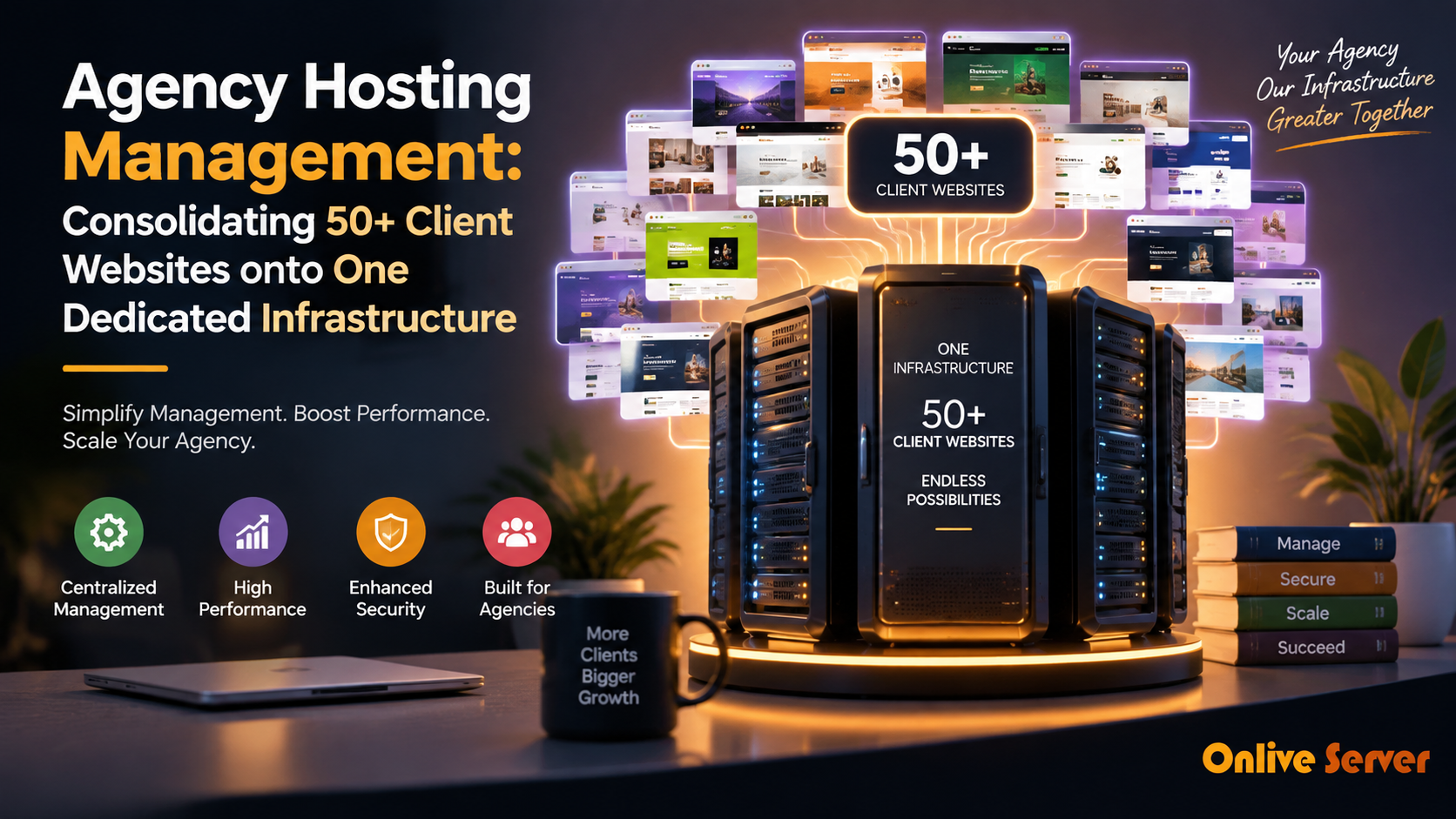
Agencies consolidate 50+ client websites onto a single dedicated server by implementing strict per-client account segregation, dedicating individual PHP-FPM pools and MySQL users to each domain, configuring automated resource governance (cgroups/LVE), and establishing offsite incremental backup pipelines.
As web design agencies and digital studios grow, managing client hosting across fragmented retail shared hosting accounts becomes an operational nightmare. Managing fifty separate hosting logins, renewal dates, and control panels drains technical staff hours.
Consolidating your entire portfolio onto a centralized dedicated server cuts infrastructure overhead by up to 70% while improving page load speeds. Furthermore, hosting clients on private infrastructure creates a steady, recurring monthly maintenance retainer.
Migrating client workloads to high-compute agency dedicated server hosting provides the dedicated CPU cores, unshared memory buffers, and enterprise NVMe storage required to run fifty active web applications smoothly.
Architecting 50+ Client Sites on a Single Bare-Metal Node
Hosting fifty websites on one physical server is not simply a matter of adding domains to an Apache configuration. Without isolation, a single traffic surge on one eCommerce client can exhaust server RAM and crash the entire portfolio.
Successful agencies enforce defense-in-depth isolation across user boundaries, PHP processes, and database instances. Each client operates in a self-contained environment with fixed resource ceilings.
Infrastructure Sizing for 50 Agency Websites
| Portfolio Mix | Recommended Hardware | Memory Allocation |
|---|---|---|
| 40 Brochure + 10 E-Commerce | 16-Core AMD EPYC / Intel Xeon | 64 GB – 128 GB ECC RAM |
| 25 E-Commerce + 25 Dynamic Portals | 24-Core / 32-Core High-Compute | 128 GB – 256 GB ECC RAM |
| Storage Subsystem | Enterprise NVMe in RAID 10 | Sustained > 100k IOPS for fast MySQL |
Streamlining Administration with Web Control Panels
Manually creating Nginx vhosts, MySQL users, and SSL certificates for fifty clients through terminal command lines is time-consuming and prone to human error. Control panels automate routine provisioning workflows.
Platforms like cPanel/WHM, Plesk, and DirectAdmin provide multi-tier account hierarchies. The agency retains root WHM access while provisioning restricted, isolated cPanel accounts for each client.
Partnering with managed infrastructure specialists for WHM and cPanel server support ensures control panel security hardening, automated nightly kernel updates, and continuous monitoring are handled proactively.
Automating Multi-Tenant Backups and Staging Environments
Running fifty client websites on one server makes offsite disaster recovery non-negotiable. A local backup stored on the same physical drive will not protect your agency if physical hardware fails.
Implement automated incremental backups that stream encrypted daily archives to independent offsite storage servers. Each client account must have separate backup archives to allow restoring a single site without affecting others.
Smaller agencies scaling up from retail plans often begin by exploring agency reseller hosting plans before provisioning full bare-metal server nodes.
Containerization vs. Virtualization for High-Density Agency Hosting
Digital agencies managing 50 or more client websites often struggle with ballooning costs and fragmented management across disparate shared hosting plans. Consolidating all client workloads onto a single enterprise dedicated server delivers massive cost savings, but demands robust multi-tenant isolation.
Agency infrastructure engineers must select between containerized workloads (such as Docker, LXD, or CloudLinux CageFS) and full hypervisor virtualization (KVM). While traditional virtualization guarantees rigid hardware boundaries, it introduces duplicate kernel overhead that reduces server density.
Containerized isolation provides lightweight, high-density multitenancy. Solutions like CloudLinux isolate each customer into a virtualized filesystem environment, preventing tenants from viewing neighboring site files or executing unauthorized cross-account shell commands.
Enforcing Automated Dynamic Resource Quotas (CPU/RAM/IOPS)
In shared agency environments, a single client’s poorly coded WordPress plugin or unexpected viral marketing surge can easily exhaust host resources. Without strict resource governance, this “noisy neighbor” effect crashes database services across all 50 client websites simultaneously.
Administrators implement dynamic resource governance utilizing Linux control groups (cgroups) or CloudLinux LVE manager:
- Memory Caps: Restrict each client account to a deterministic RAM quota (e.g., 1GB to 2GB), preventing runaway PHP memory leaks from starving the OS kernel.
- CPU Core Quotas: Allocate maximum CPU percentages to client worker pools so heavy traffic spikes throttle gracefully without affecting neighboring sites.
- I/O and IOPS Limits: Cap disk throughput to ensure large database backups or image imports cannot saturate NVMe storage controllers.
Centralized GitOps Workflows and Staging Environments
Managing 50 client websites manually via SFTP or individual cPanel logins creates chaos during agency maintenance windows. Adopting automated GitOps workflows streamlines updates and eliminates human error during production deployments.
Agencies configure centralized continuous deployment pipelines using GitHub Actions or GitLab CI. When developers push code modifications to designated client repository branches, automated runners run automated regression tests before deploying code to isolated staging subdomains.
Following client sign-off, atomic symlink switching transitions the staging build into production in milliseconds. If unexpected bugs surface, rolling back to the previous deployment commit requires a single CLI command without touching live databases.
Automated database migration scripts execute alongside code releases to maintain schema synchronization. Utilizing tools like Liquibase or Phinx ensures table alterations and column additions occur smoothly without requiring manual phpMyAdmin updates.
Comprehensive error tracking daemons monitor post-deployment runtime exceptions. If client PHP error rates spike following a deployment, automated rollback webhooks revert the code release in seconds, preserving client revenue.
Automated SSL/TLS Certificate Lifecycle Management
Managing SSL/TLS certificates across 50 individual client domains manually is prone to human oversight. An expired certificate triggers ominous browser warnings that damage client trust and destroy organic search visibility instantly.
Agencies deploy automated ACME certificate daemons leveraging DNS-01 validation via cloud DNS APIs. Automating wildcard and multi-domain certificate renewals 30 days before expiration eliminates downtime risks entirely.
Modern edge proxies reload new certificate keys into memory gracefully using worker reload signals. This non-disruptive renewal ensures active client ecommerce transactions and WebSocket sessions experience zero connection drops.
Production Architecture Checklist for Consolidated Agency Hosting
Safely consolidating dozens of client websites onto dedicated bare-metal infrastructure requires disciplined operational safeguards:
- Deploy dual enterprise NVMe drives in hardware RAID1 to guard against unexpected physical disk hardware failure.
- Implement automated daily snapshot backups pushed to offsite, S3-compatible cloud storage with 30-day retention policies.
- Configure independent PHP-FPM pools for every client site, running under dedicated, non-privileged system user accounts.
- Install an active Web Application Firewall (WAF) such as ModSecurity with OWASP Core Rulesets to block common CMS exploits.
- Set up unified server telemetry dashboards (e.g., Netdata or Prometheus) with Slack or SMS alerts for abnormal resource consumption.
Automated Database Maintenance and Object Caching
Database contention is the leading cause of slowdowns when hosting dozens of relational CMS databases on a single server chassis. Unchecked post revisions, orphaned transients, and unindexed meta tables degrade MySQL query execution times.
Hosting administrators configure automated nightly maintenance scripts executing OPTIMIZE TABLE and removing transient cache bloat across all client databases. Implementing shared Redis instances with dedicated database prefixes serves database queries from memory, offloading disk I/O significantly.
By pairing Redis object caching with server-level NGINX FastCGI microcaching, static and dynamic page requests are served in milliseconds, allowing a single dedicated server to effortlessly handle millions of combined monthly client pageviews.
Automated slow-query monitoring daemons alert engineers whenever an unindexed client database query exceeds 500 milliseconds. Rapidly optimizing query indices ensures database threads remain available for all consolidated agency websites.
Key Architectural Summary: Scaling Agency Operations Efficiently and Profitably
Consolidating dozens of client websites onto high-performance dedicated bare-metal infrastructure transforms hosting from an administrative headache into a highly profitable recurring agency revenue stream. Unifying your hosting stack eliminates third-party markups and streamlines technical support.
By implementing rigid container isolation, automated resource cgroups, and streamlined GitOps deployment pipelines, agencies deliver superior performance and reliability to their clients. Disciplined server management turns consolidated infrastructure into a powerful competitive advantage for growing digital agencies.
Frequently Asked Questions
Conclusion: Profitable and Stable Agency Hosting
Consolidating client websites onto dedicated bare-metal infrastructure gives digital agencies complete control over speed, security, and hosting margins. By implementing disciplined account segregation and automated backups, agencies build a rock-solid recurring revenue asset.
Power your agency’s client portfolio with OnliveServer high-performance dedicated servers, engineered for high concurrency, enterprise NVMe storage, and round-the-clock technical management.
