

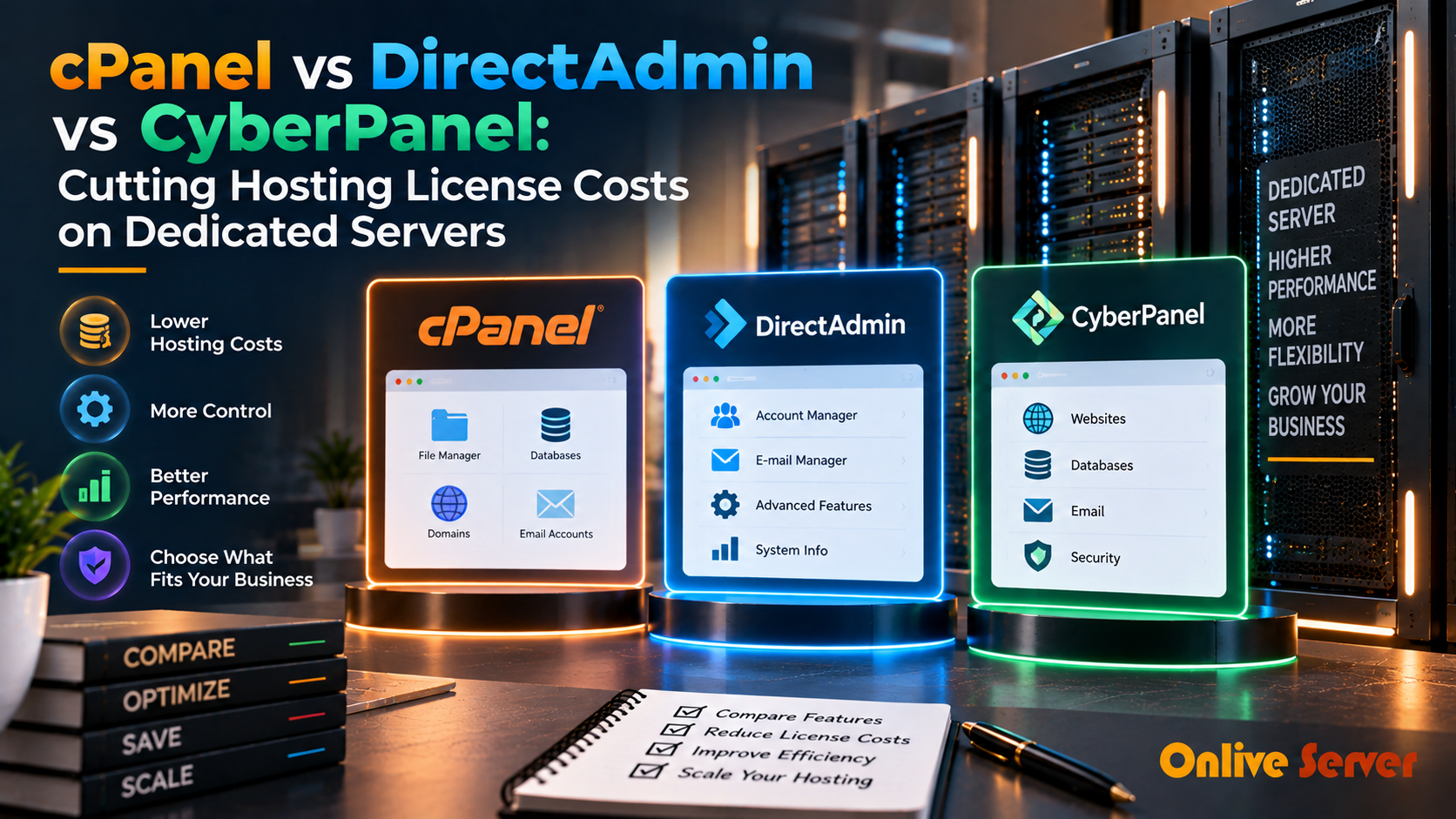
While cPanel offers the most mature ecosystem and user familiarity, its per-account pricing model escalates hosting costs dramatically. DirectAdmin provides an enterprise flat-rate licensing alternative with full cPanel backup compatibility, while open-source CyberPanel delivers free OpenLiteSpeed performance for budget-conscious server operators.
Web hosting control panels are the command centers for server administrators, agencies, and web developers. They transform complex command-line configurations into intuitive graphical interfaces for managing databases, email accounts, and DNS records. For verified technical specifications and deployment parameters, consult the official Linux Kernel Documentation.
However, recent licensing model restructurings across the hosting industry have forced hosting providers to reassess software costs. For agencies hosting hundreds of client accounts on dedicated servers, software license fees can easily exceed underlying physical hardware costs.
Selecting the right control panel requires evaluating feature completeness, resource efficiency, and total cost of ownership. Partnering with certified specialists for DirectAdmin panel support services ensures seamless migration and security hardening without licensing sticker shock.
Feature and Licensing Model Breakdown
The three dominant panels in today’s hosting landscape represent three distinct commercial philosophies. Understanding their pricing structures protects agencies from unexpected billing escalations.
Control Panel Comparison Matrix
| Feature | cPanel / WHM | DirectAdmin | CyberPanel |
|---|---|---|---|
| Licensing Model | Tiered per-account pricing | Flat monthly fee (unlimited accounts) | Open-source / Free core |
| Default Web Server | Apache (Nginx reverse proxy) | Apache, Nginx, or OpenLiteSpeed | OpenLiteSpeed native |
| RAM Footprint | Moderate – High (~1.5GB idle) | Low (~500MB idle) | Very Low (~400MB idle) |
| cPanel Backup Restore | Native 100% | Built-in automated conversion tool | Partial / Scripted restore |
Evaluating cPanel / WHM: The Industry Standard
cPanel remains the most recognized web control panel globally. Its intuitive dashboard, extensive third-party plugin ecosystem (Softaculous, CloudLinux, Imunify360), and widespread documentation make it the easiest platform for non-technical clients to navigate.
However, under cPanel’s tiered licensing, hosting 200 accounts can cost over $50 per month in license fees alone. For established enterprises prioritizing user familiarity and turnkey automation, utilizing expert cPanel and WHM management solutions guarantees maximum operational reliability.
DirectAdmin: The High-Performance Commercial Alternative
DirectAdmin has emerged as the primary commercial beneficiary of cPanel price increases. Written in C++, DirectAdmin boasts exceptionally fast page rendering speeds and minimal background resource consumption.
Crucially, DirectAdmin provides a flat-rate Standard license allowing unlimited accounts without extra fees. Its CustomBuild tool enables seamless switching between Apache, Nginx, and OpenLiteSpeed, while its automated cPanel migration utility converts accounts with minimal downtime.
CyberPanel: OpenLiteSpeed Power for Budget Deployments
CyberPanel is an open-source web hosting control panel powered by OpenLiteSpeed. It natively integrates enterprise LSCache caching plugins, delivering exceptional WordPress Time to First Byte (TTFB) right out of the box.
Because the core software is completely free, CyberPanel is popular among developers and solo agencies running smaller portfolios on cloud VPS server environments. However, it lacks the deep multi-tier reseller permissions found in DirectAdmin and WHM.
Daemon Architecture and Idle Resource Overhead Benchmarks
Web hosting control panels differ fundamentally in how their background daemons interact with the host operating system. The base memory footprint and CPU overhead of the control panel itself directly dictate how much server capacity remains available for client websites.
cPanel operates a complex suite of legacy Perl and compiled services, consuming between 1.5GB and 2.0GB of RAM on an idle base installation. While robust and feature-rich, this substantial baseline overhead requires hosting providers to provision larger server instances before hosting a single client.
In contrast, DirectAdmin is written in lightweight compiled C++, maintaining an idle memory footprint under 500MB. CyberPanel, built on Python and optimized for OpenLiteSpeed, utilizes around 450MB to 600MB of RAM, leaving maximum host capacity available for database operations and PHP workers.
Licensing Predictability and Long-Term Total Cost of Ownership (TCO)
For growing hosting providers and web agencies, software licensing costs can rapidly surpass physical server hardware expenses. Control panel pricing structures have evolved dramatically over recent years, impacting long-term infrastructure profitability.
Comparing the commercial models highlights distinct economic advantages depending on your scale:
- cPanel / WHM: Utilizes per-account tiered pricing where costs increase with every onboarded domain. On high-density servers hosting hundreds of client sites, licensing fees can exceed several hundred dollars per month per node.
- DirectAdmin: Offers predictable flat-rate server pricing with unlimited accounts, alongside competitive lifetime and owned license legacy support. This predictable cost structure makes it a favorite for margin-conscious hosting providers.
- CyberPanel: Features a generous free open-source core when paired with OpenLiteSpeed. For enterprise LiteSpeed web server features, affordable tiered licenses provide high-performance caching at a fraction of legacy panel expenses.
Web Server Ecosystem: Apache vs. NGINX vs. OpenLiteSpeed
The control panel you choose largely determines your underlying web server software stack and caching capabilities. Standard cPanel environments default to Apache or Apache reverse-proxied by NGINX, which can struggle under heavy concurrent connection spikes.
DirectAdmin provides complete architectural flexibility through its CustomBuild utility, allowing administrators to deploy pure NGINX, Apache, NGINX reverse-proxy, or OpenLiteSpeed with automated compilation and tuning.
CyberPanel is tightly coupled with OpenLiteSpeed and LiteSpeed Enterprise. Its event-driven architecture handles tens of thousands of concurrent connections with minimal memory consumption, natively supporting HTTP/3 QUIC and the enterprise LSCache caching plugin suite.
Strategic Decision Matrix for Control Panel Selection
Choosing the ideal control panel requires aligning operational requirements with client technical expectations:
- Choose cPanel if your clientele demands industry-standard familiarity, extensive third-party plugin integrations, and automated WHMCS billing synchronization.
- Choose DirectAdmin if you require maximum operating stability, predictable unlimited-account licensing costs, and complete web server customization.
- Choose CyberPanel if your primary focus is high-performance WordPress hosting leveraging native LiteSpeed caching and modern HTTP/3 protocols.
- Evaluate backup restoration speeds across panels, as native snapshot formats differ substantially when migrating accounts.
- Assess administrative security features, including native two-factor authentication, brute-force protection, and automated SSL issuance.
Automated Disaster Recovery and Cross-Server Account Migration
When unexpected hardware failures strike a dedicated server, the speed of cross-server account restoration determines whether an agency maintains its client service level agreements (SLAs). Control panels differ drastically in migration agility.
cPanel provides mature account packaging scripts (pkgacct) that encapsulate databases, home directories, and email configurations into portable archives. However, restoring large accounts across network interfaces can take considerable time due to single-threaded extraction.
DirectAdmin and CyberPanel optimize cross-server migrations using multithreaded rsync and native database dumps. Administrators can stage standby bare-metal servers and synchronize production tenant data continuously, reducing emergency migration downtime from days to minutes.
Implementing regular cross-panel migration dry runs ensures agency technical staff can execute full infrastructure relocations without data loss or prolonged client email disruptions.
Security Features, Backup Systems, and Migration Simplicity
Server security and account portability are critical operational considerations. cPanel provides mature security modules like cPHulk brute force protection and ModSecurity integration, supported by widespread third-party security plugins like Imunify360.
DirectAdmin includes its native Brute Force Monitor and automated Let’s Encrypt SSL management, offering robust security with minimal server overhead. Furthermore, DirectAdmin includes seamless cPanel backup restoration utilities, allowing administrators to migrate existing cPanel servers with minimal downtime.
CyberPanel integrates automated CSF firewall management and staging environments, though its account backup and restoration system requires more technical diligence when managing multi-gigabyte client databases.
Key Architectural Summary: Selecting the Optimal Hosting Control Panel
The choice between cPanel, DirectAdmin, and CyberPanel depends on your agency’s technical priorities, hosting density, and budget constraints. While cPanel remains the recognized enterprise standard, its escalating licensing costs have driven many providers toward more cost-effective alternatives.
DirectAdmin delivers outstanding performance stability and licensing predictability for high-density environments, while CyberPanel offers unmatched speed for WordPress workloads via OpenLiteSpeed. Matching your business model to the appropriate control panel ensures long-term hosting profitability and seamless server management.
Frequently Asked Questions
When processing intensive multi-threaded database transactions or mission-critical enterprise workloads, deploying on enterprise dedicated server hosting provides bare-metal hardware performance, custom RAID arrays, and dedicated unmetered bandwidth.
Conclusion: Choosing the Right Hosting Control Panel
Your choice of control panel dictates your hosting profit margins and operational efficiency. While cPanel provides familiar convenience, DirectAdmin delivers the best balance of commercial stability and fixed licensing costs, with CyberPanel standing out for free LiteSpeed performance.
Deploy your preferred control panel with OnliveServer high-performance servers, offering pre-installed cPanel, DirectAdmin, and CyberPanel templates backed by 24/7 technical management.
Evaluating total cost of ownership across control panel licenses allows agencies to allocate hosting budgets toward higher hardware specifications. Choosing the right panel balance between ease of use and license overhead maximizes profitability without compromising administrative control.
