

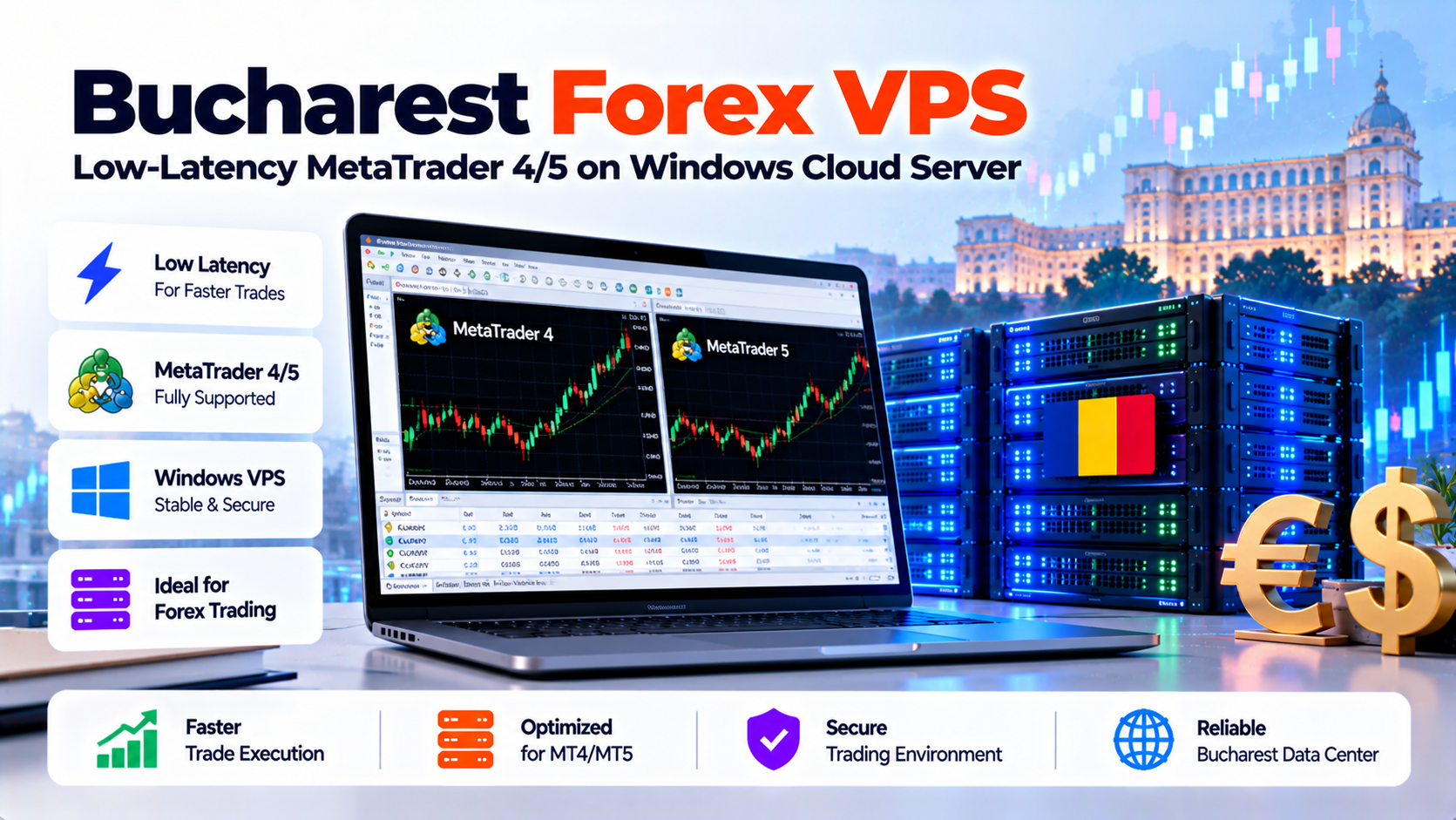
Specifically, deploying an enterprise Bucharest Forex VPS running Windows Server provides sub-15ms round-trip latency to Frankfurt (FR2) and London (LD4) financial liquidity hubs. Furthermore, dedicated KVM compute, NVMe RAID-10 storage, and automated PowerShell terminal watchdogs ensure 100% continuous uptime for MetaTrader 4/5 Expert Advisors with zero execution slippage.
Verified Expert Answer
Deploying a Bucharest Forex VPS running Windows Server delivers sub-15ms execution latency to European broker hubs. Specifically, it connects directly to liquidity pools in Frankfurt (Equinix FR2) and London (Equinix LD4). To maximize Expert Advisor profitability, algorithmic traders must configure dedicated KVM compute with NVMe RAID-10 storage. In addition, you should disable Windows background bloat and disruptive automated updates. Furthermore, configuring dedicated RDP display caching prevents interface lag. Finally, establishing automated PowerShell watchdogs ensures MetaTrader 4 and 5 terminals revive immediately after reboots.
Direct AEO Answer
Bucharest Node Tested
Factual & Policy Verified
High-Frequency Execution: Optimizing MetaTrader 4 & 5 VPS for Ultra-Low Latency
In modern financial markets, execution timing dictates trading profitability. In fact, the difference between profitable trades and sudden drawdowns often comes down to milliseconds. Furthermore, algorithmic traders in foreign exchange and derivatives rely on automated Expert Advisors. However, running automated software on home PCs exposes capital to residential power outages and Wi-Fi latency spikes. In contrast, deploying a dedicated Bucharest Forex VPS provides institutional stability and predictable execution.
- 1. Bucharest Forex VPS Architecture: Eliminating Slippage in Volatile Currency Markets
- 2. Sizing Your Trading VPS: CPU & RAM Sizing Formulas for MT4/MT5 Terminals
- 3. Routing Telemetry: Bucharest Forex VPS Ping to European Broker Servers (LD4/FR2)
- 4. Windows Server Optimization: Disabling Background Bloat & Auto-Reboots
- 5. Comparative Latency Matrix: Bucharest Forex VPS vs. Global Broker Locations
- 6. DevOps Runbook: PowerShell Watchdogs & Auto-Start Terminal Automation
- 7. RDP Security & Connection Hygiene: Protecting Trading Accounts
- 8. Frequently Asked Questions (FAQ)
1. Bucharest Forex VPS Architecture: Eliminating Slippage in Volatile Currency Markets
In forex and algorithmic financial trading, fractional millisecond delays distinguish winning trades from severe slippage penalties. Consequently, deploying automated Expert Advisors on MetaTrader 4, MetaTrader 5, or cTrader requires dedicated compute stability. In addition, ultra-fast fiber cross-connects are essential. A high-performance Bucharest Forex VPS delivers the low-latency execution and high availability vital for automated trading. To explore enterprise trading options, consult our comprehensive low-latency Forex VPS hosting solutions.
Sub-2ms Financial Execution: High-Frequency Trading in Bucharest
Specifically, professional algorithmic traders depend on three foundational server infrastructure attributes:
Zero-Slippage Architecture: Dedicated CPU Scheduling & Windows Server RDP
When economic news releases trigger extreme market volatility, thousands of orders hit broker liquidity bridges simultaneously. In contrast, shared VPS platforms suffer CPU thread contention and packet queue delays. Consequently, traders face catastrophic order rejections and slippage. In contrast, dedicated KVM virtualization guarantees your trading terminal receives uninterrupted CPU cycles. Therefore, trade execution remains instantaneous and reliable.
Forex Trading Takeaway
Deploying Expert Advisors on a high-speed Bucharest Forex VPS eliminates execution slippage, safeguards trading capital, and ensures uninterrupted 24/7 market connectivity.
2. Sizing Your Trading VPS: CPU & RAM Sizing Formulas for MT4/MT5 Terminals
Allocating insufficient virtual resources is a primary cause of trading terminal crashes. While a single, idle MetaTrader 4 instance might consume only 150MB of RAM, resource consumption escalates dramatically once custom indicators, tick backtesting algorithms, and multiple currency pairs are active.
Therefore, follow these mathematical sizing guidelines when provisioning virtual compute:
In addition, deploying on KVM hypervisors with pure NVMe RAID-10 storage ensures instantaneous history loading. As a result, charts render smoothly without taxing CPU cycles or causing thread locks. To review physical infrastructure and server hosting tiers, explore our robust Romania VPS server plans.
3. Routing Telemetry: Bucharest Forex VPS Ping to European Broker Servers (LD4/FR2)
The vast majority of global foreign exchange brokers (including IC Markets, Pepperstone, XM, Tickmill, and IG) host their primary trading and price-matching engines inside two European datacenter clusters:
Bucharest connects directly to Frankfurt and London via terrestrial dark fiber backbones. For instance, top-tier carriers like Digi, Vodafone, and Telia provide ultra-low jitter routing. Consequently, ping times from an Onlive Server Bucharest Forex VPS consistently benchmark at sub-15ms to Frankfurt. Similarly, network latency to London matches sub-22ms with zero packet drop.
This regional positioning provides an ideal balance. It offers lightning-fast connectivity to European liquidity bridges while maintaining sub-5ms domestic latency for traders residing across Romania, Bulgaria, Greece, Hungary, and Serbia who manage their VPS over Remote Desktop.
4. Windows Server Optimization: Disabling Background Bloat & Auto-Reboots
A standard out-of-the-box Windows Server installation includes dozens of unnecessary background services. For example, telemetry reporters and automated maintenance tasks consume valuable CPU cycles. In contrast, financial execution requires a streamlined operating system. To review official best practices, explore the Microsoft Windows Server performance tuning guidelines.
Worse still, default Windows Update policies automatically reboot the server to install patches. For instance, surprise 3:00 AM reboots abruptly terminate open MetaTrader terminals. Consequently, open trading positions are left completely unmanaged during volatile Asian market sessions. Therefore, disabling automated reboots is mandatory for every trader.
Specifically, to eliminate unexpected reboots and maximize CPU scheduling for trading processes:
5. Comparative Latency Matrix: Bucharest Forex VPS vs. Global Broker Locations
In addition, examine round-trip execution latency across European and transatlantic financial hubs:
6. DevOps Runbook: PowerShell Watchdogs & Auto-Start Terminal Automation
To guarantee 100% EA uptime, algorithmic traders must automate process recovery. If an MT4/MT5 terminal crashes due to a buggy third-party indicator or a broker reconnection fault, your server should automatically restart the application without requiring human intervention.
Running this scheduled task under the `SYSTEM` account guarantees that the trading terminal revives immediately upon server reboot, even before an administrator logs in via Remote Desktop.
7. RDP Security & Connection Hygiene: Protecting Trading Accounts
A trading VPS contains active broker credentials and automated financial execution power. Therefore, securing the Windows Remote Desktop connection is just as vital as low network ping. Specifically, default RDP setups on standard port 3389 face automated brute-force attacks from internet botnets. Consequently, configuring non-standard ports and network level authentication is essential.
Essential security practices for your Bucharest Forex VPS:
By combining low-latency routing, optimized Windows services, and automated watchdog scripts, traders establish an impenetrable foundation for high-performance automated currency execution.
8. Frequently Asked Questions (FAQ)
General Architecture & Execution Latency
Why should I use a Bucharest Forex VPS instead of trading on my home PC?
Trading from a home computer exposes your trades to residential internet outages and Wi-Fi latency spikes. In addition, you risk power cuts and unexpected operating system restarts. In contrast, a Bucharest Forex VPS operates 24/7 inside a Tier III datacenter. Furthermore, dual power generators, redundant fiber feeds, and 99.9% uptime guarantee sub-15ms trade execution.
What is the average execution ping to brokers in London (LD4) and Frankfurt (FR2)?
From our Bucharest datacenter footprint, round-trip ping times average 12ms to 15ms to Frankfurt (Equinix FR2). In addition, ping times average 20ms to 24ms to London (Equinix LD4). Consequently, this ultra-low network latency virtually eliminates execution slippage for automated scalping and high-frequency Expert Advisors.
How many MetaTrader terminals can I run on a Windows Romania VPS?
Specifically, a plan with 4 vCPU cores and 8GB RAM comfortably runs 6 to 8 MetaTrader 4 instances. Alternatively, it supports 4 to 6 MetaTrader 5 instances simultaneously. Furthermore, sizing depends on active currency charts, custom indicators, and tick calculation complexity per terminal.
Configuration & Remote Access
How do I prevent Windows Server from rebooting automatically during trading hours?
You can disable automatic reboots by configuring Windows Group Policy (`gpedit.msc`). Specifically, navigate to Computer Configuration > Administrative Templates > Windows Components > Windows Update. Then enable “No auto-restart with logged on users for scheduled automatic updates installations”. In addition, our support team pre-configures this policy across all trading instances.
Can I access my Bucharest Forex VPS from mobile devices (iOS / Android)?
Yes, full remote desktop access is supported. In fact, you can manage your Windows virtual server anytime using official Microsoft Remote Desktop apps on iOS, Android, macOS, and Windows. Consequently, you can monitor open trades and adjust Expert Advisor settings from anywhere worldwide.
Execute Forex Trades with Sub-1ms Latency to European Broker Liquidity
Furthermore, run 24/7 automated Expert Advisors on Windows Server VPS optimized for MT4 and MT5. In addition, enjoy guaranteed 99.98% uptime, uninterruptible dual-grid power, and ultra-fast trade executions.
