

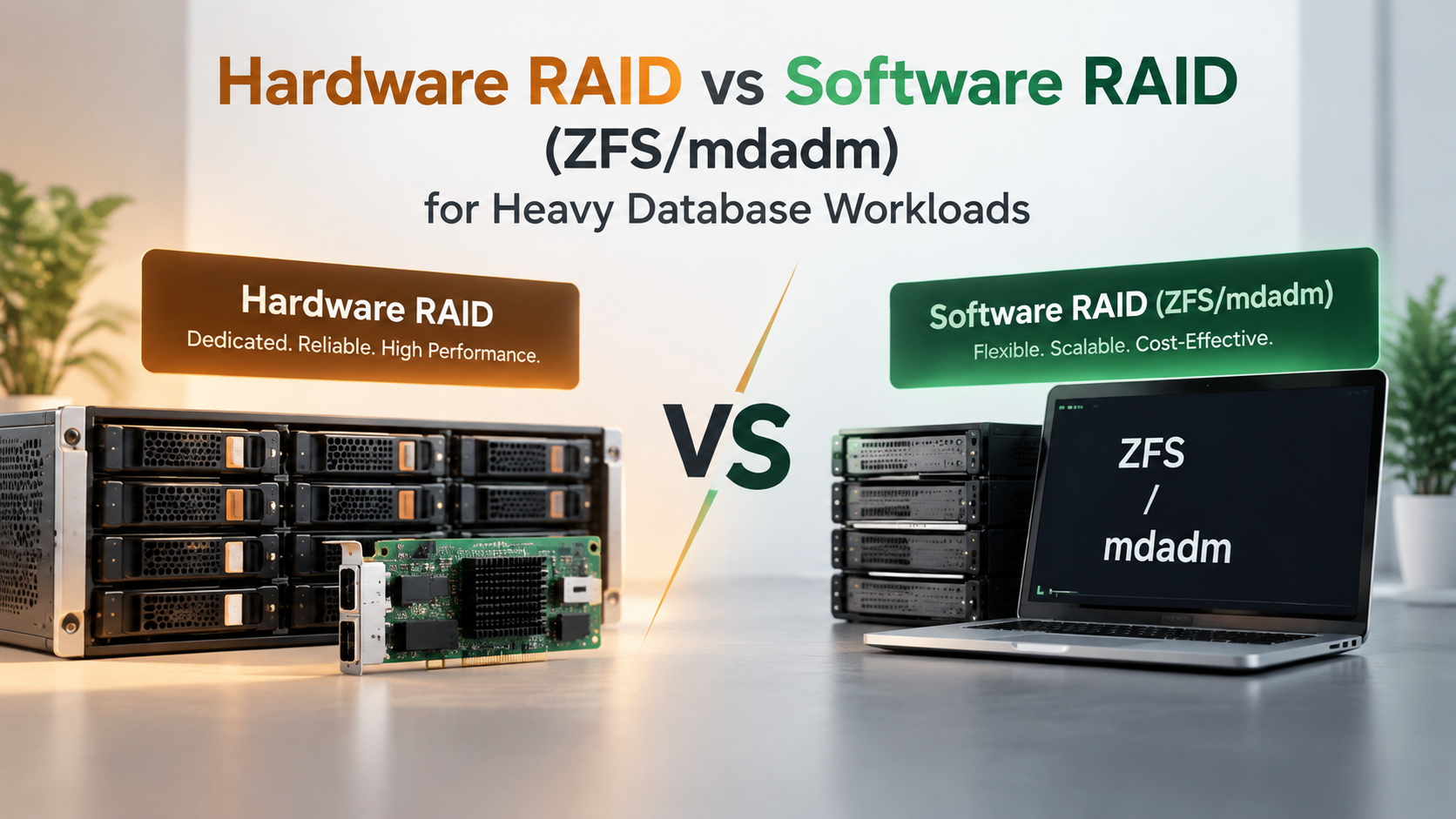
For legacy SAS/SATA spinning disks or hybrid SATA SSDs, Hardware RAID with a dedicated battery-backed write cache provides superior latency. However, for modern high-throughput NVMe arrays, Software RAID (such as Linux mdadm or ZFS RAID10) is vastly superior because hardware RAID controllers act as severe PCIe bottlenecks, choking the massive multi-queue throughput of direct NVMe lanes.
Storage architecture choices directly determine relational database performance. Whether configuring transactional e-commerce platforms or enterprise analytics engines, storage controller selection dictates how quickly write-ahead logs and random table updates persist. For verified technical specifications and deployment parameters, consult the official MySQL Documentation.
For decades, dedicated Hardware RAID controllers with battery-backed cache units (BBU) were the undisputed gold standard for mission-critical enterprise systems. They offloaded parity computations from host processors and safely accelerated write confirmations.
However, the rapid transition to enterprise NVMe drives has fundamentally inverted this balance. Infrastructure architects configuring modern custom-configured dedicated server solutions must weigh controller hardware limits against modern kernel-level software arrays.
Hardware RAID: Strengths and Contemporary Limitations
Hardware RAID relies on a specialized PCIe expansion card equipped with an independent processor and onboard volatile RAM cache. The card abstracts physical storage drives from the host operating system, presenting a consolidated virtual block device.
The primary advantage of hardware controllers is the battery-backed write cache (BBU) or flash-backed cache vault. When a database issues an `fsync`, the controller instantly acknowledges the write once it enters protected cache, delivering ultra-low write latencies on spinning drives.
Unfortunately, standard hardware RAID controllers were designed around SAS/SATA protocols. When connecting four to eight enterprise NVMe drives capable of millions of IOPS, the RAID controller processor becomes an extreme bottleneck, capping aggregate bandwidth far below raw drive potential.
Storage RAID Performance Comparison in Databases
| Performance Factor | Hardware RAID (Controller BBU) | Software RAID (mdadm) | ZFS (OpenZFS Pool) |
|---|---|---|---|
| NVMe Throughput Scaling | Bottlenecked by RAID ASIC (Capped) | Full linear bus speed (Direct PCIe) | High speed (Requires CPU & ARC tuning) |
| Data Scrubbing & Integrity | Controller dependent; silent bit-rot risk | Periodic background parity scrubs | Cryptographic block checksums with self-healing |
| Host CPU Utilization | 0% host CPU overhead | Minimal (< 1-2% on modern CPUs) | Moderate (ARC memory & parity calculation) |
| Hardware Vendor Lock-in | High (Replacement card must match) | None (Portable across any Linux kernel) | None (Portable OpenZFS zpool import) |
Software RAID: mdadm and OpenZFS for Heavy Write Workloads
Modern Linux Software RAID relies on host CPU cores to calculate parity and coordinate striping. With multicore server processors boasting dozens of threads, the computational cost of software RAID striping is practically negligible.
The Linux `mdadm` subsystem allows multiple NVMe SSDs to be configured in striped and mirrored arrays (RAID 10) directly across PCIe lanes. This setup unlocks millions of random 4K write IOPS without intermediate controller latency.
For virtualization hosts running multiple database containers, OpenZFS provides copy-on-write integrity, RAM-based Adaptive Replacement Cache (ARC), and write log offloading (SLOG). When orchestrating enterprise hypervisors, relying on expert Proxmox ZFS storage management delivers maximum write durability and instantaneous volume snapshots.
Database Write Penalties: Choosing the Right RAID Level
Regardless of whether hardware or software RAID is selected, the underlying RAID geometry exerts a massive influence over database transaction speeds. For intensive relational databases, RAID level selection is non-negotiable.
Parity-based configurations like RAID 5 or RAID 6 impose severe write penalties. Every single database write requires two disk reads and two disk writes to recalculate parity blocks, crippling transactional database throughput under heavy concurrency.
For mission-critical production databases, RAID 10 (Striped Mirrors) remains the gold standard. RAID 10 eliminates parity calculation delays, delivers maximum sequential read speeds, and isolates drive rebuild overhead to single mirrored pairs.
For smaller application databases or microservices requiring reliable storage without bare-metal hardware overhead, deploying on high-performance SSD-backed virtual private servers configured with optimized RAID 10 storage pools provides exceptional reliability.
RAID Level Impact on Database Workloads
| RAID Configuration | Write Penalty Factor | Database Recommendation | Rebuild Performance Impact |
|---|---|---|---|
| RAID 10 (1+0) | 2x (Mirror write only; zero parity) | Highly Recommended for all databases | Low impact (Simple mirror copy) |
| RAID 5 / RAIDZ1 | 4x (Read-modify-write parity cycle) | Not suitable for write-heavy systems | Severe degradation during rebuild |
| RAID 6 / RAIDZ2 | 6x (Dual parity read-modify-write) | Suitable only for cold read archives | Extreme performance drop while degraded |
Summary and Architectural Verdict
The choice between Hardware and Software RAID depends entirely on your underlying storage media. For legacy spinning hard drives and SATA SSDs, Hardware RAID with battery-backed cache remains a dependable workhorse.
For modern enterprise NVMe deployments, Software RAID configured as RAID 10 via Linux `mdadm` or OpenZFS is the definitive winner. By granting databases direct, unchoked access to high-speed PCIe lanes, your transactional workloads achieve peak throughput and minimal latency.
The NVMe Revolution and Hardware RAID Controller Bottlenecks
For decades, dedicated hardware RAID controllers were considered mandatory for high-performance database servers. In the era of mechanical spinning hard drives and SATA SSDs, hardware controllers offloaded parity calculations and provided dedicated write-back cache memory.
However, the widespread adoption of enterprise NVMe storage has inverted this paradigm completely. A single PCIe Gen4 enterprise NVMe drive delivers over 7,000 MB/s throughput and over 1,000,000 random read IOPS, communicating directly with the CPU over dedicated PCIe lanes.
Traditional hardware RAID controllers connect to the motherboard via an 8-lane PCIe slot, capping total aggregate throughput across all attached drives at roughly 12 to 14 GB/s. When eight enterprise NVMe drives are attached to a legacy hardware RAID card, the controller becomes an immense performance bottleneck, choking drive bandwidth by over 60%.
Software RAID Resilience: ZFS and mdadm Advancements
Modern Linux software RAID architectures—such as Linux mdadm and OpenZFS—leverage multi-core CPU architectures to process storage parity calculations with negligible CPU utilization. Because modern processors possess dozens of high-frequency cores, software RAID parity consumes less than 2% of total CPU capacity.
Furthermore, modern software RAID offers advanced data protection features impossible on legacy hardware controllers:
- End-to-End Cryptographic Checksumming: ZFS checksums every data and metadata block, continuously validating data integrity to detect and automatically heal silent bit rot from redundant copies.
- Native TRIM and Deallocate Support: Software RAID passes TRIM commands directly to NVMe SSD controllers, ensuring wear leveling remains efficient and garbage collection prevents write degradation.
- Hardware Portability: If a motherboard or host controller fails, software RAID disk arrays can be moved into any compatible server chassis and imported instantly without requiring identical proprietary RAID controller hardware.
Power Loss Protection: BBU Caches vs. NVMe PLP and ZFS SLOG
A primary historical justification for hardware RAID was the integrated Battery Backup Unit (BBU) or flash-backed cache module. These modules allow safe write-back caching, acknowledging database write commands immediately before data reaches physical magnetic disks.
In modern enterprise environments, enterprise NVMe solid-state drives incorporate onboard Power Loss Protection (PLP) capacitors directly on each drive PCB. These capacitors provide hardware-level write protection that renders external controller battery units obsolete.
For workloads demanding synchronous write acceleration (such as relational database transaction logs), software solutions like ZFS deploy a Separate Intent Log (SLOG) on ultra-fast, high-endurance Optane or enterprise NVMe devices. This architecture achieves sub-millisecond synchronous commit speeds while preserving total crash consistency.
Database Storage Architecture Decision Checklist
Selecting between hardware and software RAID for database infrastructure requires analyzing specific performance, maintenance, and budget parameters:
- Choose Software RAID (ZFS RAID10 or mdadm RAID10) when deploying modern enterprise NVMe drives to unleash unconstrained PCIe bus bandwidth.
- Deploy hardware RAID controllers only when utilizing legacy SAS/SATA drive chassis or when hypervisors lack native software RAID driver support.
- Ensure all solid-state drives deployed in software RAID configurations possess verified enterprise Power Loss Protection (PLP) circuitry.
- Configure automated background scrubbing schedules (weekly for ZFS, monthly for mdadm) to detect and repair latent disk read errors proactively.
- Establish continuous monitoring of drive SMART telemetry and controller temperature registers via Prometheus or IPMI daemons.
Rebuild Times and Degraded Array Performance
When a physical drive inevitably fails in a high-capacity storage array, the time required to rebuild redundancy is a critical operational risk factor. During rebuilding, remaining drives experience heavy read saturation, increasing the risk of a secondary drive failure.
Traditional hardware RAID controllers rebuild every sector on the replacement drive linearly, regardless of whether sectors contain actual database data or empty filesystem space. Rebuilding multi-terabyte arrays can take 24 to 48 hours, during which database performance is severely degraded.
Intelligent software file systems like ZFS execute resilvering only across allocated data blocks. An array containing 2TB of data on an 8TB drive rebuilds in a fraction of the time, dramatically reducing the window of vulnerability and restoring peak database performance rapidly.
Conclusion: Choosing the Right Storage Architecture for Database Speed
The transition to enterprise NVMe storage has firmly established software RAID as the superior architecture for high-performance database servers. Eliminating proprietary hardware RAID controllers unlocks full PCIe bandwidth, simplifies hardware replacement, and provides advanced bit rot protection.
By pairing enterprise NVMe storage with robust software RAID configurations like ZFS RAID10 or mdadm, database administrators achieve exceptional throughput, microsecond commit latency, and uncompromised data integrity. Modern software storage engineering delivers the rock-solid foundation required for high-transaction enterprise databases.
Frequently Asked Questions
Why does Hardware RAID bottleneck NVMe solid-state drives?
Hardware RAID controllers pass all drive traffic through a single onboard processor and PCIe interface. Modern NVMe drives operate in parallel across direct motherboard PCIe lanes, which can easily overwhelm the throughput limits of a hardware RAID card.
Is Software RAID safe against data loss during sudden power outages?
Yes, provided you utilize enterprise SSDs with internal Power Loss Protection (PLP). With PLP-enabled drives, unflushed cache pages are committed safely to flash memory even if system power is abruptly severed.
What is the write penalty in RAID 5 and why does it hurt databases?
In RAID 5, every single write requires reading existing data and parity, calculating new parity, and writing both updated blocks (4 total I/O operations). In busy transactional databases, this write penalty creates massive disk queuing.
Why is RAID 10 preferred over RAID 5 for relational databases?
RAID 10 mirrors and stripes data without calculating parity blocks. This cuts write penalties in half, provides predictable sub-millisecond write latencies, and drastically shortens drive rebuild times.
Can OpenZFS replace traditional hardware RAID for PostgreSQL or MySQL?
Yes, OpenZFS is widely deployed for production database storage. When paired with mirrored vdevs (RAID 10 equivalent) and tuned recordsize parameters, ZFS provides exceptional resilience and transparent compression.
