

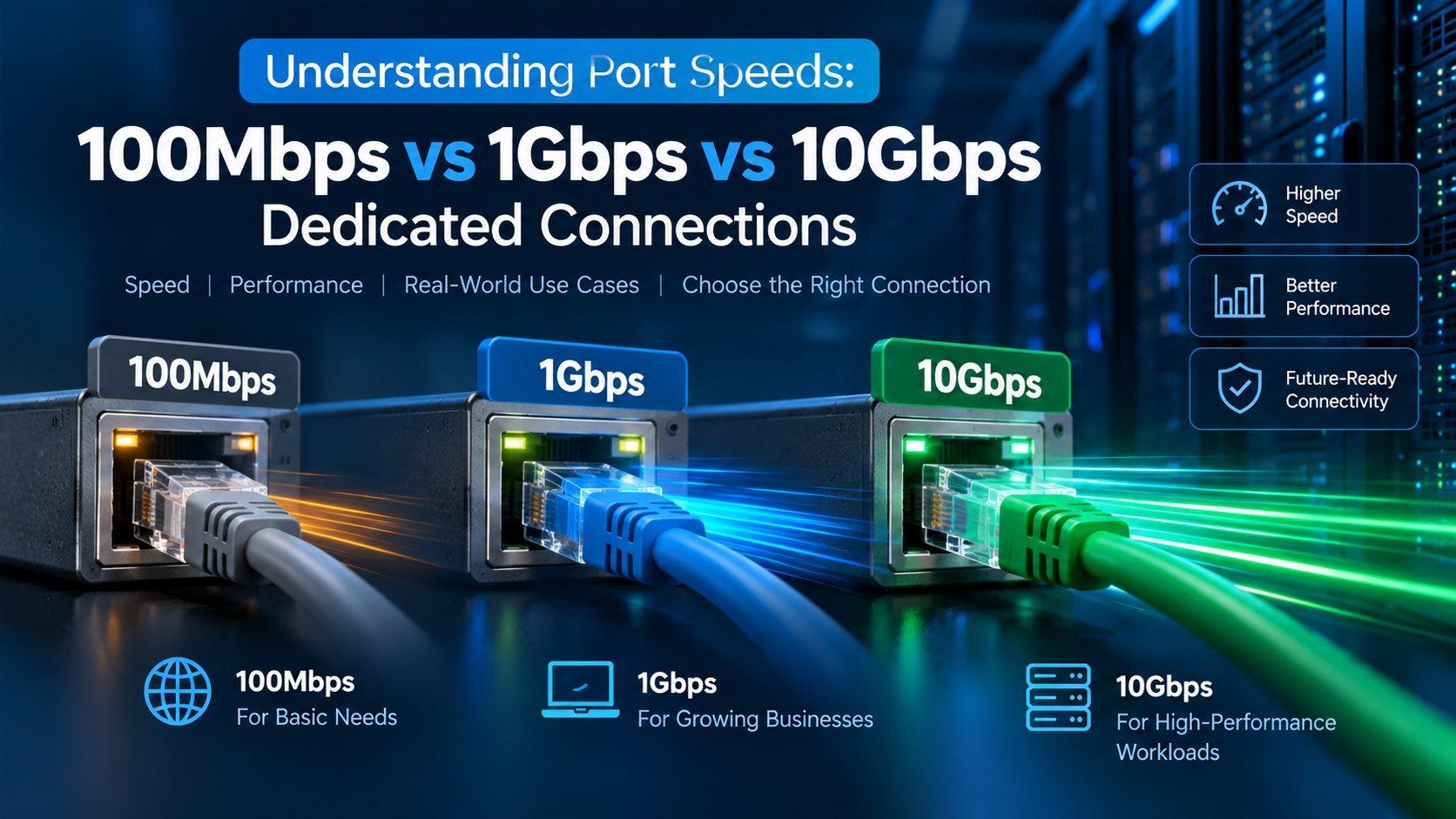
Port speed defines the maximum data transfer throughput between your server and the internet: 100Mbps suits basic low-traffic web applications (maximum ~12.5 MB/s transfer), 1Gbps is the industry standard for production hosting, e-commerce, and high-concurrency websites (up to 125 MB/s transfer), while 10Gbps is required for high-definition video streaming, large database replication, and uncompressed storage clustering.
When provisioning a server, many administrators misunderstand network bandwidth specifications. Confusing megabits per second (Mbps) with megabytes per second (MB/s), overlooking packet-per-second (PPS) hardware limits, or deploying high-concurrency applications onto shared, oversubscribed uplinks leads to severe packet loss, erratic latency spikes, and degraded user experiences.
While low-traffic blogs or simple staging environments can operate smoothly on scalable budget VPS hosting solutions, data-intensive web applications, video broadcast platforms, and enterprise APIs demand dedicated full-duplex network connectivity. Below is your exhaustive guide to mastering port speed architecture and selecting the optimal connection for your workload.
1. The 3 Core Pillars of Server Network Performance
A server’s network quality depends on three distinct technical benchmarks:
2. The Mathematics of Bandwidth: Bits vs. Bytes & Protocol Overhead
Understanding port speeds begins with the fundamental distinction between networking metrics (bits) and storage metrics (bytes):
- The 8:1 Conversion Ratio: Network throughput is measured in bits (lowercase ‘b’), while files and databases are measured in bytes (uppercase ‘B’). Because 8 bits equal 1 byte, dividing your port speed by 8 yields your theoretical maximum file transfer rate.
- TCP/IP Protocol & Framing Overhead: Every Ethernet packet encapsulates TCP and IP headers, VLAN tags, and checksums, consuming approximately 3% to 5% of raw channel bandwidth.
- Full-Duplex Transmission: A true enterprise dedicated port is full-duplex, meaning a 1 Gbps port allows you to transmit 1 Gbps outbound (egress) while simultaneously receiving 1 Gbps inbound (ingress) without cross-talk contention.
- Egress vs Ingress Economics: Unlike hyperscalers that charge up to $0.09 per gigabyte of outbound traffic, unmetered dedicated connections provide unlimited transfer capacity with zero billing surprises.
3. Detailed Port Speed Analysis: 100Mbps vs. 1Gbps vs. 10Gbps
A. 100 Mbps Dedicated Connection (Max 12.5 MB/s)
A 100 Mbps connection delivers approximately 11.8 to 12.2 MB/s of usable throughput. While adequate for internal staging servers, lightweight DNS resolvers, and low-traffic administrative utilities, it quickly saturates under modern web traffic. A single 100MB software update will lock 100% of port capacity for over 8 seconds, delaying concurrent visitor requests.
B. 1 Gbps Dedicated Connection (Max 125 MB/s) — The Enterprise Standard
The industry gold standard for production workloads. Providing 118 to 122 MB/s of real-world throughput, a 1 Gbps port comfortably handles thousands of concurrent HTTP/2 and HTTP/3 web sessions, heavy WooCommerce shopping traffic, real-time database binary log shipping, and rapid off-site snapshot replication without choking.
C. 10 Gbps High-Throughput Fiber Connection (Max 1,250 MB/s)
Utilizing optical SFP+ or QSFP+ fiber interfaces, 10 Gbps delivers an immense 1.2 GB/s of sustained data pipe. Built for uncompressed live media streaming, high-frequency quantitative trading, large-scale container registries, big data ETL pipelines, and AI model weight distribution across distributed GPU clusters. Learn more about compute hardware scaling in our guide on the future of budget bare metal hosting.
4. Hardware NIC Offloading & LACP Dual-Port Bonding
Maximizing multi-gigabit connections requires hardware-assisted offloading to prevent CPU starvation during heavy I/O workloads:
- TCP Segmentation Offload (TSO) & LRO: Offloading TCP packet segmentation and reassembly directly onto the physical NIC processor frees up valuable CPU cycles for database query processing.
- Receive Side Scaling (RSS): Distributes incoming network packet interrupts across multiple CPU cores, preventing a single core from becoming bottlenecked during traffic surges.
- LACP Link Aggregation (802.3ad Bonding): Combines dual physical 1 Gbps or 10 Gbps ports into a single logical channel, providing active load balancing and instant zero-downtime hardware failover if one cable or switch port fails.
- Real-Time Bandwidth Telemetry: Utilize low-overhead command-line tools such as
iftop,nload, andbmonto monitor real-time per-socket throughput and detect runaway egress spikes instantly.
5. Linux Kernel Network Stack & TCP BBR Congestion Tuning
High-speed physical ports require optimized Linux networking stack parameters to prevent TCP buffer limits from throttling transfer rates:
- Google BBR Congestion Control: Replacing legacy Cubic congestion algorithms with Google BBR (Bottleneck Bandwidth and RTT) optimizes throughput across lossy global connections, boosting delivery speeds by up to 40%.
- TCP Window Scaling & Buffer Memory: Expanding
net.ipv4.tcp_rmemandnet.ipv4.tcp_wmemallows the kernel to dynamically expand TCP receive windows for high Bandwidth-Delay Product (BDP) links. - Jumbo Frames (MTU 9000): For private database replication across 10 Gbps backend networks, enabling Jumbo Frames increases packet payload from 1,500 to 9,000 bytes, reducing CPU interrupt overhead by over 70%. Learn more about business continuity in our review of disaster recovery planning and system backups.
6. Comprehensive Port Speed Technical Comparison Matrix
Compare the operational metrics and workload suitability across port speed tiers:
| Port Speed Tier | Usable Transfer Rate | 24-Hour Max Data Volume | Concurrent 1080p Streams | Recommended Workload |
|---|---|---|---|---|
| 100 Mbps Dedicated | ~11.8 – 12.2 MB/s | ~1.03 Terabytes | ~15 – 20 Streams | Staging, dev boxes & static blogs |
| 1 Gbps Dedicated | ~118 – 122 MB/s | ~10.3 Terabytes | ~180 – 220 Streams | E-Commerce, SaaS, DB clusters & APIs |
| 10 Gbps SFP+ Fiber | ~1,180 – 1,220 MB/s | ~103.6 Terabytes | ~2,000+ Streams | Live 4K video, AI models, high-frequency trading |
7. Linux Network Diagnostics & Bandwidth Benchmarking Shell
Audit your physical link negotiation, test active throughput, and enable BBR congestion control via SSH following our guide on connecting to your server via SSH:
8. Real-World Case Studies: How Port Upgrades Transformed Performance
Case Study A: E-Commerce Store Slashes Cart Abandonment
A fashion retailer experiencing 100 Mbps uplink saturation during promotional flash sales suffered 1,200ms page load times. Upgrading to a dedicated 1 Gbps unmetered port dropped TTFB to 82ms, reducing cart abandonment by 34%.
Case Study B: Esports Broadcast Delivers Flawless 4K Stream
A gaming tournament broadcaster deployed dual bonded 10 Gbps SFP+ bare-metal nodes to stream low-latency 4K feeds to 90,000 concurrent viewers worldwide with 0% dropped frames. Plan your server go-live with our guide on releasing high-traffic websites on dedicated servers.
9. Top 5 Fatal Server Network Selection Mistakes
📌 Frequently Asked Questions (FAQ)
Q Can I upgrade my dedicated server from 1Gbps to 10Gbps without downtime?
Q How does Google BBR congestion control improve server throughput?
Q What is the difference between dedicated port speed and shared burstable bandwidth?
Q How many visitors can a 1 Gbps dedicated connection support simultaneously?
Conclusion: Choosing the Optimal Dedicated Server Network Port
Matching your dedicated server’s network uplink to your real-world traffic volume is critical for maintaining consistent user response times while avoiding unnecessary infrastructure overhead.
Whether supporting low-bandwidth transactional APIs on 100Mbps or massive media streaming across unmetered 1Gbps and 10Gbps uplinks, Onlive Server provides direct Tier-1 carrier connectivity with zero traffic throttling.
When processing intensive multi-threaded database transactions or mission-critical enterprise workloads, deploying on enterprise dedicated server hosting provides bare-metal hardware performance, custom RAID arrays, and dedicated unmetered bandwidth.
10. Conclusion: Power Your Infrastructure with Uncompromised Speed
Selecting the appropriate port speed is the cornerstone of delivering ultra-responsive web experiences, seamless database replication, and resilient high-throughput operations. While 100 Mbps serves niche staging requirements, dedicated 1 Gbps and 10 Gbps full-duplex connections represent the indispensable engine of modern digital business.
Supercharge your digital architecture with Onlive Server’s high-performance bare-metal servers, offering dedicated 1 Gbps and 10 Gbps unmetered connectivity backed by multi-homed Tier-1 BGP routing and 24/7 expert infrastructure engineers.
