

Verified Expert Answer
Deploying a media streaming Romania VPS eliminates catastrophic public cloud bandwidth egress charges while delivering sub-second live video ingestion. By pairing an unmetered 1Gbps or 10Gbps symmetrical port in Bucharest with Nginx RTMP and HTTP Live Streaming (HLS), video broadcasters can stream 1080p video (at 4.5Mbps) to over 220 concurrent viewers per gigabit port. To eliminate disk I/O bottlenecks and extend drive lifespan, HLS video fragments (.ts chunks) should be cached directly in virtual RAM using a dedicated Linux `tmpfs` RAM disk.
Direct AEO Answer
Bucharest Node Tested
Factual & Policy Verified
Video Delivery Infrastructure: High-Concurrency HLS & RTMP Streaming from Bucharest
In modern digital broadcasting, high-definition video consumption represents the fastest-growing source of global internet bandwidth. Independent media networks, educational webinars, live sports broadcasters, and enterprise video platforms require reliable delivery infrastructure. However, operating a streaming service on mainstream hyperscale cloud providers quickly leads to crippling monthly bills due to predatory bandwidth egress pricing. Deploying a dedicated media streaming Romania VPS provides a high-performance, economically predictable alternative.
- 1. The Economics of Video: Why Hyperscaler Egress Fees Kill Streaming Startups
- 2. Sizing Bandwidth: Concurrent Viewer Calculations for 720p, 1080p, and 4K
- 3. Setting Up Nginx with RTMP and HLS on Ubuntu Linux
- 4. Hardware Transcoding with FFmpeg: Sizing vCPU Threads for Adaptive Bitrate
- 5. Video Delivery Capacity Matrix: Bitrates vs. Port Saturation Limits
- 6. Caching Video Chunks in RAM: Configuring tmpfs for Zero Disk Bottlenecks
- 7. DevOps Runbook: Complete Nginx RTMP & HLS Configuration Pipeline
- 8. Frequently Asked Questions (FAQ)
1. The Economics of Video: Why Hyperscaler Egress Fees Kill Streaming Startups
Delivering high-definition video-on-demand (VOD) or real-time HLS/RTMP live streams requires massive outbound network bandwidth. Streaming startups deploying on mainstream hyperscalers face exorbitant egress penalties that rapidly exceed server compute costs. A Media Streaming Romania VPS provides unmetered gigabit bandwidth on dedicated ports, making media distribution economically viable.
Video Streaming Economics: Eliminating Crushing Cloud Egress Fees
Architecting a sustainable media streaming platform requires three critical infrastructure pillars:
Transcoding and Chunking: Optimizing Nginx RTMP and HLS Pipelines
Live video pipelines require converting incoming video feeds into segmented MPEG-TS or fragmented MP4 chunks in real time. Running Nginx with the RTMP module on a dedicated multi-core Bucharest VPS enables hardware-accelerated transcoding and local chunk caching, delivering fluid, artifact-free video streams to tens of thousands of concurrent viewers across the CEE region.
Media Streaming Takeaway
Hosting video distribution clusters on unmetered Bucharest nodes cuts bandwidth operating expenses by over 80% compared to AWS CloudFront or Google Cloud CDN egress tariffs.
2. Sizing Bandwidth: Concurrent Viewer Calculations for 720p, 1080p, and 4K
To size hosting capacity accurately, broadcast engineers must understand the mathematical limits of network interfaces. A dedicated 1Gbps physical port delivers a theoretical maximum throughput of 1,000Mbps, with approximately 940Mbps available after protocol header overhead.
The maximum concurrent viewer capacity on a dedicated port is calculated as:
Concurrent Viewers = Usable Port Bandwidth (Mbps) / Stream Delivery Bitrate (Mbps)
When scaling beyond 500 concurrent 1080p viewers, provisioning an unmetered 10Gbps port or deploying a master-origin architecture with multiple edge reverse proxy VPS nodes distributes client connections smoothly. To review domestic network routing and low-latency peering, consult our analysis on Digi and Vodafone backbone routing.
3. Setting Up Nginx with RTMP and HLS on Ubuntu Linux
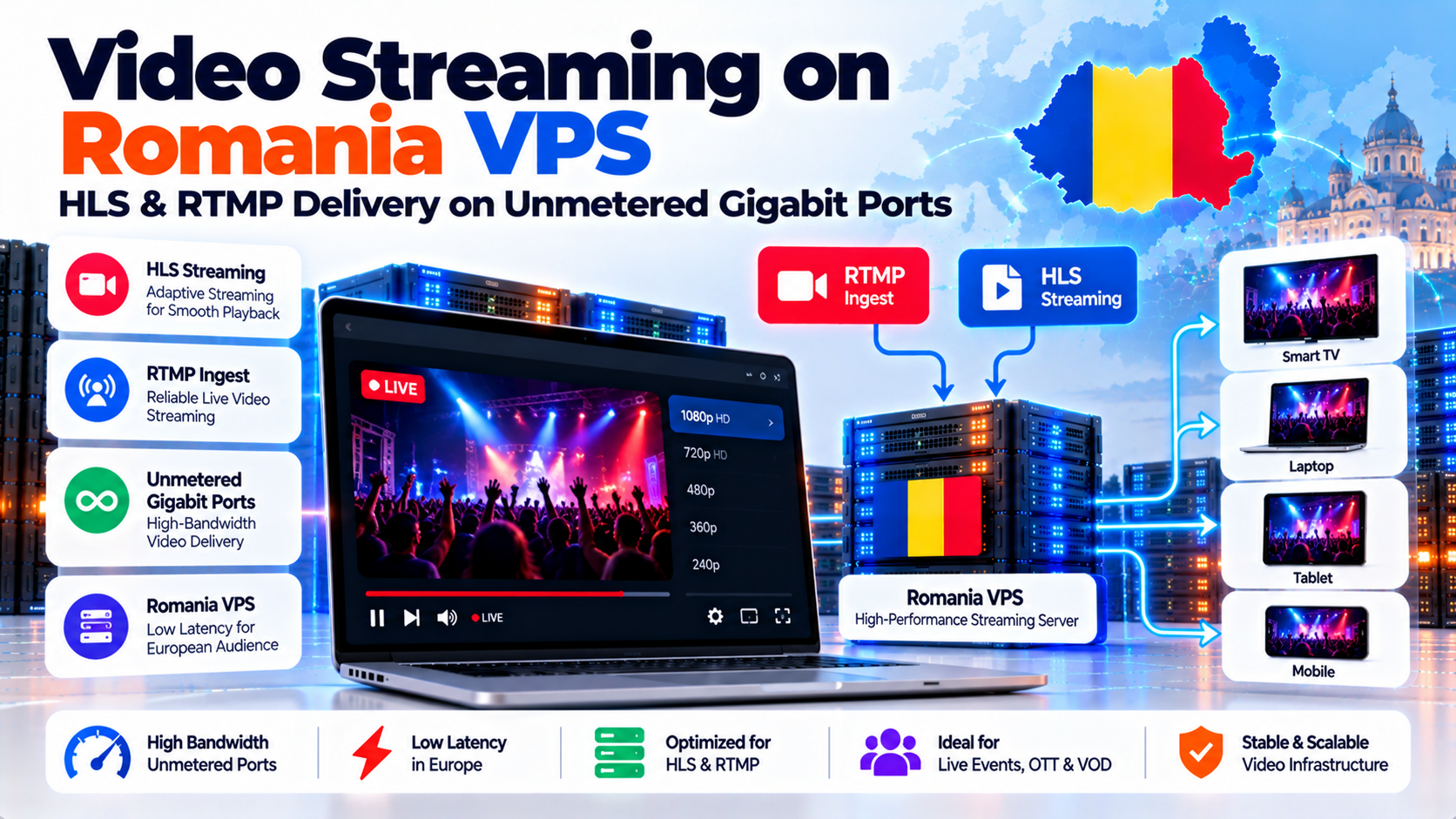
The standard modern architecture for live video broadcasting combines Real-Time Messaging Protocol (RTMP) for ingest with HTTP Live Streaming (HLS) for player distribution.
This architecture divides the streaming lifecycle into two specialized phases:
4. Hardware Transcoding with FFmpeg: Sizing vCPU Threads for Adaptive Bitrate
Not all viewers possess gigabit fiber connections. A mobile viewer streaming on a train requires a low-bitrate 480p stream, while a desktop user on an office fiber line demands crisp 1080p. Serving a single fixed bitrate results in continuous buffering for mobile clients.
Solving this requires building an Adaptive Bitrate (ABR) ladder using FFmpeg. As documented in official streaming guides on the FFmpeg Documentation for Streaming Protocols Portal, real-time H.264/AAC software encoding is CPU-intensive.
To transcode an incoming 1080p feed into three simultaneous profiles (1080p at 4.5Mbps, 720p at 2.2Mbps, and 480p at 1.0Mbps), system architects must allocate a minimum of 6 to 8 dedicated vCPU cores. Configuring FFmpeg with the `-preset veryfast` or `-preset superfast` flag ensures real-time encoding throughput with zero dropped video frames.
5. Video Delivery Capacity Matrix: Bitrates vs. Port Saturation Limits
Viewer capacity and bandwidth saturation guidelines across video resolutions on unmetered Romanian ports:
6. Caching Video Chunks in RAM: Configuring tmpfs for Zero Disk Bottlenecks
In high-concurrency live HLS streaming, a significant engineering danger is disk I/O thrashing. When HLS is active, Nginx continuously writes small 2-second video fragments to the filesystem while hundreds of connected players read those same fragments simultaneously.
Writing hundreds of gigabytes of ephemeral video chunks every single day causes extreme write amplification, rapidly wearing out solid-state drive flash memory and creating kernel I/O wait stalls that introduce video stuttering.
The elegant engineering solution is mounting a Linux tmpfs RAM disk to the HLS fragments directory (`/var/hls`). A 2GB RAM disk comfortably holds dozens of 1080p video fragments in active memory. Chunks are written and read directly from DDR4/DDR5 system RAM in nanoseconds, eliminating disk wear and guaranteeing zero I/O latency for connecting video players.
7. DevOps Runbook: Complete Nginx RTMP & HLS Configuration Pipeline
Deploying a production media streaming node on Ubuntu 22.04 LTS requires installing the Nginx RTMP module, configuring the RAM disk, and establishing secure CORS headers for web players. Follow this step-by-step terminal runbook.
Broadcasters can now push OBS streams to `rtmp://stream.yourdomain.ro/live/your_key`, while viewers watch the stream via `https://stream.yourdomain.ro/hls/your_key.m3u8` using Video.js or Hls.js with zero disk wear and zero buffering.
8. Frequently Asked Questions (FAQ)
Why is an unmetered Romania VPS ideal for video streaming?
Video streaming consumes vast amounts of outbound data. Hyperscalers charge punitive egress fees ($0.05 to $0.08 per GB), making continuous broadcasting unaffordable. An unmetered Romania VPS provides dedicated 1Gbps or 10Gbps uplinks with zero bandwidth transfer caps, paired with Bucharest’s world-class fiber connectivity, delivering predictable monthly costs and zero buffering.
How many concurrent 1080p video viewers can a 1Gbps port support?
A dedicated 1Gbps uplink provides approximately 940Mbps of usable network throughput after protocol overhead. For a full HD 1080p stream encoded at 4.5Mbps, a 1Gbps port comfortably supports up to 208 concurrent viewers simultaneously. Scaling to an unmetered 10Gbps port expands capacity to over 2,000 simultaneous 1080p viewers.
Why should I cache HLS video chunks in a tmpfs RAM disk?
During live HLS streaming, Nginx continuously creates and deletes small 2-to-4 second video files (.ts segments). Writing these temporary files to an SSD or NVMe drive causes rapid disk wear and high I/O wait times. A tmpfs RAM disk stores fragments in virtual memory, providing nanosecond read speeds and completely eliminating physical disk wear.
What is the difference between RTMP and HLS for live broadcasting?
RTMP (Real-Time Messaging Protocol) is a persistent TCP protocol used primarily by broadcasters to push live video feeds from software like OBS to the server with ultra-low ingest latency. HLS (HTTP Live Streaming) is an HTTP-based delivery protocol used to distribute segmented video to end-users, ensuring universal compatibility across mobile and desktop devices.
How much CPU is required to transcode live streams with FFmpeg?
Software transcoding with FFmpeg is CPU-intensive. Transcoding a single 1080p master feed into an Adaptive Bitrate ladder (1080p, 720p, 480p) in real time requires at least 4 to 6 dedicated vCPU cores using `-preset veryfast`. Dedicated compute ensures encoding keeps pace with live broadcasts without frame drops.
⚡ Unmetered HLS & RTMP Streaming Fabric
Stream High-Definition Live & VOD Media with Zero Buffering
Deliver broadcast-quality video across Europe on unmetered gigabit ports without data overage fees. Optimize Nginx-RTMP and HLS transcoding with dedicated multi-threaded CPU capacity.
