

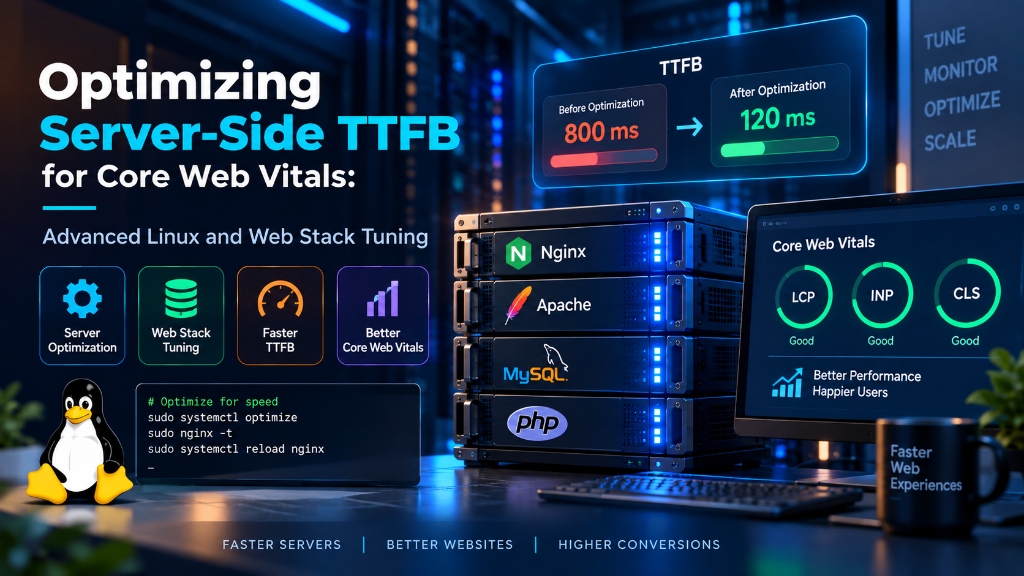
To achieve sub-200ms server TTFB for Core Web Vitals, optimize the full Linux stack by enabling TCP BBR congestion control (net.ipv4.tcp_congestion_control = bbr), configuring NGINX or LiteSpeed with HTTP/3 and FastCGI microcaching, and tuning PHP-FPM worker pools (pm = static or pm = ondemand) alongside the PHP OPcache. Additionally, ensure database queries are accelerated through an adequately sized InnoDB buffer pool and Redis object caching to eliminate disk wait delays.
Optimizing Server-Side TTFB for Core Web Vitals
Server-side response time influences how quickly a browser can begin receiving and processing a web page. For dynamic websites, improving TTFB requires more than frontend optimization.
Linux networking, TLS configuration, PHP-FPM, database queries, caching, and application architecture can all contribute to the time required to produce the first byte.
Optimizing Server-Side TTFB for Core Web Vitals: Advanced Linux and Web Stack Tuning
A fast website does not begin with CSS minification or image compression. The server must first generate and start delivering the response.
Time to First Byte (TTFB) measures how long it takes for a browser to receive the first byte of a response after making a request. It includes several stages such as DNS resolution, connection setup, TLS negotiation, server processing, database work, and response generation.
This makes TTFB an important diagnostic metric when investigating slow Largest Contentful Paint (LCP) or generally sluggish page delivery. A slow origin can delay everything that depends on the initial HTML response.
The practical solution is to identify where the delay occurs rather than blindly applying server-level tweaks. Linux TCP settings, TLS, PHP-FPM, database performance, caching, and background processing should be optimized according to the workload.
Where Server-Side TTFB Comes From
TTFB is not controlled by one configuration file. A request passes through multiple layers before the first response byte reaches the browser.
Why TTFB Matters for LCP and Page Experience
TTFB is not itself one of the Core Web Vitals, but it can influence loading performance because the browser cannot fully process the initial document until the server starts returning data.
For a dynamic PHP website, the origin server may need to execute application code, query a database, load plugins, generate HTML, and perform other operations before sending the response.
Before changing frontend code, measure the origin response path. A slow backend can make frontend optimization less effective.
Tune Linux TCP Settings Carefully
Linux provides several TCP parameters that control connection queues, socket buffers, and congestion-control behavior. These settings can be useful on high-concurrency servers, but they should be changed only after measuring the existing workload.
BBR is one congestion-control option that can be evaluated for servers where network throughput and latency behavior justify it. It should not be treated as a guaranteed TTFB fix because application processing often contributes more latency than the network layer.
# Review current congestion control options first
sysctl net.ipv4.tcp_available_congestion_control

# Example configuration
net.core.default_qdisc = fq
net.ipv4.tcp_congestion_control = bbr

# Socket buffer limits
net.core.rmem_max = 16777216
net.core.wmem_max = 16777216

# TCP buffer ranges
net.ipv4.tcp_rmem = 4096 87380 16777216
net.ipv4.tcp_wmem = 4096 65536 16777216

# Connection queues
net.core.somaxconn = 32768
net.ipv4.tcp_max_syn_backlog = 16384

# Apply after validation
sudo sysctl --systemReduce TLS Connection Overhead
HTTPS adds connection and cryptographic negotiation before application data can be delivered. TLS 1.3 reduces handshake round trips compared with older protocol versions and provides session-resumption mechanisms for returning connections.
The goal is not to disable security features for speed. The correct approach is to use current TLS protocols, efficient certificate handling, session reuse, and appropriate HTTP connection settings.
ssl_protocols TLSv1.3 TLSv1.2;

ssl_session_cache shared:SSL:20m;
ssl_session_timeout 1d;

ssl_stapling on;
ssl_stapling_verify on;

resolver 1.1.1.1 8.8.8.8 valid=300s;
resolver_timeout 5s;Optimize PHP-FPM Before Increasing Server Resources
On PHP-based applications, PHP-FPM can become a major source of response delay when workers are exhausted. If every available worker is busy, incoming requests wait for an available process.
Worker configuration should be based on actual process memory usage, request concurrency, CPU capacity, and the application’s execution profile.
[www]

pm = dynamic

pm.max_children = 32
pm.start_servers = 4
pm.min_spare_servers = 4
pm.max_spare_servers = 12

pm.max_requests = 1000

listen.backlog = 8192
A static worker pool can make sense for specific workloads, but it is not automatically faster for every server. If PHP workers consume too much memory, a static configuration can cause memory pressure and swapping.
Use OPcache to Reduce Repeated PHP Compilation
OPcache stores compiled PHP bytecode in shared memory. This avoids repeatedly compiling the same PHP source files and can reduce CPU work on frequently requested applications.
opcache.enable=1
opcache.memory_consumption=256
opcache.interned_strings_buffer=32
opcache.max_accelerated_files=20000

opcache.save_comments=1If you disable timestamp validation, make sure your deployment process explicitly resets or reloads OPcache when application files change.
Optimize Database Queries Behind Slow TTFB
A slow database can keep PHP workers occupied and increase the time required to generate the first response byte. Before increasing PHP-FPM workers, inspect slow queries, missing indexes, connection limits, and database resource usage.
mysqladmin -u root -p status

mysql -u root -p -e \
"SHOW GLOBAL STATUS LIKE 'Threads_connected';"

mysql -u root -p -e \
"SHOW GLOBAL STATUS LIKE 'Slow_queries';"
Redis can also be useful for frequently requested data that is safe to cache. However, caching should follow application behavior rather than being added to every database query automatically.
Measure TTFB With Curl Before Changing the Stack
Measurement should come before optimization. Curl can expose the timing of DNS lookup, TCP connection, TLS negotiation, and the server’s first response byte.
time_namelookup:  %{time_namelookup}s
time_connect:     %{time_connect}s
time_appconnect:  %{time_appconnect}s
time_pretransfer: %{time_pretransfer}s
time_starttransfer: %{time_starttransfer}s
time_total: %{time_total}scurl -w "@curl-format.txt" \
-o /dev/null -s \
"https://yourdomain.com/"Use Nginx FastCGI Microcaching for Suitable Pages
Some dynamic pages do not need to be regenerated for every anonymous visitor. Short-lived FastCGI caching can allow Nginx to serve recently generated HTML without executing PHP and database queries on every request.
fastcgi_cache_path /dev/shm/nginx_cache
levels=1:2
keys_zone=MICROCACHE:100m
inactive=60m
max_size=512m;

fastcgi_cache_valid 200 5s;

add_header X-Cache-Status
$upstream_cache_status;Move Long-Running Tasks Out of the HTTP Request
Some applications perform email delivery, image processing, report generation, API calls, or other long-running operations while handling the user’s HTTP request.
These operations can keep application workers busy and delay the response. A queue-based architecture can move suitable tasks into background workers so the web request can finish sooner.
php /var/www/html/artisan queue:work redis \
--sleep=3 \
--tries=3 \
--max-time=3600What Should You Optimize First?
Establish baseline TTFB and identify whether DNS, network, TLS, application, or database processing dominates the delay.
Investigate slow queries, PHP execution time, external API calls, and inefficient application logic.
Cache repeated work where content and security requirements allow it.
Only after measurement, adjust PHP-FPM, Nginx, Linux networking, database resources, and server capacity.
Server-Side TTFB Optimization Checklist
Frequently Asked Questions About Server-Side TTFB
What is a good TTFB for a website?
A TTFB of 800 milliseconds or less is generally considered a good response-time range in Google’s guidance. Lower values can provide more room for the browser to download and render the rest of the page, but the appropriate target depends on the site’s architecture and network conditions.
Is TTFB a Core Web Vital?
No. TTFB is not one of the Core Web Vitals. It is a diagnostic loading metric that can help identify server-side delays that may affect metrics such as LCP.
Does enabling BBR automatically improve TTFB?
No. BBR can change TCP congestion-control behavior, but it does not automatically solve application or database latency. Measure the network path first and compare results after testing the change.
How can PHP-FPM affect TTFB?
When all available PHP-FPM workers are busy, new requests can wait before application execution begins. Monitoring worker utilization, process memory, queueing, and request duration helps determine whether PHP-FPM is contributing to slow responses.
Can FastCGI caching reduce server response time?
Yes, for suitable cacheable pages. FastCGI caching can allow Nginx to serve a previously generated response without executing PHP and database queries for every request. Personalized and authenticated responses should be excluded from caching.
How do I find the cause of slow TTFB on Linux?
Start with request timing tools such as curl and compare DNS, connection, TLS, and time-to-first-byte measurements. Then inspect Nginx logs, PHP-FPM activity, database queries, CPU, RAM, disk I/O, and external API calls to identify the slowest layer.
Conclusion: Strategic Architecture & Performance Summary
Implementing these technical optimizations for optimizing server-side ttfb for core web vitals: advanced linux and web stack tuning ensures robust throughput, predictable latency, and maximum system reliability across production environments. Rigorous benchmarking and proactive parameter tuning eliminate latent resource bottlenecks before they impact end users.
Pairing disciplined operating system administration with reliable compute foundations is essential for mission-critical operations. Deploying workloads on secure Linux server infrastructure provides the dedicated resources, network resilience, and hardware acceleration necessary to sustain high availability under heavy production load.
For businesses seeking a stable, easy-to-manage web hosting foundation with cPanel or DirectAdmin control, choosing reliable Linux web hosting guarantees high uptime reliability and automated backups.
Faster TTFB Starts With Measurement, Not Guesswork
Server-side TTFB optimization works best when each layer of the request path is measured independently. Linux networking, TLS, Nginx, PHP-FPM, databases, caching, and background workers all have different performance characteristics.
Start by identifying the slowest stage, make one controlled change, and measure again. This approach produces more reliable improvements than applying aggressive kernel or web-server settings without a workload baseline.
