

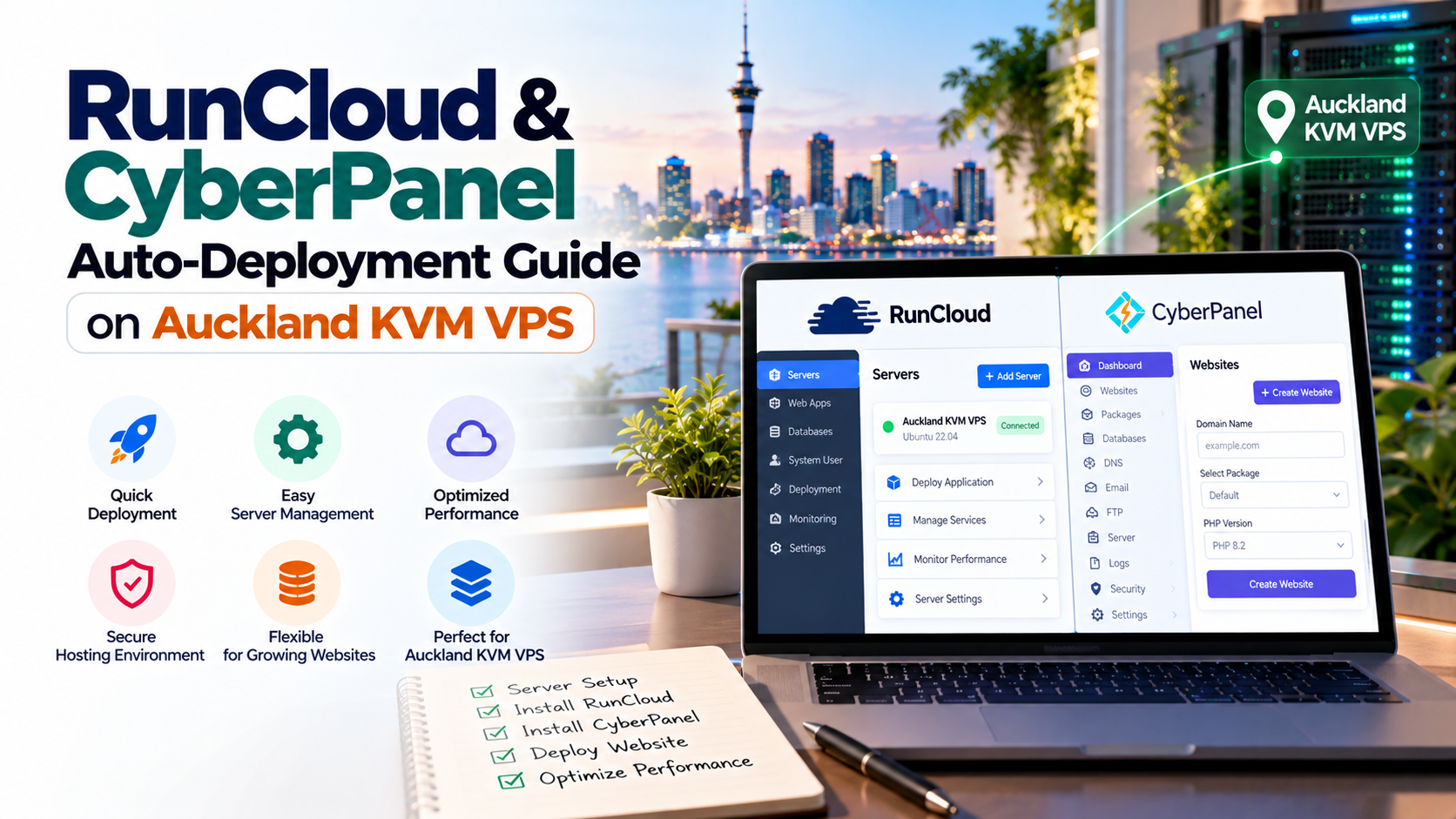
Managing production web servers across New Zealand historically required balancing expensive licensing fees against complex command-line administration.
Specifically, modern Kiwi agencies are replacing heavy control panels with lightweight architectures like CyberPanel and RunCloud.
Consequently, choosing a dedicated cyberpanel vps new zealand server maximizes local performance and profitability.
Key Control Panel Architecture Takeaways
Evaluating control panel deployment options on Auckland cloud infrastructure requires verified benchmarks across resource overhead and caching:
1. The Rise of CyberPanel VPS New Zealand Deployments
In fact, digital agencies across Auckland, Wellington, and Christchurch face increasing pressure to deliver rapid web experiences.
Specifically, traditional hosting setups with bloated control panels consume significant memory before serving a single visitor.
In fact, modern lightweight panels decouple administrative dashboards from core HTTP execution engines.
Local Network Physics & Chorus UFB Advantage
Furthermore, domestic network physics play a decisive role in visitor engagement and conversion rates.
When Kiwi visitors access an online store, local Auckland hosting reduces latency to under 15ms nationwide.
Therefore, hosting in Auckland completely avoids the 180ms transit delays caused by offshore North American servers.
2. Choosing Your Architecture: CyberPanel vs RunCloud
Choosing between CyberPanel and RunCloud depends primarily on your agency’s operational workflow and server management preferences.
In fact, both solutions deliver superior speed compared to legacy shared hosting architectures:
| Feature / Capability | CyberPanel (Self-Hosted) | RunCloud (SaaS Agent) |
|---|---|---|
| Hosting Architecture | Self-hosted daemon on your VPS | External cloud controller with local agent |
| Default Web Server | OpenLiteSpeed (Free) or Enterprise | NGINX, Hybrid (NGINX + Apache), or OLS |
| Resource Overhead | ~250MB – 400MB RAM | < 150MB RAM (periodic agent polling) |
| Licensing Model | Free open-source core; paid enterprise options | Monthly subscription per server or agency tier |
| WordPress Acceleration | Native LSCache engine & background crawler | RunCloud Hub WordPress caching plugin |
| Backup Destinations | Local storage, Google Drive, AWS S3, SFTP | RunCloud Vault, AWS S3, Backblaze B2 |
| Optimal Target User | Agencies wanting free native LiteSpeed speed | Teams managing multi-cloud fleets from one pane |
Specifically, CyberPanel is completely self-contained and operates entirely inside your private virtual machine.
Consequently, organizations maintain total ownership of administrative logins and customer website data.
3. Step-by-Step Installation on Ubuntu 24.04 LTS
Specifically, before deploying your control panel, provision a clean instance running hardened Ubuntu 24.04 LTS in Auckland.
Specifically, prepare your system packages and configure the domestic New Zealand timezone in PuTTY:
Automated CyberPanel Installation
In addition, run the official automated installation script as documented in CyberPanel documentation.
In fact, this command automatically compiles OpenLiteSpeed, MariaDB, and PowerDNS in under 8 minutes:
Connecting via RunCloud (Alternative Method)
If you prefer external SaaS fleet management, RunCloud connects using a lightweight background daemon.
Specifically, run the generated provisioning key command inside your Auckland terminal:
Consequently, the RunCloud agent automatically provisions NGINX, multiple PHP runtimes, and MariaDB databases.
4. Configuring OpenLiteSpeed & LSCache for WordPress
Specifically, the primary advantage of deploying CyberPanel on an Auckland VPS is native OpenLiteSpeed web server integration.
Furthermore, unlike Apache prefork models, OpenLiteSpeed handles thousands of simultaneous connections effortlessly.
Consequently, busy client sites maintain snappy response times even during massive viral sales events.
Multi-Tenant Agency Isolation & Staging
Therefore, development teams can safely iterate on complex e-commerce features without risking client downtime.
5. SSL Automation & Security Hardening
In fact, both CyberPanel and RunCloud automate the procurement and periodic renewal of Let’s Encrypt SSL certificates.
Furthermore, production security requires restricting administrative ports to trusted office IPs or VPN tunnels.
Specifically, configure UFW firewall rules in PuTTY to secure port 8090 and SSH access:
In addition, disable password authentication entirely by configuring Ed25519 SSH keys.
Consequently, automated bot attacks and brute-force intrusion attempts are stopped at the perimeter.
6. Optimizing Local Agency Workflows Across New Zealand
In fact, operating a digital agency in New Zealand requires balancing fast project delivery with rock-solid reliability.
Specifically, review our architecture for high-converting WooCommerce stores integrated with NZ Post APIs.
In addition, teams migrating from legacy platforms can follow our guide on seamless zero-downtime VPS migration.
Offsite Backup Strategy & Disaster Recovery
Furthermore, offsite backups should be replicated automatically to an independent secondary region or S3 bucket.
Therefore, your agency maintains business continuity and instant recovery capability during unexpected hardware emergencies.
Frequently Asked Questions (FAQ)
Architecture & Performance Specifications
Administration & Deployment Workflows
Deploy High-Performance Auckland KVM VPS for CyberPanel
Specifically, supercharge your agency’s hosting stack with Onlive Server pure NVMe Gen4 cloud storage in Auckland.
Furthermore, maintain zero dropped transactions during sudden traffic spikes and major client marketing runs.
