

How Do You Deploy a Private WireGuard VPN on a Bangkok VPS?
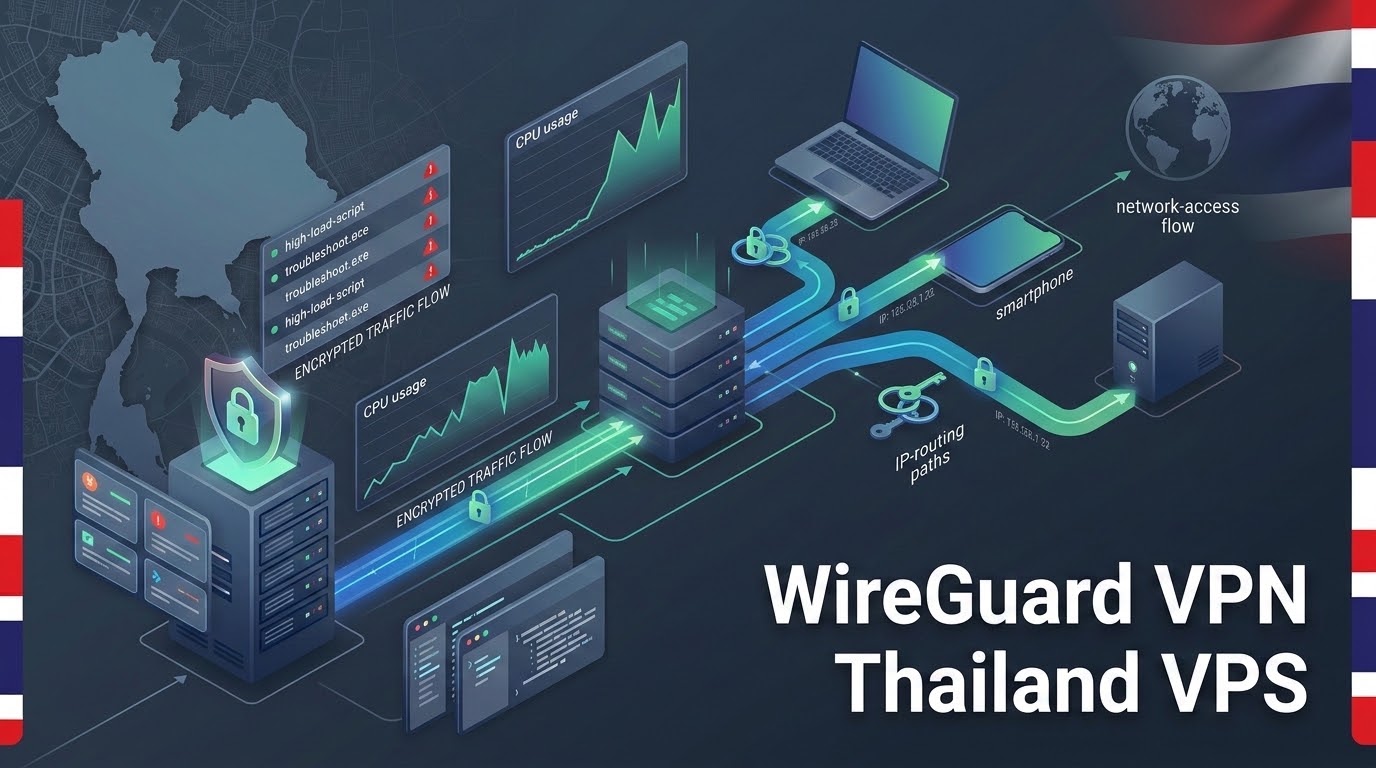
Specifically, when planning an enterprise deployment for WireGuard VPN Thailand VPS, to deploy a private WireGuard VPN on a Bangkok VPS, install wireguard on an Ubuntu 24.04 instance, generate Curve25519 cryptographic keypairs, enable Linux kernel IP forwarding, and configure iptables NAT masquerading. Generate client profiles with split tunneling to route essential Thai banking, tax, and local corporate traffic through your clean, dedicated Bangkok IP.
Furthermore, expatriates, international remote workers, digital nomads, and overseas corporate executives frequently encounter frustrating digital roadblocks when attempting to access Thai online services from abroad. Major Thai commercial banks (such as Kasikornbank, SCB, and Bangkok Bank), the Revenue Department e-filing portal, immigration reporting systems, and local streaming media services automatically block connections originating from shared commercial VPN IP subnets due to high fraud scores. By hosting your own private WireGuard VPN on Thailand VPS hosting with private VPN capabilities, you gain a pristine, dedicated Thai residential-tier datacenter IPv4 address, state-of-the-art ChaCha20 encryption, and lightning-fast wire speeds.
Operational Infrastructure Takeaway
- Consequently, aligning these configurations with your WireGuard VPN Thailand VPS environment ensures optimal uptime and throughput. Dedicated Clean IP Advantage: Unlike commercial VPNs whose shared IPs trigger CAPTCHAs and fraud lockouts, a personal Bangkok VPS provides an unflagged, pristine IP address.
- Consequently, aligning these configurations with your WireGuard VPN Thailand VPS environment ensures optimal uptime and throughput. Kernel-Space Performance: Running directly inside the Linux kernel, WireGuard delivers 4x higher throughput and 15% lower battery consumption compared to legacy OpenVPN.
- Consequently, State-of-the-Art Cryptography: Built on Noise protocol framework, Curve25519 key exchange, ChaCha20-Poly1305 authenticated encryption, and BLAKE2s hashing.
- Consequently, aligning these configurations with your WireGuard VPN Thailand VPS environment ensures optimal uptime and throughput. Split-Tunneling Precision: Route only essential Thai banking subnets and local endpoints across the VPN tunnel while general international web traffic stays on your local ISP.
- Zero-Overhead QR Code Pairing: Generate terminal QR codes using
qrencodefor instant 5-second mobile pairing on iOS and Android devices.
- In addition, Why Commercial VPNs Fail for Serious Remote Workers and Expatriates in Thailand
- In particular, The WireGuard Revolution: Cutting-Edge Cryptography and Lightweight Kernel Performance
- Therefore, Installing and Configuring WireGuard on Ubuntu 24.04 in Bangkok
- Moreover, Setting Up Cryptographic Keypairs and IPv4/IPv6 IP Forwarding
- In fact, Configuring Iptables NAT Rules for Seamless Packet Masquerading
- Similarly, Client Configuration and QR Code Setup for Windows, macOS, iOS & Android
- Meanwhile, Enabling Split Tunneling: Routing Only Thai Banking and Corporate Traffic Through Bangkok
- Additionally, Frequently Asked Questions About Self-Hosted WireGuard VPN
1
As a result, commercial consumer VPN services like NordVPN, ExpressVPN, and Surfshark market themselves aggressively to digital nomads and travelers. However, anyone attempting to conduct serious remote work, access enterprise internal networks, or manage personal finances in Thailand quickly discovers their fatal flaws. Commercial VPN providers purchase blocks of datacenter IP addresses that are shared simultaneously across tens of thousands of anonymous users.
Because these public IP pools are heavily abused for automated web scraping, ad-clicking bots, and credential stuffing, cybersecurity threat intelligence databases (such as MaxMind, IP2Location, and Cloudflare Radar) immediately classify commercial VPN IP ranges as high-risk anonymous proxies. The consequences for legitimate users are severe:
- Specifically, Banking Lockouts: Mobile applications for K PLUS (Kasikornbank), SCB EASY, Krungthai NEXT, and Bangkok Bank flag connections from commercial VPN pools, freezing access or locking accounts pending manual in-branch identity verification.
- Furthermore, Government Portal Inaccessibility: The Thai Revenue Department e-Revenue tax portal, the Department of Business Development (DBD) corporate register, and the Immigration Bureau’s 90-day online reporting system routinely block or fail to load on commercial VPN IPs.
- Consequently, Aggressive CAPTCHA Friction: Visiting search engines or shopping platforms triggers endless Cloudflare Turnstile or Google reCAPTCHA loops, crippling remote developer and marketer productivity.
Technical Architecture & Execution Analysis
In addition, deploying your own virtual server in Bangkok fundamentally eliminates these roadblocks. Your VPS is assigned a dedicated, clean IPv4 address with direct local routing through BKNIX and Thai telecommunication backbones. To remote firewalls, your traffic appears indistinguishable from a legitimate, dedicated domestic server connection.
| Architecture Dimension | Commercial Consumer VPN | Private WireGuard on Bangkok VPS |
|---|---|---|
| IP Address Reputation | Shared with 1,000s; flagged as proxy/VPN | Dedicated clean static IPv4; zero blacklisting |
| Thai Banking App Support | Blocked or restricted with fraud triggers | 100% seamless native authentication |
| Network Throughput | Throttled by shared node congestion | Full 1 Gbps unthrottled datacenter port |
| Privacy and Logging | Unverifiable proprietary claims | 100% self-controlled; zero logging code |
| Mobile Battery Impact | High (heavy OpenVPN user-space daemons) | Near-zero (silent kernel-space cryptographic state) |
2
In particular, for over two decades, legacy VPN protocols like OpenVPN and IPsec/IKEv2 dominated enterprise networking. While functional, they carry immense architectural baggage: OpenVPN consists of over 100,000 lines of complex C code running in user-space, requiring expensive memory context-switching between the kernel and the daemon for every single encrypted packet. Furthermore, their bloated cryptographic negotiation handshakes cause noticeable latency spikes and drain mobile battery reserves within hours.
WireGuard reimagined encrypted tunneling from first principles. With less than 4,000 lines of clean, auditable C code, WireGuard was merged directly into the upstream Linux kernel tree (kernel 5.6+). Operating in kernel-space, WireGuard treats VPN interfaces as simple virtual network adapters (like eth0 or lo), eliminating user-space memory copies and enabling near-line-rate gigabit encryption.
Therefore, rather than supporting legacy, vulnerable cryptographic ciphers (such as DES, RC4, or MD5), WireGuard enforces a rigid, modern cryptographic suite:
- Moreover, Curve25519: Ultra-fast, highly secure elliptic curve Diffie-Hellman key exchange.
- In fact, ChaCha20: High-speed stream cipher that outpaces AES hardware acceleration on mobile processors.
- Poly1305: High-performance cryptographic authenticator for packet integrity verification.
- BLAKE2s: Cryptographic hashing faster than SHA-3 while providing equivalent security margins.
- SipHash24: Hash-table key protection defending against algorithmic denial-of-service vectors.
3
Setting up WireGuard on a fresh Ubuntu 24.04 LTS instance hosted in Bangkok requires less than ten minutes of terminal interaction. Because modern Ubuntu kernels natively incorporate the WireGuard module, no compilation or external PPA repositories are necessary.
To ensure your personal VPN endpoint maintains pristine IP reputation and avoids residential blacklists, consult our best practices in the Thailand dedicated IP allocation and IP reputation guide for proper reverse DNS and subnet verification. For an in-depth breakdown of Curve25519 key exchange, ChaCha20-Poly1305 authentication, and state-free routing, read the official WireGuard Cryptographic Protocol documentation.
Connect to your Bangkok VPS over SSH and update your system package repositories before installing WireGuard and the QR encoding utility:
With the packages installed, create a dedicated, hardened directory with restricted filesystem permissions (chmod 700 /etc/wireguard) to store server private keys and configuration profiles.
4
WireGuard utilizes public-key cryptography analogous to SSH. Every node (server and client) possesses a private key (which remains strictly confidential) and a corresponding public key (which is shared with peers).
Execute the following commands on the server to generate cryptographic keys and enable Linux kernel packet forwarding:
Enabling net.ipv4.ip_forward = 1 instructs the Linux operating system to route incoming network packets originating from the WireGuard virtual tunnel interface (wg0) outwards to the public internet network interface (e.g., eth0).
5
To allow connected clients to browse external websites using the server’s public Bangkok IP address, Network Address Translation (NAT) masquerading must be configured. First, verify your primary public network adapter name using ip -br link (typically eth0 or ens3).
Hosting private proxy services or cryptographic VPN tunnels requires unthrottled networking on high-bandwidth virtual private servers with clean dedicated static IP addresses.
Create the primary server configuration file at /etc/wireguard/wg0.conf:
Once saved, enable and start the WireGuard systemd service to activate the tunnel interface upon server boot:
6
Now assemble the client profile. On your server, generate the file /etc/wireguard/client1.conf:
To import this configuration into an iPhone, iPad, or Android phone, simply render the file as a terminal QR code:
Open the official WireGuard app on your mobile device, tap Add a Tunnel, choose Scan from QR Code, and point your camera at the terminal. Within two seconds, the tunnel profile is imported and ready for one-tap connection.
7
While routing 100% of your internet traffic through your Bangkok VPS (AllowedIPs = 0.0.0.0/0) provides total privacy, it can add unnecessary round-trip latency when accessing websites hosted near your actual physical location (for instance, browsing European or American services from London while tunneling through Thailand).
The elegant solution is Split Tunneling. By defining specific IP CIDR ranges in the client’s AllowedIPs directive, you instruct your operating system to route only designated Thai banking servers, corporate subnets, and local intranet services across the Bangkok encrypted tunnel, while international streaming (YouTube, Netflix) and general web surfing travel directly through your local ISP connection.
With split tunneling configured, your connection never suffers speed degradation for local browsing, while your Thai banking applications and corporate internal dashboards effortlessly maintain secure, dedicated access through your Bangkok VPS.
8
Core Technical Specifications
Host Your Fast, Private WireGuard VPN on Thailand VPS
Reclaim total digital privacy and bypass regional geo-blocks. Host your personal, high-speed WireGuard VPN server on dedicated static IP addresses in central Bangkok.
