

How Do You Calculate Required vCPU, RAM, and Storage for a UAE Cloud VPS?
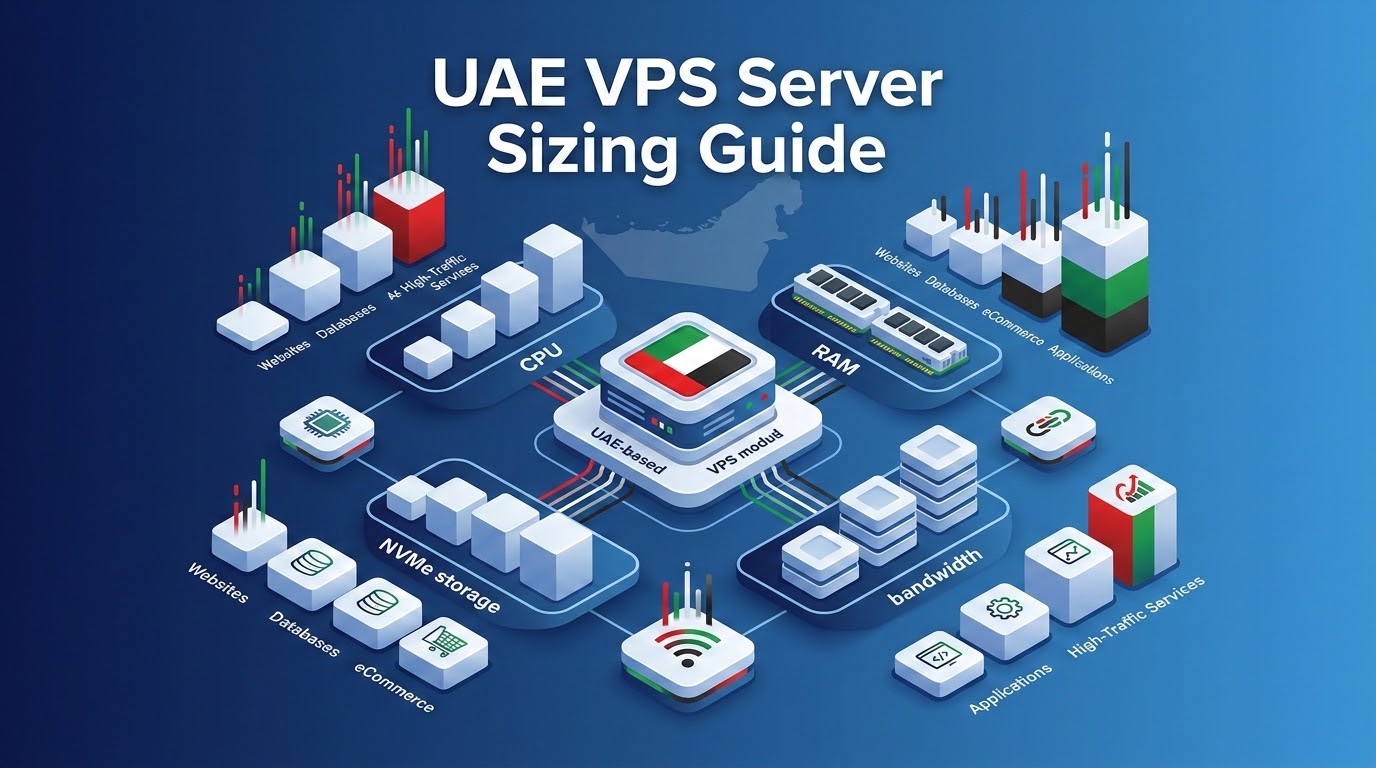
Accurate capacity planning follows this UAE VPS server sizing guide. Calculate OS baseline memory (~1GB) and allocate 70% to 80% of database size to the InnoDB buffer pool.
Next, multiply peak concurrent PHP-FPM workers by individual memory footprint. Adding 30% to 50% headroom absorbs nocturnal traffic spikes across the GCC seamlessly.
- Mathematical Hardware Modeling: Accurately sizing a virtual private server requires calculating concurrent active PHP-FPM worker memory footprints, MySQL InnoDB buffer pool allocations, and OS baseline overhead.
- Traffic Surge Headroom: Middle Eastern platforms must provision 30% to 50% CPU and memory headroom to absorb concentrated evening traffic surges during Ramadan nocturnal hours and weekend promotions.
- Furthermore, Storage Sizing Realities: Fast PCIe Gen4 NVMe storage must account for database indexes, binary logs (binlogs), automated off-site backup snapshots, and transient log buffers.
- Consequently, Dynamic Scalability: Deploying OnliveServer custom-configured UAE VPS instances enables 1-click on-demand hardware scaling with zero data migration or IP address reconfiguration.
UAE VPS Server Sizing Guide: Science of Cloud Capacity Planning
Selecting appropriate VPS hardware specifications is vital for digital platforms in the UAE. Under-provisioning compute resources leads to catastrophic downtime and lost revenue.
Conversely, over-provisioning squanders corporate capital on idle CPU cores and unallocated RAM. This inflates monthly cloud expenditure unnecessarily.
Furthermore, web traffic in Dubai and Abu Dhabi exhibits unique volatility. Local portals experience intense surges between 8:00 PM and 2:00 AM Gulf Standard Time.
In addition, seasonal campaigns like White Friday and Ramadan generate massive visitor spikes. Infrastructure must scale rapidly to preserve fast page loading.
Therefore, sizing a high-performance UAE VPS requires deterministic mathematical modeling. Teams must analyze concurrent sessions, database queries, and PHP-FPM process overhead.
Moreover, evaluate virtual memory bottlenecks and run-queue lengths carefully. This follows standard methodology from the Linux manual page for vmstat.
Enterprise Sizing Matrix: Workload Tiers & Hardware Specifications
In fact, use this operational matrix to map monthly visitors and concurrent users to the optimal VPS tier:
| Workload Profile | Monthly Traffic / Concurrency | Recommended VPS Spec | Resource Allocation Strategy |
|---|---|---|---|
| Startup / Corporate Site | Up to 50k visitors / 20 concurrent | 2 vCPU, 4GB RAM, 60GB NVMe | 1GB OS, 1GB MySQL/MariaDB, 1.5GB PHP-FPM workers, 500MB Redis cache. |
| Mid-Market WooCommerce | 50k – 250k visitors / 150 concurrent | 4 vCPU, 8GB RAM, 120GB NVMe | 1.5GB OS, 3.5GB InnoDB Pool, 2GB PHP-FPM (dynamic pool), 1GB Redis. |
| Enterprise PropTech / Portal | 250k – 1M visitors / 500 concurrent | 8 vCPU, 16GB RAM, 240GB NVMe | 2GB OS, 8GB InnoDB Pool, 4GB PHP-FPM workers, 2GB Redis/Valkey. |
| Flash Sale E-Commerce | 1M+ visitors / 1,500+ concurrent | 16 vCPU, 32GB RAM, 480GB NVMe | 4GB OS, 18GB InnoDB Pool, 8GB PHP-FPM workers, 2GB Redis + Microcache. |
Similarly, match your calculated hardware specifications with our detailed AED server pricing breakdown to estimate total operating budgets.
The Mathematical Formula for Sizing RAM & PHP-FPM Workers
Memory exhaustion from unconstrained PHP-FPM workers is the leading cause of server failure. When traffic surges arrive, PHP-FPM spawns additional child processes.
Consequently, if memory demands exceed available physical RAM, the system triggers disk swapping. Eventually, the Linux Out-Of-Memory killer terminates the database.
Additionally, apply this deterministic formula to calculate memory requirements accurately:
Total Required RAM = OS_Baseline + DB_Buffer_Pool + Redis_Cache + (Max_Concurrent_Workers × Average_Worker_Size)
1. OS Baseline: A headless Linux distribution requires ~800MB to 1.2GB. This supports kernel buffers, logging daemons, and SSH services.
2. Database Buffer Pool: Allocate 70% to 80% of your relational database size to MySQL InnoDB pool. This prevents disk I/O bottlenecks.
3. Average Worker Size: Optimized WordPress workers consume 45MB to 85MB of RAM. Heavy WooCommerce or Magento workers consume 120MB to 180MB.
For example, 50 concurrent checkout workers averaging 80MB require 4GB of RAM. Combined with OS, database, and Redis needs, baseline demand reaches 9.2GB.
Therefore, sizing your VPS with 12GB to 16GB provides essential headroom. This ensures smooth operations during sudden Middle East promotional surges.
Sizing vCPU Cores for Parallel Thread Execution
Virtual CPU (vCPU) allocation determines your server’s parallel execution capacity. Modern web servers like Nginx handle thousands of static requests asynchronously per core.
However, dynamic code execution and database queries are CPU-bound operations. They require dedicated processor cycles to process without queue delays.
Furthermore, evaluate three key processor demands when sizing your Middle East VPS:
1. Database Query Concurrency: Complex SQL queries execute across CPU threads. Sizing at least 4 vCPUs prevents analytical queries from starving frontend checkouts.
2. Cryptographic TLS/SSL Handshakes: HTTPS connections and HTTP/3 encryption require CPU negotiation cycles. Handling thousands of simultaneous shoppers demands multi-core processing power.
3. Media & Background Tasks: Converting WebP images, generating invoices, and dispatching SMS notifications consume CPU time. Dedicated cores keep web browsing fast.
Storage Dimensioning: NVMe Capacity, IOPS & Backup Multipliers
Dimensioning disk storage purely on current file sizes is a dangerous pitfall. Production cloud systems require substantial auxiliary storage headroom to run reliably.
In addition, enterprise deployments should adhere to the 3X storage multiplier rule. If files occupy 40GB, provision at least 120GB of NVMe storage for:
1. MySQL Binary Logs (Binlogs): Transaction logs enable point-in-time database recovery. They generate 5GB to 20GB weekly during active sales campaigns.
2. Backup Staging Archives: Creating daily backups requires local temporary staging space. This disk space must match uncompressed database volumes.
3. System Log Buffers: Web server access logs, error logs, and system journals consume storage continuously. Dedicated headroom prevents unexpected disk-full lockouts.
Production Runbook: Sizing Audit & PHP-FPM Calculator Script
Systems administrators can execute this automated bash diagnostic script on their UAE VPS. It measures exact memory per worker and calculates optimized PHP-FPM pool limits.
Executing this diagnostic runbook ensures peak server throughput. In fact, it eliminates out-of-memory kernel panics during sudden visitor surges.
Therefore, factor seasonal traffic elasticity into compute calculations by referencing our guide to high-concurrency e-commerce flash sale tuning.
Frequently Asked Questions (FAQ)
Core Technical Specifications
Scale Your Infrastructure with Granular vCPU, RAM & NVMe Upgrades
Moreover, match server specs perfectly to your traffic volume without paying for idle hypervisor overhead or bloated multi-tenant cloud tiers.
