

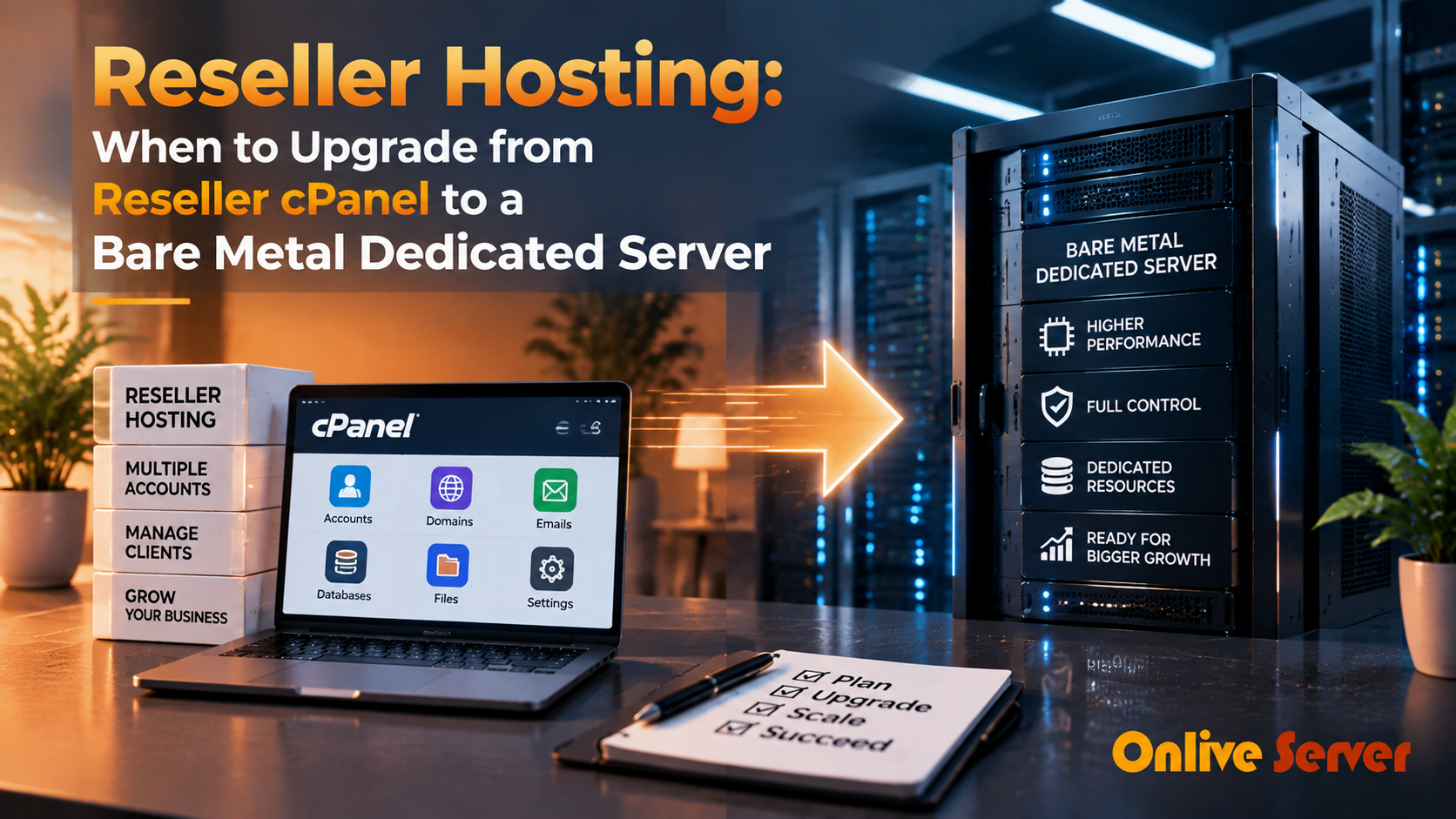
You should upgrade from reseller hosting to a bare-metal dedicated server when your client accounts consistently trigger CPU and RAM noisy-neighbor throttles, database queries experience I/O wait bottlenecks on shared storage, or your monthly account hosting bill exceeds $150–$250. A dedicated server eliminates shared hypervisor limits, provides full root control and custom kernel tuning, and delivers dedicated unmetered hardware resources for predictable client performance.
With reseller hosting, it’s easy to start up a web hosting business. You can offer hosting services without owning any hardware, create hosting plans, and manage hosting customer accounts using WHM and cPanel. For verified technical specifications and deployment parameters, consult the official Linux Kernel Documentation.
However, challenges may come as your business expands. Shared resources, CPU/RAM limitations and upstream VPS overselling can cause websites to be slow and/or unstable. While there’s nothing wrong with the websites of your clients, they can still have downtime, errors or sudden crashes.
These challenges can hurt customer satisfaction and increase the load on your customer support team. If you’re running out of room under your reseller plan, it may be time to upgrade your hosting plan.
This article outlines the situations when you should upgrade your reseller hosting to dedicated server infrastructure, and the key factors to consider prior to upgrading.
What Is Reseller Hosting?
Reseller hosting is a hosting solution that allows you to purchase hosting resources from a larger hosting provider and sell them to your own customers. You can learn more about reseller web hosting and its features before choosing this hosting model.
The main provider manages the physical server, network, hardware, and data center. Tools like WHM and cPanel are used to create and manage customer hosting accounts.
What’s best is the decreased beginning expense. No server equipment needs to be purchased and there is no physical infrastructure to manage.
Reseller hosting also has its drawbacks, though. Your reseller plan may not provide the resources that you need as your customer base and resource consumption increases.
Why Upstream VPS Overselling Can Cause Problems
Overselling is when a web hosting company promises more resources than the underlying infrastructure can comfortably provide at the same time. If many users access those resources simultaneously, server performance may be affected.
This can lead to WHM overselling problems for reseller hosting companies.
- High CPU usage
- Slow websites and database queries
- Website timeouts
- High disk I/O
- Sudden resource limits
- Crashes during traffic spikes
- Unstable performance
The main issue is that reseller businesses have limited control over the upstream infrastructure.
Signs to Upgrade Reseller Hosting
When you recognize the indicators of a need to upgrade reseller hosting, you can steer clear of bigger performance and customer service issues.
Client Complaints Are Increasing
If you regularly experience issues with slow websites, downtime or connection failures, it may be a sign of a hosting issue. If multiple customers report similar problems, your reseller environment might not be robust enough.
Resource Limits Are Being Reached
If CPU, RAM, bandwidth, or account limits are reached regularly, it is a warning sign. Having sufficient disk space doesn’t mean websites will be fast when CPU or RAM is constrained.
Your Business Needs More Control
With reseller hosting you have limited control of the server. Some software, advanced settings, security rules, and workload optimizations may not be available.
With a dedicated server, you have much more control over the operating system, software, security, monitoring, and resources.
Your Client Base Is Growing
As more sites are added, a single infrastructure problem can affect more customers. Repeated problems across many accounts can increase support work and reduce customer confidence.
You Need More Predictable Performance
When infrastructure is shared with other users, performance may not always remain consistent. Dedicated hardware gives your business its own CPU, RAM, storage, and network resources.
Reseller cPanel vs Dedicated Server
The primary difference between reseller cPanel and dedicated server hosting is the level of control and resource isolation.
With reseller hosting, the actual hardware belongs to another hosting provider. You receive a defined level of hosting resources and manage customer accounts through WHM and cPanel.
A dedicated server gives your business the whole server.
| Feature | Reseller cPanel | Dedicated Server |
|---|---|---|
| Hardware control | Limited | High |
| Resource isolation | Limited | Full |
| Server customization | Limited | Extensive |
| Scalability | Depends on provider | High |
| Root access | Usually limited | Usually available |
| Performance control | Shared infrastructure | Dedicated hardware |
| Starting cost | Lower | Higher |
| Management responsibility | Lower | Higher |
Reseller hosting is still a practical option for new businesses and smaller customer bases. Dedicated infrastructure becomes more relevant as performance, control, and resource requirements increase.
When to Upgrade Reseller Hosting to a Dedicated Server
A few busy websites can require more resources than a much larger number of simple websites. Track actual workload and resource consumption instead.
If your reseller plan is regularly running out of resources or customer websites are becoming slow, it may be time to upgrade reseller hosting to dedicated server infrastructure.
You should also consider the type of websites you host. eCommerce stores, SaaS applications, and important business websites can lose customers or revenue when performance becomes unreliable.
How a Dedicated Server Helps a Hosting Business
A dedicated server gives a growing hosting business more control, stable resources, and room to grow.
Dedicated Resources
CPU, RAM, storage, and network resources are allocated to your server. This reduces competition with unrelated users.
Better Customization
Configure software, security, caching, and monitoring according to your hosting requirements.
Improved Account Management
WHM and cPanel can be used to manage customer accounts, define resource limits, and monitor usage.
Easier Business Growth
Monitor CPU, RAM, storage, and network usage and use that data to plan future capacity.
Starting a Web Hosting Business with a Dedicated Server
When you are planning to start a web hosting business using a dedicated server, don’t choose a server based only on CPU core count.
Look at the complete workload and consider what your customers actually need.
CPU
Select enough CPU resources for websites, databases, PHP applications, and other services. Resource-heavy websites may require more processing capacity.
RAM
Databases, caching, control panels, and other processes consume memory. Sufficient RAM also provides headroom during traffic spikes.
Storage
SSD and NVMe storage can provide faster data access than traditional storage. Consider both storage capacity and performance, especially when hosting databases and running backups.
Network
Review network speed, bandwidth, traffic policy, and network quality. Reliable connectivity matters for websites, downloads, APIs, and customer services.
Security
Use strong passwords, secure access, firewall rules, regular software updates, malware protection, monitoring, and secure backups.
Support and Server Management
A dedicated server requires more management than reseller hosting.
Your team may be responsible for operating system updates, security patches, monitoring, backups, firewall settings, performance tuning, and troubleshooting.
If your team is not proficient in server management, managed hosting can reduce the day-to-day administration workload.
If you are considering cheap managed dedicated servers, don’t evaluate the monthly cost alone. Check CPU, RAM, storage, network speed, security, management, support, and upgrade options.
The cheapest option is not always the right fit for an expanding hosting business.
How to Plan the Migration
There are several things to review before switching from reseller hosting to a dedicated server. Check existing accounts, resource usage, databases, email, backups, and special configurations first.
Prepare the new server and migrate a small number of accounts before moving the complete customer base.
- Audit accounts Check websites, databases, email, and storage.
- Prepare the server Set up WHM/cPanel, DNS, security, and backups.
- Migrate test accounts Begin with a few low-risk websites.
- Test everything Verify websites, databases, email, and DNS.
- Move remaining accounts Continue after the test migration succeeds.
- Monitor performance Watch CPU, RAM, disk, and network usage.
- Keep backups Maintain a rollback option until migration is complete.
Should You Choose Managed Dedicated Hosting?
Dedicated server owners need technical knowledge, regular updates, security checks, backups, and performance monitoring.
Managed dedicated hosting can be useful if you don’t have an experienced server administrator. It combines dedicated hardware with assistance for server management.
This can allow a hosting business to spend more time working with customers and less time handling routine server maintenance.
Common Mistakes When Moving to a Dedicated Server
Moving to dedicated infrastructure can solve several hosting limitations, but poor planning can introduce new problems.
- Buying more hardware than the workload requires
- Moving every account without a test migration
- Choosing a server based on CPU alone
- Ignoring memory and storage requirements
- Overlooking network performance
- Failing to plan backups and security
- Not monitoring the server after migration
Don’t guess. Choose resources using your current workload as the starting point. After migration, continue monitoring the server regularly.
Dedicated hardware provides greater control, but reliable hosting still depends on proper configuration, security updates, backups, and routine maintenance.
FAQs About Reseller Hosting and Dedicated Servers
When should I upgrade reseller hosting to a dedicated server?
Consider upgrading when your reseller plan repeatedly reaches CPU, RAM, storage, or other resource limits. Frequent slowdowns, downtime, and customer complaints are also important warning signs.
What are the main signs to upgrade reseller hosting?
Common signs include slow websites, frequent downtime, high resource consumption, growing customer complaints, and insufficient control over the server environment.
What is the difference between reseller cPanel and a dedicated server?
Reseller cPanel provides a defined amount of resources on infrastructure managed by an upstream provider. A dedicated server gives your business an entire physical server with greater resource isolation and control.
Can upstream VPS overselling affect reseller hosting?
Yes. If too many workloads compete for the same physical resources, websites can experience slower response times, timeouts, or inconsistent performance.
Is a dedicated server better for starting a web hosting business?
A dedicated server provides more control, resource isolation, and growth capacity. Reseller hosting can have a lower starting cost, so the right option depends on your workload, technical skills, customer requirements, and budget.
Conclusion: Strategic Architecture & Performance Summary
Implementing these technical optimizations for reseller hosting: when to upgrade from reseller cpanel to a bare metal dedicated server ensures robust throughput, predictable latency, and maximum system reliability across production environments. Rigorous benchmarking and proactive parameter tuning eliminate latent resource bottlenecks before they impact end users.
Pairing disciplined operating system administration with reliable compute foundations is essential for mission-critical operations. Deploying workloads on enterprise dedicated server hosting provides the dedicated resources, network resilience, and hardware acceleration necessary to sustain high availability under heavy production load.
Wrapping Up
Reseller hosting is a helpful option for freelancers, agencies, developers, and small hosting companies. It lowers the initial infrastructure cost and lets you manage customer accounts without owning physical server hardware.
Requirements can change as the business grows. Repeated resource limits, increasing customer complaints, inconsistent performance, or insufficient control can indicate that the existing reseller environment is becoming a constraint.
A dedicated server provides greater resource isolation, customization, and infrastructure control. Before migrating, evaluate actual resource usage, website workloads, server management requirements, security, backups, and the migration process itself.
