

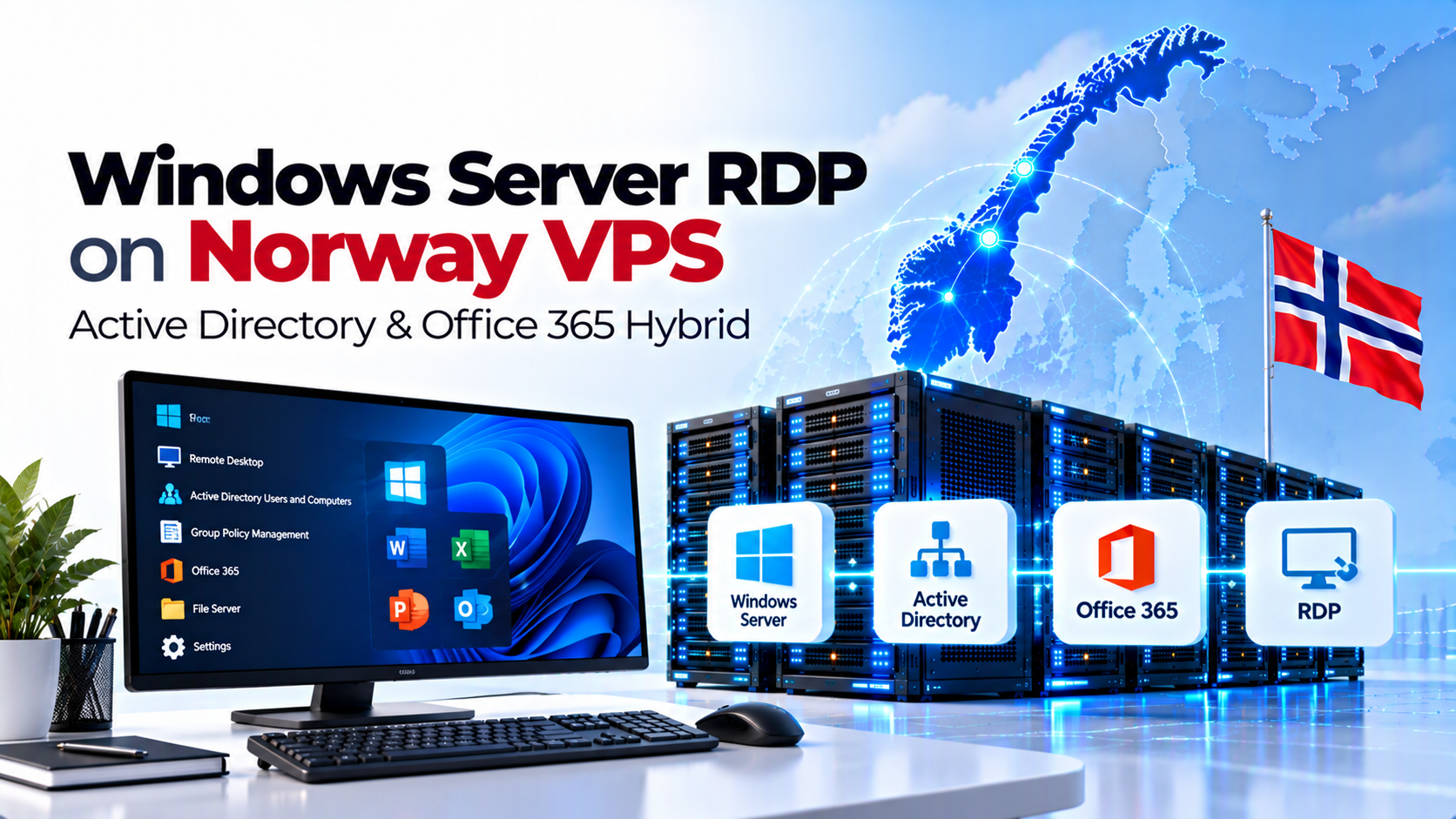
Hosting Windows Server 2022 or 2019 on a dedicated KVM VPS in Oslo delivers sub-4ms Remote Desktop Protocol (RDP) latency across southern Norway and under 15ms nationwide. Unlike overseas virtual desktop infrastructure (VDI) that experiences cursor lag, typing latency, and audio desynchronization, local Oslo deployment guarantees 60 FPS graphical desktop performance over UDP-based RDP 10.x transports.
OnliveServer Norway Windows Cloud instances support seamless on-premises Active Directory bridging, Microsoft Entra ID (Azure AD) Connect sync, native Norwegian regional localization (nb-NO, Bokmål/Nynorsk keyboard mapping, CET/CEST timezone), and enterprise Network Level Authentication (NLA) hardened behind Duo or Azure MFA.
Deploying Windows Server Remote Desktop (RDP) on an Oslo VPS delivers high-performance access to Microsoft Active Directory, SQL Server, and enterprise business applications. Interconnecting with local Nordic ISPs ensures smooth, responsive remote desktop sessions without keystroke lag or screen tearing.
Low roundtrip ping times deliver seamless 60fps remote desktop sessions across Norway, Sweden, and Denmark without lag.
Seamlessly joins existing on-premises or hybrid Azure Active Directory environments for centralized group policy control.
Enforces multi-factor authentication and TLS encryption prior to establishing remote sessions, shielding endpoints from brute force.
Modern virtual display drivers deliver crisp font rendering and smooth graphical performance for ERP and CAD applications.
Remote Desktop Latency Thresholds
Unlike stateless web applications or asynchronous batch jobs that tolerate packet buffering, interactive graphical desktop sessions rely on real-time sensory feedback loops. According to the Microsoft Learn: Remote Desktop Services Architecture & Performance Tuning, Remote Desktop Protocol utilizes dynamic display remoting codecs (such as RemoteFX and AVC/H.264 hardware encoding) that adapt visual fidelity based on measured network latency, packet loss, and jitter.
Sub-10ms domestic latency across Norway delivers smooth, tear-free Remote Desktop sessions for office workers.
Seamless hybrid cloud identity synchronization connects local on-premise networks to Oslo cloud resources.
Pre-configured Norwegian keyboard layouts, Central European Time (CET/CEST), and local date/currency standards.
Human computer interaction studies establish that input latency below 20ms feels instantaneous to end-users, enabling rapid typing, precision mouse movements, and seamless multi-monitor navigation. When latency exceeds 35ms—typical of connecting to cloud instances hosted in central or western Europe—the RDP transport drops back to aggressive image compression, disabling font anti-aliasing (ClearType) and introducing perceptible lag. At 60ms or higher, typing code or manipulating Excel spreadsheets becomes visibly sluggish. Deploying a business desktop fleet on a responsive windows vps norway rdp ensures smooth graphical performance for remote teams.
Empirical RDP Round-Trip Telemetry from Norwegian Cities
By anchoring Windows Server instances inside Bulk OS-IX Datacenter Topology, client connections traverse direct dark fiber corridors rather than congested international transits. Connecting from major Norwegian business centers yields sub-millisecond to sub-15ms round-trip times, as documented in our study on Domestic Norwegian Latency:
| Client Location | Transit Provider / Fiber Path | Average RDP Ping (Oslo VPS) | Average RDP Ping (Frankfurt VPS) | User Experience Rating |
|---|---|---|---|---|
| Oslo Metropolitan Area | NIX / Telenor Local Peering | 1.1 ms – 2.4 ms | 24.5 ms – 29.8 ms | Flawless (Local Physical Feel) |
| Bergen (Western Norway) | Bane NOR Railway Fiber | 6.2 ms – 7.8 ms | 31.2 ms – 36.4 ms | Instantaneous (60 FPS UI) |
| Trondheim (Central Norway) | GlobalConnect Terrestrial | 8.4 ms – 9.9 ms | 34.8 ms – 41.2 ms | Fluid Interactive Response |
| Tromsø (Northern Norway) | Telenor Arctic Backbone | 14.2 ms – 16.5 ms | 44.6 ms – 52.8 ms | High Precision (Zero Stutter) |
Hardware Sizing for Windows Server
Unlike streamlined Linux minimal installations that function smoothly within 1GB to 2GB of memory, Windows Server features a comprehensive kernel architecture encompassing graphical rendering subsystems, the Windows Registry, Windows Defender Antivirus real-time scanning, Windows Update services, and background telemetry daemons. Under-allocating hardware resources on a Windows VPS leads to aggressive paging into virtual memory, causing immediate UI freezing during user logins. Windows RDP instances operate out of enterprise Oslo Tier-3 server rooms with multi-carrier redundant power feeds.
When provisioning a Windows Server environment on OnliveServer KVM infrastructure, administrators should adhere to empirical sizing benchmarks based on active concurrent user sessions:
- Single Administrative User / Domain Controller: Minimum 4 vCPU cores (dedicated AMD EPYC), 8GB DDR4/DDR5 ECC RAM, and 80GB NVMe storage. This leaves sufficient headroom for OS services, patch caching, and SQL Server Express instances.
- Small Office Remote Desktop (3 to 6 Concurrent Users): Minimum 6 to 8 dedicated vCPU cores, 16GB to 24GB RAM, and 160GB NVMe storage. Ensures multiple concurrent user profiles and office suites run without memory thrashing.
- Departmental RDS Application Server (10 to 20 Users): Minimum 12 to 16 vCPU cores, 32GB to 64GB RAM, and 300GB+ Enterprise NVMe array in RAID-10. Provides dedicated resources for concurrent accounting software, web browsing, and document generation.
Hardening RDS: NLA, Custom Ports & MFA
Because Remote Desktop Protocol is widely targeted by automated internet credential-stuffing bots and ransomware operators, leaving a Windows Server exposed on default settings is a severe security risk. Securing an enterprise Windows Compute Node in Oslo begins with enforcing Network Level Authentication (NLA) through Credential Security Support Provider (CredSSP) protocols.
Hardening Protocols & Access Controls
NLA mandates that connecting users authenticate against the Windows domain before the full graphical desktop subsystem initializes. This blocks malicious actors from exploiting remote code execution flaws in the RDP rendering engine, as unauthenticated connection requests are dropped immediately at the network handshake stage.
# 1. Enforce Network Level Authentication (NLA) via Registry:
Set-ItemProperty -Path 'HKLM:\System\CurrentControlSet\Control\Terminal Server\WinStations\RDP-Tcp' `
    -Name "UserAuthentication" -Value 1

# 2. Relocate Default Listening Port from 3389 to Custom Port (e.g., 54892):
$CustomPort = 54892
Set-ItemProperty -Path 'HKLM:\System\CurrentControlSet\Control\Terminal Server\WinStations\RDP-Tcp' `
    -Name "PortNumber" -Value $CustomPort

# 3. Open Windows Advanced Firewall for Custom Port:
New-NetFirewallRule -Name "RDP-Custom-Port" -DisplayName "Remote Desktop Custom (Port $CustomPort)" `
    -Profile "Any" -Direction Inbound -Action Allow -Protocol TCP -LocalPort $CustomPort

# 4. Enforce TLS 1.3 Encryption and Disable Insecure Ciphers:
Set-ItemProperty -Path 'HKLM:\System\CurrentControlSet\Control\Terminal Server\WinStations\RDP-Tcp' `
    -Name "SecurityLayer" -Value 2

[SUCCESS]: NLA enforced. RDP bound to Port 54892. TLS SecurityLayer set to 2 (FIPS-compliant).
In addition to registry hardening, enterprise organizations should integrate Multi-Factor Authentication. Deploying the Duo Authentication for Windows Logon agent or integrating with Microsoft Entra Multi-Factor Authentication ensures that even if an administrator password is leaked, unauthorized access is prevented by an out-of-band biometric prompt delivered to the employee’s mobile device.
Active Directory & Entra ID Sync
Many organizations maintain hybrid IT environments: primary physical offices located in Stavanger, Bergen, or Trondheim connected to centralized cloud workloads in Oslo, while user mailboxes and collaboration tools operate within Microsoft 365 (Office 365). A Windows Server Virtual Dedicated Server (Vds) in Oslo can act as an authoritative secondary Domain Controller (DC) or an application proxy server, synchronizing with Microsoft Entra ID via Microsoft Entra Connect Cloud Sync. Remote desktop interactions utilize nationwide Norwegian optical fiber reach to render fluid UI sessions for distributed staff.
Establishing a persistent site-to-site IPsec VPN tunnel between the on-premises router (such as a Fortinet, pfSense, or Cisco appliance) and the OnliveServer Server Instance enables seamless domain authentication. Employees authenticate using their standard corporate email and single sign-on (SSO) credentials, ensuring seamless access across file shares, internal intranet systems, and local ERP instances without managing fragmented login passwords.
Norwegian Locale & Time Zone Tuning
A frequent operational headache when deploying overseas cloud images is misconfigured system locales. Default Windows images from US or UK providers deploy with US English keyboards and UTC or Pacific timestamps. For Norwegian accounting staff, this causes inverted number formatting (using commas instead of periods for decimal points, or incorrect currency symbols) and missing Scandinavian characters (æ, ø, å).
Key Implementation & Technical Considerations
Automating system localization ensures that all newly generated user profiles inherit Norwegian standards immediately upon provisioning:
# Configure System Timezone to Central European Standard Time (CET / CEST)
Set-TimeZone -Id "W. Europe Standard Time"

# Install and Set Norwegian Bokmål Language Pack
Install-Language -Language "nb-NO"
Set-SystemPreferredUILanguage -Language "nb-NO"

# Set Regional Formats (Currency NOK, Date DD.MM.YYYY, Comma Decimal)
Set-Culture -CultureInfo "nb-NO"

# Set Norwegian Keyboard Input Layout (0414:00000414)
Set-WinUserLanguageList -LanguageList (New-WinUserLanguageList -Language "nb-NO") -Force

# Copy Current International Settings to Default User and System Accounts
Copy-UserInternationalSettingsToSystem -WelcomeScreen $true -NewUser $true
Executing this configuration guarantees that invoice generation scripts, timestamped audit logs, and accounting middleware process Norwegian dates, currency values, and fiscal reporting periods with complete regulatory precision. For teams balancing in-house management against fully hosted operational support, our detailed comparison between Unmanaged vs Managed virtual server in Oslo provides comprehensive guidance on systems administration resource planning.
Deploy Production Windows Server Virtual Environment
Deploying business-grade Windows Server environments requires a virtualization infrastructure capable of handling intensive graphical remoting and sustained disk operations. Budget virtualizers utilizing containers or overcommitted hypervisors inevitably struggle under the memory footprint of Windows Server, resulting in slow responsiveness and high support overhead.
OnliveServer delivers purpose-built Windows Virtual server hosting in Oslo powered by pure KVM virtualization and Enterprise PCIe Gen4 NVMe arrays. Every virtual instance features dedicated AMD EPYC processor allocations, automated daily snapshot options, unmetered domestic bandwidth across NIX, and comprehensive support for Windows Server 2022, 2019, and Bring Your Own License (BYOL) enterprise configurations.
Frequently Asked Questions (FAQ)
What is the typical RDP latency from Norwegian cities to an Oslo Windows Virtual Machine?
Remote Desktop Protocol (RDP) latency from Oslo, Drammen, and Lillestrøm is under 2ms; from Bergen, Stavanger, and Trondheim it ranges between 6ms and 9ms; and from Tromsø it averages 18ms. This sub-10ms response provides a fluid, near-local desktop experience with zero mouse lag.
Can I configure Network Level Authentication (NLA) with Azure MFA or Duo?
Yes. Windows Server on OnliveServer supports Network Level Authentication (NLA) out of the box, requiring users to authenticate before an RDP session is established. You can easily integrate Azure Multi-Factor Authentication (MFA), Duo Security, or Okta for enterprise 2FA protection.
How much RAM does Windows Server 2022/2019 require on a Norway Cloud Node?
Windows Server 2022/2019 requires a minimum of 4GB RAM for smooth base OS operations and background administrative services. For multi-user Remote Desktop Services (RDS) or running resource-intensive accounting/ERP software, we recommend 8GB to 16GB+ RAM.
Is Windows Server CAL licensing included, or can I Bring Your Own License (BYOL)?
Base Windows Server operating system licensing with dual administrative RDP sessions is included with your plan. For multi-user remote desktop environments, clients can deploy Remote Desktop Services Client Access Licenses (RDS CALs) via Microsoft Volume Licensing or our SPLA licensing.
How do I change the default RDP port 3389 to prevent brute-force attacks?
You can change the listening RDP port by updating the Windows Registry key `HKEY_LOCAL_MACHINE\System\CurrentControlSet\Control\Terminal Server\WinStations\RDP-Tcp\PortNumber`, allowing the new port through Windows Advanced Firewall, and restarting the Remote Desktop service.
Does an Oslo Windows Kvm Instance support native Norwegian keyboard layouts and timezone settings?
Yes. Instances can be pre-configured with the Norwegian (Bokmål/Nynorsk) language pack, native Norwegian keyboard character mapping (Æ, Ø, Å), and the Europe/Oslo timezone (UTC+1 / UTC+2 DST) for seamless corporate productivity.
Can I join an Oslo Windows Virtual Server to our on-premises Active Directory domain?
Yes. By establishing an encrypted IPsec or WireGuard site-to-site VPN tunnel between your local office router and your Oslo Windows Virtual Machine (Vm), you can join the instance directly to your corporate Active Directory domain and apply Group Policy Objects (GPOs).
How does RDP UDP transport (Port 3389 UDP) improve remote desktop responsiveness?
Windows Server supports RDP Shortpath over UDP. Enabling UDP transport allows RDP to stream screen updates and keystrokes without TCP packet retransmission overhead, providing buttery-smooth video playback and scrolling even over cellular or public Wi-Fi connections.
Empower your Nordic workforce with high-speed remote desktop access, dedicated AMD EPYC compute cores, enterprise NVMe storage, and Norwegian localization.
Deploy Windows VPS Norway RDP on OnliveServer →