

Direct Technical Answer
SGT Timezone Automation VPS Architecture
Quick Answer: Automating SGT Timezone & Off-Peak Maintenance on Singapore VPS
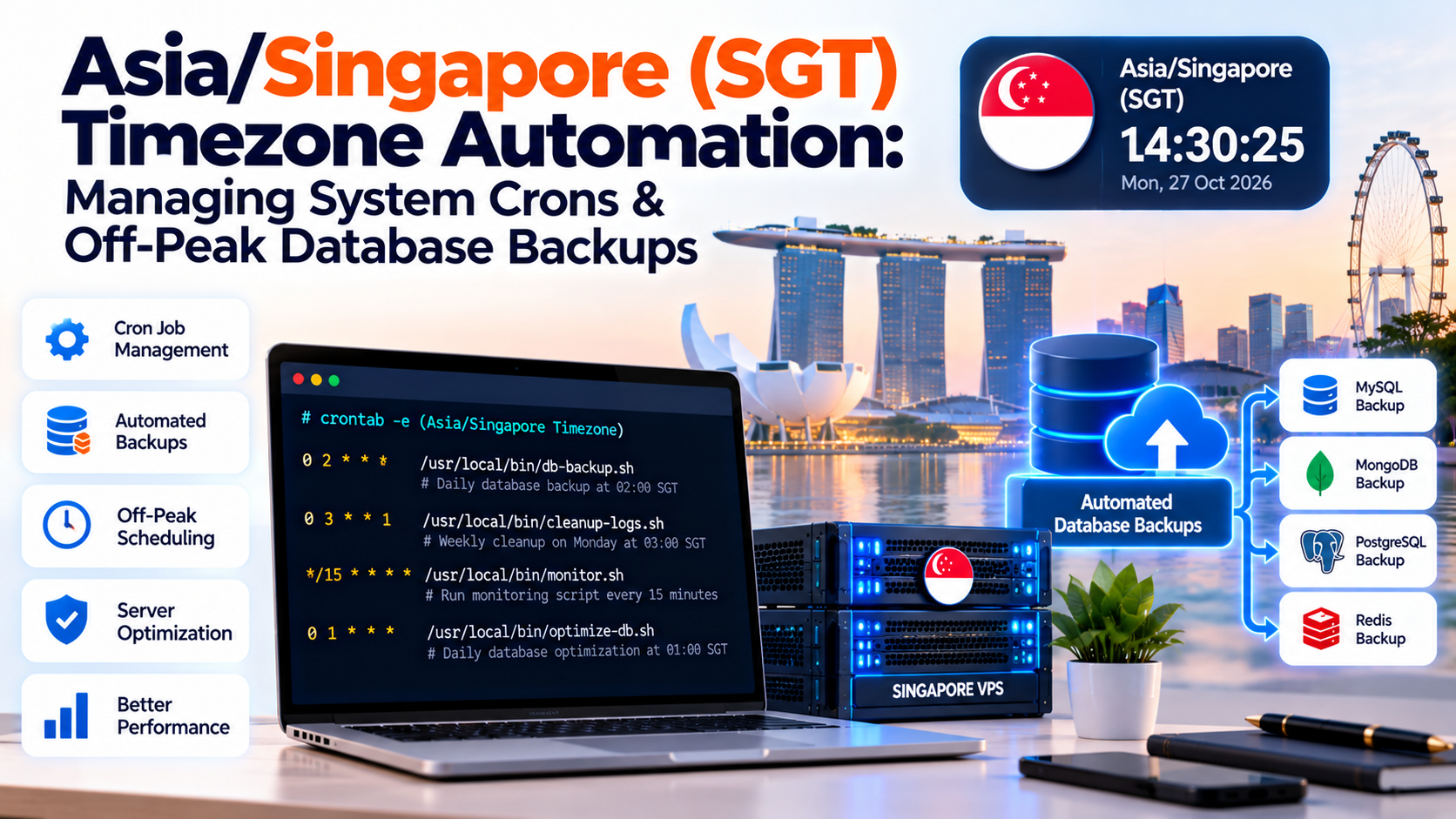
When architecting a SGT Timezone Automation VPS solution, engineering enterprise cron schedulers on a Singapore VPS requires synchronizing system clocks with local Singapore Stratum 1 NTP pools (A*STAR and SGIX) while keeping the Linux hardware clock on UTC and mapping user schedulers to Asia/Singapore (SGT, UTC+8). Schedule heavy database dumps and ZFS snapshot replication during the regional ASEAN off-peak trough between 03:30 and 05:15 SGT using systemd timers with ionice -c 3 to eliminate I/O lockups.
Key Architecture Takeaways
- Absolute UTC Kernel Standardization: Keep Linux hardware clocks set to UTC to eliminate timezone ambiguity and leap-second clock drift across regional systems.
- Millisecond Accuracy via Chrony: Sync against local Singapore Stratum-1 NTP sources (0.sg.pool.ntp.org) to prevent database transaction sequencing anomalies.
- SGT Off-Peak Window Alignment: Schedule heavy backup and batch maintenance jobs between 03:30 and 05:15 SGT to avoid customer traffic hours across ASEAN timezones.
- Systemd Timers over Legacy Cron: Replace unmonitored crontabs with systemd timers to gain dependency awareness, accurate execution logging, and automatic failure alerts.
Specifically, operating production server infrastructure in the Asia-Pacific region demands precise temporal orchestration across your SGT Timezone Automation VPS environment. Similarly, for businesses based in Singapore or serving regional ASEAN markets across Malaysia, Indonesia, Thailand, and the Philippines, automated system tasks must align flawlessly with local commercial rhythms. Importantly, a backup script that fires during peak evening traffic because of a server timezone misunderstanding can saturate disk I/O, trigger database lock waits, and crash active user checkouts.
SGT Timezone Automation VPS Infrastructure & Technical Guide
Furthermore, financial reporting, MAS TRM compliance audits, and legal dispute logs require microsecond-accurate timestamp fidelity across your SGT Timezone Automation VPS environment. Specifically, clock drift of even a few seconds can invalidate transactional audit trails in fintech, e-commerce, and logistics platforms. Furthermore, managing system automation on a dedicated Singapore VPS involves mastering Linux timekeeping, synchronizing with localized Stratum 1 NTP servers, and designing non-disruptive off-peak maintenance schedules using modern systemd timers.
SGT Timezone Automation VPS: The UTC vs SGT Architectural Paradigm: Kernel Integrity vs User Operations
Furthermore, a recurring debate among systems administrators is whether to set the base operating system timezone to Universal Coordinated Time (UTC) or local Singapore Standard Time (SGT, UTC+8). Setting the global server timezone to SGT can break software that assumes UTC timestamps (such as Docker container runtimes, Kubernetes API controllers, or distributed log aggregators). Conversely, leaving the entire system on UTC forces local developers and marketing teams to mentally calculate the 8-hour offset when scheduling promotions, newsletter blasts, and report generation.
In addition, the enterprise engineering standard resolves this by establishing a dual-tier temporal architecture:
- Kernel and Hardware Clock on UTC: The Real-Time Clock (RTC) and operating system kernel run strictly on UTC. This guarantees monotonic, linear timestamp progression without timezone jump anomalies.
- Localized User Environment and Schedulers on SGT: The user space environment, application configs, database session variables, and scheduler daemons are localized to
Asia/Singapore.
Consequently, execute the following commands on your Ubuntu or AlmaLinux Singapore VPS to enforce this structure:
Bash
# Set system timezone to Asia/Singapore
timedatectl set-timezone Asia/Singapore

# Ensure Hardware Clock (RTC) stays strictly on UTC
timedatectl set-local-rtc 0

# Verify active system time configuration
timedatectl status
SGT Timezone Automation VPS Infrastructure & Technical Guide
Therefore, the output confirms that the local time reflects SGT (+0800), while the universal time and RTC maintain exact UTC reference.
Configuring Chrony Against Local Singapore Stratum 1 NTP Servers
Notably, virtual private servers (VPS) rely on hypervisor clock virtualization. In high-density cloud environments, CPU scheduling latency and burst workloads can induce microsecond-level clock drift. In fintech transactions, payment webhook validations, and database replication, clock skew causes catastrophic sequence ordering errors.
In contrast, while default Linux installations point to generic global NTP pools, routing time synchronization requests across oceans introduces network jitter. Configuring Chrony against local Singapore Stratum 1 time sources (including the National Metrology Centre operated by A*STAR Singapore and regional SGIX-connected atomic clocks) reduces time synchronization jitter to under 50 microseconds.
Update /etc/chrony/chrony.conf (Ubuntu/Debian) or /etc/chrony.conf (RHEL/AlmaLinux):
PHP-FPM
# /etc/chrony/chrony.conf - Localized Singapore NTP Configuration
# Singapore NTP Pool Cluster (NMC A*STAR and SGIX connected)
server 0.sg.pool.ntp.org iburst minpoll 4 maxpoll 8
server 1.sg.pool.ntp.org iburst minpoll 4 maxpoll 8
server 2.sg.pool.ntp.org iburst minpoll 4 maxpoll 8
server 3.sg.pool.ntp.org iburst minpoll 4 maxpoll 8

# Regional High-Accuracy Stratum 1 Fallback (APNIC Singapore)
server time.sg.apnic.net iburst

# Step the system clock if offset is greater than 1.0 second on boot
makestep 1.0 3

# Record the drift rate of the system clock
driftfile /var/lib/chrony/drift

# Log tracking and measurements
logdir /var/log/chrony
log measurements statistics tracking
Restart and verify Chrony synchronization status:
Bash
# Restart chrony daemon
systemctl restart chrony || systemctl restart chronyd

# Check active synchronization peers and stratum levels
chronyc sources -v
chronyc tracking
SGT Timezone Automation VPS Infrastructure & Technical Guide
| Time Window (SGT) | Regional Traffic Profile | Activity Level | Permitted System Tasks |
|---|---|---|---|
| 08:30 – 14:00 SGT | Morning business, retail, & lunch rush | Peak Heavy (90–100%) | Zero maintenance. Fast read/write paths only. |
| 18:00 – 23:00 SGT | Evening consumer browsing & entertainment | Peak Heavy (85–95%) | Zero maintenance. Strictly user traffic. |
| 23:00 – 02:00 SGT | Night-owl browsing, flash sales, late checkouts | Moderate (40–60%) | Read-only cache warmers, lightweight log rotation. |
| 02:00 – 03:30 SGT | Traffic subsiding across ASEAN timezones | Low (15–25%) | Application log archiving, analytics rollups. |
| 03:30 – 05:15 SGT | Lowest regional diurnal trough (SG/MY/ID/TH) | Absolute Trough (< 5%) | Heavy I/O: Full DB backups, ZFS scrubs, updates. |
Mapping Off-Peak Windows Across Southeast Asian Timezones
Linux systems engineers hardening Stratum-1 clock discipline can reference the automated ZFS snapshot replication pipelines for drift tracking configurations.
Singapore Standard Time (UTC+8) is shared with Malaysia, Western Australia, the Philippines, Central Indonesia (WITA), and Greater China. However, major neighboring markets like Western Indonesia (WIB – Jakarta/Surabaya), Thailand, and Vietnam operate on Indochina Time (UTC+7)—one hour behind Singapore.
To establish a true regional maintenance window, you must consider the overlapping diurnal curves of both UTC+8 and UTC+7 markets. While Singapore users may wind down by 01:00 SGT, users in Jakarta and Bangkok are still active at midnight their time (01:00 SGT). Therefore, the single safest operational window across the entire ASEAN corridor is 03:30 to 05:15 SGT. Scheduling intensive maintenance during this 105-minute window minimizes the probability of impacting active transactions.
Modern Systemd Timers vs Legacy Crontab: Eliminating I/O Spikes
Additionally, traditional Linux cron (crond / /etc/crontab) has served the industry for decades, but it possesses fundamental limitations in modern cloud environments:
- No Missed-Execution Recovery: If a VPS is rebooted during scheduled cron execution, standard cron skips the task completely until the following day.
- Thundering Herd Problem: All tasks scheduled for
04:00fire simultaneously at the exact first second of the minute, generating an instantaneous CPU and NVMe disk I/O contention spike. - Poor Observability: Cron outputs are emailed or dumped into unstructured syslog files, making monitoring failure states difficult.
Modern Linux distributions replace cron with systemd timer units. Systemd timers provide built-in execution randomness (RandomizedDelaySec) to distribute disk I/O, missed-execution catching (Persistent=true), and detailed systemd journal logging.
For example, below is a production-grade systemd service and timer pair configured to run an off-peak database backup at 03:45 SGT with low I/O priority:
PHP-FPM
# /etc/systemd/system/mysql-backup.service
[Unit]
Description=Nightly MySQL Compressed Offsite Backup
After=network.target mysql.service

[Service]
Type=oneshot
User=root
WorkingDirectory=/opt/scripts
ExecStart=/opt/scripts/backup-database.sh
# Execute with Idle I/O priority (class 3) to protect live queries
CPUSchedulingPolicy=idle
IOSchedulingClass=idle

# /etc/systemd/system/mysql-backup.timer
[Unit]
Description=Trigger MySQL Backup Daily at 03:45 SGT
Requires=mysql-backup.service

[Timer]
# Fire daily at 03:45 Asia/Singapore time
OnCalendar=*-*-* 03:45:00
# Randomize execution within 15 minutes to avoid simultaneous I/O spikes
RandomizedDelaySec=900
# If the VPS was offline, run immediately upon boot
Persistent=true

[Install]
WantedBy=timers.target
Enable and monitor the timer:
Bash
# Reload systemd and activate timer
systemctl daemon-reload
systemctl enable --now mysql-backup.timer

# View upcoming execution schedules across all system timers
systemctl list-timers --all
High-Performance Multi-Threaded Backup Script with Pigz Compression
To illustrate, standard mysqldump piped through single-threaded gzip is painfully slow on large databases. On a multi-gigabyte e-commerce database, single-threaded compression can consume 100% of a single vCPU core for over 30 minutes, extending into morning business hours.
In particular, deploying pigz (parallel implementation of gzip) distributes compression across all available vCPU cores, reducing backup duration by up to 80% while utilizing ionice -c 3 to ensure disk read operations never degrade customer page views:
Bash
#!/usr/bin/env bash
# /opt/scripts/backup-database.sh - Optimized Off-Peak SGT Database Backup
set -euo pipefail

BACKUP_DIR="/var/backups/mysql"
TIMESTAMP=$(date +"%Y%m%d_%H%M%S")
DB_NAME="production_db"
BACKUP_FILE="$BACKUP_DIR/${DB_NAME}_${TIMESTAMP}.sql.gz"
RETENTION_DAYS=7

mkdir -p "$BACKUP_DIR"

echo "[$(date)] Starting multi-threaded backup of $DB_NAME..."

# Execute dump with single transaction consistency and multi-threaded compression
ionice -c 3 nice -n 19 mysqldump     --single-transaction     --quick     --routines     --triggers     --events     --default-character-set=utf8mb4     "$DB_NAME" | pigz -p 4 -c > "$BACKUP_FILE"

chmod 600 "$BACKUP_FILE"
echo "[$(date)] Backup completed successfully: $BACKUP_FILE"

# Purge local backups older than 7 days
find "$BACKUP_DIR" -name "${DB_NAME}_*.sql.gz" -type f -mtime +"$RETENTION_DAYS" -delete
echo "[$(date)] Pruned backup archives older than $RETENTION_DAYS days."
Reliable cron job execution and database transaction integrity form the foundation for APAC cross-border disaster recovery and replication architectures deployed on reliable Singapore KVM VPS.
Configuring MySQL and PostgreSQL Timezones for Singapore Applications
As a result, even when the Linux host runs on SGT, relational database engines may default to UTC or SYSTEM variables. If a customer places an order at 10:00 SGT, but MySQL records the timestamp as 02:00 UTC, analytics dashboards, invoicing timestamps, and daily reconciliation queries will suffer 8-hour misalignments.
Moreover, to lock MySQL or MariaDB explicitly to Singapore Standard Time, populate timezone description tables and update /etc/mysql/my.cnf:
Bash
# Import operating system timezone definitions into MySQL
mysql_tzinfo_to_data /usr/share/zoneinfo | mysql -u root -p mysql
Add the following configuration to /etc/mysql/conf.d/timezone.cnf:
PHP-FPM
[mysqld]
# Explicitly set MySQL global timezone to Asia/Singapore
default-time-zone = 'Asia/Singapore'
Verify active MySQL timezone settings:
MySQL
SELECT @@global.time_zone, @@session.time_zone, NOW();
In fact, both global and session time variables will display Asia/Singapore and return the exact matching clock time as your local SGT wall clock.
Frequently Asked Questions About Linux System Time Synchronization with Chrony
Why should the Linux kernel hardware clock remain on UTC instead of SGT?
When is the best off-peak maintenance window for a server serving Southeast Asia?
Why use systemd timers instead of standard cron jobs on a Singapore VPS?
Persistent=true to automatically run missed jobs if the server was down, RandomizedDelaySec to prevent simultaneous I/O spikes from thundering herd tasks, and direct integration with journalctl for detailed execution logging and error alerting.How does Chrony improve timekeeping compared to standard systemd-timesyncd?
How do I prevent nightly database backups from slowing down late-night web visitors?
ionice -c 3 to run backup processes in the lowest Linux I/O priority class, and utilize pigz for multi-core parallel compression to complete the operation 5x faster than standard gzip.