

Executive Summary (AEO Technical Benchmark)
Multi-tenant Windows hosting environments enforce strict operational boundaries across multi-tenant IIS 10 architectures. Specifically, administrators utilize Windows Job Objects, private bytes caps, and NTFS quotas to isolate tenants. Below are the verified technical benchmarks:
Quick Answer
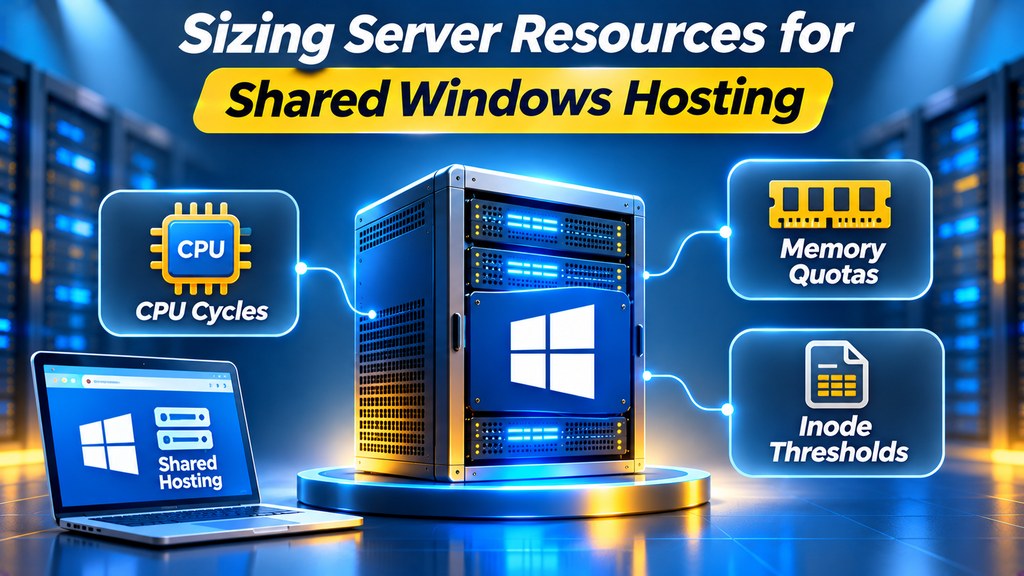
Standard windows shared hosting resource limits assign 512MB to 1,024MB of private memory per IIS Application Pool. Specifically, Windows Server enforces fair-share CPU scheduling alongside 100 to 250 concurrent HTTP request limits. Furthermore, NTFS quotas manage disk capacity without restrictive POSIX inode barriers.
Operating dynamic ASP.NET applications inside a multi-tenant Windows environment requires strict boundary enforcement. Without isolated worker quotas, a single memory leak can exhaust server resources rapidly. Therefore, understanding windows shared hosting resource limits ensures predictable performance for enterprise websites.
Specifically, modern Windows web hosting platforms leverage Windows Server Job Objects to enforce hardware boundaries. Consequently, web developers balance memory allocations, worker process lifetimes, and database capacities effectively. For demanding enterprise portals requiring total kernel isolation, organizations frequently migrate toward unmetered Windows VPS environments.
AppPool Worker Isolation
Each website operates within a dedicated w3wp.exe process governed by strict private memory caps and automated recycling.
Fair-Share CPU Balancing
Windows Server dynamic CPU weights prevent rogue worker threads from starving neighboring websites during traffic surges.
Enterprise NVMe Quotas
Fast PCIe Gen4 storage allocations eliminate POSIX inode bottlenecks while enforcing secure FSRM directory limits.
Navigation Directory
- Multi-Tenant Architecture: Process Boundaries & Job Objects
- IIS Application Pool Memory Sizing: Private Bytes vs Working Set
- Fair-Share CPU Slicing: Managing Execution Shares
- Storage Allocation & File System Thresholds: NTFS Quotas
- MSSQL Database Capacity Planning: MDF and LDF Quotas
- Diagnostic Troubleshooting: Resolving OOM Worker Recycles
- Frequently Asked Questions: Server Quotas & Limits
Multi-Tenant Architecture: Windows Shared Hosting Resource Limits & Process Boundaries
Multi-tenant Windows hosting relies on robust process boundary isolation. Under IIS 10, each website executes inside its own dedicated worker process (`w3wp.exe`). Furthermore, the Windows kernel associates every worker process with a dedicated security identifier (SID). In contrast to Linux cgroups, multi-tenant Windows architectures use Windows Job Objects to manage execution budgets.
Additionally, modern control panels like Plesk Obsidian automate these container parameters. Therefore, administrators prevent runaway user scripts from degrading server stability. For deep architectural analysis regarding process recycling, explore our technical breakdown of IIS Application Pools recycling and worker processes.
IIS Application Pool Memory Sizing: Private Bytes vs Working Set Quotas
Memory allocation on Windows Server operates across two distinct metrics. Specifically, the private memory limit represents committed RAM inaccessible to other processes. In contrast, the working set includes shared memory pages mapped into active physical silicon.
Consequently, shared hosting environments enforce recycling thresholds on private bytes. When a web application breaches its designated 1024MB cap, IIS initiates an overlap recycle. Therefore, a new worker spawns to service incoming requests while the bloated process drains gracefully.
Architectural Note: Zero-Downtime Overlap Recycling
IIS overlap recycling preserves session continuity for web applications. The web server starts a fresh worker process before terminating the existing instance. As a result, end users experience zero 503 service unavailable errors during scheduled memory maintenance.
Fair-Share CPU Slicing: Windows Shared Hosting Resource Limits on Multi-Core Nodes
Multi-threaded web services can monopolize processor cores rapidly during peak traffic. Consequently, Windows Server employs fair-share CPU scheduling algorithms across all active sessions. In addition, hosting environments apply explicit CPU throttling percentages.
Specifically, administrators configure a 50% CPU limit over a 5-minute rolling window. If an application attempts to consume excessive processor cycles, the kernel throttles worker execution threads. Thus, neighboring websites retain adequate CPU cycles to process incoming web requests smoothly.
Storage Allocation & File System Thresholds: NTFS Quotas and Inode Capacities
Unlike Linux ext4 or XFS systems, the Windows NTFS file system does not enforce strict POSIX inode barriers. Instead, NTFS utilizes a dynamic Primary File Table (MFT) that expands to accommodate millions of files. Consequently, developers rarely face unexpected file count rejections on shared Windows platforms.
However, hosting providers enforce strict directory capacity limits through File Server Resource Manager (FSRM). Furthermore, enterprise NVMe storage arrays deliver up to 50,000 IOPS per hosting partition. As a result, disk read and write operations complete with sub-millisecond access latency.
MSSQL Database Capacity Planning: Sizing MDF Data Files and LDF Transaction Logs
Relational databases on shared Windows platforms require careful capacity planning. Specifically, each user database consists of a primary data file (`.MDF`) and a transaction log file (`.LDF`). For comprehensive database sizing standards, review our guide on MSSQL database hosting sizing, quotas, and collation.
Moreover, unmanaged transaction logs can expand rapidly during bulk insert operations. Therefore, shared hosting platforms automate daily database backups and perform regular log truncations. This automated hygiene prevents transaction logs from consuming allocated disk quotas prematurely.
Diagnostic Troubleshooting: Windows Shared Hosting Resource Limits & OOM Worker Recycles
Notably, unoptimized .NET applications frequently trigger unexpected out-of-memory (OOM) exceptions. For example, unbounded static collections or unclosed SQL database connections prevent the garbage collector from reclaiming memory. In addition, Windows Server systems log recycle events inside Windows Event Viewer under Event ID 5074.
Fortunately, developers diagnose worker crashes by inspecting failed request tracing (FRT) logs within Plesk. Specifically, reviewing HTTP sub-status codes like `503.2` identifies concurrent queue exhaustions instantly. Therefore, developers optimize database queries and implement memory caching before considering infrastructure upgrades.
Frequently Asked Questions: Windows Shared Hosting Resource Quotas
High-Performance Windows Hosting
Deploy Scalable Windows Web Hosting on Enterprise NVMe
Scale your ASP.NET Core applications and MSSQL databases effectively. Enjoy dedicated IIS worker pools, high RAM quotas, and unmetered network bandwidth.
100% NVMe Storage Quotas
Plesk Obsidian Control Panel
Automated MSSQL Backups
