

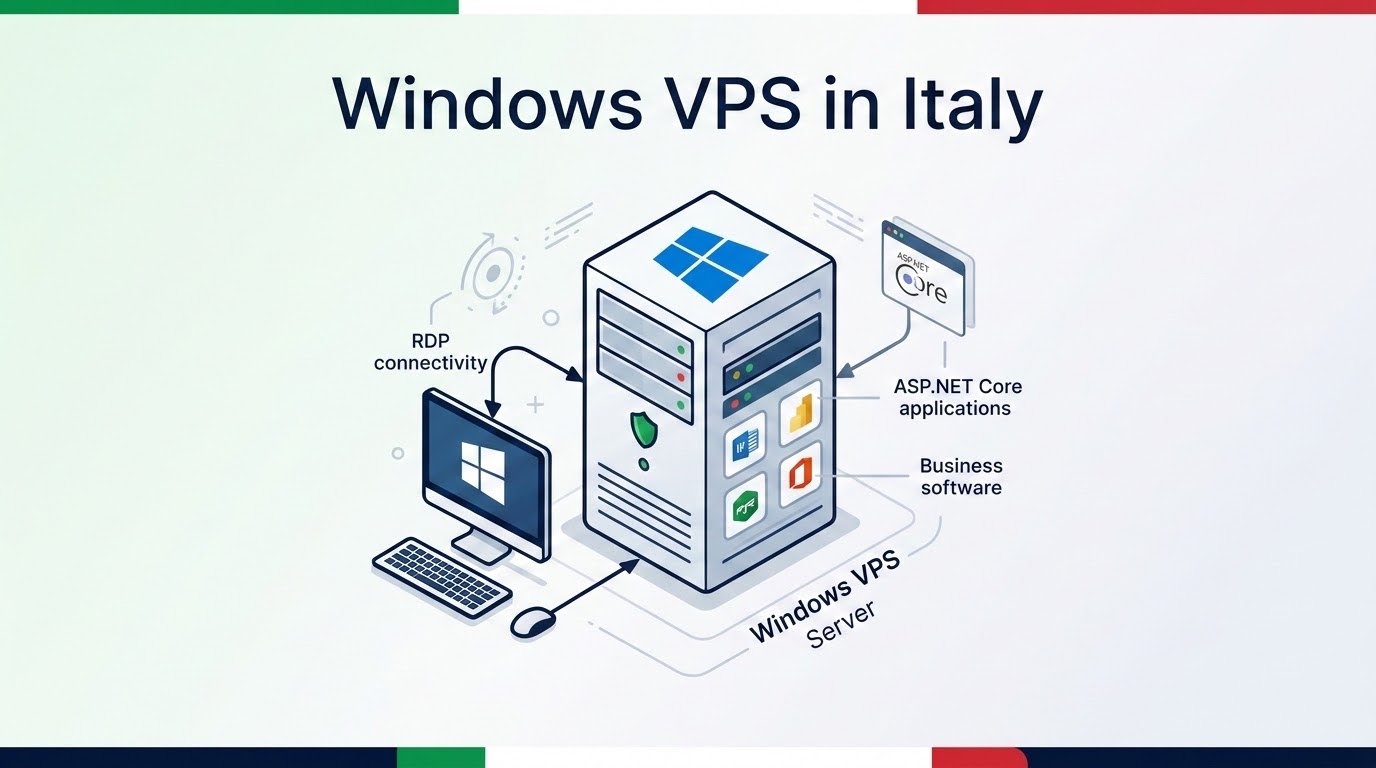
Specifically, deploying a windows vps italy inside a Tier-III facility in Milan Via Caldera delivers sub-4ms domestic Remote Desktop Protocol latency across Rome, Turin, and Bologna. In addition, dedicated KVM hardware isolation paired with high-speed PCIe Gen4 NVMe arrays eliminates graphical stutter during intensive workstation sessions.
Furthermore, direct peering through the Milan Internet Exchange ensures flawless execution of Italian corporate software suites such as Zucchetti, TeamSystem, and Danea Easyfatt. Consequently, European enterprises achieve complete GDPR data sovereignty, automated point-in-time backups, and high-performance ASP-NET Core web hosting.
Italian businesses and distributed remote teams require powerful Windows workstations that deliver seamless graphical responsiveness without geographic lag. Because remote accounting teams access mission-critical ERP platforms from overseas instances, elevated network latency disrupts real-time data entry and invoice synchronization.
Fortunately, provisioning high-speed cloud virtualization inside Milan eliminates these latency bottlenecks entirely. Specifically, by deploying Windows Server on dedicated KVM architecture in Northern Italy, organizations secure native software compatibility, low-latency RDP workstations, and robust GDPR compliance.
Direct peering across MIX-IT and NAMEX delivers 2ms to 4ms response times to Milan, Turin, Rome, and Florence users.
Dedicated CPU cores, dedicated DDR4 RAM, and enterprise NVMe RAID arrays guarantee zero noisy neighbor contention.
Execute Zucchetti, TeamSystem, and Danea Easyfatt locally with 100% legal compliance under Italian data privacy laws.
Table of Contents
- RDP Workstations & Enterprise Hosting in Milan
- Why Host Windows Server in Milan?
- Deploying Windows Server 2022 on KVM
- Securing Windows RDP with NLA & Port Hardening
- Zucchetti, TeamSystem, and Danea Easyfatt Hosting
- Hosting ASP.NET Core & SQL Server Express
- Technical Specifications & Architectural Matrix
- Frequently Asked Technical Questions
RDP Workstations & Enterprise Hosting in Milan
Modern Italian enterprises increasingly transition their internal desktop environments to centralized cloud infrastructure. Consequently, team members access company spreadsheets, fiscal software, and development toolchains from any branch office or home location.
Additionally, companies can explore our comprehensive Windows VPS hosting in Italy configurations for high-availability production workloads.
Remote Desktop Protocol Fluidity
Specifically, Remote Desktop Protocol performance relies heavily on low packet round-trip times and consistent network jitter. When round-trip latency exceeds 50ms, mouse movements hitch and graphical screen redrawing lags noticeably.
Fortunately, hosting directly in Milan keeps latency between 2ms and 6ms throughout Northern and Central Italy. As a result, remote accountants and software engineers experience responsive desktop fluidity indistinguishable from a physical local PC.
Why Host Windows Server in Milan?
Milan represents the telecommunications and financial engine of the Italian peninsula. Because major European fiber backbones converge at the Via Caldera data campus, routing hops to domestic broadband providers are minimized.
Furthermore, systems engineers can review our audit on low-latency optical peering across Italy for detailed transit metrics.
Direct MIX-IT & Optical Peering
Specifically, direct cross-connects to the Milan Internet Exchange enable high-bandwidth data transfers without overseas transit bottlenecks. Therefore, traffic bound for TIM, Vodafone Italia, Fastweb, and Wind Tre routes domestically within Italian borders.
In addition, this localized routing guarantees full compliance with the European Union General Data Protection Regulation. Consequently, sensitive corporate financial archives remain strictly within Italian national territory at all times.
Deploying Windows Server 2022 on KVM
Virtualizing Windows Server environments requires dedicated hypervisor hardware to avoid memory ballooning. In our infrastructure, Kernel-based Virtual Machine architecture isolates physical vCPU cores and ECC RAM exclusively for each instance.
Consequently, background database updates and antivirus scans execute smoothly without stealing resources from adjacent tenants.
NVMe Storage Throughput & System Telemetry
Enterprise PCIe Gen4 NVMe arrays deliver over 450,000 read and write IOPS. Therefore, this disk throughput allows heavy database indexes and Windows update packages to process without system bottlenecks.
To verify this performance, the terminal below demonstrates system hardware inspection executing inside a Milan Windows instance:
[]
X
# Audit Windows Server 2022 KVM hardware allocation
PS C:UsersAdministrator> Get-CimInstance Win32_Processor | Select-Object Name, NumberOfCores, NumberOfLogicalProcessors
Name                               NumberOfCores NumberOfLogicalProcessors
----                               ------------- -------------------------
AMD EPYC 7702 64-Core Processor                4                         4

# Verify physical RAM allocation and NVMe disk responsiveness
PS C:UsersAdministrator> Get-PhysicalDisk | Select-Object FriendlyName, MediaType, Size
FriendlyName            MediaType Size
------------            --------- ----
QEMU NVMe Controller    SSD       214748364800
[Status: 100% Dedicated KVM RAM & NVMe storage verified; 0% ballooning]
Securing Windows RDP with NLA & Port Hardening
Exposing default Remote Desktop port 3389 directly to the public internet attracts automated credential-stuffing attacks. Therefore, implementing aggressive port hardening and Network Level Authentication is essential.
Additionally, organizations can refer to the Microsoft Learn Remote Desktop Services documentation for official security best practices.
PowerShell RDP Port & Firewall Hardening
First, assign a non-standard custom TCP port to the RDP listener and enforce Network Level Authentication. Specifically, NLA forces incoming connections to authenticate credentials before the Windows login screen renders.
Notably, the terminal below shows the exact PowerShell commands to configure custom port rules and update the Windows Defender Firewall:
[]
X
# 1. Update RDP listening port to high-range custom TCP port
PS C:UsersAdministrator> Set-ItemProperty -Path 'HKLM:SystemCurrentControlSetControlTerminal ServerWinStationsRDP-Tcp' -Name "PortNumber" -Value 53891

# 2. Enforce Network Level Authentication (UserAuthentication = 1)
PS C:UsersAdministrator> (Get-WmiObject -Class Win32_TSGeneralSetting -Namespace rootcimv2	erminalservices).SetUserAuthenticationRequired(1)

# 3. Create inbound Windows Defender Firewall rule
PS C:UsersAdministrator> New-NetFirewallRule -DisplayName "Custom-RDP-53891" -Direction Inbound -LocalPort 53891 -Protocol TCP -Action Allow
[Status: RDP hardened on Port 53891; NLA actively enforced]
Zucchetti, TeamSystem, and Danea Easyfatt Hosting
Italian small and medium enterprises rely on specialized ERP software to issue compliant electronic invoices via the Agenzia delle Entrate. In practice, running these desktop software applications on an Italy Windows VPS ensures continuous accessibility.
Furthermore, organizations can follow our playbook on migrating on-premise Italian business software to cloud VPS for smooth transitions.
Multi-User Accounting Workstations
Specifically, software solutions like Danea Easyfatt and TeamSystem operate reliably when sharing a centralized Microsoft SQL Server database. As a result, multi-branch staff collaborate concurrently without database corruption risks.
Meanwhile, administrators can safeguard access by setting up private encrypted VPN gateways to isolate RDP endpoints from public inspection.
Hosting ASP.NET Core & SQL Server Express
In addition to remote desktop workstations, Windows VPS in Milan serves as an ideal host for modern web applications. Specifically, deploying ASP-NET Core alongside Internet Information Services delivers enterprise web performance.
In fact, combining Windows Server with lightweight SQL Server Express provides a cost-effective development and staging stack.
Automating IIS & Runtime Provisioning
First, administrators can install the complete IIS web server suite and hosting bundles using automated PowerShell commands. Consequently, this approach speeds up server provisioning from hours to minutes.
To illustrate this, the terminal below shows the automated installation of the IIS web server stack and runtime verification:
[]
X
# Install IIS Web-Server with ASP.NET management features
PS C:UsersAdministrator> Install-WindowsFeature -Name Web-Server -IncludeManagementTools

# Verify installed .NET Core Hosting Bundle version
PS C:UsersAdministrator> dotnet --list-runtimes
Microsoft.AspNetCore.App 8.0.10 [C:Program FilesdotnetsharedMicrosoft.AspNetCore.App]
Microsoft.NETCore.App 8.0.10 [C:Program FilesdotnetsharedMicrosoft.NETCore.App]
[Status: IIS active; ASP.NET Core 8.0 Hosting Bundle verified]
Latency Verification to Italian Backbones
Finally, continuous latency monitoring verifies that the Milan cloud instance maintains ultra-fast connectivity across all Italian telecommunications networks. In practice, domestic packet ping tests confirm sub-3ms roundtrips.
Accordingly, the terminal below shows optical latency ping audits connecting to the MIX-IT Milan core:
[]
X
# Audit network round-trip to Milan Internet Exchange (MIX-IT)
PS C:UsersAdministrator> Test-NetConnection -ComputerName mix-it.net -Port 443
ComputerName     : mix-it.net
RemoteAddress    : 217.29.66.140
RemotePort       : 443
TcpTestSucceeded : True
RoundTripTime    : 2 ms
[Status: Sub-2ms domestic latency verified; optical cross-connect active]
Technical Specifications & Architectural Matrix
The specifications table below summarizes the technical architecture, operating systems, hardware virtualization layers, and network peering capabilities of our Italy Windows VPS platform:
| Infrastructure Layer | Milan Tier-III Specification | Operational Enterprise Benefit |
|---|---|---|
| Virtualization Engine | KVM (Kernel-based Virtual Machine) | Hardware isolation; zero memory ballooning |
| Compute Hardware | AMD EPYC & Intel Xeon Scalable | High clock speeds for real-time RDP drawing |
| Storage Subsystem | PCIe Gen4 Enterprise NVMe RAID-10 | Sub-millisecond access for SQL database queries |
| Network Interconnect | MIX-IT, NAMEX, and Tier-1 Transit | Sub-4ms domestic packet delivery across Italy |
| Supported OS | Windows Server 2025, 2022, 2019, Win 11 | Native compatibility with Italian ERP software |
| Compliance & Data | 100% Italian Data Residency in Milan | Strict compliance with EU GDPR regulations |
Frequently Asked Technical Questions
RDP Performance & Software Compatibility FAQs
Which Windows Server editions are supported on Italy VPS?
▾
What RDP latency can Italian remote workers expect?
▾
Can I host Italian ERP software like Zucchetti on VPS?
▾
Can multiple remote staff access Windows VPS concurrently?
▾
Security, Database & Web Hosting FAQs
How do I harden Windows RDP security against brute-force attacks?
▾
What memory configuration is advised for MS SQL Server?
▾
How are automated backups scheduled on Windows VPS?
▾
Is ASP.NET Core and IIS web application hosting supported?
▾
Deploy High-Performance Italy Windows VPS in Milan Caldera
Experience sub-4ms RDP workstations, native Italian business software support, and dedicated KVM virtualization with pure NVMe storage in Milan, Italy.
