

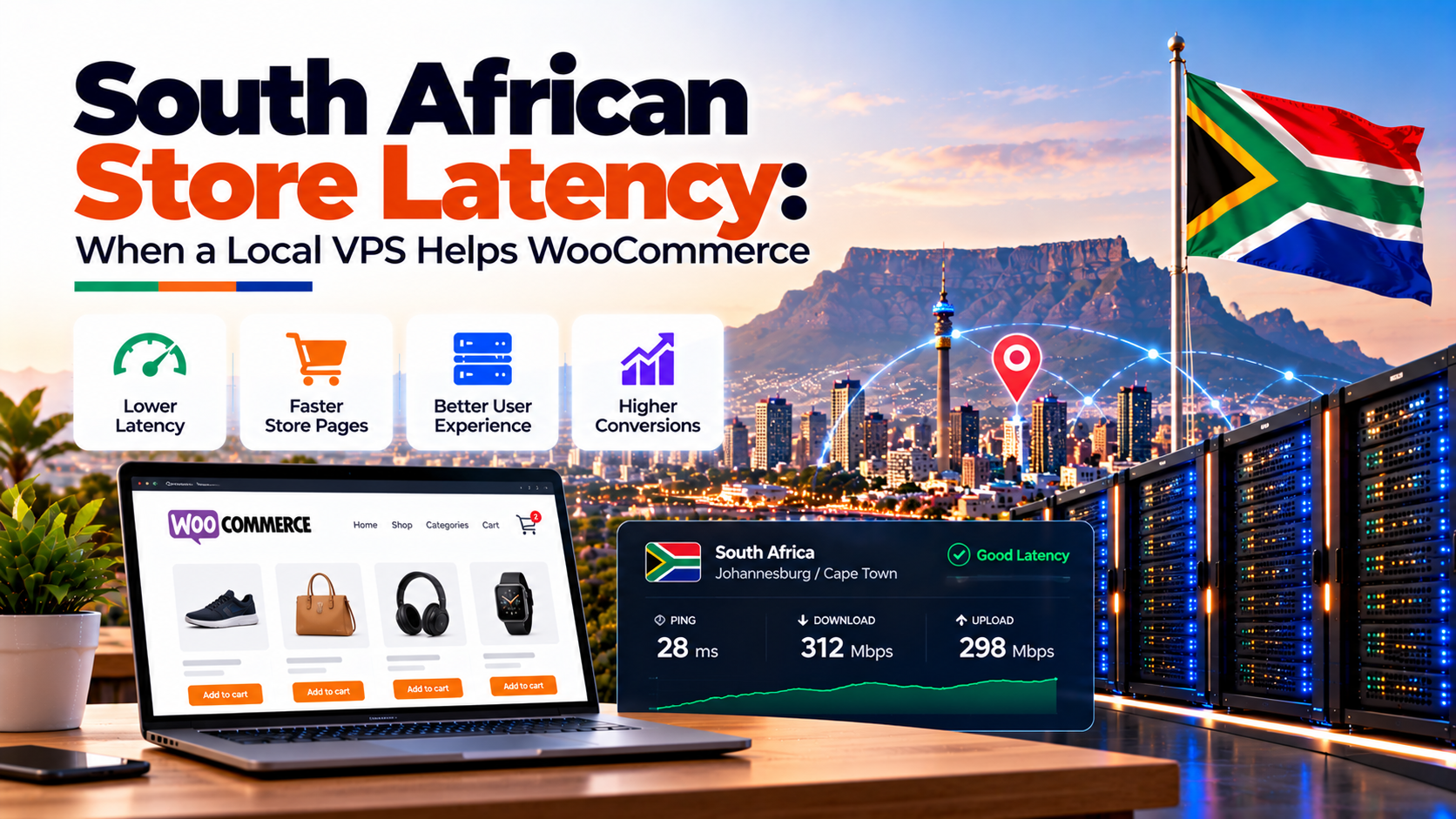
For South African e-commerce entrepreneurs, page speed directly translates into revenue. If your online store takes longer than two seconds to load a product catalog or update a shopping cart, potential customers abandon their purchases immediately.
Specifically, running an online shop requires specialized woocommerce hosting south africa that understands dynamic database workloads. Standard static WordPress caching techniques fail when applied to WooCommerce because shopping carts, checkout forms, and user accounts require uncached database queries.
Furthermore, hosting your store on enterprise south africa vps hosting inside Johannesburg ensures direct peering across NAPAfrica. Consequently, local shoppers browsing via Vodacom, MTN, Telkom, and Openserve fiber experience instant page updates and responsive checkouts.
In addition, local hosting streamlines real-time webhook communication with domestic payment gateways like PayFast, Ozow, and Yoco. This guide explains why WooCommerce demands dedicated virtual server resources, how latency harms sales, and how to build a high-speed e-commerce server stack.
⚙️ Architectural Execution Framework
Verified Infrastructure Standards
Key Technical Architecture & Engineering Takeaways
Evaluating enterprise hosting infrastructure requires verifiable telemetry across compute isolation, hypervisor performance, and domestic carrier interconnects:
local vps ecommerce latency: Why Shared Hosting Fails: The Need for WooCommerce Hosting South Africa
Furthermore,
Many budding merchants launch their initial storefronts on budget shared hosting packages. While shared hosting works adequately for static blogs or simple business brochures, it collapses rapidly under the transactional demands of e-commerce.
Specifically, shared hosting environments enforce rigid limits on concurrent PHP workers and MySQL database connections. Each time a shopper adds a product to their cart, WooCommerce fires a dynamic AJAX request called wc-ajax=get_refreshed_fragments.
Because this request recalculates cart subtotals and checks live inventory, it cannot be served from a static page cache. On a shared server with 25 concurrent shoppers, PHP workers become exhausted within seconds. Consequently, subsequent shoppers face infinite loading spinners, HTTP 504 gateway timeouts, and abandoned checkout sessions.
Similarly,
Most shared hosting packages cap the PHP memory_limit at 128 MB or 256 MB. A modern WooCommerce store with premium themes, shipping calculation extensions, and payment plugins frequently demands 512 MB to 1024 MB of RAM during checkout spikes. When memory runs out, PHP terminates mid-transaction, leaving orders incomplete in your dashboard.
In contrast, investing in dedicated woocommerce hosting south africa provides fully isolated virtual resources. You gain guaranteed CPU cores, dedicated NVMe read/write throughput, and private RAM allocations that never fluctuate based on neighbor activity.
local vps ecommerce latency: Latency Economics: Evaluating WooCommerce Hosting South Africa Conversions
Accordingly,
Network latency is the silent killer of South African online sales. When local merchants host their WooCommerce stores in Europe or North America, every user click must traverse 9,000 kilometers of undersea fiber optic cables.
E-commerce conversion rates depend heavily on receiving low-latency PayFast and Ozow payment webhooks instantly without timeout drops during checkout.
Specifically, the physical speed of light in fiber creates a round-trip network latency of 160ms to 210ms between Johannesburg and London or Frankfurt. While static images can be distributed through Content Delivery Networks (CDNs), dynamic cart interactions must communicate directly with the origin server.
Notably,
In practice, a single checkout submission involves multiple round trips: token authentication, address validation, tax calculation, shipping rate estimation, and payment handoff. If each network hop adds 180ms, the total checkout delay exceeds two full seconds before server processing even begins.
Industry research across domestic retailers confirms that every 100ms reduction in checkout load time increases conversion rates by 1.1%. For a South African online store generating R250,000 monthly, migrating from a slow 1,200ms European server to a 100ms Johannesburg VPS recovers approximately R22,000 in monthly lost sales. Therefore, local hosting pays for itself within days.
Furthermore, mobile shoppers on 4G and 5G cellular networks represent over 70% of South African e-commerce traffic. Mobile network latency is already higher than fixed fiber; compounding mobile latency with overseas hosting guarantees unacceptable cart drop-offs.
Payment Gateways: PayFast, Ozow, and Yoco Reliability on Local Infrastructure
South African shoppers depend heavily on local payment methods, including instant EFT, debit cards, and QR code payments. Gateways like PayFast, Ozow, Yoco, and Peach Payments maintain their core infrastructure inside South Africa.
Web performance engineers benchmark uncached dynamic store requests against web.dev Time to First Byte diagnostic guidance.
Specifically, when a customer completes an Instant EFT transaction via Ozow or PayFast, the payment provider sends an automated server-to-server webhook (Instant Payment Notification / IPN) to update the WooCommerce order from “Pending Payment” to “Processing”.
If your origin server is located overseas, submarine fiber cable outages (such as WACS or ACE cable breaks) can cause webhook delivery timeouts. When an IPN webhook times out, the customer’s bank account is debited, but your WooCommerce store fails to record the transaction.
Consequently, frustrated customers flood your support channels with panicked inquiries. By choosing local woocommerce hosting south africa, server-to-server webhook packets travel over domestic terrestrial fiber in less than 5ms, ensuring 100% order capture reliability.
High-Performance Server Architecture for WooCommerce Hosting South Africa
As a result,
Securing a local virtual private server is the foundation, but software optimization unlocks maximum throughput. An enterprise-grade WooCommerce stack incorporates four essential server-side layers:
Preventing 502 Bad Gateway errors during high-volume flash sales requires sizing PHP-FPM workers for high concurrent traffic to match active cart operations.
In practice, Redis stores database query results in blazing-fast server RAM. Instead of querying the disk for recurring product metadata, prices, and options, Redis serves requests in microseconds. This cuts database query latency by over 80%.
Specifically, PHP 8.2 executes WordPress code up to 25% faster than legacy PHP 7.4. Furthermore, precompiling PHP bytecodes into shared memory via OPcache eliminates the CPU overhead of re-parsing scripts on every customer click.
Moreover,
Static store pages (homepage, categories, blog posts) are cached directly at the web server level. Crucially, the web server is configured to bypass the cache whenever WooCommerce cookies (like woocommerce_items_in_cart) are detected.
In addition, tuning the innodb_buffer_pool_size to allocate 60% of available server RAM ensures that entire product indexes and customer tables reside permanently in system memory, eliminating NVMe disk thrashing.
In practice, WooCommerce checkout requests consume between 65 MB and 110 MB of RAM per active PHP process. To prevent server crashes during flash sales, sysadmins calculate worker allocation using this exact formula:
Specifically,
pm.max_children = (Total Available Server RAM – 2 GB OS Overhead) / 85 MB
Specifically, on an 8 GB VPS instance, setting pm.max_children = 70 allows up to 70 simultaneous checkout transactions without throttling. Furthermore, configuring pm.max_requests = 1000 forces worker recycling, effectively preventing gradual PHP memory leaks.
Therefore, combining these server optimization strategies on a local virtual server ensures that your online catalog loads in under 400ms across South Africa.
POPIA Compliance: Protecting Customer Data on Domestic Soil
Therefore,
Beyond speed and conversions, regulatory compliance is a mandatory consideration for South African retail businesses. The Protection of Personal Information Act (POPIA) establishes strict standards for handling personal data.
Specifically, your WooCommerce database contains sensitive Personally Identifiable Information (PII). This includes customer names, physical delivery addresses, phone numbers, email addresses, and order histories.
Under POPIA Section 72, transferring personal information outside the Republic of South Africa requires specialized cross-border data transfer justifications or explicit customer consent. In contrast, hosting your store on a Johannesburg VPS ensures all database records remain permanently inside South African borders.
Consequently, maintaining local infrastructure simplifies legal compliance, satisfies domestic corporate audit requirements, and reinforces customer trust in your brand.
Hardware Sizing Matrix: WooCommerce Hosting South Africa Recommendations
Selecting the appropriate virtual server configuration depends directly on catalog size, monthly transactions, and concurrent visitors. Use the reference sizing matrix below to right-size your environment:
Online retailers seeking sub-second Time-to-First-Byte across South Africa can deploy on optimized WooCommerce hosting infrastructure in South Africa featuring NVMe storage and Redis caching.
Frequently Asked Questions
Core Technical Specifications
Why does WooCommerce bypass static page caching during checkout?
How does Redis object caching improve WooCommerce product page load times?
Why do PayFast Instant EFT webhooks drop on entry-level shared hosting?
What VPS specification is recommended for Black Friday flash sales in South Africa?
Deployment & Operational Inquiries
How does NVMe storage improve WooCommerce catalog search performance?
How does PHP OPcache optimization speed up WooCommerce product catalog browsing?
What is the optimal Nginx and PHP-FPM configuration for high-traffic South African stores?
Eliminate WooCommerce Checkout Lag on South African E-Commerce Stores
Consequently, process dynamic carts, payment gateway callbacks, and inventory queries with local sub-millisecond database execution.
Furthermore,
Launch High-Speed South Africa E-Commerce Server Instances →
