

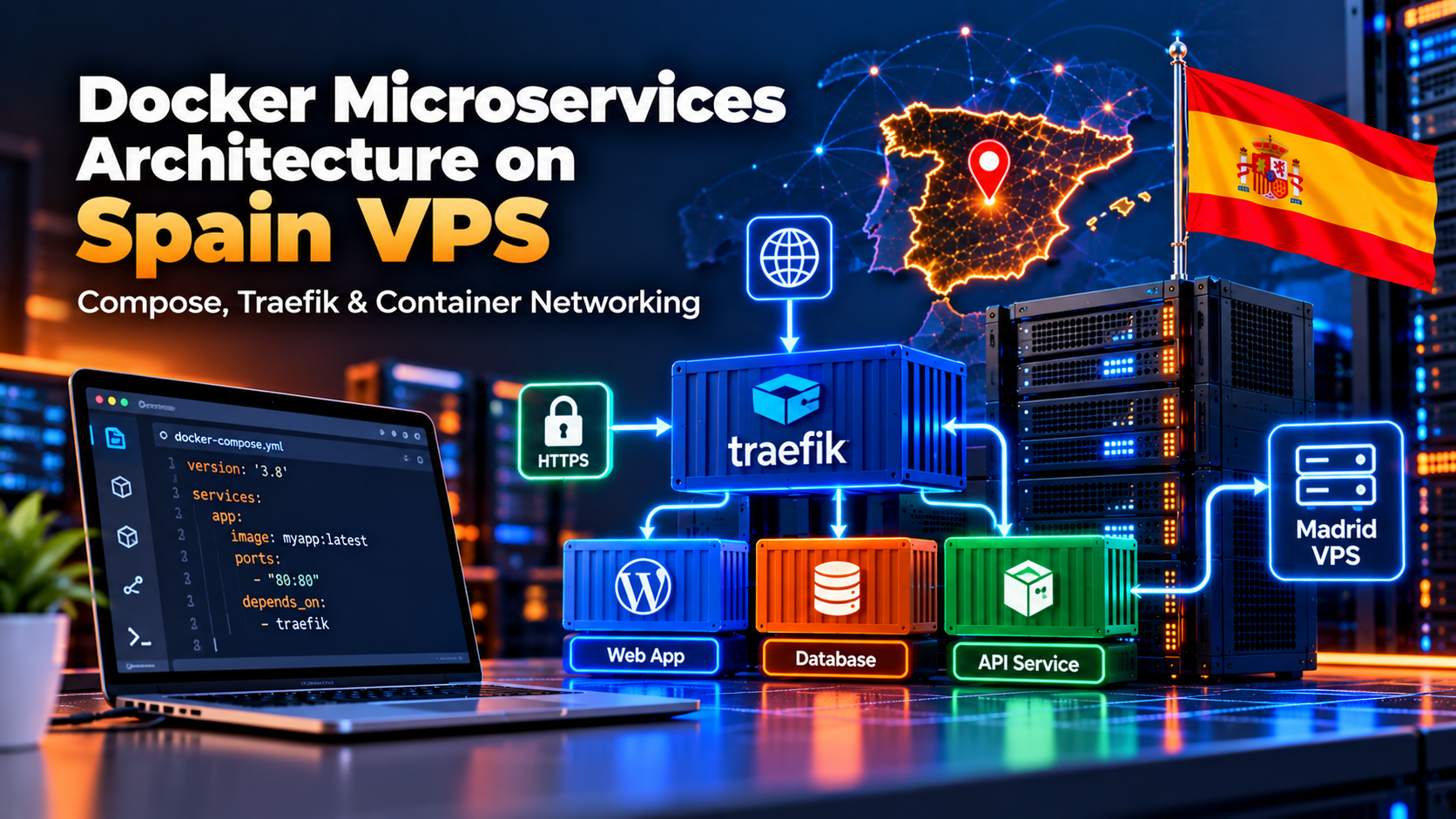
Configuring microservices on a high-speed docker vps spain host combines lightweight containerization with enterprise KVM hypervisor isolation in a Madrid Tier-III facility. Specifically, pairing Docker Compose with Traefik v3 automates Let’s Encrypt wildcard TLS routing and network discovery, while pure NVMe arrays deliver high IOPS storage.
Specifically, start by hardening Docker CE on Ubuntu with live-restore and overlay2 driver flags. Next, deploy Traefik v3 as an edge reverse proxy to handle SSL termination and automated container routing via Docker labels. Furthermore, isolate internal databases behind unexposed bridge networks to deliver enterprise microservice security across Iberian users.
Modern software engineering has shifted decisively from monolithic architectures toward distributed microservices. For instance, deploying production workloads on high-performance Spain VPS hosting infrastructure delivers dedicated computing power with direct Iberian peering.
However, running containers on hyperscale cloud platforms often introduces complex per-second billing and unpredictable data transfer fees. Therefore, utilizing dedicated Madrid cloud nodes with horizontal and vertical scaling architecture provides absolute operational stability, strict GDPR compliance, and transparent infrastructure expenditure.
Specifically, dedicated CPU cores and hardware memory namespaces provide an impermeable security boundary for your host kernel.
In addition, automate dynamic container discovery, load balancing, and Let’s Encrypt SSL certificates without manual Nginx reloads.
Consequently, direct peering at Madrid internet exchanges delivers sub-10ms round-trip ping times across Spain and Portugal.
Table of Contents
- 1. Virtualization Synergy: KVM & Containers
- 2. Host Hardening: Installing Docker CE
- 3. Traefik v3 Edge Router & SSL
- 4. Container Network Security & Isolation
- 5. Persistent Storage & Named Volumes
- 6. Observability & Resource Governance
- 7. Microservices Capacity Sizing Matrix
- 8. Production Security & Non-Root Sandboxing
- 9. Frequently Asked Questions
- 10. Deploy Spain Cloud Platform
1. Virtualization Synergy: Why KVM Hypervisors are Ideal for Docker Hosts
Understanding container architecture requires distinguishing between kernel namespaces and hardware virtualization. Specifically, Docker containers share the host Linux kernel, isolating user-space processes rather than emulating virtual machine hardware.
Consequently, running Docker inside a dedicated KVM virtual private server in Madrid provides defense-in-depth isolation. Furthermore, the outer KVM hypervisor creates an impermeable hardware boundary, while inner containers deliver sub-second deployment velocity and minimal operational footprint.
Process Isolation & Velocity:
- First, sub-second container startup times accelerate rapid application scaling.
- Second, minimal CPU and RAM virtualization overhead maximizes hardware capacity.
- Third, immutable application packaging utilizes structured Docker Compose files.
- Finally, direct dynamic communication thrives on internal virtual bridge networks.
Kernel & Hardware Security:
- First, dedicated virtual CPU cores ensure guaranteed memory allocations.
- Second, independent Linux kernel customization enables custom sysctl buffer tuning.
- Third, impermeable hypervisor isolation protects against neighboring workloads.
- Finally, direct hardware bus access optimizes ultra-fast NVMe enterprise storage arrays.
2. Host Preparation & Hardening: Installing Docker CE on Ubuntu in Madrid
Setting up a production Docker host on Ubuntu requires configuring the Docker daemon for resilience before running application workloads. For instance, without explicit log-rotation policies, long-running microservices can easily exhaust host storage with unconstrained container JSON logs.
Therefore, systems engineers must configure /etc/docker/daemon.json with log-rotation rules, live-restore flags, and overlay2 storage parameters. As a result, restarting or upgrading the Docker daemon does not terminate running application containers, guaranteeing seamless high availability.
# Update Ubuntu package indices and install official Docker CE dependencies
apt-get update && apt-get install -y ca-certificates curl gnupg lsb-release

# Apply production Docker daemon configuration with live-restore and log limits
cat <<'EOF' > /etc/docker/daemon.json
{
  "log-driver": "json-file",
  "log-opts": {
    "max-size": "20m",
    "max-file": "3"
  },
  "storage-driver": "overlay2",
  "live-restore": true,
  "userland-proxy": false,
  "default-ulimits": {
    "nofile": {
      "Name": "nofile",
      "Hard": 65535,
      "Soft": 65535
    }
  }
}
EOF

systemctl restart docker && docker info | grep -E "Storage Driver|Live Restore"
 Storage Driver: overlay2
 Live Restore Enabled: true
3. Traefik v3 Edge Router: Dynamic Discovery & Automated Wildcard SSL
Traditional reverse proxies like standard Nginx require manual configuration file updates and service reloads whenever container instances change. In contrast, Traefik v3 listens directly to the Docker socket, automatically detecting newly provisioned microservice containers in real time.
Moreover, Traefik integrates natively with Let’s Encrypt to issue and renew SSL certificates via HTTP or DNS-01 challenges. Consequently, developers simply attach routing labels to their Docker Compose service definitions, eliminating manual SSL configuration entirely.
# Provision the public web gateway network and deploy Traefik v3 stack
docker network create --driver bridge web-gateway
cd /opt/traefik && docker compose up -d
[+] Running 2/2
 ✔ Network web-gateway       Created
 ✔ Container traefik-router  Started

docker logs traefik-router 2>&1 | grep -i "configuration loaded"
2026-11-19T10:14:02Z INF Configuration loaded from flags.
2026-11-19T10:14:03Z INF Server started on :80 and :443 [HTTPS]
4. Container Network Security: Bridge Networks & Service Isolation Topologies
A critical architectural mistake in multi-tier applications is deploying all microservices on a single unsegmented network bridge. Specifically, exposing database ports to the public host interface invites automated brute-force attacks and security vulnerabilities.
Instead, enterprise security dictates deploying isolated internal bridge networks for backend databases and caching layers. Furthermore, only the Traefik reverse proxy connects to the public web network, preventing public traffic from touching your database layer directly.
# Create isolated backend bridge network with internal flag
docker network create --internal --driver bridge backend-db-tier
d8e3b4a19c5234f9a0c12847a9ef382b01c38e9d9241b18d234a9b21849aef90

docker network inspect backend-db-tier --format '{{.Internal}}'
true

# Confirm only internal inter-container traffic is permitted
Bridge network successfully locked: Zero outbound WAN routing allowed.
5. Persistent Data Management: Docker Named Volumes on Pure NVMe Storage
Because container filesystems are ephemeral by design, persistent application state must reside on managed Docker named volumes. In particular, binding Docker named volumes directly to host enterprise NVMe arrays delivers direct host disk performance with zero virtualization degradation.
Furthermore, administrators can schedule automated volume snapshot backups without interrupting active database processes. Thus, combining NVMe hardware RAID 10 with volume mount points achieves both high throughput and absolute disaster recovery readiness.
6. Observability & Resource Governance: Monitoring Containers with cAdvisor
Specifically, operating multiple microservice containers requires continuous observability into processor, memory, and disk usage. In fact, an undetected memory leak inside a single microservice can easily trigger the host Linux kernel Out-Of-Memory killer.
Consequently, deploying Google cAdvisor alongside Docker Compose provides real-time telemetry metrics across all containers. Therefore, engineers can quickly audit CPU throttling, memory spikes, and network I/O through visual dashboards or Prometheus collectors.
# Stream real-time CPU, Memory, and I/O metrics across running containers
docker stats --no-stream --format "table {{.Name}}	{{.CPUPerc}}	{{.MemUsage}}	{{.NetIO}}"
NAME                 CPU %     MEM USAGE / LIMIT     NET I/O
traefik-router       0.42%     34.2MiB / 7.82GiB     48.2MB / 112MB
api-service-prod     1.18%     182.5MiB / 2.00GiB    95.4MB / 88.1MB
postgres-db-core     0.85%     412.1MiB / 4.00GiB    18.2MB / 42.6MB
redis-cache-tier     0.15%     28.6MiB / 1.00GiB     12.1MB / 9.8MB
7. Docker Microservices Host Capacity Sizing Matrix
In particular, selecting the appropriate Spain VPS tier depends on the number of concurrent microservices and anticipated request concurrency. Specifically, the sizing table below outlines recommended hardware configurations for scalable container deployments in Madrid:
| VPS Deployment Tier | vCPU & Dedicated RAM | Pure NVMe Storage | Container Capacity | Recommended Architecture |
|---|---|---|---|---|
| Starter Architecture | 2 vCPU / 4GB RAM | 50GB NVMe SSD | 3 to 6 Containers | Traefik + Node.js API + Redis |
| Production Cluster | 4 vCPU / 8GB RAM | 100GB NVMe SSD | 8 to 15 Containers | Traefik + API + PostgreSQL + Cache |
| High-Traffic Node | 6 vCPU / 16GB RAM | 200GB NVMe SSD | 20 to 40 Containers | Full Microservices + CI/CD + Monitoring |
| Enterprise Swarm | 8 vCPU / 32GB RAM | 400GB NVMe SSD | 50+ Containers | Multi-Tenant K3s Cluster or Swarm |
8. Production Security: Docker Secrets & Non-Root UID Sandboxing
Above all, hardening production containers requires eliminating hardcoded API keys and passwords from Dockerfiles and Compose files. Specifically, committing plain-text database credentials to source code repositories presents an immediate security vulnerability.
Instead, systems administrators should implement Docker Secrets or encrypted environment configuration files with restricted file permissions. Furthermore, running containers with non-root user IDs prevents attackers from gaining root host privileges even during application compromises.
9. Frequently Asked Questions
1. Orchestration, Traefik & Networking FAQs
Review verified architectural answers regarding container orchestration, reverse proxy configurations, and virtual networking:
Can I run Docker Swarm or lightweight Kubernetes (K3s) on a Spain VPS?
Yes, in fact, full root SSH authority and unconstrained KVM virtualization support Docker Swarm initialization and lightweight Kubernetes (K3s) master nodes.
Consequently, developers can seamlessly cluster multiple Madrid cloud instances together across private VLANs for distributed container orchestration.
How does Traefik automatically obtain SSL certificates for new containers?
Whenever Traefik detects a newly started container with TLS labels enabled, it communicates with the Let’s Encrypt ACME directory.
Subsequently, it solves the challenge, validates domain ownership, and automatically terminates SSL at the Madrid edge proxy.
Will Docker bypass my UFW host firewall rules on Ubuntu?
By default, the Docker daemon manipulates Linux iptables directly, which can bypass standard UFW rules for published ports.
Therefore, administrators should set iptables to false in daemon.json, or configure the ufw-docker utility to maintain firewall isolation.
How do I configure Docker bridge network MTU sizes to match the Madrid datacenter interface?
Specifically, engineers should configure /etc/docker/daemon.json with an explicit MTU setting of 1500 before restarting Docker.
Consequently, aligning MTU values across the host network prevents packet fragmentation and optimizes TCP throughput.
2. Storage Persistence, Security & Monitoring FAQs
Explore essential guidelines for persistent storage volumes, Spanish data sovereignty, and container performance tuning:
How do I backup Docker named volumes on a Madrid VPS?
Specifically, administrators can back up persistent volumes by mounting them into a dedicated backup container that creates compressed tarballs.
Furthermore, the resulting archive can then be synchronized offsite to S3-compatible cloud storage for secure disaster recovery.
Why is hosting Docker in Madrid better than using overseas container clouds?
For example, deploying directly within Madrid delivers sub-10ms ping times across the Iberian Peninsula via direct ESPANIX exchange peering.
Additionally, hosting within Spain guarantees complete compliance with Spanish data sovereignty and European GDPR requirements.
Which Docker storage driver delivers the highest performance on enterprise NVMe SSD arrays?
Indeed, the overlay2 storage engine remains the industry gold standard, delivering native Linux page caching and optimized memory utilization.
Consequently, combining overlay2 with enterprise NVMe storage arrays achieves sub-millisecond container disk read and write performance.
How do I enforce resource limits (CPU and RAM) on Docker containers in production?
In particular, developers can enforce strict limits directly in docker-compose.yml files under deploy resources configurations.
Specifically, setting memory and CPU limits prevents a runaway microservice from triggering the host Linux kernel OOM killer.
10. Deploy Your Spain Docker Cloud VPS
Deploy production-ready Docker containers with pure NVMe storage, unmetered ESPANIX bandwidth, and automated Traefik routing in our Tier-III Madrid facility.
Deploy Spain Cloud VPS →