

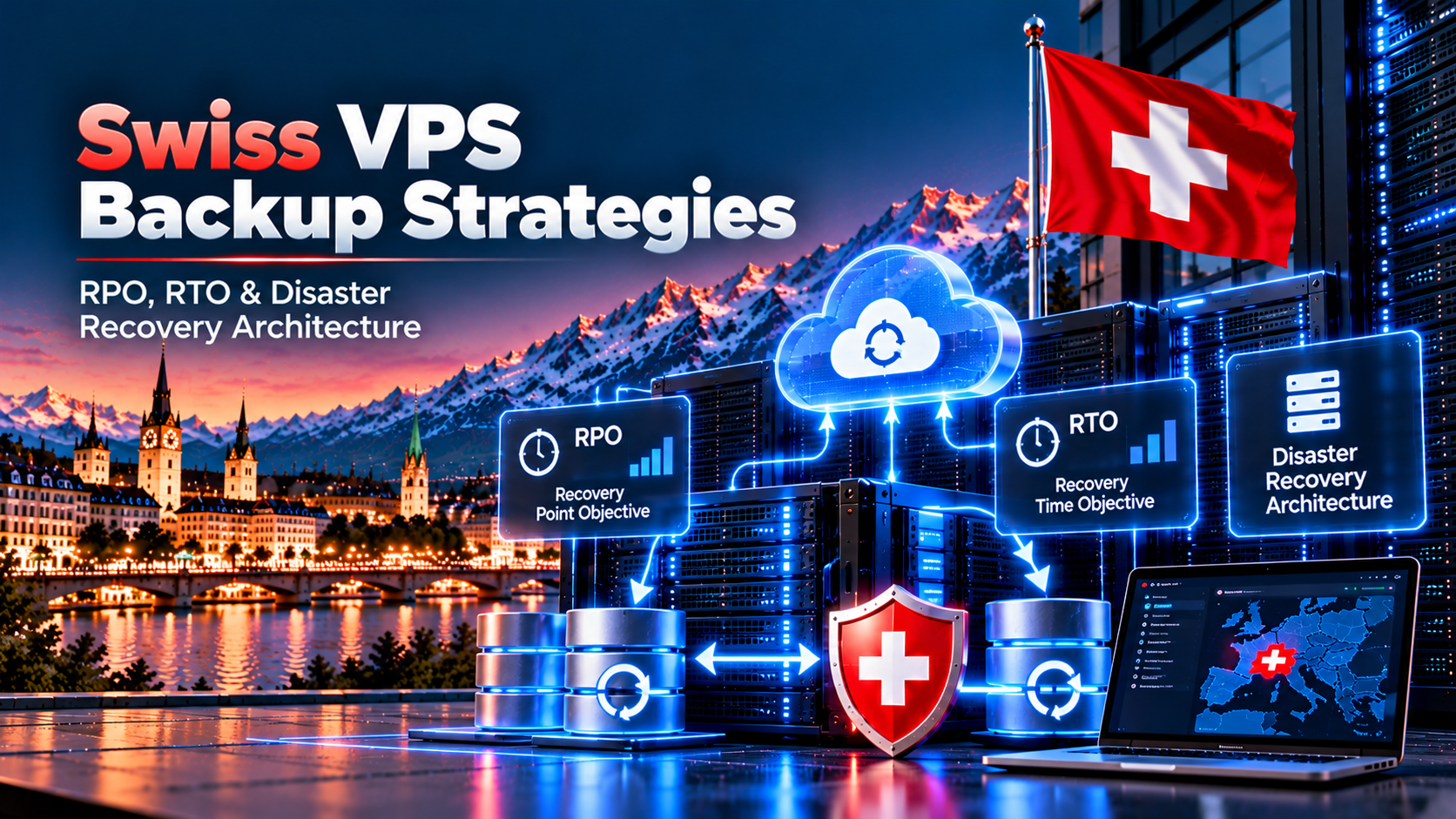
Implementing resilient swiss vps backup strategies requires a multi-layered disaster recovery architecture combining local Copy-on-Write NVMe disk snapshots, encrypted offsite repository replication across Swiss cantons, and immutable S3 Object Lock storage. Consequently, this model delivers Recovery Point Objectives (RPO) under 15 minutes and sub-60-second recovery times while maintaining revDSG data sovereignty compliance.
Specifically, enterprise Swiss cloud protection adheres to the 3-2-1-1 rule: maintaining 3 copies across 2 storage types, with 1 offsite in another canton and 1 immutable copy. Furthermore, decoupling instant local block snapshots from encrypted offsite repositories ensures instant rollback capabilities and absolute immunity against modern ransomware threats.
Establishing institutional disaster recovery planning is the ultimate safeguard against hardware disruptions, accidental deletion, and targeted ransomware strikes. For example, deploying on a high-availability Switzerland VPS hosting platform requires strict adherence to institutional backup engineering and continuous data replication.
Moreover, organizations processing financial records or European user data must satisfy strict revDSG Swiss data protection standards. Therefore, understanding Recovery Point Objectives (RPO), Recovery Time Objectives (RTO), and immutable storage guarantees uninterrupted business continuity across Zurich data centers.
Freeze virtual machine states in under 2 seconds for instant rollbacks without pausing production compute workloads.
Replicate encrypted deduplicated archives across secondary Swiss data centers over private dedicated storage VLANs.
Enforce S3 Object Lock compliance policies to prevent ransomware deletion, unauthorized tampering, or early pruning.
Table of Contents
- 1. Architectural Foundations: The 3-2-1-1 Enterprise Backup Rule
- 2. Defining Disaster Recovery Metrics: RPO, RTO, and Business Impact
- 3. Crash-Consistent Snapshots vs. Application-Consistent Database Dumps
- 4. Deduplicated & Encrypted Backup Runbook Using BorgBackup
- 5. Immutable Object Storage, S3 Object Lock, and Ransomware Air-Gaps
- 6. Network-Isolated Storage VLANs for Secure Backup Transit
- 7. Disaster Recovery Backup Strategy Comparison Matrix
- 8. Automated Restoration Validation and Testing Runbook
- 9. Frequently Asked Questions (Technical & Disaster Recovery)
1. Architectural Foundations: The 3-2-1-1 Enterprise Backup Rule
Enterprise disaster recovery begins by acknowledging that hardware RAID arrays do not constitute a backup strategy. In fact, while RAID mirrors protect against physical drive failure, any accidental operational deletion or database corruption is instantly mirrored across all drives.
Consequently, resilient infrastructure follows the modern 3-2-1-1 rule: maintaining 3 copies of production data across 2 different media formats, with 1 offsite geographic location and 1 immutable air-gapped repository. Specifically, this safeguards critical applications against facility outages and targeted ransomware attacks.
Enterprise Defense-in-Depth:
- 3 Copies of Data: 1 primary production node plus 2 historical backup targets
- 2 Media Formats: High-speed NVMe block storage plus object archive pools
- 1 Offsite Facility: Replicated to a secondary Swiss canton datacenter
- 1 Immutable Air-Gap: Cryptographically locked against root credential deletion
revDSG Regulatory Compliance:
- 100% Swiss sovereign jurisdiction across all backup nodes
- Complete immunity from foreign Cloud Act data subpoenas
- Encrypted transit over domestic Swiss optical fiber lines
- Strict audit trails for European and Swiss financial workloads
2. Defining Disaster Recovery Metrics: RPO, RTO, and Business Impact
Designing a disaster recovery plan requires establishing measurable business objectives before selecting software tools. Specifically, two core metrics dictate architecture: Recovery Point Objective (RPO) and Recovery Time Objective (RTO).
First, RPO defines the maximum acceptable data loss measured in units of time between consecutive backups. For instance, an e-commerce platform processing hundreds of transactions per hour requires an RPO under 15 minutes to prevent lost customer orders.
Second, RTO represents the maximum tolerable duration required to restore operational services after a catastrophic outage. Therefore, maintaining instant local Copy-on-Write snapshots allows engineers to achieve an RTO under 60 seconds during software deployment failures.
3. Crash-Consistent Snapshots vs. Application-Consistent Database Dumps
Administrators often misunderstand the distinction between hypervisor block snapshots and application-consistent database dumps. In particular, a standard disk snapshot captures the exact state of physical blocks at a single microsecond, resembling pulling the power cord on a running server.
However, if an active MySQL or PostgreSQL database is writing transaction logs during snapshot creation, table indexes can become corrupted upon boot. Consequently, application-consistent backups first quiesce database tables, flush dirty write buffers to disk, and export clean InnoDB transactions.
root@zurich-vps:~# mysqldump -u root -p'DB_SECRET' --single-transaction --quick --routines --triggers --all-databases | gzip > /backups/db_backup_$(date +%F).sql.gz
[==================================================] 100% Dump Complete (0 errors)

root@zurich-vps:~# ls -lh /backups/db_backup_$(date +%F).sql.gz
-rw-r--r-- 1 root root 1.18G Nov 19 04:00 /backups/db_backup_2026-11-19.sql.gz
4. Deduplicated & Encrypted Backup Runbook Using BorgBackup
Transferring full raw disk images across networks wastes bandwidth and consumes vast storage pools. In contrast, modern open-source utilities like BorgBackup perform block-level deduplication and authenticated encryption using ChaCha20-Poly1305 ciphers.
Furthermore, subsequent incremental backups transmit only unique modified chunks, reducing daily storage overhead by up to 90%. Therefore, systems administrators can retain daily, weekly, and monthly historical archives cost-effectively without saturating network connections.
root@zurich-vps:~# borg init --encryption=repokey-blake2-chacha20-poly1305 ssh://[email protected]:22/backups/swiss-vps-repo
Initializing repository at "ssh://[email protected]:22/backups/swiss-vps-repo"
Key generated and stored securely in repository config.
Repository initialized successfully.

root@zurich-vps:~# borg key export ssh://[email protected]:22/backups/swiss-vps-repo /root/borg-key-backup.txt
Key exported to /root/borg-key-backup.txt
Next, execute automated incremental deduplicated backups across application directories and configuration trees. In fact, reviewing deduplication statistics verifies that multi-gigabyte files compress into minimal new storage chunks.
root@zurich-vps:~# borg create --stats --progress --compression lz4 ssh://[email protected]:22/backups/swiss-vps-repo::'{hostname}-{now:%Y-%m-%d_%H:%M}' /var/www /etc /backups
------------------------------------------------------------------------------
Archive name: zurich-vps-2026-11-19_04:15
Archive fingerprint: a7f8e32918bc349271648a129ef48bc1
Time (start): Wed, 2026-11-19 04:15:02
Duration: 42.15 seconds
Number of files: 28410
Original size: 28.45 GB | Compressed: 9.12 GB | Deduplicated size: 420.15 MB
------------------------------------------------------------------------------
5. Immutable Object Storage, S3 Object Lock, and Ransomware Air-Gaps
Modern ransomware variants intentionally hunt for attached network shares and backup scripts, utilizing stolen credentials to delete archives before encrypting production disks. Consequently, mutable backups stored on reachable network mounts provide zero protection against determined threat actors.
To counter this vulnerability, enterprise Swiss backup strategies implement S3-compatible immutable object storage. Specifically, by activating Compliance Mode Object Locking with a 30-day retention window, even users holding root administrative credentials cannot overwrite or purge historical data until the timer expires.
6. Network-Isolated Storage VLANs for Secure Backup Transit
Routing backup traffic across public Internet interfaces exposes data streams to packet snooping and consumes metered bandwidth allocations. Therefore, Onlive Server architectures provision secondary virtual network interfaces attached to isolated private storage VLANs.
Furthermore, private storage subnets operate on dedicated 10Gbps fiber uplinks separated from public web traffic. Consequently, high-volume database replication never congests customer-facing web traffic or elevates latency for active online shoppers.
7. Disaster Recovery Backup Strategy Comparison Matrix
Evaluating backup mechanisms requires understanding the trade-offs between speed, storage consumption, and disaster resilience. The comparison table below highlights operational parameters across institutional backup techniques.
| Backup Methodology | Typical RPO | Typical RTO | Storage Efficiency | Ransomware Immunity | Administrative Overhead |
|---|---|---|---|---|---|
| Daily Flat File Dumps | 24 Hours | 4 to 8 Hours | Low (No deduplication) | Vulnerable if stored locally | High manual maintenance |
| Local Storage Snapshots | 1 to 4 Hours | < 60 Seconds | Medium (Copy-on-Write) | Vulnerable to hypervisor failure | Automated cloud console |
| Encrypted Offsite Deduplication | 15 to 60 Minutes | 15 to 30 Minutes | Maximum (Up to 90% savings) | Protected with air-gap keys | Scripted cron automation |
| Immutable S3 Object Lock | Continuous / Hourly | 30 to 60 Minutes | High (Block object hashing) | 100% Cryptographic Immunity | Policy-driven lifecycle |
8. Automated Restoration Validation and Testing Runbook
An untested backup is purely a hypothesis, not a recovery plan. Therefore, engineering teams must implement weekly automated restoration drills to verify that database dumps extract cleanly and pass database consistency checks.
Specifically, running automated scripts that restore recent dumps into isolated test databases detects table corruption long before actual emergencies occur. Consequently, verified disaster readiness guarantees swift recovery during production hardware incidents.
root@zurich-vps:~# borg check --verify-data ssh://[email protected]:22/backups/swiss-vps-repo
Starting archive consistency check...
Analyzing archive zurich-vps-2026-11-19_04:15...
Archive consistency check complete, verified 18 archives, 0 errors detected.

root@zurich-vps:~# gunzip -c /backups/db_backup_2026-11-19.sql.gz | mysql -u test_user -p'TEST_SECRET' test_dr_db
[==================================================] Database Restored into test_dr_db

root@zurich-vps:~# mysqlcheck -u test_user -p'TEST_SECRET' --check test_dr_db wp_posts wp_users
test_dr_db.wp_posts                                OK
test_dr_db.wp_users                                OK
Status: Integrity check verified successfully.
9. Frequently Asked Questions (Technical & Disaster Recovery)
Backup Mechanics, RPO Targets & Snapshot Technology FAQs
What is the difference between a snapshot and a backup?
How often should I back up my Swiss VPS?
Does taking a snapshot slow down my running VPS?
Can I automate backups using Onlive Server cloud tools?
Ransomware Protection, Swiss Jurisdiction & Restoration FAQs
What is the 3-2-1 backup strategy?
Are backups protected against ransomware attacks?
Where are Onlive Server offsite backups physically stored?
How do I restore my Swiss VPS from a backup snapshot?
Protect your mission-critical applications with Zurich NVMe cloud servers, automated snapshot scheduling, and revDSG-compliant offsite disaster recovery replication.
