

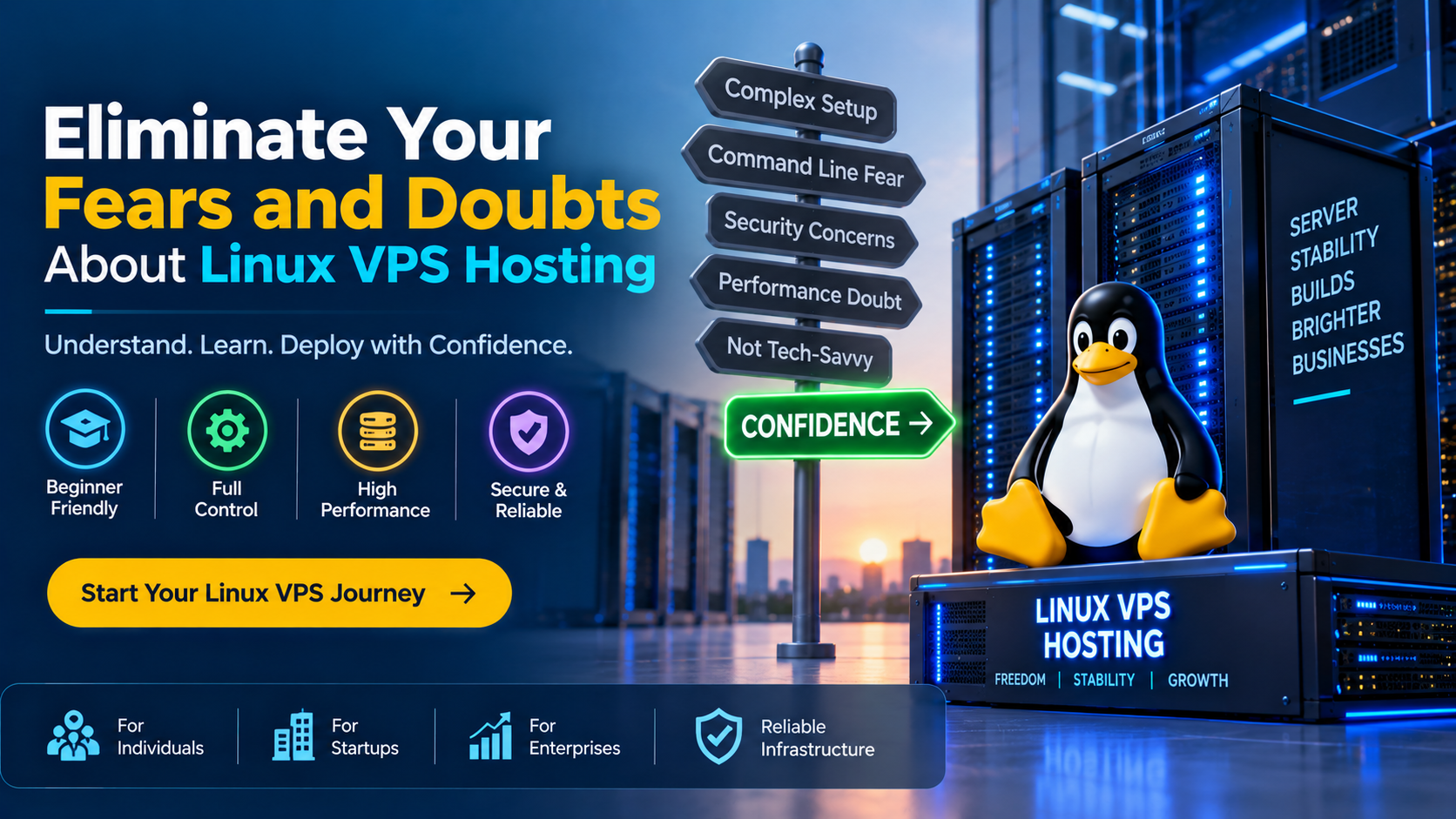
Linux VPS Hosting is an isolated virtual private server provisioned via KVM hypervisors on enterprise host nodes, granting you dedicated CPU, RAM, and NVMe storage without noisy-neighbor interference. The common fears that Linux VPS requires advanced command-line expertise, risks server crashes from single typos, or creates security vulnerabilities are largely misconceptions. With modern graphical control panels (cPanel, Plesk, CyberPanel), automated 1-click snapshot backups, out-of-band VNC emergency consoles, and optional 24/7 managed support, managing a Linux VPS is just as accessible as shared hosting—while delivering 100% administrative autonomy, custom software compatibility, and predictable performance.
Introduction: Why Beginners and Growing Businesses Hesitate to Adopt Linux VPS
As websites, ecommerce storefronts, and SaaS applications expand, they inevitably outgrow the restricted environment of shared web hosting. On shared platforms, sudden traffic spikes on neighboring accounts can exhaust shared memory pools, trigger CPU throttling, and lead to frequent 503 Service Unavailable errors. Yet despite these limitations, many developers, agencies, and small business owners hesitate to upgrade to a Virtual Private Server (VPS).
The hesitation almost always stems from fear: fear of a daunting black-and-white terminal, fear of breaking a live production database with an errant command, fear of complex security responsibilities, and anxiety about server maintenance costs. These doubts lead site owners to remain trapped on slow, unreliable hosting environments that harm search engine rankings and transactional conversions.
In reality, the modern Linux hosting ecosystem has evolved dramatically. Deploying a high-performance Linux VPS hosting server no longer requires a degree in systems engineering. By understanding how virtualization works, how graphical control panels simplify management, and how safety nets like instant snapshot rollbacks protect your data, you can step into an isolated server environment with complete confidence.
What Is a Linux VPS and How Does KVM Virtualization Work?
A Linux VPS is an independent virtual instance created on a high-capacity physical host machine using a hypervisor—most commonly Kernel-based Virtual Machine (KVM). Unlike legacy container virtualization (such as OpenVZ), KVM provides true hardware virtualization. Each virtual machine operates its own independent Linux kernel, dedicated virtual CPUs (vCPUs), guaranteed RAM channels, and virtual disk allocations mapped directly to enterprise PCIe NVMe storage arrays.
Guaranteed Resource Isolation
Your vCPU cores and ECC RAM allocations are strictly reserved. Adjacent accounts cannot starve your processes or degrade database response times during external traffic surges.
Sub-Millisecond NVMe Storage
PCIe Gen4 NVMe arrays in RAID 10 configurations deliver high random read/write IOPS, ensuring instantaneous database queries, cache lookups, and file transfers.
GUI Web Control Panels
Install point-and-click control panels such as cPanel, Plesk, CyberPanel, or aaPanel to manage websites, domains, DNS, and MySQL databases without touching a terminal.
1-Click Snapshot Rollbacks
Capture point-in-time image states before testing software updates. If an update fails, restore your entire operating system and database to its exact working state in seconds.
Unmetered 1Gbps Uplinks
High-capacity network switch ports deliver unmetered data transit with low-latency BGP routing, ensuring fast load times for global visitors without surprise egress bills.
Full Root Administrative Access
Enjoy total freedom to configure custom PHP extensions, Redis caching, Node.js runtimes, Python environments, and firewall rules tailored to your application.
Dismantling the 5 Biggest Fears and Doubts About Linux VPS
Fear 1: “I Need to Be a Linux Command-Line Guru to Run a VPS”
The Reality: You can manage everything through an intuitive web browser interface. While developers love SSH terminal access for its speed and scripting power, you are never forced to use the command line. By pairing your Linux VPS with a graphical control panel—such as cPanel/WHM, Plesk, CyberPanel, or DirectAdmin—you gain an intuitive point-and-click dashboard. From this GUI, you can install WordPress in one click, create email accounts, manage MySQL databases, and generate free Let’s Encrypt SSL certificates exactly as you would on shared hosting.
Fear 2: “One Wrong Command Will Break My Entire Server Beyond Repair”
The Reality: Modern KVM cloud architectures provide bulletproof safety nets. The fear that typing an incorrect syntax will permanently destroy your website is outdated. Two vital tools eliminate this risk entirely:
- Automated Snapshot Backups: Before installing new software, upgrading PHP versions, or modifying system configurations, you can trigger a 1-click snapshot from your client portal. If anything breaks, you can roll back your entire disk image in under two minutes.
- Out-of-Band VNC Emergency Console: Even if you accidentally misconfigure your firewall (UFW) and lock yourself out of SSH, your hosting control panel provides an independent out-of-band VNC console that connects directly to the virtual machine’s screen and keyboard, allowing you to log in and fix the issue.
Fear 3: “Linux Servers Are Vulnerable to Complex Hackers”
The Reality: Linux is the global gold standard for enterprise security. Linux powers over 90% of cloud servers and supercomputers worldwide precisely because of its robust security design. Unlike shared hosting—where a security breach on an adjacent user’s outdated WordPress plugin can expose your database—a Linux VPS completely isolates your file system, processes, and memory. Implementing baseline security takes less than 15 minutes by reviewing practical Linux VPS SSH hardening practices, such as disabling password authentication, switching to cryptographic SSH keys, and enabling automated security patches.
Fear 4: “Migrating from Shared Hosting Is Complicated and Risky”
The Reality: Automated migration wizards enable seamless, zero-downtime cutovers. Migrating an established website does not require manually recreating databases or rewriting configuration files. Control panels like cPanel and Plesk feature automated migration utilities: you simply enter your shared hosting credentials, and the tool transfers all files, databases, mailboxes, and DNS records over an encrypted channel. By verifying the site on a temporary staging URL before updating your domain’s DNS records, your visitors experience zero downtime.
Fear 5: “VPS Hosting Is Prohibitively Expensive for Growing Sites”
The Reality: VPS hosting delivers vastly superior price-to-performance efficiency. While high-end physical dedicated hardware can cost hundreds of dollars monthly, KVM cloud virtualization allows hosting providers to slice enterprise host nodes into affordable, predictable packages. For only a few dollars more than premium shared hosting, a Linux VPS provides dedicated CPU cores, unmetered bandwidth, and total control—saving money by eliminating the need for expensive third-party optimization services.
Architectural Comparison: Shared Hosting vs. Unmanaged VPS vs. Fully Managed VPS
To choose the right hosting environment with complete peace of mind, review how shared hosting compares to unmanaged and managed Linux VPS options:
| Feature / Capability | Shared Web Hosting | Unmanaged Linux VPS | Fully Managed Linux VPS |
|---|---|---|---|
| Resource Allocation | Pooled & shared; susceptible to noisy neighbor slowdowns. | Guaranteed dedicated vCPU, RAM & NVMe storage. | Guaranteed dedicated vCPU, RAM & NVMe storage. |
| Administrative Control | Restricted user account; no root or low-level access. | Full root SSH access with complete OS customization. | Full root access paired with 24/7 sysadmin assistance. |
| Server Management & Updates | Managed by provider; no custom software permitted. | Handled by the user via CLI or chosen control panel. | Proactively managed by provider (OS patching, monitoring, security). |
| Security & Firewall | Generic shared firewall; individual rules not allowed. | Custom iptables/UFW, fail2ban, and SSH key rules. | Hardware DDoS filtering + custom hardened server firewall. |
| Recommended For | Small hobby blogs and low-traffic personal sites. | Developers, sysadmins, and tech-savvy webmasters. | Busy business owners, ecommerce sites, and digital agencies. |
Which Linux Distribution Should You Choose for Your VPS?
Selecting the right operating system distribution removes guesswork and ensures long-term stability. Most Linux distributions share the same core utilities, but their release cycles and software package repositories differ:
- Ubuntu LTS (22.04 / 24.04): The most widely documented Linux distribution globally. Ideal for beginners and developers alike, Ubuntu offers extensive community tutorials, 5 years of security updates, and effortless package management via
apt. - Debian (11 / 12): Renowned for its legendary stability and lightweight footprint. Debian uses minimal RAM at idle (often under 150 MB), making it the perfect choice for maximizing resources on budget-friendly VPS configurations.
- AlmaLinux & Rocky Linux (8 / 9): The open-source, 1:1 binary-compatible replacements for CentOS and Red Hat Enterprise Linux (RHEL). These distributions are the enterprise industry standard for running commercial web hosting platforms, particularly cPanel/WHM and DirectAdmin.
Essential 5-Minute Linux VPS Security & Kernel Hardening
Securing a new Linux VPS is straightforward. By applying basic security hardening immediately upon deployment, you prevent 99% of automated credential stuffing and port scanning attacks. The following kernel parameters in /etc/sysctl.conf optimize network socket resilience and connection capacity:
# Protect against SYN flood volumetric connection attacks
net.ipv4.tcp_syncookies = 1

# Expand maximum connection backlog queue for traffic surges
net.core.somaxconn = 65535
net.ipv4.tcp_max_syn_backlog = 8192

# Enable Google BBR congestion control for fast network throughput
net.core.default_qdisc = fq
net.ipv4.tcp_congestion_control = bbr

# Optimize virtual memory swappiness to favor physical RAM caching
vm.swappiness = 10
Combine these sysctl adjustments with our recommended proactive server defense checklists—including enabling Uncomplicated Firewall (ufw allow 80,443/tcp) and configuring fail2ban to ban repeat failed login attempts automatically.
For developers and organizations scaling web applications or requiring dedicated virtual environments, exploring high-performance Linux VPS hosting delivers guaranteed NVMe storage, KVM hypervisor isolation, and full root access for production workloads.
📌 Frequently Asked Questions (FAQ)
Q1
Do I need to know Linux command-line commands to run a website on a VPS?
▼
No. You can easily install a graphical web control panel such as cPanel, Plesk, CyberPanel, aaPanel, or DirectAdmin during server checkout. These dashboards allow you to manage files, domains, emails, databases, and SSL certificates entirely through a visual web browser interface without typing terminal commands.
Q2
What happens if I make a configuration mistake—can I restore my server?
▼
Yes. Our KVM cloud hosting platform features 1-click automated snapshot technology. You can capture a snapshot of your entire server before making configuration changes or updating software. If anything goes wrong, you can roll back the entire operating system and database to its exact working state in seconds.
Q3
What is root access and is it dangerous for beginners?
▼
Root access provides full administrative authority over the operating system, allowing you to install custom software, configure firewalls, and optimize server services. While root privileges give total control, they are not dangerous when following standard best practices: creating a non-root sudo user for daily tasks, using SSH keys instead of passwords, and keeping automated snapshots active.
Q4
What is the difference between unmanaged and fully managed Linux VPS?
▼
On an unmanaged VPS, the provider guarantees server hardware, network uptime, and virtualization, while you manage the operating system, security updates, and web software. On a fully managed VPS, certified system administrators handle operating system installation, ongoing security patching, web server optimization, and proactive technical troubleshooting 24/7/365.
Q5
Can I upgrade my Linux VPS resources as my website grows?
▼
Yes. Seamless vertical scalability is a built-in advantage of KVM cloud hosting. You can upgrade vCPU cores, RAM, and NVMe disk space directly from your client control portal with a quick automated server reboot, preserving all your files, databases, and custom configurations without migration downtime.
Conclusion: Strategic Architecture & Performance Summary
Implementing these technical optimizations for eliminate your fears and doubts about linux vps hosting ensures robust throughput, predictable latency, and maximum system reliability across production environments. Rigorous benchmarking and proactive parameter tuning eliminate latent resource bottlenecks before they impact end users.
Pairing disciplined operating system administration with reliable compute foundations is essential for mission-critical operations. Deploying workloads on high-performance cloud VPS solutions provides the dedicated resources, network resilience, and hardware acceleration necessary to sustain high availability under heavy production load.