

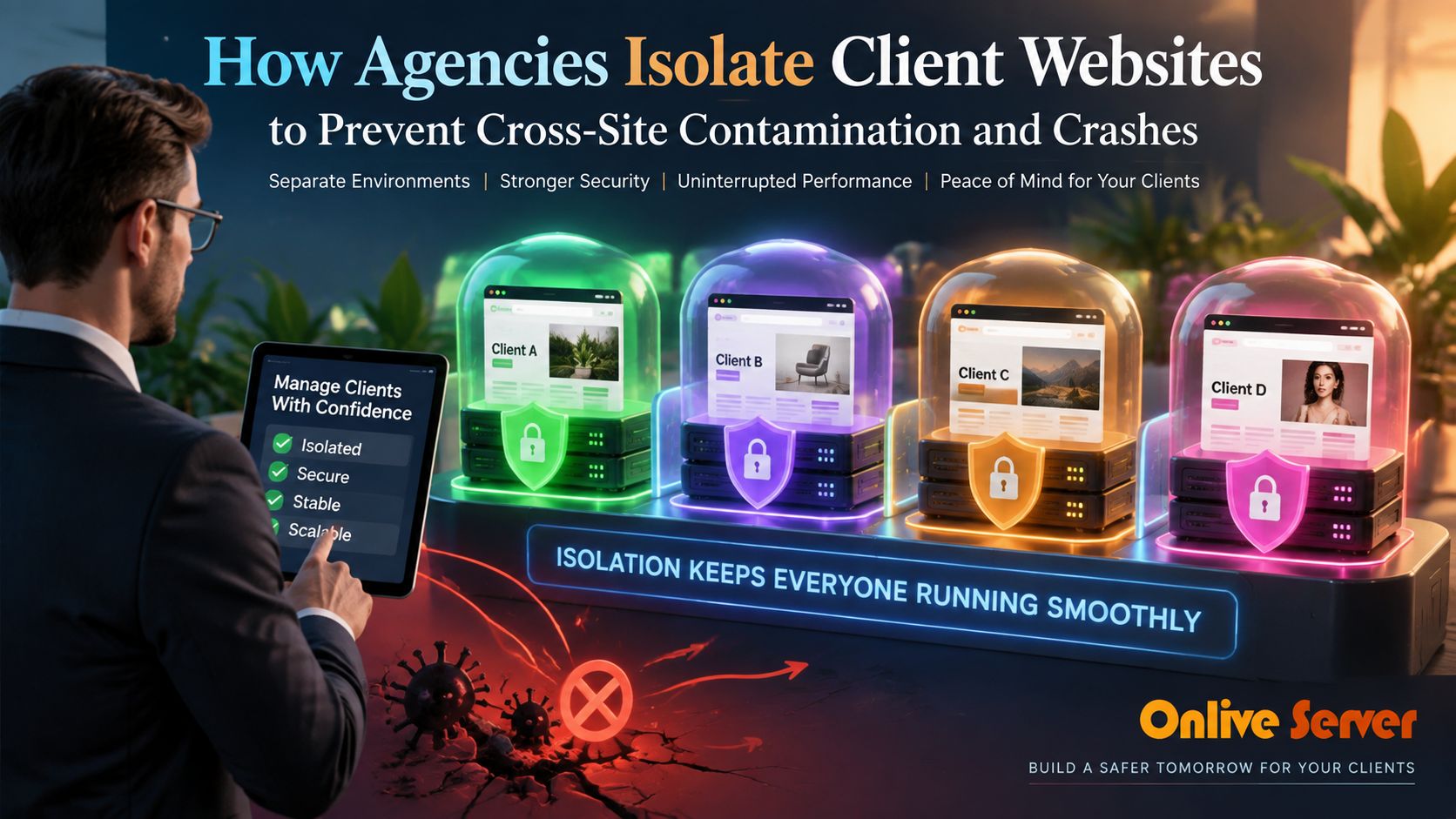
Agencies isolate client websites by creating distinct server boundaries: dedicated Linux system users (UID/GID), independent PHP-FPM pools, separate databases, and hardware limits via cgroups or CloudLinux LVE. This layered structure traps security breaches and traffic spikes within a single client container, ensuring adjacent sites stay secure and online.
Introduction: The Multi-Tenant Agency Hosting Dilemma
Hosting multiple client websites on a single server helps agencies reduce infrastructure costs and simplify maintenance. However, running dozens of sites without strict isolation creates a major operational risk: a single compromised client website can compromise or crash the entire server. For verified technical specifications and deployment parameters, consult the official Docker Documentation.
When multiple WordPress installations share the same system user and PHP process pool, they act like one combined application. A vulnerable plugin on a small brochure site can expose database credentials for an eCommerce store or exhaust CPU threads until every website crashes with 502 Bad Gateway errors.
Professional agencies solve this vulnerability by building defense-in-depth isolation across their hosting stack. Whether configuring an isolated virtual private server environment or dedicated cluster, enforcing strict multi-layered boundaries keeps client projects secure and server performance consistent.
Why Shared Multi-Tenancy Causes Server Outages
On default shared servers, all websites frequently run under a single system user (such as www-data or nobody). This shared execution model introduces three catastrophic threats to agency operations:
- Cross-Site Malware Contamination: If an attacker exploits an unpatched plugin on one domain, they inherit permissions to read and modify every other website directory on the server, including
wp-config.phpcredentials. - PHP Worker Starvation: When all websites draw from a single shared PHP-FPM pool, a traffic rush or broken script on one site uses up all available worker processes, leaving legitimate visitors waiting indefinitely.
- Uncontrolled Resource Spikes: Runaway database queries or aggressive cron jobs can consume 100% of CPU and RAM, forcing the Linux Out-Of-Memory (OOM) killer to terminate MySQL or the web daemon.
Effective agency hosting limits the blast radius: any infection, traffic surge, or coding flaw must stay locked within that specific client account without affecting neighboring tenants.
The Six Multi-Tenant Isolation Layers
True isolation requires a multi-layered architecture rather than a single plugin or server setting. Each layer protects against a different type of failure across the operating system.
- System User Separation: Dedicated UID and GID pairs prevent users from traversing other client directories.
- Dedicated PHP-FPM Process Pools: Individual socket files and distinct worker process managers for each site.
- Filesystem Sandboxing: Restricting PHP scripts via
open_basedirdirectives and chrooted virtual environments like CageFS. - Database User Segregation: Strict MySQL privilege boundaries that prevent cross-database queries.
- Hardware Resource Governance: Linux control groups (cgroups) or CloudLinux LVE limits to cap CPU, RAM, and IOPS usage.
- Operational Hygiene: Automated daily off-site backups, isolated staging instances, and central log aggregation.
1. System User Separation (UID/GID Boundaries)
The foundation of Linux security is the user account boundary. When configuring agency servers, never run client applications under the web server’s global user identity.
Each client project must have its own unprivileged system user (e.g., client1_usr, client2_usr). Files and folders within each site’s document root should be owned exclusively by that user with strict permissions:
# Recommended agency directory permissions
find /home/client1/public_html -type d -exec chmod 750 {} +
find /home/client1/public_html -type f -exec chmod 640 {} +
chown -R client1_usr:www-data /home/client1/public_html
With 750 permissions on directories and 640 on files, group members (such as the web server daemon) can read assets, while other local users have zero access to browse files or view database passwords.
2. Dedicated PHP-FPM Pools for Process Segregation
Even with separate system users, running all PHP scripts through a single global PHP-FPM pool undermines security. A shared pool runs with a single system identity, allowing scripts to execute with elevated permissions.
Creating an independent PHP-FPM pool for each client website ensures that PHP processes execute under that client’s specific user ID. If a PHP process is compromised, the attacker is trapped inside that user’s limited permission envelope.
; /etc/php/8.2/fpm/pool.d/client1.conf
[client1]
user = client1_usr
group = client1_usr
listen = /run/php/php8.2-fpm-client1.sock
listen.owner = www-data
listen.group = www-data
pm = dynamic
pm.max_children = 10
pm.start_servers = 2
pm.min_spare_servers = 1
pm.max_spare_servers = 3
Furthermore, setting independent pm.max_children limits prevents a single busy website from spawning hundreds of PHP workers and starving adjacent client sites of RAM.
3. Filesystem Sandboxing: open_basedir & CageFS
To prevent malicious scripts from reading sensitive system configuration files (such as /etc/passwd or global logs), agencies deploy filesystem sandboxing.
The PHP open_basedir directive restricts all file operations to designated directories. Setting open_basedir = /home/client1/:/tmp/ inside the client’s pool configuration ensures PHP cannot open or execute files outside its home directory.
For large-scale agency operations, deploying CloudLinux OS with CageFS creates a virtualized per-user filesystem. Each client sees only safe virtual system files and their own data, making cross-user browsing technically impossible.
For agencies hosting high-traffic stores and healthcare applications, deploying a high-capacity bare-metal dedicated server ensures hardware-level isolation for mission-critical client databases.
4. Database Segregation and Restricted Grants
Database contamination is another common attack vector in shared hosting. Agencies must never use a shared database user or grant administrative GRANT ALL PRIVILEGES on the entire MySQL server.
Every client site requires its own unique database name and a distinct database user with credentials generated via cryptographic randomizers. Privileges should be strictly confined to that single database:
CREATE DATABASE client1_db;
CREATE USER 'client1_u'@'localhost' IDENTIFIED BY 'StrongRandomPass123!';
GRANT SELECT, INSERT, UPDATE, DELETE, CREATE, DROP, ALTER, INDEX ON client1_db.* TO 'client1_u'@'localhost';
FLUSH PRIVILEGES;
Restricting database privileges prevents malicious scripts from executing administrative operations, creating arbitrary users, or accessing schemas belonging to other agency clients.
5. Hardware Resource Governance (cgroups and LVE)
Security isolation protects against unauthorized data access, but resource isolation protects against performance degradation. Without hardware throttling, a single unindexed query or bot attack can saturate 100% of CPU capacity.
As documented in the official Linux kernel cgroups v2 documentation, control groups allow systems administrators to enforce hard caps on CPU percentage, memory allocation, and disk I/O bandwidth per user or systemd slice:
- CPU Quotas: Cap each client at 100% of a single core (or 50% during peak hours) to ensure fair sharing.
- Memory Limits: Allocate a maximum RAM threshold (e.g., 1GB per client); if exceeded, only that client’s worker restarts.
- I/O Throttling: Limit disk read/write bandwidth to 20MB/s per client to prevent disk starvation during large file imports.
CloudLinux Lightweight Virtual Environment (LVE) automates these limits via a kernel module, giving agencies real-time visibility into client resource consumption from a web dashboard.
6. Operational Hygiene: Backups, Logging, and Staging
True isolation extends beyond server configuration into daily development workflows. For agency teams seeking automated staging and snapshot isolation, configuring Webuzo multi-tenant staging and automated backups on VPS provides one-click domain sandboxing and point-in-time rollback protection across three key operational areas:
- Isolated Staging Environments: Never run staging sites on the same database or process pool as production. Staging domains must have independent credentials and resource limits.
- Daily Off-Site Backups: Schedule automated nightly backups that package each client’s files and database independently, synchronizing encrypted archives to remote S3 storage.
- Centralized Access Logging: Route access and error logs to distinct client log files. This ensures rapid forensic analysis without exposing other clients’ traffic data.
Agencies requiring specialized multi-tenant clustering or high-availability failover can collaborate with a certified Linux administrator to architect robust, production-hardened hosting infrastructure.
Frequently Asked Questions
What is the most common reason a single client website crashes a shared agency server?
The most common cause is a single unconstrained PHP-FPM pool. When one site experiences a traffic spike or slow database query, it consumes all available PHP workers, leaving none for neighboring websites and triggering widespread 502 Bad Gateway errors.
How does CageFS differ from the PHP open_basedir directive?
While open_basedir only restricts PHP scripts, CageFS virtualizes the entire filesystem at the operating system level. It chroots every user into an isolated environment where they cannot see other users, system binaries, or global server processes, even via SSH or cron.
Can I use Docker containers to isolate client websites on an agency server?
Yes, containerizing each client site with Docker provides excellent process, network, and filesystem isolation. However, it requires more memory overhead and management complexity compared to native PHP-FPM pools and system user separation.
What are the best Linux file permissions for WordPress on a multi-tenant server?
The most secure configuration is 750 for all directories and 640 for all files, owned by client_user:www-data. Sensitive configuration files like wp-config.php should be restricted to 600 or 640 so only the site owner and PHP worker can read them.
How many client websites should an agency host on a single VPS or dedicated server?
The optimal density depends on traffic and site complexity. A well-tuned 8-core, 16GB RAM server can comfortably host 30 to 50 low-traffic brochure sites, but high-traffic WooCommerce stores should be limited to 5 to 10 sites per server or isolated on dedicated nodes.
Conclusion: Building a Resilient Multi-Tenant Agency Architecture
Isolating client websites on an agency server is not merely a defensive security measure; it is a critical business safeguard. By implementing defense-in-depth isolation across system users, PHP-FPM pools, database privileges, and Linux control groups, digital agencies eliminate the risk of cross-site contamination and catastrophic cascading outages.
Adopting this structured architectural approach guarantees that individual website vulnerabilities remain strictly contained within their designated user boundaries. For expanding digital portfolios, deploying a hybrid hosting architecture combining bare metal and VPS ensures scalable resource headroom, enterprise stability, and zero cross-tenant contamination. Client websites enjoy consistent page load speeds, high uptime reliability, and full data confidentiality, allowing your agency to scale its hosting operations with complete confidence.
