

How Do You Deploy and Secure a Windows Server VPS in Bangkok?
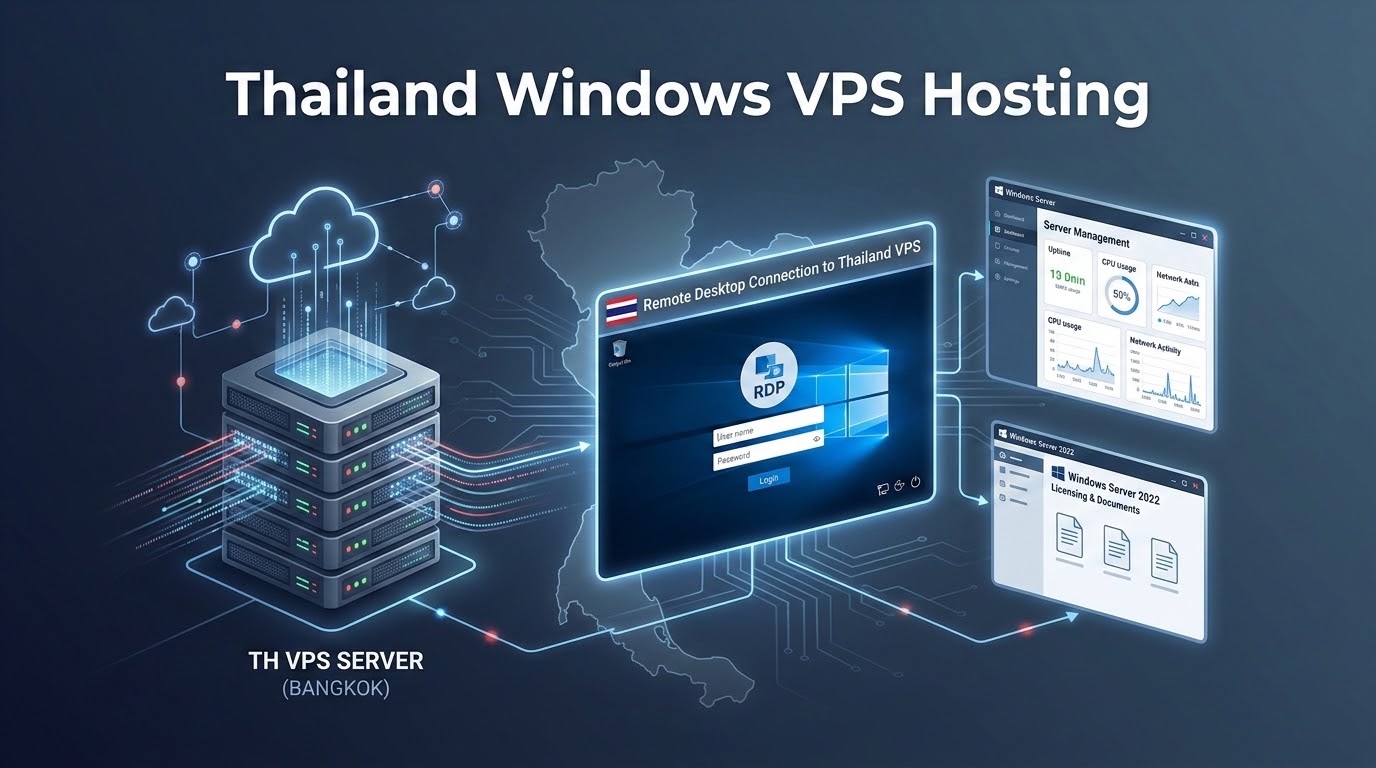
Deploying a Thailand Windows VPS in Bangkok delivers low-latency remote desktop access. In fact, Windows Server 2022 requires at least 4GB RAM.
Immediately change default RDP port 3389 in the registry. Furthermore, enforce Network Level Authentication (NLA) to prevent brute-force attacks.
Enable Windows Defender with automated virus definitions. In addition, restrict remote desktop access to your management IP via firewall.
Thousands of enterprises require dedicated Windows Server environments in Southeast Asia. These support algorithmic trading, MS SQL databases, and Thai accounting suites.
However, international hosting causes sluggish Remote Desktop (RDP) mouse latency. In addition, exposed default ports invite relentless brute-force botnet attacks.
Choosing Thailand Windows VPS hosting in Bangkok solves this challenge. Consequently, local hosting guarantees sub-10ms latency, fluid GUI responsiveness, and legitimate licensing.
✔ Windows VPS Key Architectural Takeaways
- Consequently, GUI Latency Imperative: Running RDP over sub-10ms Bangkok fiber delivers ultra-fast responsiveness. In fact, it feels identical to a local PC.
- In addition, Hardware Baselines: Windows Server 2022 requires at least 4GB RAM and 50GB NVMe storage. Therefore, 8GB RAM is recommended for stability.
- In particular, RDP Hardening Priority: Default port 3389 suffers constant attacks. Consequently, enforce NLA and change the port immediately.
- Therefore, SPLA Compliance: Ensure your provider offers genuine licenses through Microsoft SPLA. In fact, this guarantees authentic security updates.
- Moreover, Localization Support: Easily configure Thai language packs and Thai Baht currency. In addition, set the Bangkok timezone (UTC+7).
- Why Deploy a Windows Server VPS in Bangkok?
- Choosing Your Version: Windows Server 2019 vs. 2022 vs. 2025
- Understanding Microsoft Licensing on Virtualized VPS Nodes
- Step-by-Step RDP Connection Setup from Windows, macOS & Mobile
- Hardening Remote Desktop: Enforcing NLA, Changing Port 3389 & IP Whitelisting
- Optimizing Windows Server Performance: Disabling Unnecessary Services & Managing RAM
- Configuring Thai Language, Regional Currency (THB) and Timezone (UTC+7)
- Frequently Asked Questions (FAQ)
1
While Linux dominates public cloud servers, Microsoft Windows Server powers corporate enterprise workloads. Therefore, it remains vital for commercial operations.
In Thailand, deploying a Windows VPS in Bangkok serves mission-critical workloads. In fact, local servers provide optimal performance for several distinct use cases:
- In addition, Multi-Branch Thai ERP & Accounting: Many Thai accounting tools run as Windows desktop apps. Hosting them centrally allows branch offices to collaborate smoothly via RDP.
- In particular, 24/7 MetaTrader 4 / 5 Forex Trading: Automated Expert Advisors require continuous uptime. In fact, a Bangkok VPS ensures uninterrupted execution with low latency.
- Therefore, Enterprise Microsoft Stack (ASP.NET & SQL): Corporate applications require native Windows environments. Consequently, this delivers seamless integration with Active Directory and IIS.
- Moreover, Secure Remote Desktop Gateway: Employees can access internal banking and files securely. This prevents storing corporate data on personal laptops.
2
In fact, selecting the right operating system version impacts memory overhead, cryptographic protocol support, and long-term security patching:
| Windows Server Edition | Idle RAM Usage | Security & Protocol Features | Microsoft Lifecycle Support | Recommendation |
|---|---|---|---|---|
| Windows Server 2019 | 1.8 GB – 2.2 GB | TLS 1.2 default; basic Windows Defender ATP. | Extended support ends Jan 2029 | Legacy applications with strict 2019 compatibility dependencies. |
| Windows Server 2022 | 1.9 GB – 2.4 GB | TLS 1.3 enabled by default; Secured-Core server; SMB over QUIC. | Extended support ends Oct 2031 | Standard Production Choice for Thai enterprise workloads. |
| Windows Server 2025 | 2.4 GB – 2.8 GB | Next-gen hotpatching, Wi-Fi 7, SMB over alternative ports. | Active development / Emerging | Experimental testing and early adoption labs. |
Similarly, Windows Server 2022 Datacenter is the optimal choice for business deployments in Thailand. In fact, it balances enterprise stability with TLS 1.3 cryptographic protection.
3
Meanwhile, operating Windows Server in a cloud hypervisor requires strict adherence to Microsoft licensing rules. Legitimate licensing ensures long-term operational stability.
For automated trading on Windows Server, see our guide on forex trading Windows VPS setup for MetaTrader.
In addition, for authoritative session policies, review the official Microsoft Learn Remote Desktop Services documentation.
- Additionally, Microsoft SPLA Licensing: Commercial hosting providers license Windows per core via Microsoft SPLA. Consequently, this includes genuine updates and complete legal compliance.
- As a result, Avoid Pirated KMS Cracks: Budget hosts often deploy illegitimate activation cracks. In fact, these cracks create security risks and disable critical patches.
- Specifically, Remote Desktop CALs: Standard Windows Server allows two administrative RDP sessions. Furthermore, teams needing simultaneous multi-user access can easily add RDS CALs.
4
Furthermore, connecting to your OnliveServer Windows VPS in Bangkok is simple across all desktop and mobile platforms:
1. Connecting from Windows 10 / 11
- Consequently, press Win + R, type
mstsc, and hit Enter to launch the Remote Desktop Connection client. - In addition, in the Computer field, enter your Bangkok VPS IP address (e.g.,
103.13.228.x). If you customized the port, append it (e.g.,103.13.228.x:49215). - In particular, click Connect, enter your username (
Administrator) and secure password, then accept the SSL certificate prompt.
2. Connecting from macOS (Apple Silicon & Intel)
Therefore, install the official Microsoft Remote Desktop client from the Mac App Store. First, click Add PC and enter your IP address.
In addition, configure your user credentials. Next, set the display resolution to Dynamic Resolution Matching for crisp Retina scaling.
3. Connecting from iOS / Android Mobile Devices
Moreover, download the free RD Client app from the App Store or Google Play Store. It allows fast mobile access from anywhere.
Consequently, you can monitor MetaTrader bots or restart services directly from your smartphone. In fact, Thai 5G networks ensure responsive connections.
5
Windows RDP default port 3389 is aggressively probed by botnets. Leaving it exposed results in failed logins and high CPU load.
Execute this hardening sequence inside an elevated PowerShell terminal. In addition, secure your environment with proper network controls.
Deploying Windows instances requires licensed, optimized Windows server hosting environments with accelerated RDP capabilities.
1. Enforce Network Level Authentication (NLA)
In fact, NLA requires clients to authenticate before establishing a GUI session. Consequently, this mitigates BlueKeep-style RDP vulnerabilities completely.
2. Change Default RDP Port to a Custom High Port
Switching your listening port from 3389 to a non-standard port (e.g., 49215) eliminates 99.8% of automated botnet scans:
3. Restrict Inbound RDP to Corporate Office IPs
For maximum security, restrict incoming RDP connections to static office IP addresses. In fact, use Windows Advanced Firewall to enforce this rule.
6
Out of the box, Windows Server enables several background services. Consequently, these consume valuable CPU cycles and system memory.
To maximize resources on a 4GB or 8GB VPS, apply these lightweight tuning steps. In fact, optimizing services keeps performance smooth:
- Adjust for Best Performance: Open System Properties → Advanced → Performance Settings → Select “Adjust for best performance”. This disables unnecessary animations and drop shadows. Consequently, it frees memory and reduces RDP bandwidth usage.
- Disable Windows Search Indexing: For database and trading workloads, background search indexing generates heavy disk I/O. Disable the
WSearchservice inservices.msc. - Configure Static Paging File: Set a fixed custom pagefile size (e.g., 4096MB). This avoids dynamic resizing on your high-speed NVMe volume.
7
When running Thai commercial software, incorrect system locale settings cause font corruption. Consequently, Thai text renders as unreadable question marks ???.
In addition, wrong locale settings trigger calculation errors in financial reports. Therefore, configure your regional parameters properly:
After a quick reboot, Windows Server natively renders Thai fonts in desktop applications. In addition, it displays the Buddhist calendar (พ.ศ.) correctly.
Furthermore, it formats Thai Baht (฿) currency accurately across accounting ledgers. Consequently, all financial reports calculate without errors.
8
Core Technical Specifications
Deployment & Operational Inquiries
Launch Your High-Speed Thailand Windows VPS in Bangkok
Access fully licensed Windows Server environments with accelerated Remote Desktop Protocol (RDP). Ideal for remote office workstations, ERP software, and Windows applications.
