

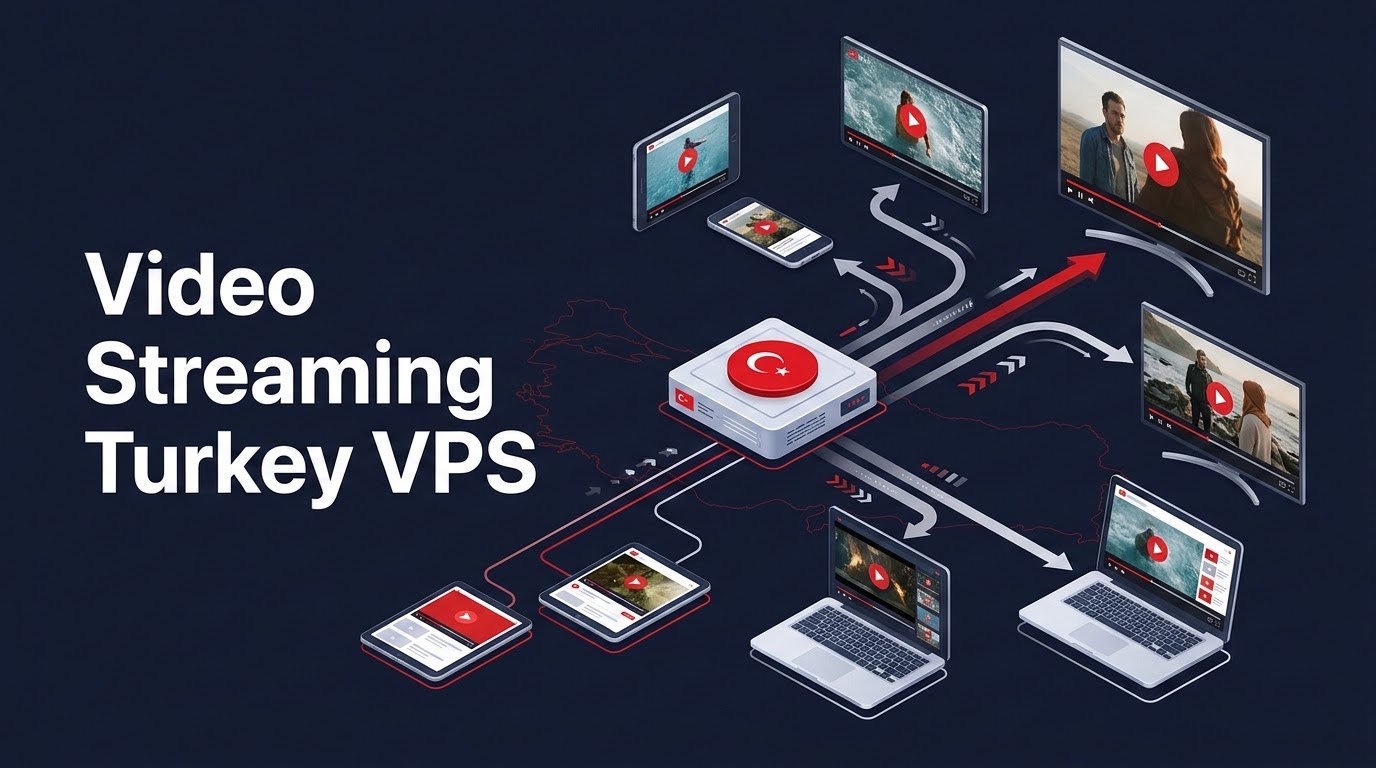
Specifically, when planning an enterprise deployment for video streaming Turkey VPS, configuring an Istanbul cloud VPS with Nginx, the RTMP module, and HTTP Live Streaming (HLS) creates a private media origin server that eliminates expensive external CDN egress fees. Utilizing 1Gbps unmetered uplink connectivity peered directly with DE-CIX Istanbul and local Turkish telecom backbones allows the server to ingest RTMP video feeds, transmux them into fragmented MP4/HLS segments in RAM (/dev/shm), and deliver smooth high-definition video playback with sub-3 second broadcast latency to Turkish audiences.
Furthermore, from live educational webinars and esports tournament broadcasting to regional Turkish television re-streaming and corporate video on demand (VOD), modern media operations face significant infrastructure challenges. Hosting video origin servers in Western European data centers introduces cross-border network jitter, packet retransmissions, and buffering stalls across Turkish residential broadband networks. By anchoring your media delivery on high-bandwidth Turkey VPS streaming infrastructure in Istanbul, broadcasters unlock unmetered domestic data throughput, native mobile HLS compatibility, and smooth high-definition video playback across Türkiye.
✔ Key Architectural Takeaways
- Consequently, Local Ingest & Transmuxing Efficiency: Ingesting RTMP streams locally in Istanbul delivers stable broadcast bitrate ingestion without frame drops caused by long-distance transit to European origin nodes.
- In addition, In-Memory HLS Segment Storage: Writing active HLS video chunks (
.tsand.m3u8files) directly to Linux shared memory (/dev/shm) eliminates storage disk write exhaustion and cuts segment delivery latency. - In particular, Mathematical Concurrency Sizing: A 1 Gbps port comfortably handles approximately 400 concurrent viewers streaming 1080p video at 2,500 kbps bitrate before reaching network port saturation.
- Therefore, HLS Chunk Tuning for Turkish 4.5G Networks: Configuring 2-second fragment durations with 3-segment playlist windows reduces live broadcast delay to under 4 seconds while preventing player buffer under-runs.
- Cost Elimination vs. Global CDNs: Dedicated unmetered bandwidth on an Istanbul VPS avoids unpredictable per-gigabyte bandwidth overage charges typical of commercial cloud streaming platforms.
Introduction: Video Streaming Landscape in Türkiye
Consequently, delivering high-definition live video to audiences across Türkiye presents a unique set of technical and financial considerations. Commercial global content delivery networks (such as AWS CloudFront or Fastly) bill bandwidth on tiered pricing models that charge upwards of $0.08 to $0.12 per gigabyte for Middle Eastern and regional Turkish edge traffic. For a live event broadcasting a 1080p stream to 500 concurrent viewers over a 4-hour window, data transfer easily surpasses 2.2 Terabytes—resulting in hundreds of dollars in bandwidth costs for a single broadcast.
Furthermore, routing Turkish video viewers through edge nodes located in Frankfurt or London introduces cross-border network hops. During peak evening congestion across the Sea of Marmara submarine cables, residential users experience packet loss, leading to video buffering, frame dropping, and resolution degradation.
In addition, deploying a dedicated streaming origin server on an Istanbul cloud VPS completely transforms this equation. Peered directly at DE-CIX Istanbul and interconnected with Türk Telekom, Turkcell Superonline, and Vodafone networks, an Istanbul VPS delivers video packets directly to Turkish viewers over domestic fiber backbones with zero international transit hops, predictable unmetered pricing, and pristine 1080p60 fidelity.
📌 Table of Contents
- Introduction: Video Streaming Landscape in Türkiye
- Protocol Architecture: RTMP Ingestion to HLS Delivery
- Storage Optimization: Writing HLS Fragments to RAM
- Capacity Planning: Bandwidth & Viewer Sizing on 1Gbps
- Mobile Optimization: Tuning for Turkish 4.5G Networks
- Streaming Architecture Matrix: VPS vs Cloud CDN
- Production Runbook: Nginx RTMP & HLS on Ubuntu
- Frequently Asked Questions (FAQ)
- High-Throughput Streaming Origin on Turkey VPS
Protocol Architecture: RTMP Ingestion to HLS Delivery
In particular, the standard modern video streaming pipeline relies on two complementary protocols:
- Therefore, RTMP (Real-Time Messaging Protocol): Used exclusively for stream ingestion. Broadcasters use encoding software such as OBS Studio, vMix, or hardware encoders to push a high-bitrate video and audio stream to the server over TCP port 1935. RTMP provides minimal latency (under 500ms) between the broadcaster and the server.
- HLS (HTTP Live Streaming): Because modern web browsers and mobile operating systems (iOS and Android) no longer support Flash or raw RTMP playback, the server must dynamically transmux the incoming RTMP feed into standard HLS chunks. HLS slices the video into small MPEG-TS or fragmented MP4 (fMP4) chunks, indexing them in an
.m3u8playlist file served over standard HTTPS (port 443).
Moreover, by executing this transmuxing process locally on your Istanbul server, your broadcast remains compatible with every smartphone, tablet, smart TV, and desktop browser without requiring viewers to install specialized software.
Storage Optimization: Writing HLS Fragments to RAM
In fact, a continuous high-bitrate live video stream generates thousands of small video files every hour. If your server writes these short 2-second chunks directly to the physical storage drive, the constant disk I/O operations create significant storage controller write wear, elevate I/O wait times, and degrade database performance.
Similarly, the optimal architectural solution is to configure the HLS segment output path to reside inside Linux shared memory (/dev/shm). The /dev/shm filesystem mounts directly into system RAM. By writing video chunks to RAM: Transcoding raw broadcast ingestion streams into chunked playlist segments complies with specifications in IETF RFC 8216 HTTP Live Streaming (HLS) specification.
- Meanwhile, disk write operations drop to absolute zero, preserving NVMe drive endurance.
- Chunk reading and delivery to web clients executes with microsecond memory bus latency.
- Additionally, old video segments are automatically purged from RAM as new segments arrive, maintaining a constant, bounded memory footprint.
Capacity Planning: Bandwidth & Viewer Sizing on 1Gbps
As a result, accurate capacity planning is essential to prevent network port saturation during live broadcasts. Video bandwidth requirements scale linearly with viewer count and stream bitrate:
Total Port Bandwidth (Mbps) = Concurrent Viewers × (Video Bitrate + Audio Bitrate in kbps) ÷ 1,000 × 1.15 Protocol Overhead Margin
| Resolution & Quality Profile | Target Bitrate (Video + Audio) | Max Viewers on 1 Gbps Uplink | Monthly Data Transfer (4h Daily) |
|---|---|---|---|
| 720p HD @ 30 FPS (Standard Mobile) | 1,500 kbps | ~580 Concurrent Viewers | ~38.8 Terabytes / month |
| 1080p Full HD @ 30 FPS (Webinar/Live) | 2,500 kbps | ~350 Concurrent Viewers | ~64.8 Terabytes / month |
| 1080p60 High Frame Rate (Esports) | 4,500 kbps | ~195 Concurrent Viewers | ~116.6 Terabytes / month |
| 4K Ultra HD @ 60 FPS (Premium) | 12,000 kbps | ~72 Concurrent Viewers | ~311.0 Terabytes / month |
When broadcasting to audiences that exceed the capacity of a single 1 Gbps port, OnliveServer supports load-balanced origin-edge streaming clusters where multiple Istanbul edge nodes pull chunks from the primary ingest node, scaling viewer capacity to tens of thousands.
Mobile Optimization: Tuning for Turkish 4.5G Networks
Default Apple HLS specifications recommend 6-second or 10-second chunk durations. While large chunks maximize network throughput on stable wired connections, they introduce 18 to 30 seconds of broadcast delay—making real-time chat interaction during webinars or sports events impossible.
Conversely, configuring chunks that are too small (under 1 second) causes player buffering on fluctuating Turkish 4.5G mobile connections when users travel through tunnels or areas with varying signal reception.
The optimal configuration for Turkish telecommunications infrastructure is 2-second chunks with a 3-segment playlist buffer:
This configuration delivers a responsive 4-to-6 second live stream latency while maintaining sufficient buffer depth to withstand momentary mobile packet jitter.
Streaming Architecture Matrix: VPS vs Cloud CDN
The comparative matrix below illustrates the operational and financial differences between running a dedicated streaming server in Istanbul versus relying on public cloud streaming platforms:
| Operational Dimension | Dedicated Istanbul Streaming VPS | Commercial Global CDN (AWS/Fastly) |
|---|---|---|
| Bandwidth Billing Model | Predictable Flat Monthly Fee (Unmetered) | Metered Pay-Per-GB in USD ($0.08–$0.12/GB) |
| Regional Ingest Latency | 4ms – 12ms (Direct Istanbul Ingest) | 50ms – 75ms (European Ingest Edge) |
| Custom Transcoding Control | Full FFmpeg CLI & Hardware Acceleration | Locked to proprietary vendor presets |
| Turkish Carrier Interconnect | Direct DE-CIX & Turkcell Peering | Multi-hop transit dependent on tier-1 BGP |
| Data Residency & Compliance | 100% Onshore Turkish Law No. 6698 Compliant | Cross-border data transit scrutiny |
Production Runbook: Nginx RTMP & HLS on Ubuntu
Deploying a production Nginx RTMP and HLS streaming server on Ubuntu 24.04 inside an Istanbul data center takes under ten minutes using native package repositories:
To begin broadcasting, open OBS Studio, navigate to Settings -> Stream, select Custom service, set Server to rtmp://YOUR_SERVER_IP/live, and set Stream Key to teststream. Viewers can immediately open the live stream in any HLS player (such as Video.js or Hls.js) at http://YOUR_SERVER_IP/hls/teststream.m3u8.
Frequently Asked Questions (FAQ)
Core Technical Specifications
Q1
How many concurrent live viewers can an Istanbul Turkey VPS support?
Viewer capacity is determined by network port bandwidth. On a dedicated 1 Gbps uplink, streaming a 1080p video at 2,500 kbps supports approximately 350 to 400 simultaneous viewers. Slicing to 720p at 1,500 kbps increases capacity to nearly 600 concurrent viewers on a single server.
Q2
Why is writing HLS chunks to /dev/shm better than writing to SSD?
Live streaming writes hundreds of temporary video files every minute. Writing to physical NVMe SSDs causes rapid storage write fatigue and elevates disk I/O wait times. Writing to /dev/shm uses RAM, delivering microsecond file access with zero physical drive wear. For streaming CDN edge deployments requiring single-hop Layer-2 domestic routing, explore our DE-CIX Istanbul low-jitter peering architecture.
Q3
Can I password-protect my RTMP broadcast ingestion stream key?
Yes. Nginx RTMP supports on_publish authentication hooks. When OBS connects, Nginx dispatches an internal HTTP request to a PHP or Python script validating the stream key against a database, rejecting unauthorized streamers before accepting video data.
Q4
How low can live streaming latency get using HLS on a Turkey VPS?
Using tuned Low-Latency HLS (LL-HLS) with 1-second to 2-second chunks and partial segments, live latency between broadcaster action and viewer display drops to 3 to 5 seconds across domestic Turkish internet connections.
Q5
Can iPhones and Android mobile devices play the HLS stream natively?
Yes. HLS is the native streaming format for iOS Safari and Android Chrome browsers. By embedding a standard HTML5 video tag with a JavaScript library like Video.js or Hls.js, video plays seamlessly across all mobile devices.
Q6
What hardware specifications are recommended for a video origin server?
For pure transmuxing (repackaging RTMP into HLS without re-encoding), CPU usage is very low; an OnliveServer Turkey VPS with 4 vCPUs, 8GB RAM, and a 1 Gbps port easily handles full capacity. If real-time CPU transcoding via FFmpeg is required (e.g., producing 1080p, 720p, and 480p adaptive bitrate streams simultaneously), an 8 vCPU or 16 vCPU instance is recommended.
Q7
Does OnliveServer throttle bandwidth during large live streaming events?
No. OnliveServer provides unmetered, dedicated bandwidth allocations backed by enterprise transit providers and direct peering at DE-CIX Istanbul, ensuring uninterrupted throughput throughout high-traffic live events.
Q8
Can I save or archive the live broadcast as a VOD MP4 file automatically?
Yes. Inside the Nginx RTMP configuration block, enabling record all; and setting record_path /opt/recordings; automatically records the raw broadcast to an MP4 video file on the storage drive as soon as streaming concludes.
High-Throughput Streaming Origin on Turkey VPS
Eliminate CDN bandwidth overage bills and deliver pristine, buffer-free video with dedicated 1 Gbps unmetered uplink ports in Istanbul. Power your live webinars and broadcasts today.
