

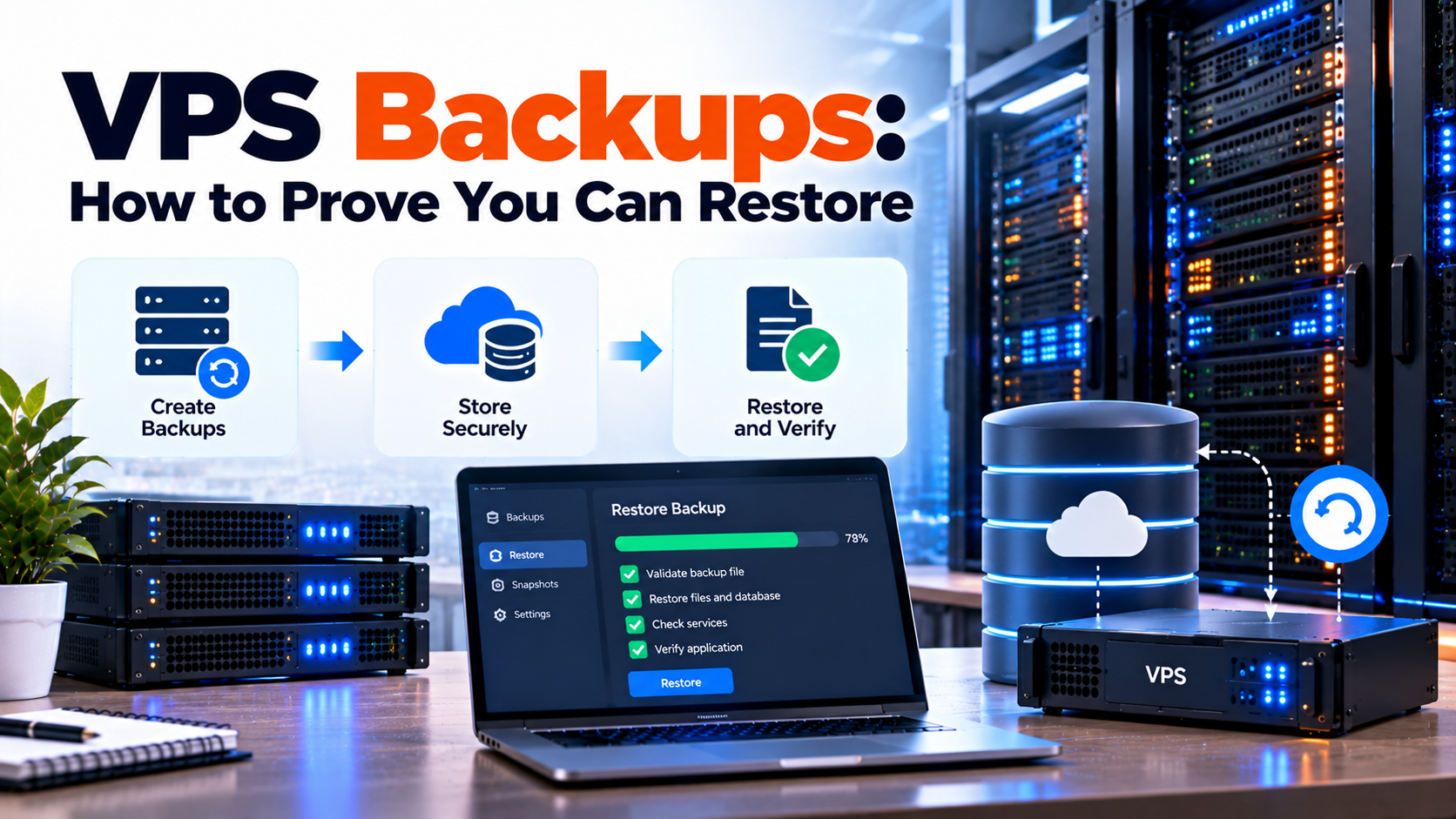
In modern digital operations, data loss is rarely caused by dramatic physical hardware catastrophes.
More frequently, server outages stem from accidental command-line errors, corrupted software updates, or ransomware attacks.
Specifically, relying on manual ad-hoc backups creates dangerous operational blind spots across production environments.
In fact, when busy administrators skip routine tasks, teams discover that backup archives are corrupted.
Furthermore, deploying mission-critical workloads on high-performance south africa vps hosting requires disciplined engineering resilience.
In addition, South Africa’s Protection of Personal Information Act (POPIA) mandates robust technical safeguards against loss.
Therefore, building an automated, encrypted backup pipeline proves your restoration runbooks work when seconds count.
Key Technical Architecture & Engineering Takeaways
Evaluating enterprise hosting infrastructure requires verifiable telemetry across compute isolation, hypervisor performance, and domestic carrier interconnects:
The Untested Backup Paradox: Why You Need VPS Backup Automation
Notably, an old adage among DevOps engineers states that nobody wants backups; everyone wants restores.
For instance, too many organizations celebrate backup scripts without validating that archives reconstruct functioning servers.
Specifically, when backup routines run quietly without automated verification, silent errors compound over time.
For example, a common scenario involves database dumps that terminate midway due to disk space limits.
Consequently, truncated SQL files fail syntax checks during critical emergency restoration windows.
Furthermore, file permissions and symbolic links often fail to restore correctly from raw tarballs.
As a result, web servers throw 403 Forbidden errors because Nginx cannot read directories.
For instance, a prominent South African logistics firm discovered this reality during a ransomware incident.
While automated cron jobs ran nightly, scripts had failed silently months earlier from expired credentials.
Consequently, the company lost 180 days of shipping data and faced severe regulatory penalties.
Therefore, implementing disciplined vps backup automation means designing automated test verification pipelines.
These pipelines programmatically mount, inspect, and verify backup archive integrity on a regular schedule.
The Modern 3-2-1 Rule: Architecting Resilient VPS Backup Automation
As a result, the classic 3-2-1 backup principle remains the gold standard of data protection.
However, modern cloud architectures must adapt these principles for distributed virtual private server environments.
Disaster recovery models must align with legal mandates for statutory data protection and audit log retention.
In practice, storing backups on the same physical hypervisor pool creates a single failure point.
If that host array fails, both production workloads and backup archives disappear simultaneously.
Specifically, maintain one live production instance on your Johannesburg NVMe virtual private server.
Similarly, store a second copy in local hypervisor snapshots, and a third copy in offsite storage.
Furthermore, separate your storage formats by combining block snapshots with deduplicated file repositories.
In addition, replicate encrypted backup repositories to an independent data center facility outside Gauteng.
Crucially, encrypt all backup archives with AES-256 before transmission over the public internet.
Consequently, following this structured architecture ensures that no single regional outage can destroy operations.
Snapshots vs Backups: Choosing Your VPS Backup Automation Strategy
Moreover, many server administrators confuse hypervisor snapshots with formal standalone backups.
While snapshots are immensely useful, they serve fundamentally different operational purposes in disaster recovery.
Enterprise disaster recovery audits validate recovery objectives under the NIST Contingency Planning Guide for Information Systems.
Specifically, a hypervisor snapshot freezes the current block state of a virtual machine instantly.
Snapshots are ideal for short-term rollbacks before performing risky operating system package upgrades.
However, snapshots depend on the underlying host hypervisor storage pool to function properly.
If that storage array suffers catastrophic failure, the dependent snapshot fails with it.
In contrast, application-level backups extract databases and file hierarchies into portable standalone archives.
These archives can be reconstructed on entirely different hardware or cloud hosting providers.
Automating the Pipeline: Open-Source Tools for Enterprise VPS Protection
In addition, building an automated backup pipeline does not require expensive commercial software licenses.
Specifically, modern open-source tools provide military-grade AES encryption alongside high-speed data deduplication.
Furthermore, automated snapshot generation and database dumps rely on continuous power continuity during municipal grid failure.
Specifically, tools like Restic break server files into variable-sized cryptographic chunks automatically.
If only 10 MB changes on a 50 GB website, only that tiny block is transmitted over the network.
Specifically, deploy this shell script as a scheduled systemd timer or cron job running nightly:
In practice, this script ensures consistent database states, encrypts all blocks locally, and prunes stale archives.
Furthermore, smart automation tests database health before shipping files offsite to remote storage.
Before archiving, execute this concise validation command to inspect SQL dump integrity:
Consequently, this validation check guarantees that broken database dumps never overwrite healthy historical archives.
In addition, connect your backup script to an automated heartbeat monitoring service like Healthchecks.io.
If a job encounters errors, on-call engineers receive instant alerts across Slack or SMS.
POPIA Compliance: Legal Obligations for South African Backup Data
Consequently, South Africa’s Protection of Personal Information Act imposes strict accountability on backup management.
Specifically, Section 19 mandates that data controllers secure the integrity and confidentiality of all personal information.
Specifically, storing unencrypted database dumps on public cloud storage buckets is a severe regulatory violation.
If unprotected backups leak during an intrusion, the Information Regulator can impose fines up to R10 million.
In addition, cross-border transfer rules under Section 72 require strict compliance for foreign offsite vaults.
Therefore, encrypting archives with AES-256 and enforcing scheduled deletion policies protects your business from liability.
The 30-Minute Recovery Game Day: Proving You Can Restore
Specifically, to prove you can restore, your engineering team must conduct an unannounced disaster drill quarterly.
Specifically, first provision a brand-new, clean virtual private server instance on Onlive Server.
Furthermore, do not allow engineers to reference notes or cached configurations from the active production server.
Next, pull the latest encrypted backup archive from your offsite S3 vault across the network.
Then, restore files and databases to the clean virtual machine using only your documented restoration runbooks.
Therefore, passing this drill provides mathematical proof that your organization can survive total server failure.
Frequently Asked Questions
Core Technical Specifications
Deployment & Operational Inquiries
Safeguard Enterprise Data with Automated Immutable Cloud Snapshots
Specifically, protect business operations from ransomware and accidental deletion with reliable daily snapshots.
Furthermore, rapid point-in-time recovery ensures uninterrupted uptime across enterprise Johannesburg clusters.
