

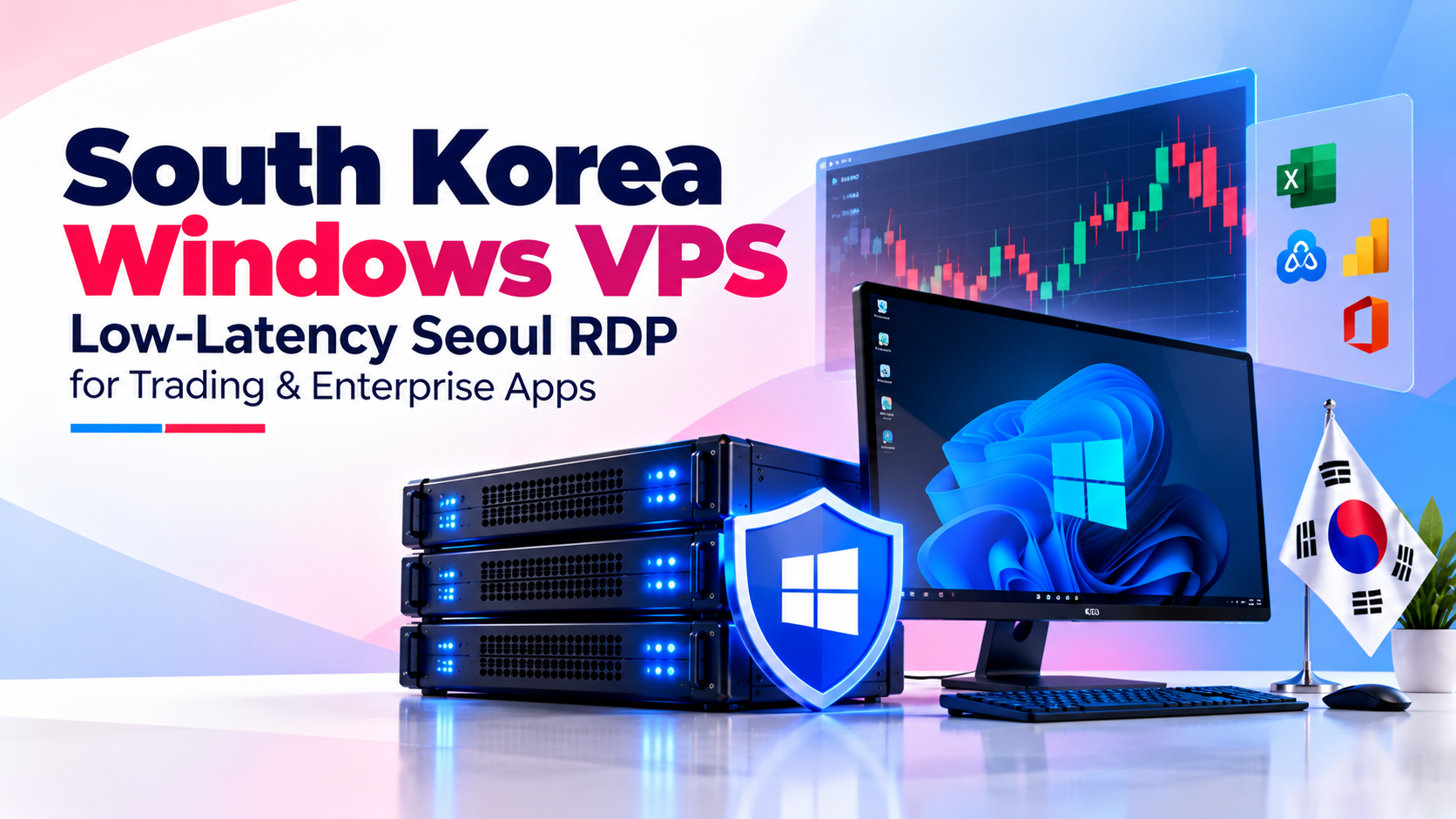
Deploying a South Korea Windows VPS provides low-latency RDP access and sub-3ms connectivity to the Korea Exchange (KRX).
Furthermore, enabling UDP transport protocol in Windows Group Policy eliminates visual tearing and mouse input lag completely.
In addition, setting 16-bit color depth ensures seamless execution for Douzone ERP, Ecount, and MetaTrader algorithmic trading bots.
Microsoft Windows Server remains the mission-critical backbone for corporate enterprise applications and financial trading across South Korea.
Consequently, organizations managing domestic accounting suites and time-sensitive KRX trading engines require dedicated Windows Server nodes in Seoul.
However, connecting to a Windows Server across international corridors introduces significant latency and input delays.
Furthermore, trading bots hosted overseas suffer from severe slippage during fast-moving market sessions.
In addition, running business applications inside South Korea requires domestic compliance and active joint certificates.
Therefore, deploying a local Seoul Windows instance ensures seamless desktop responsiveness and enterprise compatibility.
Operational Infrastructure Takeaway
A South Korea Windows VPS provides low-latency RDP access, domestic KRX trade execution, and native Korean ERP compatibility.
Furthermore, hosted in Tier III Seoul datacenters, Windows Server instances deliver sub-3ms domestic latency and NVMe throughput.
Consequently, optimizing RDP 10 with UDP transport eliminates remote desktop input lag, enabling smooth algorithmic trading and accounting workflows.
Why Low-Latency Windows VPS Hosting Matters in Seoul
Consequently, physical proximity to domestic financial matching engines and enterprise networks dictates operational success.
For instance, when executing automated trading algorithms on KRX or crypto exchanges, every millisecond influences your execution fill price.
To evaluate virtualization performance across operating systems, inspect our Linux server kernel performance comparisons.
Specifically, hosting your Windows trading platform in Tokyo or Singapore adds 30ms to 75ms of transit delay.
In volatile market conditions, that delay causes order queuing behind domestic participants.
In contrast, a Windows VPS in Seoul communicates across direct optical fibers to exchange gateways in under 3ms.
Instant desktop screen refreshing, zero input lag, and smooth cursor movement across remote desktop sessions.
Full native compatibility with Douzone Smart A, Ecount ERP, and secure NTS HomeTax digital certificate authentication.
Executing MetaTrader 5 and proprietary C# financial terminals right beside domestic matching engines.
Moreover, domestic corporate software suites like Douzone ERP require continuous connectivity to government portals.
Operating these platforms on a domestic Seoul VPS ensures seamless compatibility without triggering foreign IP fraud alerts.
Therefore, selecting a licensed South Korea Windows VPS in Seoul guarantees dedicated resources and zero lag.
Optimizing RDP 10: Enabling UDP Transport for Lag-Free Interaction
Moreover, Remote Desktop Protocol has evolved significantly across recent Windows Server editions.
Specifically, traditional RDP connections relied exclusively on TCP transport, leading to cursor freezing under packet loss.
For official session virtualization guidelines, examine the Microsoft Learn Remote Desktop Services documentation.
In fact, modern RDP 10 introduces hybrid UDP transport.
By encapsulating interactive visual streams inside UDP datagrams, cursor movement remains fluid during temporary packet congestion.
Meanwhile, critical control sequences and keystrokes continue to travel reliably across parallel TCP channels.
Similarly, to activate UDP transport, open the Local Group Policy Editor (gpedit.msc) on your server.
Next, navigate to Computer Configuration > Administrative Templates > Windows Components > Remote Desktop Services.
Then, open Remote Desktop Session Host > Connections and enable Select RDP transport protocols.
Set the protocol transport mode to Use both UDP and TCP.
Meanwhile, ensure that UDP port 3389 is permitted through Windows Defender Firewall.
Consequently, client devices negotiate dual-channel connections automatically, cutting input delay to near-zero levels.
PowerShell Performance Tuning Runbook for High-Throughput RDP
Additionally, system administrators can dramatically enhance RDP responsiveness and network throughput with kernel registry optimizations.
By tuning TCP acknowledgment frequencies, disabling Nagle’s algorithm, and configuring modern congestion providers, mouse latency drops significantly.
Furthermore, teams preparing database migrations can consult our enterprise database and application migration runbooks.
As a result, execute the following administrative PowerShell script to optimize network interfaces and RDP rendering.
These modifications eliminate small-packet buffering and prioritize interactive graphical rendering queues.
Furthermore, configure the Windows Network Shell to use the modern CTCP congestion provider.
This maximizes bandwidth utilization and prevents packet transmission stalls over high-capacity fiber backbones.
Applying these tuning parameters ensures that remote administrative sessions render smoothly at native display refresh rates.
Consequently, managing accounting portals or monitoring live financial feeds feels indistinguishable from running local desktop software.
Algorithmic Trading & KRX Market Connectivity
Consequently, algorithmic traders executing automated strategies via MetaTrader 4/5 or custom FIX APIs rely on low network latency.
When placing scalping orders or executing statistical arbitrage, millisecond transmission delays determine order routing priority.
Therefore, hosting trading terminals inside Seoul datacenters prevents slippage during high-volatility news events.
A dedicated Windows VPS in a Tier III Seoul datacenter operates in an enterprise environment.
Furthermore, redundant power feeds and multi-homed BGP routing guarantee round-the-clock trading terminal availability.
Consequently, direct optical peering to KINX keeps latency to the Korea Exchange under 3.5ms.
Furthermore, NVMe solid-state storage arrays deliver microsecond disk write latency.
When high-frequency trading bots write tick logs, dedicated NVMe read/write speeds prevent disk queuing bottlenecks.
When running multiple MetaTrader terminals concurrently, allocate dedicated CPU affinity masks to each process.
In addition, disable power-saving CPU throttling inside Windows Server to preserve sustained maximum clock frequencies.
This industrial reliability allows quantitative trading algorithms to execute accurately 24 hours every day.
Hosting Korean Accounting Suites: Douzone, Ecount & HomeTax Integration
Corporate enterprises doing business in South Korea rely heavily on standardized enterprise resource planning (ERP) suites.
Most notably, Douzone Smart A and Ecount ERP serve thousands of domestic businesses.
Specifically, these platforms depend on Microsoft SQL Server backends and Windows components to process corporate ledgers.
Crucially, connecting to the National Tax Service (NTS) HomeTax portal requires valid Korean joint authentication certificates.
The Windows Cryptographic Service Provider manages certificate stores securely across automated tax accounting sessions.
Consequently, background daemons can sign electronic tax invoices digitally without requiring manual staff intervention.
Hosting these suites on a centralized Windows VPS in Seoul centralizes financial databases securely.
Furthermore, explore our architectural blueprints for high-throughput SQL database performance architectures.
Remote accountants can collaborate safely over encrypted RDP sessions without hosting corporate financial data on personal computers.
Furthermore, automated Microsoft SQL Server transaction log backups run during off-peak hours.
This disciplined backup cadence secures financial ledgers completely against accidental corruption or ransomware threats.
Configuring Korean Language Packs and Hangul IME
Furthermore, operating Korean business software requires full Hangul input and character rendering support.
For instance, international Windows Server installations deploy with an English locale by default.
Consequently, unconfigured servers can cause domestic ERP interfaces to display corrupted character glyphs (mojibake).
Therefore, to enable complete Korean language capabilities, open Windows Settings and navigate to Time & Language > Language.
Next, click Add a language and install the 한국어 (Korean) language pack with Microsoft IME support.
This provides full keyboard input support for both 2-set Hangul and English character switching.
Next, navigate to Administrative language settings in the Control Panel.
Change the system locale for non-Unicode programs to Korean (Korea).
Finally, reboot the server to apply system locale modifications globally.
All legacy non-Unicode accounting software will now render Korean characters flawlessly.
Securing Windows Server RDP Against Automated Cyberattacks
Because Windows Server is targeted by automated botnets, default RDP configurations present significant security risks.
Therefore, implementing multi-layered security controls is essential before placing a production instance online.
First, enforce Network Level Authentication (NLA) on all remote desktop endpoints.
Specifically, NLA requires connecting users to authenticate with CredSSP before the server builds a desktop session.
Consequently, this mitigates unauthorized access and denial-of-service vulnerabilities completely.
Second, modify the default RDP listening port from 3389 to a non-standard high port.
This registry change stops automated mass port-scanners from discovering your RDP listener.
Remember to update Windows Firewall rules accordingly before restarting the Remote Desktop Service.
Third, enforce Account Lockout Policies in the Local Security Policy tool (secpol.msc).
Configuring a threshold of 5 invalid attempts locks attackers out for 30 minutes.
Consequently, automated dictionary attacks become completely futile against your Seoul VPS.
Comparative Windows Server Edition Matrix on Seoul KVM
Selecting the appropriate Windows Server edition ensures resource efficiency, licensing compliance, and smooth application support.
For trading and enterprise applications, Windows Server 2022 Standard delivers the optimal balance of security and performance.
| Windows Server Edition | Minimum RAM | Recommended RAM | Key Strengths | Recommended Workloads |
|---|---|---|---|---|
| Windows Server 2025 Standard | 4 GB | 8 GB – 16 GB | SMB over QUIC, enhanced hotpatching, advanced hybrid cloud telemetry | Next-gen enterprise architectures, remote branch sync, secure SMB storage |
| Windows Server 2022 Standard | 2 GB | 4 GB – 8 GB | Secured-core server protection, TLS 1.3 default, robust RDP 10 UDP support | MetaTrader algorithmic trading, Douzone ERP, active SQL Server databases |
| Windows Server 2019 Standard | 2 GB | 4 GB | Proven stability, broad compatibility with legacy Korean enterprise tools | Legacy Korean banking software, older ERP suites with 32-bit dependencies |
Sizing Your Windows VPS Resources for Optimal Performance
In contrast, Windows Server requires substantially more baseline memory and disk space than lightweight Linux distributions.
Consequently, provisioning adequate virtual CPU cores and RAM headroom prevents thrashing under peak workloads.
For example, a baseline instance provides ample headroom for single-user MetaTrader algorithmic trading setups.
Specifically, provisioning 2 vCPU cores, 4GB RAM, and 50GB NVMe storage ensures reliable execution.
For multi-user ERP environments or Microsoft SQL Server deployments, allocate at least 4 to 8 vCPU cores.
Furthermore, dedicated vCPU threads prevent performance contention during intensive financial reporting runs.
Scaling your plan dynamically as workload demands expand maintains low-latency execution year-round.
Frequently Asked Questions
Core Technical Specifications
Deployment & Operational Inquiries
Deploy Low-Latency South Korea Windows VPS in Seoul
Experience lightning-fast RDP responsiveness, sub-5ms KRX trade execution, and licensed Windows Server 2022.
Furthermore, our premier Tier III Seoul datacenters guarantee uninterrupted power and unmetered gigabit network bandwidth.
