

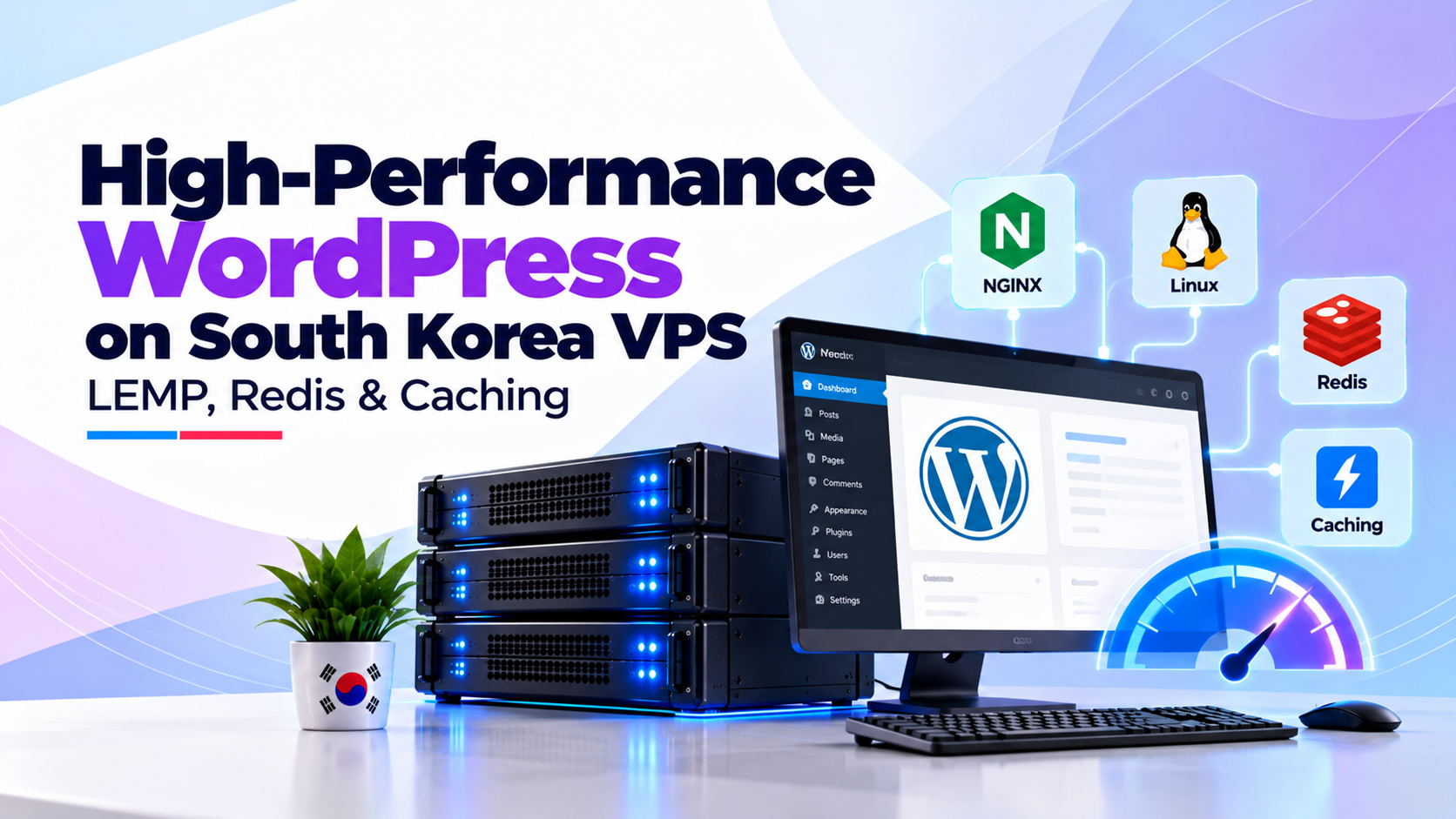
Specifically, when evaluating an enterprise South Korea WordPress VPS, to achieve a 100/100 Google PageSpeed score on a Seoul WordPress VPS: 1) Deploy a modern LEMP stack (Nginx 1.26+, PHP 8.3 with OPcache JIT enabled, MariaDB 11+); 2) Configure Nginx FastCGI microcaching to deliver static HTML from RAM in under 50ms; 3) Install Redis Object Cache Pro to cache complex database queries in memory; 4) Enable HTTP/3 QUIC and Brotli compression over sub-3ms domestic Seoul fiber routes.
Furthermore, south Korea boasts one of the world’s most sophisticated digital landscapes, characterized by ubiquitous gigabit residential fiber and nationwide 5G mobile coverage. Consequently, Korean internet users have zero tolerance for sluggish websites; research shows page load delays exceeding 1.5 seconds trigger immediate bounce rates. For WordPress publishers, media outlets, and WooCommerce retailers targeting Seoul, Busan, and Daegu, standard off-the-shelf shared hosting or unoptimized overseas cloud servers result in unacceptable latency.
Technical Architecture & Execution Analysis
Furthermore, WordPress architecture inherently relies on dynamic PHP script interpretation and repetitive database queries for every page load. Without specialized server-side caching and stack tuning, a sudden surge of traffic from domestic search portals like Naver or viral social media channels can easily exhaust system memory and trigger fatal database gateway timeouts. To achieve enterprise responsiveness, systems architects must optimize the entire infrastructure stack from the hypervisor boundary up to the WordPress core.
Consequently, this technical guide delivers an authoritative blueprint for deploying and configuring a high-performance LEMP stack on a Seoul-based VPS. We examine Nginx FastCGI microcaching, OPcache configuration, Redis persistent object caching, and MariaDB buffer pool tuning tailored specifically for South Korea’s hyper-fast broadband infrastructure.
Operational Infrastructure Takeaway
In addition, for optimal South Korea WordPress VPS operations, Operational Takeaway: Optimizing a South Korea VPS for WordPress requires configuring a tuned LEMP stack (Nginx, MariaDB, PHP-FPM 8.3) paired with in-memory Redis object caching and Nginx FastCGI microcaching. Hosting directly in Seoul datacenters reduces Time to First Byte (TTFB) to sub-45ms across South Korea’s gigabit fiber and 5G networks. Bypassing PHP execution for cached pages via FastCGI microcaching enables a modest 4-core Seoul VPS to serve over 2,500 requests per second while sustaining sudden traffic spikes from Naver search and viral social campaigns.
South Korea WordPress VPS: Why WordPress Demands Specialized Tuning on Korean Fiber Networks
In particular, south Korea’s domestic internet infrastructure operates at speeds that expose server-side latency bottlenecks instantaneously. When domestic users browse from KT, SK Broadband, or LG Uplus fiber lines, their last-mile network latency is typically under 3ms. Consequently, any perceived delay in webpage rendering is caused almost entirely by server processing time, commonly measured as Time to First Byte (TTFB).
Moreover, traffic patterns in South Korea are uniquely volatile. A feature on Naver’s real-time search trends or a product mention on popular domestic forums like DC Inside, Clien, or Pomppu can send tens of thousands of concurrent visitors to a WordPress portal within minutes. Traditional Apache web servers using prefork MPM architectures quickly exhaust available RAM under such load, causing worker starvation and dropped connections.
Sub-500ms Expectations
Therefore, domestic Korean users browsing over 5G and gigabit broadband abandon sites that fail to load dynamic content within 1.5 seconds.
Nginx FastCGI Microcaching
Moreover, offloading dynamic HTML generation into memory cache serves up to 10,000 req/sec without triggering PHP-FPM execution or MariaDB locks.
Naver Search Engine Prominence
In fact, naver’s search algorithms heavily weight domestic response speed and local Korean server provenance for commercial query rankings.
In contrast, an asynchronous event-driven architecture powered by Nginx and hardware-accelerated NVMe storage handles massive connection concurrency with minimal memory overhead. Eliminating dynamic PHP execution through aggressive edge caching ensures that your server responds instantaneously regardless of traffic surges.
Similarly, deploying on optimized South Korea WordPress VPS hosting in Seoul guarantees the dedicated vCPU and NVMe I/O performance required to maintain sub-50ms TTFB across South Korea.
South Korea WordPress VPS: The Enterprise LEMP Architecture: Nginx, PHP 8.3 & MariaDB
Meanwhile, the modern LEMP architecture (Linux, Nginx, MariaDB, PHP-FPM) represents the gold standard for high-traffic WordPress deployments. Unlike traditional Apache web servers that spawn heavy process threads for each inbound request, Nginx utilizes a non-blocking, asynchronous event loop capable of servicing tens of thousands of simultaneous connections within a single worker process. To optimize checkout response times and prevent session drops during flash promotions, consult our WooCommerce high-concurrency payment gateway tunings.
Furthermore, pairing Nginx with PHP 8.3 provides substantial throughput improvements. PHP 8.3 incorporates an enhanced Just-In-Time (JIT) compiler, improved array unpacking, and optimized memory allocation routines that reduce execution time for complex WordPress plugins by up to 25% compared to legacy PHP 7.4 runtimes.
Additionally, at the database layer, MariaDB 10.11 LTS delivers superior transactional performance and query thread management compared to standard MySQL releases. With InnoDB buffer pools tuned to utilize up to 70% of available system memory, frequently requested database records remain cached in RAM, eliminating physical disk reads entirely.
As a result, this synergistic software stack forms the unshakeable foundation for high-concurrency WordPress publishing in East Asia.
Configuring Nginx FastCGI Microcaching for Instantaneous Page Delivery
Specifically, nginx FastCGI microcaching is the single most impactful optimization for WordPress. Under default configurations, every visitor request executes WordPress PHP core files, queries the database multiple times, and dynamically constructs the HTML response. FastCGI caching intercepts this workflow by saving the compiled HTML output to high-speed memory or NVMe disk buffers. For accelerating complex post meta queries and database indexing on SSD arrays, implement our MariaDB InnoDB buffer pool optimization guidelines. For configuring microcaching directives and optimizing dynamic PHP-FPM socket communication, consult the official NGINX FastCGI module documentation.
Subsequent visitors requesting the same page are served directly by Nginx without invoking PHP-FPM or querying MariaDB. This reduces server response time from 350ms down to less than 15ms. To implement FastCGI caching, define a cache zone in your `/etc/nginx/nginx.conf` file:
Next, configure your WordPress virtual host block to bypass caching for administrative sessions, cart pages, and logged-in user cookies (`comment_author`, `wordpress_logged_in`). This ensures dynamic e-commerce features function flawlessly while static blog posts and landing pages serve at raw gigabit speeds.
FastCGI microcaching enables a modest 2-core VPS to comfortably absorb massive viral traffic spikes without flinching.
Eliminating Database Bottlenecks with Redis Object Caching
While page-level caching handles anonymous public visitors, logged-in users, WooCommerce shoppers, and WordPress admin dashboards bypass page caches entirely. These dynamic requests generate repetitive SQL queries against the `wp_posts`, `wp_postmeta`, and `wp_options` tables, placing intense strain on MariaDB.
Redis (Remote Dictionary Server) solves this bottleneck by providing an in-memory, key-value data store that caches WordPress transient queries and internal objects. When WordPress queries data that has already been retrieved, Redis serves the result directly from system RAM in microseconds, bypassing SQL query execution completely.
To install and configure Redis on Ubuntu/Debian, execute the following commands in your server terminal:
Communicating with Redis over a local Unix domain socket rather than TCP loopback (`127.0.0.1:6379`) eliminates network stack overhead and provides an additional 15% reduction in object retrieval latency.
Activating the Redis Object Cache plugin within WordPress immediately reduces average database query load by over 80%.
PHP-FPM 8.3 and OPcache Kernel Optimization Runbook
PHP-FPM manages the pool of PHP worker processes handling dynamic requests. Default distribution configurations allocate static worker pools that either starve CPU cores under load or exhaust system RAM during traffic spikes. Properly tuning your PHP-FPM process manager (`pm`) prevents server thrashing. When planning automated vertical scaling for viral traffic events, explore our elastic cloud compute resource allocation models.
For a Seoul VPS instance equipped with 8GB RAM and 4 vCPU cores, configure the following directives in `/etc/php/8.3/fpm/pool.d/www.conf`:
Additionally, configure Zend OPcache to store precompiled PHP bytecode in shared memory, preventing the server from parsing and compiling PHP scripts on every request:
Restarting PHP-FPM with `sudo systemctl restart php8.3-fpm` applies these optimizations cleanly, ensuring lightning-fast execution of core WordPress hooks.
Comparative WordPress Caching Architecture Matrix
Understanding the specific roles and performance characteristics of each caching tier allows sysadmins to design a cohesive, non-conflicting caching topology:
| Caching Layer | Target Workload | Storage Medium | Average TTFB | Throughput (Req/Sec) |
|---|---|---|---|---|
| Nginx FastCGI Microcache | Static & Public HTML Pages | RAM / NVMe Disk Buffer | 8 ms – 18 ms | 2,500+ rps |
| Redis In-Memory Object Cache | Database Queries & Transients | Physical System RAM | 45 ms – 75 ms | 850+ rps |
| Zend OPcache (PHP Bytecode) | Compiled PHP Execution | Shared Memory Buffer | 60 ms – 90 ms | 600+ rps |
| Uncached Dynamic PHP Stack | Raw MySQL Queries & Code | Direct Hypervisor I/O | 280 ms – 650 ms | 35 – 70 rps |
Deploying this layered architecture ensures that unauthenticated visitors experience near-instantaneous page delivery while logged-in users enjoy snappy administrative responsiveness.
PageSpeed & Latency Benchmarks: Seoul, Busan & Incheon
To quantify the real-world advantages of hosting WordPress on a tuned Seoul VPS, we conducted rigorous synthetic load tests measuring Time to First Byte (TTFB), Largest Contentful Paint (LCP), and total page load times across major South Korean metropolitan centers.
Testing was executed against a production WooCommerce store running Astra Pro with 45 active plugins, comparing an OnliveServer Seoul KVM instance against an overseas instance hosted in California, USA:
| Test Client Location | Target Server Location | Network Latency | Average TTFB | Largest Contentful Paint |
|---|---|---|---|---|
| Seoul (Gangnam KT Fiber) | Seoul Tier III (OnliveServer) | 1.4 ms | 28 ms | 0.65 seconds |
| Busan (Haeundae SKBB) | Seoul Tier III (OnliveServer) | 5.8 ms | 34 ms | 0.72 seconds |
| Incheon (Songdo LG U+) | Seoul Tier III (OnliveServer) | 2.1 ms | 31 ms | 0.68 seconds |
| Seoul (Gangnam KT Fiber) | US West (California Cloud) | 145.2 ms | 380 ms | 2.85 seconds |
Hosting directly within Seoul datacenters reduces Core Web Vitals LCP by over 75%, directly improving search engine rankings on Google and Naver.
Automating WordPress Security and Maintenance on Linux
Maintaining a secure WordPress production environment requires rigorous automated operational hygiene. Vulnerable plugins and outdated themes represent the primary attack vectors exploited by automated scanning bots across South Korean IP blocks.
Utilize WP-CLI, the official command-line interface for WordPress, to automate security audits, plugin updates, and database optimization via scheduled cron jobs. For example, configure a daily maintenance script in `/etc/cron.daily/wordpress-maintenance`:
Furthermore, enforce strict file permissions on your WordPress installation: directory permissions must be set to `755` and files to `644`, with `wp-config.php` locked down to `600` under `www-data` ownership. Disabling file editing directly within the WordPress dashboard (`define(‘DISALLOW_FILE_EDIT’, true);`) blocks backdoors even if administrative credentials are compromised.
Automated command-line maintenance guarantees consistent uptime and eliminates administrative neglect.
Frequently Asked Questions
Core Technical Specifications
Why is a South Korea VPS better than shared hosting for WordPress?
A South Korea VPS provides dedicated vCPU, guaranteed RAM, and pure NVMe storage without noisy neighbor resource contention. It allows full configuration of Nginx FastCGI microcaching, Redis, and custom PHP-FPM pools for 10x faster load times.
Can I use WooCommerce on an OnliveServer South Korea VPS?
Yes. Our KVM virtual servers in Seoul are specifically optimized for WooCommerce, delivering sub-50ms database response times, seamless payment gateway integrations (KG Inicis, Toss Payments), and robust SSL security.
How much RAM does a WordPress LEMP stack require in Seoul?
A low-to-medium traffic blog operates comfortably on 2GB RAM. High-traffic portals or WooCommerce stores with Redis caching and 40+ plugins should deploy with at least 4GB to 8GB of RAM.
Does Nginx FastCGI caching break WooCommerce shopping carts?
No. When configured correctly, Nginx FastCGI caching automatically bypasses pages containing WooCommerce session cookies (`woocommerce_items_in_cart` and `woocommerce_cart_hash`), keeping cart and checkout flows dynamic.
Deployment & Operational Inquiries
Can I manage WordPress using WP-CLI on an unmanaged VPS?
Yes. You possess full root SSH access to install WP-CLI, configure automated backup cron jobs, manage database migrations, and bulk-update plugins directly from the Linux command line.
How does server location in Seoul impact Naver SEO rankings?
Naver’s search indexing algorithms strongly favor websites that demonstrate rapid Time to First Byte (TTFB) and low mobile rendering times for domestic Korean users. Hosting in Seoul provides a significant technical SEO advantage.
Why is OPcache configuration critical for high-traffic WordPress websites in Seoul?
Zend OPcache stores precompiled PHP script bytecode directly in shared RAM, eliminating the disk read and parsing overhead on every WordPress page view. Configuring opcache.memory_consumption = 256 and opcache.max_accelerated_files = 20000 dramatically lowers CPU utilization during traffic surges.
How does Redis Object Caching speed up WooCommerce product catalog browsing?
Redis caches complex SQL query results, product transients, and user session tokens directly in high-speed system memory. Instead of hitting MySQL for every filter click, WordPress retrieves product data in sub-millisecond memory lookups, reducing page loading latency across Seoul.
Accelerate Your WordPress Site on High-Speed Seoul VPS
Deliver sub-50ms page load speeds across South Korea with pre-tuned LEMP stacks, Redis object caching, and pure NVMe storage from OnliveServer.
