

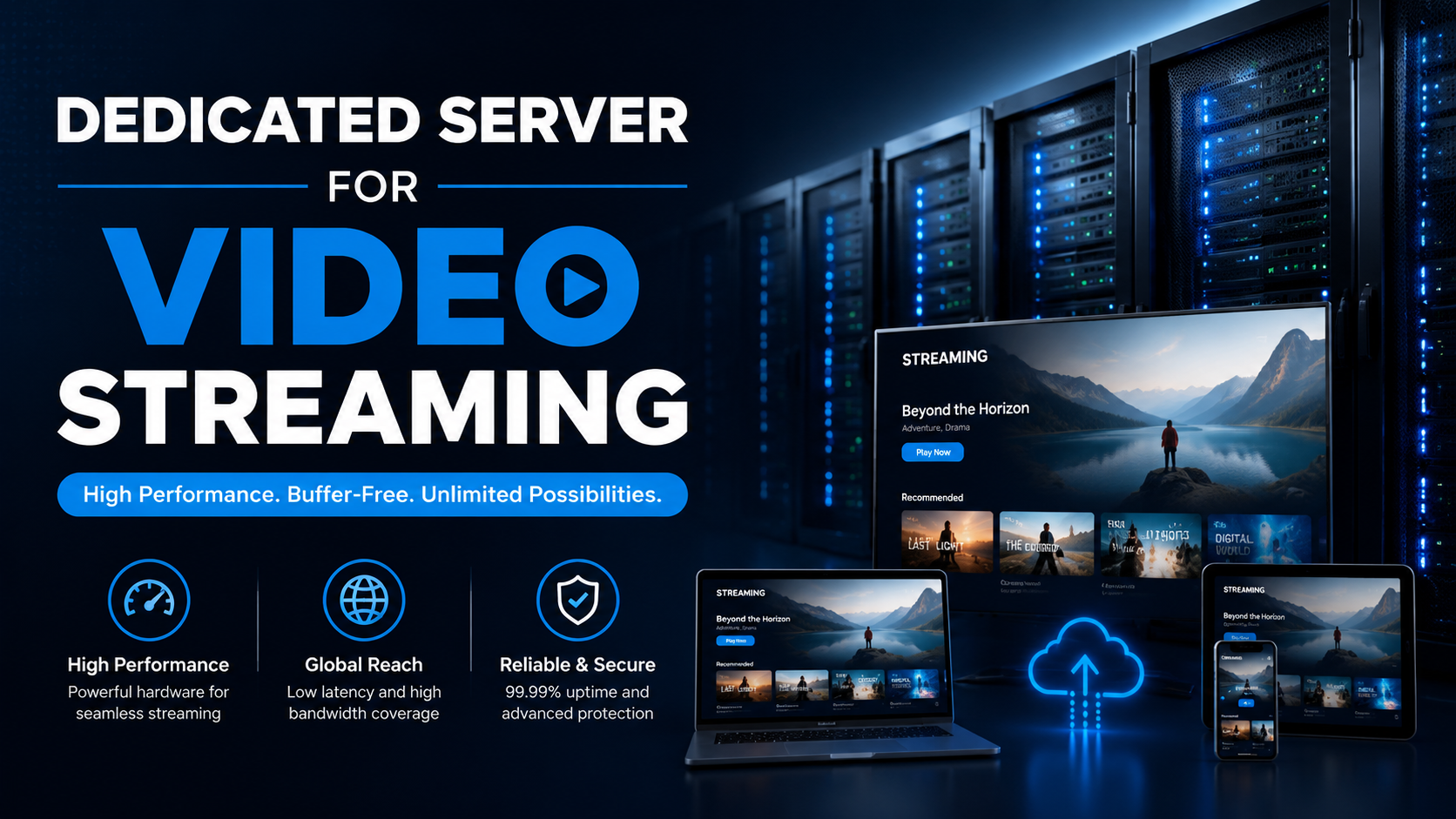
Video streaming and real-time media encoding require dedicated servers equipped with hardware-accelerated GPU or CPU encoding capabilities (Intel Quick Sync or NVIDIA NVENC), high multi-core density for parallel H.264/HEVC transcoding, and unmetered 1Gbps or 10Gbps dedicated network uplinks. In addition, using enterprise NVMe storage for fast media segment caching (HLS/DASH) prevents video buffering during concurrent viewer surges.
Unlike shared hosting environments, video streaming workloads require continuous processing power, high bandwidth capacity, and stable performance. As viewer demand increases, dedicated infrastructure helps maintain smooth playback and reliable content delivery. For verified technical specifications and deployment parameters, consult the official Linux Kernel Documentation.
While basic testing or small clips can start on scalable VPS hosting solutions, production streaming platforms, OTT broadcasters, and enterprise VoD portals require dedicated bare-metal power with dedicated 1Gbps or 10Gbps unmetered network ports. Below is your complete hardware selection and deployment guide.
1. The 3 Core Pillars of High-Performance Video Infrastructure
An enterprise-grade media streaming architecture is built upon three mission-critical hardware domains:
2. CPU vs. GPU Video Encoding: Choosing the Right Engine
Understanding the trade-offs between software-based CPU encoding and hardware-accelerated GPU transcoding is vital for balancing video quality, latency, and operational cost:
- Software CPU Transcoding (x264 / x265 / libsvtav1): Software encoding on high-core AMD EPYC or Intel Xeon processors delivers the highest compression efficiency and highest VMAF (Video Multi-Method Assessment Fusion) visual quality scores at lower bitrates. It is the gold standard for high-value Video on Demand (VoD) libraries where storage and bandwidth efficiency outweigh real-time speed constraints. Discover processor capabilities in our guide to the future of budget bare metal hosting.
- Hardware GPU Transcoding (Nvidia NVENC / Intel QuickSync Video): Dedicated hardware ASIC chips on Nvidia GPUs (e.g., RTX 4000 series, A4000, or Tesla T4) offload encoding entirely from the host CPU. Dedicated GPUs can significantly improve transcoding performance by reducing CPU workload and enabling faster real-time video processing.
- Next-Generation AV1 Hardware Acceleration: Modern GPUs featuring dual 8th-generation NVENC encoders provide real-time hardware-accelerated AV1 encoding with improved compression efficiency compared with older codecs while maintaining high video quality.
3. Ingest Protocols (SRT vs RTMP) & Bandwidth Sizing
Selecting modern ingestion protocols ensures video feeds arrive pristine at your dedicated media server:
A. SRT (Secure Reliable Transport) over UDP
Unlike legacy TCP RTMP feeds that stutter during packet loss, SRT utilizes intelligent Automatic Repeat reQuest (ARQ) error recovery over UDP with built-in AES-256 encryption, maintaining broadcast stability across jittery public internet connections.
B. 1Gbps vs 10Gbps Dedicated Unmetered Bandwidth
A 1080p 60fps feed requires 5 to 6 Mbps. The number of concurrent viewers depends on video bitrate, resolution, encoding settings, and delivery architecture. Higher bandwidth capacity provides more room for scaling large audiences.
4. Production FFmpeg Multi-Bitrate HLS Transcoding Pipeline
Automate live stream transcoding and packaging into adaptive multi-bitrate HLS streams over SSH. Learn how to secure SSH access in our guide on connecting to remote servers via SSH.
5. Low-Latency Protocols, DRM Protection & Origin Shielding
Modern streaming applications require sub-second video delivery and robust content protection:
- Low-Latency HLS (LL-HLS) & CMAF: Low-Latency HLS breaks video segments into tiny chunked transfer media chunks (CMAF), can help reduce glass-to-glass broadcast latency to a few seconds depending on the streaming architecture.
- Common Encryption (CENC) & Multi-DRM: Secure premium subscription video content by implementing Common Encryption (cenc/cbcs) alongside tokenized key exchange for Google Widevine, Apple FairPlay, and Microsoft PlayReady DRM systems.
- Multi-CDN Origin Shielding Architecture: Deploying dedicated bare-metal servers as origin shields equipped with high-capacity RAM caching prevents CDN cache misses from overwhelming origin storage during major live events.
- Advanced Streaming Optimization Techniques Adaptive bitrate streaming improves playback quality across different internet speeds.
- Nginx
sendfile& AIO Threads: Configuring Nginx withsendfile on;andaio threads;allows the Linux kernel to stream video files directly from NVMe storage to network sockets without copying bytes into user-space RAM. - Linux TCP BBR Congestion Control: Enabling Google BBR (
net.ipv4.tcp_congestion_control = bbr) maximizes streaming bitrate across long-distance transnational client connections with minor packet loss. - Automated Disaster Recovery & Media Archiving: Store original master recordings on automated immutable offsite storage to protect valuable video catalogs. Review our disaster recovery strategies in disaster recovery planning and system backups.
6. Video Streaming Workload & Dedicated Server Sizing Matrix
Evaluate hardware specifications tailored to different video delivery workloads:
| Streaming Workload | CPU / GPU Recommendation | Storage Architecture | Network Port |
|---|---|---|---|
| 24/7 Live OTT Transcoding | AMD EPYC 16-Core + Nvidia GPU (NVENC) | 2x 1TB NVMe + 32GB RAM tmpfs | 1Gbps / 10Gbps Unmetered |
| Massive VoD Media Catalog | Dual Intel Xeon / AMD EPYC 32-Core | 4x 7.68TB Enterprise U.2 NVMe RAID 10 | 10Gbps Dedicated Unmetered |
| Interactive WebRTC Streaming | High Single-Core Frequency CPU (Ryzen/Xeon-E) | 2x 500GB PCIe Gen5 NVMe | 1Gbps Low-Latency Uplink |
| Multi-Channel 4K Broadcast | Dual AMD EPYC 64-Core + Dual Nvidia GPUs | Enterprise NVMe Arrays + 128GB RAM tmpfs | 2x 10Gbps Bonded (20Gbps) |
7. Real-World Case Studies: Media Infrastructure in Action
Example Scenario: Large-Scale Live Streaming Platform
Large streaming platforms often require dedicated servers with high bandwidth, GPU acceleration, and optimized encoding workflows to manage thousands of concurrent viewers.
Example Scenario: Educational Video Platform Optimization
Educational platforms with large video libraries can benefit from dedicated servers by improving encoding efficiency, storage performance, and content delivery reliability. Plan your deployment in our guide on releasing your web applications on dedicated servers.
8. Top 5 Pitfalls in Video Streaming Dedicated Server Hosting
📌 Frequently Asked Questions (FAQ)
Q
Which video codec is recommended for live streaming in 2026: H.264, HEVC, or AV1?
Q
Why is unmetered bandwidth crucial for media streaming servers?
Q
Does Onlive Server offer GPU-equipped dedicated servers for video streaming?
Conclusion: Powering High-Concurrency Video Streaming on Dedicated Servers
Delivering high-definition live streaming and video-on-demand at scale requires dedicated compute muscle and unmetered network pipelines that prevent stream buffering and frame drops under peak viewership.
Bare-metal infrastructure provides the uninterrupted bandwidth and hardware-accelerated transcoding capabilities that commercial media platforms demand. Launch your broadcast platform on Onlive Server streaming dedicated servers.
When processing intensive multi-threaded database transactions or mission-critical enterprise workloads, deploying on enterprise dedicated server hosting provides bare-metal hardware performance, custom RAID arrays, and dedicated unmetered bandwidth.
9. Conclusion: Choosing The Right Dedicated Server For Video Streaming
A dedicated server for video streaming provides the performance, bandwidth, and control required for modern media platforms. By selecting the right combination of CPU power, GPU acceleration, NVMe storage, and network capacity, businesses can deliver reliable streaming experiences for live broadcasts, OTT platforms, and on-demand video libraries.
Onlive Server provides dedicated hosting solutions designed for demanding media workloads with powerful hardware, flexible configurations, reliable network infrastructure, and expert technical assistance to help businesses deliver smooth streaming experiences.