

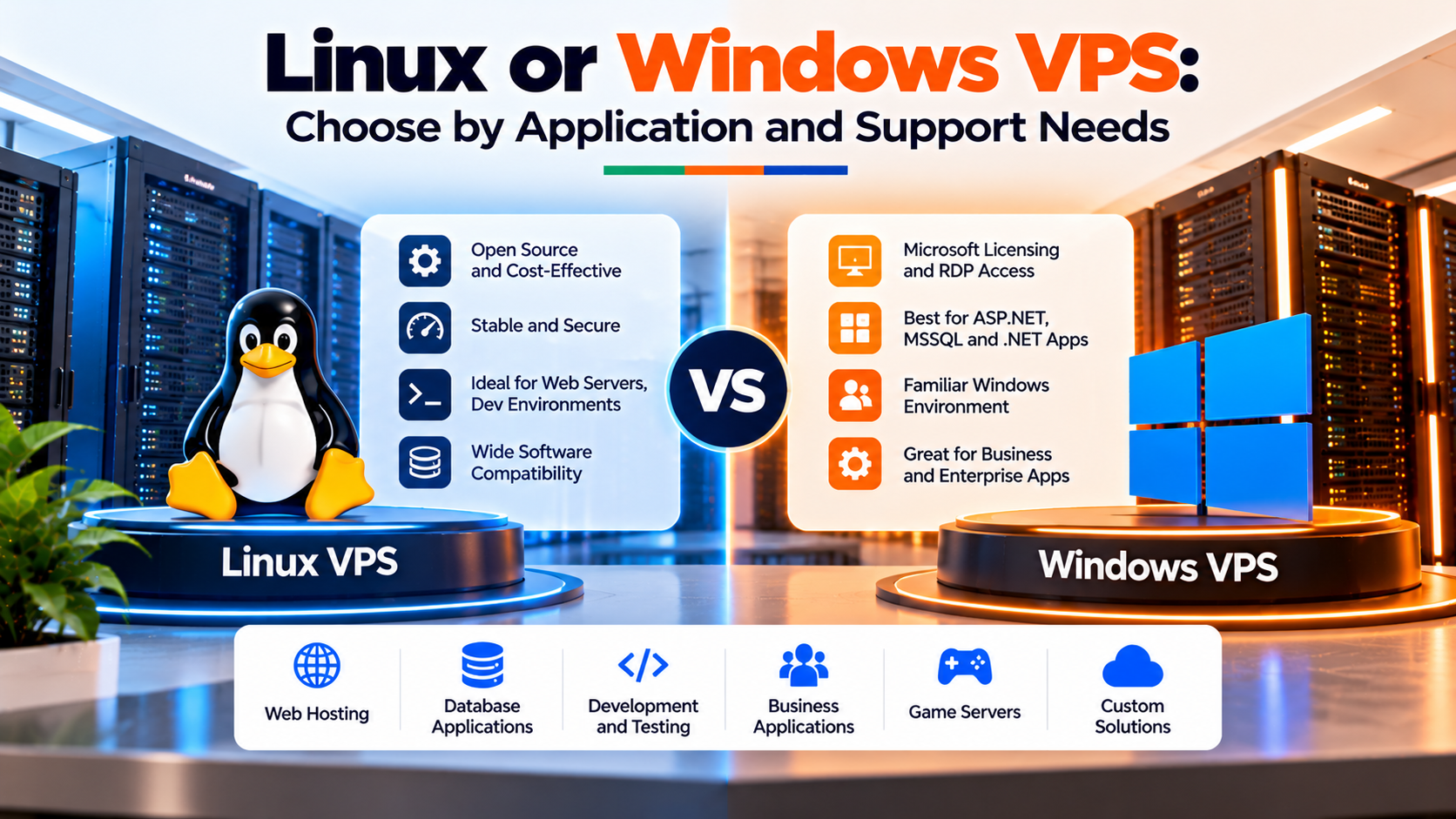
For South African developers, enterprise IT managers, and digital entrepreneurs, comparing a windows vps vs linux vps is one of the earliest architectural decisions. Selecting the wrong platform creates unnecessary operational friction, inflates monthly hosting bills, and introduces steep learning curves for internal teams.
Specifically, deploying enterprise south africa vps hosting inside Johannesburg ensures lightning-fast connectivity across local ISPs, including Openserve, Vodacom, and MTN. However, whether your underlying hypervisor boots Ubuntu Linux or Windows Server 2022 fundamentally alters how you manage security, automate tasks, and allocate system memory.
Furthermore, software licensing rules differ substantially between the two operating systems. Consequently, this in-depth comparison dissects resource footprints, licensing economics, management toolchains, and real-world South African business use cases to help you select the ideal virtual server.
⚙️ Architectural Execution Framework
Verified Infrastructure Standards
Key Technical Architecture & Engineering Takeaways
Evaluating enterprise hosting infrastructure requires verifiable telemetry across compute isolation, hypervisor performance, and domestic carrier interconnects:
Operating System Overhead: Sizing a Windows VPS vs Linux VPS
In practice, the most apparent physical distinction between a windows vps vs linux vps lies in base hardware utilization. Because Linux distributions are engineered without mandatory graphical desktop environments, they operate with remarkable resource efficiency.
Specifically, a minimal installation of Ubuntu Server 22.04 or AlmaLinux 9 requires only 250 MB to 450 MB of RAM at idle. This leaves virtually all allocated system memory available for high-performance Nginx web caching, Redis object stores, and MySQL database buffer pools. Consequently, entry-level Linux instances with 2 GB or 4 GB of RAM handle substantial production traffic comfortably.
In contrast, Windows Server 2022 runs a sophisticated graphical interface, background Windows services, Windows Defender security modules, and the Windows Registry. As a result, an idle Windows VPS typically consumes between 2.2 GB and 2.8 GB of RAM before launching any commercial user applications.
Because Windows Server requires significant baseline compute resources, deploying a Windows VPS on less than 4 GB of RAM is not recommended. If you deploy Windows with only 2 GB of RAM, the operating system aggressively swaps memory to the NVMe disk, causing severe mouse stuttering and application freezing. Therefore, Linux delivers significantly higher compute density per Rand spent for pure web workloads.
Moreover, disk space requirements follow a similar disparity. For example, a full Ubuntu server installation occupies roughly 4 GB to 6 GB of disk space. In comparison, a fresh Windows Server installation requires 25 GB to 32 GB of storage just for operating system files and recovery volumes.
Licensing Economics: Analyzing Windows VPS vs Linux VPS Budgets
In addition, comparing a windows vps vs linux vps from a financial perspective reveals stark differences in monthly licensing structures. In South Africa’s price-sensitive economic climate, software licensing directly affects bottom-line margins.
Linux environments provide superior resource efficiency when deploying containerized microservices with Docker due to native kernel namespace isolation and lower base memory overhead.
First, enterprise Linux distributions (including Ubuntu, Debian, AlmaLinux, and Rocky Linux) are 100% open-source and free of licensing fees. You can scale from a 2-core virtual server to a 64-core dedicated cluster without paying an additional cent in operating system royalties.
Second, Microsoft Windows Server operates under proprietary commercial licensing through the Microsoft Services Provider License Agreement (SPLA). Under Microsoft rules, virtual machines are licensed per vCPU core with a statutory minimum of 4 cores. Consequently, hosting a Windows VPS incurs an added monthly licensing surcharge denominated in ZAR.
In addition, South African registered VAT vendors can claim the 15% VAT on Onlive Server invoices. However, when comparing total annual expenditure across equivalent compute nodes, a Linux VPS will consistently cost 25% to 40% less than a Windows equivalent due to licensing overhead.
Software Ecosystems: LAMP/Docker vs ASP.NET/MSSQL and Sage Pastel
Furthermore, your software stack dictates which operating system you must deploy. Certain enterprise applications are hard-coded to specific operating systems, making cross-platform migration impossible.
For high-throughput enterprise workloads, platform engineers evaluate architectural parameters described in Microsoft server operating system performance tuning documentation.
Specifically, Linux is the native home of modern web development. Technologies like Docker containers, Kubernetes orchestration, PHP 8.x, Python, Ruby on Rails, and Node.js run natively on Linux kernels. Furthermore, the world’s most popular content management system, WordPress, performs with peak efficiency under Linux-powered Nginx and LiteSpeed environments.
In contrast, Windows VPS hosting is essential for corporate software environments deeply embedded in Microsoft technologies. For example, legacy ASP.NET applications (.NET Framework 4.8), C# enterprise services, and Microsoft SQL Server enterprise clusters require a genuine Windows environment.
Moreover, thousands of South African small-to-medium businesses rely on desktop business software like Sage Pastel Accounting, Sage Evolution, or QuickBooks Desktop. By installing Sage Pastel on a Johannesburg Windows VPS, multi-branch teams across Durban, Cape Town, and Pretoria can collaborate simultaneously on central financial ledgers over encrypted RDP sessions.
In addition, automated Forex traders represent a major demographic choosing between a windows vps vs linux vps in South Africa. MetaTrader 4 and MetaTrader 5 are native 32-bit and 64-bit Windows applications. While running MetaTrader on Linux via Wine emulation is technically possible, professional traders avoid it. Wine introduces execution jitter and unexpected thread crashes. Therefore, running multiple MetaTrader terminals with automated Expert Advisors (EAs) requires Windows Server 2022. Hosting this instance inside Johannesburg guarantees sub-2ms fiber execution to local financial liquidity hubs.
Administrative Interfaces: SSH Automation vs Remote Desktop (RDP) GUI
Day-to-day administration represents another fundamental contrast between Linux and Windows servers. Your internal team’s technical background plays a deciding role in this choice.
Developers seeking straightforward administration without high licensing costs often deploy lightweight control panels like DirectAdmin and CyberPanel on standard Linux distributions.
Specifically, Linux administration centers entirely on the command line interface (CLI) via Secure Shell (SSH). System engineers use tools like Bash scripts, Ansible, and Git to automate software updates and configuration management. This text-based paradigm allows engineers to manage dozens of servers rapidly, even over slow mobile connections.
In contrast, Windows Server provides an intuitive graphical user interface (GUI) accessible via Remote Desktop Protocol (RDP). Administrators manage users, configure firewalls, and inspect system logs using familiar visual dialogs and the Windows Server Manager. For non-technical business owners, junior administrators, or automated Forex traders running MetaTrader, Windows eliminates the intimidating learning curve of command-line Linux.
Additionally, modern Windows Server versions include robust PowerShell command-line automation. PowerShell allows advanced administrators to script complex tasks, manage Active Directory domains, and automate IIS deployments with equal programmatic power to Linux shell scripting.
In practice, remote access security procedures differ fundamentally between the two platforms:
Consequently, securing either environment requires disciplined operational routines. Neglecting RDP security on Windows invites credential stuffing, while leaving default root passwords on Linux invites SSH port scans.
Comprehensive OS Comparison Matrix: Linux vs Windows VPS
To help your technical leadership evaluate options side-by-side, the comparison matrix below outlines critical operational factors. Specifically, each operating system exhibits distinct operational advantages and architectural trade-offs:
Production web applications achieve optimal computational efficiency on high-performance open-source Linux server instances tuned for Nginx, PHP-FPM, and modern databases.
Frequently Asked Questions
Core Technical Specifications
Can I run ASP.NET web applications on a Linux VPS?
Why does a Windows VPS cost more than a Linux VPS with the same hardware specs?
How much RAM is consumed by the operating system alone on Windows vs Linux?
Is Linux difficult to manage if I only have experience with Windows?
Deployment & Operational Inquiries
Can I change my VPS operating system from Windows to Linux later?
Which operating system delivers better MySQL and PostgreSQL database throughput?
Can I run Docker containers on both Linux and Windows VPS platforms?
Tailor Your Operating System Stack for Maximum Application Throughput
Deploy specialized Linux distributions or dedicated Windows Server images optimized for your unique production workloads.
