

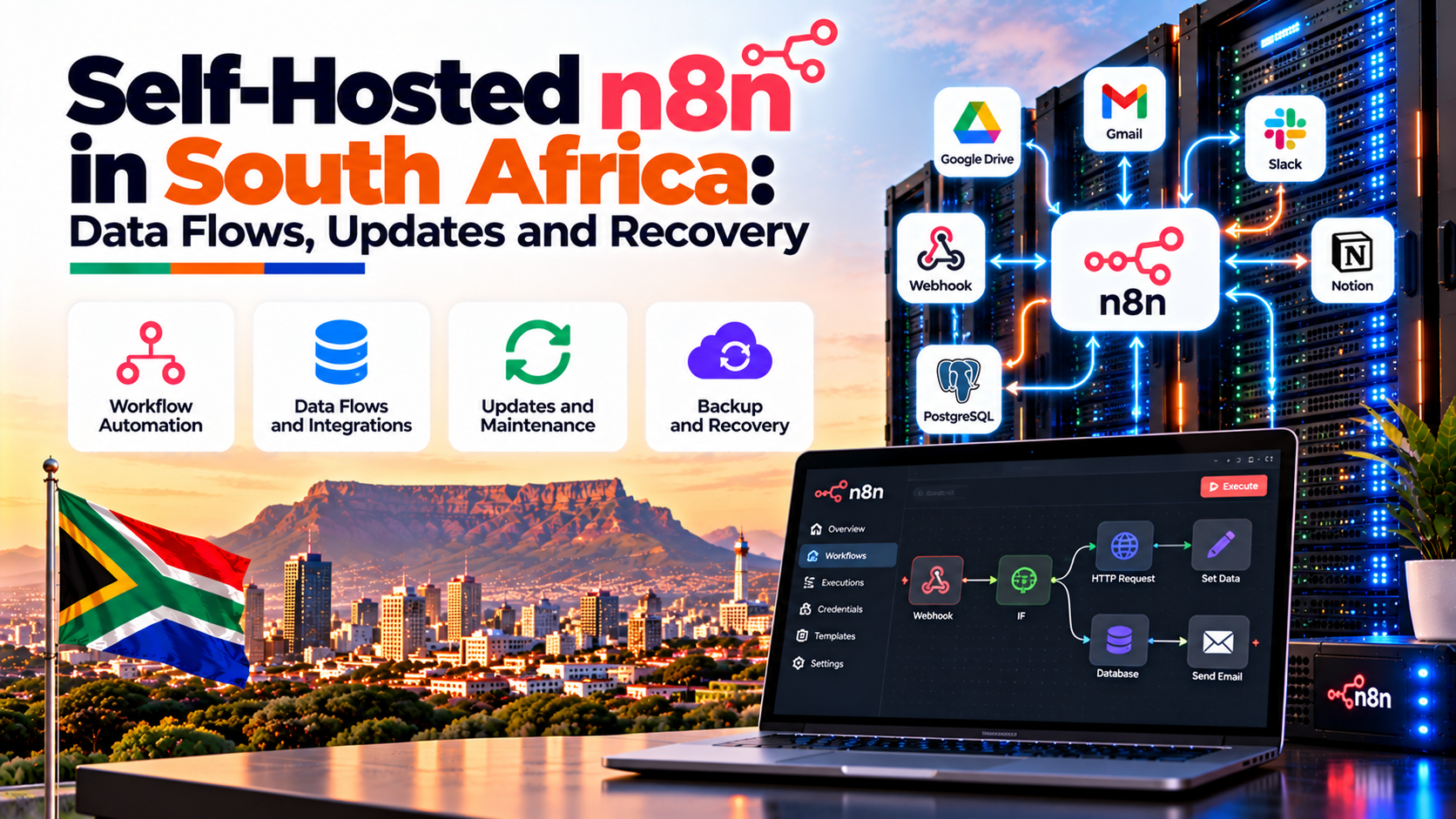
Modern businesses depend on interconnected digital ecosystems, from syncing e-commerce orders into ERP platforms to routing customer leads between CRM systems.
However, commercial SaaS tools like Zapier or Make bill in foreign currency, exposing local companies to painful exchange rate fluctuations and arbitrary task limits.
Passing sensitive customer records through overseas servers also creates legal risks under POPIA Section 72, driving teams toward domestic cloud infrastructure.
Hosting n8n inside Teraco Isando guarantees low-latency webhook ingestion, zero task penalties, and complete operational sovereignty.
Key Technical Architecture & Engineering Takeaways
Evaluating enterprise hosting infrastructure requires verifiable telemetry across compute isolation, hypervisor performance, and domestic carrier interconnects:
Why Move to Dedicated n8n Hosting South Africa: Cost and Sovereignty
Choosing between proprietary cloud automation and a self-hosted instance involves evaluating cost efficiency, architectural autonomy, and regulatory boundaries.
Commercial SaaS pricing models penalize business expansion. As your operations scale from hundreds of daily tasks to millions, SaaS bills climb into thousands of USD each month.
In contrast, self-hosting on a high-speed virtual private server provides complete cost certainty. You pay a predictable, flat fee in South African Rand (ZAR) regardless of execution volume.
Running 250,000 automated monthly tasks on cloud SaaS platforms typically costs R8,000 to R18,000 per month, subject to USD exchange rates and rigid execution throttles.
A dedicated 4-core, 8GB RAM South African VPS costs a small fraction of that sum while executing millions of tasks with zero throttling, isolated memory, and local low-latency connectivity.
Deploying your own virtual server unlocks complete infrastructure independence while drastically trimming recurring technical overhead.
Production Docker Architecture for n8n Hosting South Africa
Running n8n in production requires moving away from the default SQLite file. Under high transaction volume, concurrent webhooks lock SQLite, causing request drops.
Self-hosted workflow systems deliver immense efficiency when triggering automated payment notification workflows from PayFast, Ozow, and domestic SMS gateways.
A production-grade deployment relies on Docker Compose with three interconnected core services: n8n, an optimized PostgreSQL 16 backend, and an automated Nginx reverse proxy.
Enabling EXECUTIONS_DATA_PRUNE=true purges execution logs older than 7 days (168 hours). This prevents runaway disk expansion and keeps NVMe database queries fast.
Pairing Docker with an Nginx reverse proxy enforces TLS 1.3 encryption across all inbound webhooks and browser sessions.
Configure your Nginx server block to forward WebSocket connections and apply buffer-free streaming:
Disabling proxy buffering ensures real-time Server-Sent Events (SSE) and canvas updates stream smoothly to the browser without buffering delays.
Consequently, webhooks register instantly and workflow execution indicators remain responsive across high-concurrency event streams.
Securing Domestic Data Flows and POPIA Compliance
South Africa’s Protection of Personal Information Act (POPIA) imposes strict legal boundaries on handling personally identifiable information (PII).
For infrastructure deployment best practices, review the official n8n self-hosted deployment documentation.
Under Section 72 of POPIA, transferring personal information to a foreign country is prohibited unless the recipient complies with laws matching POPIA standards.
When e-commerce checkouts capture national ID numbers, mobile phone numbers, or delivery addresses, routing payloads through foreign automation platforms constitutes a cross-border transfer.
Unlawful cross-border data transfers risk administrative penalties of up to R10 million issued by the South African Information Regulator.
Hosting your automation stack inside Johannesburg ensures all customer data flows remain entirely within national borders, guaranteeing total compliance.
Local hosting guarantees that sensitive payment webhooks and customer metadata from PayFast, Peach Payments, and Ozow never leave South Africa.
High-Concurrency Scaling: Redis Queue Mode for Webhook Ingestion
In standard n8n setups, workflows execute within a single Node.js main thread. While fine for light tasks, intense traffic bursts can saturate the event loop.
High-throughput containerized workloads benefit from running containerized Docker applications on Linux with isolated memory pools.
Scaling to enterprise volume requires enabling n8n Queue Mode powered by Redis to decouple webhook ingestion from workflow execution:
Lightweight n8n instances accept incoming HTTP POST calls from WooCommerce and CRM webhooks, validating headers and pushing tasks into Redis memory within 2ms.
Multiple background worker containers pull jobs off the Redis queue independently, handling API retries and heavy computation without blocking incoming webhooks.
This decoupled architecture ensures that heavy data transformations, PDF rendering, or bulk email dispatch never degrade webhook responsiveness.
Automated Update Cycles and Offsite Disaster Recovery Pipelines
Because n8n releases frequent updates with new features and security patches, establishing a disciplined update routine is essential.
Never configure Docker to automatically pull the :latest tag on unattended cron schedules, as major updates can introduce breaking schema changes.
Instead, maintain an automated offsite backup routine covering both the PostgreSQL database dump and the cryptographic encryption keys:
Securing the encryptionKey file is paramount. If you restore PostgreSQL without this key, all stored credentials and API tokens will remain permanently unreadable.
Automating offsite GPG-encrypted backups guarantees operational resilience against hardware issues or emergency disaster recovery scenarios.
Hardware Sizing Matrix for n8n Hosting South Africa Workloads
Selecting the appropriate virtual server configuration depends on your daily transaction volume, webhook concurrency, and memory-intensive workflows.
Execute unlimited workflow triggers without cloud caps using self-hosted workflow automation server nodes in Johannesburg:
Frequently Asked Questions
Q1
Why is Docker the recommended installation method for self-hosted n8n on a VPS?
Docker packages n8n with all dependencies, Node.js runtime environments, and native modules into an isolated container. This simplifies updates to a single docker compose pull command while isolating workflows from the host OS.
Q2
What is the minimum VPS RAM required to run production n8n automation workflows?
A minimum of 2 GB of RAM is recommended for entry-level production n8n workflows, while 4 GB of RAM is ideal for heavy workflows handling concurrent webhooks, large binary file transformations, or multi-step API integrations.
Q3
How does hosting n8n in South Africa benefit local business automation workflows?
Hosting n8n in Johannesburg delivers sub-10ms network latency to local South African APIs, payment gateways (PayFast, Ozow), ERP systems, and SMS gateways (BulkSMS), ensuring instant webhook processing and POPIA compliance.
Q4
How do I secure an n8n webhook endpoint with SSL on a Linux VPS?
Deploy Nginx as a reverse proxy in front of the n8n Docker container, configure an automatic Let’s Encrypt SSL certificate via Certbot, and enforce HTTPS encryption with strong TLS 1.3 ciphers to secure webhook payloads.
Q5
What are the cost savings of self-hosting n8n compared to n8n Cloud subscriptions?
Self-hosting n8n on an OnliveServer VPS allows you to execute unlimited workflow triggers for a fixed server cost (starting around R150/mo), whereas n8n Cloud plans charge tiered monthly subscriptions based on execution volume caps.
Q6
How do I configure PostgreSQL instead of default SQLite for high-concurrency n8n executions?
In your docker-compose.yml file, set DB_TYPE=postgresdb and specify database connection variables. PostgreSQL handles concurrent webhook executions reliably without the file-locking bottlenecks of SQLite.
Q7
Can self-hosted n8n automate SMS notifications through South African gateways like BulkSMS or WinSMS?
Yes. Self-hosted n8n includes native HTTP Request nodes that integrate directly with local South African SMS gateways, allowing you to trigger automated transactional SMS alerts upon receiving PayFast webhooks or order notifications.
Run High-Throughput Automation Workflows Without External Cloud Limits
Scale n8n, Docker microservices, and webhook pipelines with dedicated memory allocations and persistent NVMe caching in Johannesburg.
