

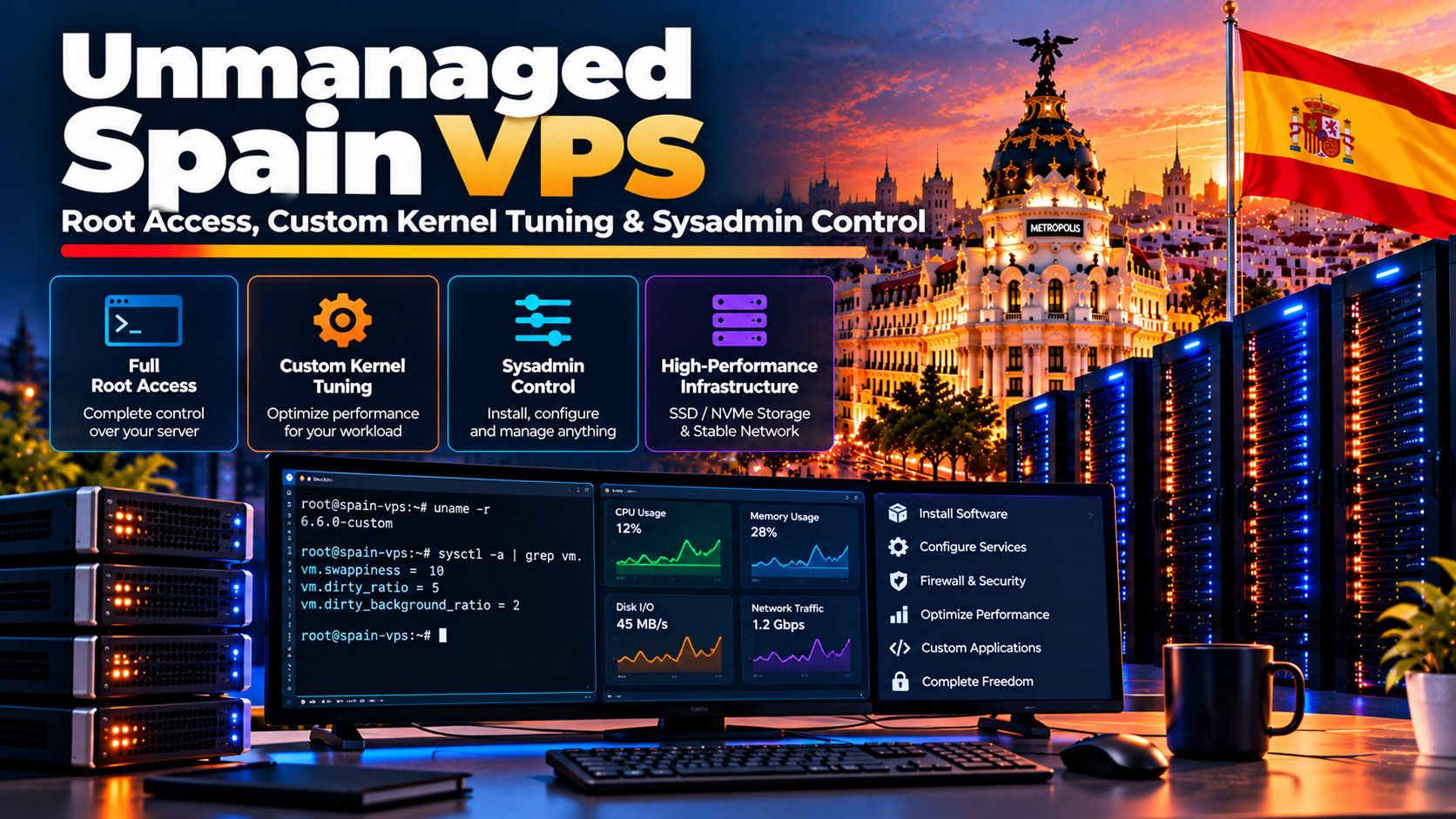
Specifically, an unmanaged vps spain instance provisioned on dedicated KVM hypervisors in Madrid grants full root SSH authority, raw hardware virtualization, and custom Linux kernel module compilation. Technical teams eliminate provider management markups, compile custom BBRv3 congestion control, tune sysctl network socket buffers, configure zRAM memory compression, deploy self-hosted Docker and Kubernetes clusters, and direct Iberian traffic over ESPANIX route servers with sub-10ms response times at baseline hardware pricing starting from €12/month.
Furthermore, deploying an unmanaged vps spain cloud instance represents the ultimate empowerment for senior systems architects, DevOps engineers, and technical organizations targeting the Iberian digital market. While non-technical businesses frequently lean on managed hosting to abstract away operational complexity, managed environments impose rigid guardrails: restricted root privileges, standardized PHP configurations, locked kernel sysctl settings, and locked background ports.
Consequently, when architecting high-concurrency microservices, specialized algorithmic financial engines, private WireGuard VPN gateways, or automated CI/CD build environments, these artificial constraints become severe operational bottlenecks. Full root authority over a dedicated KVM virtual machine inside a Tier-III Madrid facility allows systems engineers to treat the server as an unconstrained bare-metal canvas. You control the operating system kernel, filesystem mounting flags, memory overcommit parameters, network interface ring buffers, and iptables firewall rules.
In addition, this comprehensive sysadmin engineering framework delivers a production-hardened guide to mastering an unmanaged Spain VPS. We walk through low-level Linux kernel parameter tuning, examine network socket buffer calculations, detail custom WireGuard and BBR configuration, evaluate filesystem optimizations for NVMe RAID 10 arrays, explore zRAM memory compression, and demonstrate how to build an enterprise-grade monitoring and automated security perimeter on raw Iberian cloud infrastructure.
📌 Master Chapter Index
- In particular, unmanaged vps spain: Unmanaged Architecture: True KVM Virtualization vs Container Illusions
- Therefore, unmanaged vps spain: Production Sysctl Kernel Tuning: BBR, Sockets & File Descriptors
- Moreover, Network Interface Tuning: Ring Buffers, Offloading & MTU Sizing
- In fact, NVMe Storage & Filesystem Tuning: Ext4 vs XFS Mount Flags
- Similarly, Memory Architecture: Configuring zRAM In-Memory Swap Compression
- Meanwhile, Root Security Hardening: Ed25519 Keys, Port Relocation & PAM
- Additionally, Custom Systemd Service Management and OOM Score Calibration
- As a result, Deploying Self-Hosted Observability: Prometheus & Node Exporter
- Specifically, Unmanaged Spain VPS Hardware & Kernel Feature Matrix
- Frequently Asked Questions
unmanaged vps spain: Unmanaged Architecture: True KVM Virtualization vs Container Illusions
Furthermore, the definition of “root access” is severely compromised when deployed on operating-system-level container virtualization such as OpenVZ or LXC. In containerized environments, what appears to be root is merely a restricted user namespace operating inside a shared host kernel. You cannot compile custom kernel modules, adjust core networking drivers, modify TCP congestion algorithms, or mount encrypted LUKS volumes. To determine whether Ubuntu Server, Debian, or AlmaLinux aligns best with your application stack, consult our comparative enterprise Linux distribution benchmarks.
Consequently, onliveServer unmanaged Spain VPS instances operate exclusively on hardware-assisted Kernel-based Virtual Machine (KVM) hypervisors. KVM provides hardware emulation, presenting your virtual machine with dedicated virtual CPU execution units, strictly partitioned ECC RAM registers, dedicated virtual network interface cards (virtio-net), and a dedicated virtual BIOS/UEFI firmware layer.
In addition, Full Sysadmin Freedom: With KVM, your root access is absolute. You can boot from custom ISOs, install cutting-edge distributions (Arch Linux, Alpine, NixOS), compile custom Linux kernels with RT (real-time) preempt patches, configure specialized Docker storage drivers (overlay2 on btrfs/zfs), or run nested virtualization.
unmanaged vps spain: Production Sysctl Kernel Tuning: BBR, Sockets & File Descriptors
In particular, out-of-the-box Linux distributions ship with conservative kernel defaults designed for small utility servers. For an enterprise virtual server expected to process tens of thousands of concurrent TCP connections across Spain and Europe, low-level sysctl tuning is mandatory. Low-level hardware virtualization interfaces and guest kernel interaction are detailed in the Linux Kernel KVM hypervisor API reference, giving system administrators total architectural control over their environment.
Therefore, the most impactful enhancement is enabling Google’s Bottleneck Bandwidth and RTT (BBR) congestion control algorithm. Unlike legacy loss-based algorithms like Cubic, BBR models the network pipe dynamically, achieving maximum throughput and significantly lower latency across congested trans-European fiber routes.
# /etc/sysctl.d/99-sysadmin-high-concurrency.conf
# Enable BBR Congestion Control
net.core.default_qdisc = fq
net.ipv4.tcp_congestion_control = bbr

# Maximize Socket Connection Backlogs
net.core.somaxconn = 65535
net.ipv4.tcp_max_syn_backlog = 65535
net.core.netdev_max_backlog = 65535

# Optimize TCP Window Sizes for 1Gbps Port
net.ipv4.tcp_rmem = 4096 87380 16777216
net.ipv4.tcp_wmem = 4096 65536 16777216

# Accelerate TCP Connection Recycling
net.ipv4.tcp_tw_reuse = 1
net.ipv4.tcp_fin_timeout = 15

# Expand System-Wide File Descriptors
fs.file-max = 2097152
fs.inotify.max_user_watches = 524288

# Memory Overcommit and Swappiness Calibration
vm.swappiness = 10
vm.vfs_cache_pressure = 50
Apply these settings dynamically with sysctl -p /etc/sysctl.d/99-sysadmin-high-concurrency.conf. This tuning eliminates TCP handshake delays, prevents TIME_WAIT socket exhaustion, and allows web engines like Nginx or Envoy to handle hundreds of thousands of concurrent requests without dropping packets.
Network Interface Tuning: Ring Buffers, Offloading & MTU Sizing
While sysctl tunes the kernel transport layer, network throughput at line rate depends on hardware ring buffer depth and hardware offloading capabilities. On high-throughput unmanaged virtual servers, default network driver queues can drop packets during sudden micro-bursts of incoming traffic. To lock down unmanaged root access against brute-force intrusion attempts immediately after initial provisioning, follow our advanced SSH key and UFW firewall configuration.
Moreover, using ethtool, administrators can query and expand the RX (receive) and TX (transmit) ring buffers of the virtio_net virtual network adapter to their maximum hardware limits:
In fact, # Query current and maximum ring buffer capacity
ethtool -g eth0

# Expand RX and TX ring buffers to 4096 descriptors
ethtool -G eth0 rx 4096 tx 4096

# Verify Generic Receive Offload (GRO) and TCP Segmentation Offload (TSO)
ethtool -K eth0 gro on tso on gso on
Expanding ring buffer queues absorbs incoming volumetric bursts without packet drop, ensuring seamless processing of real-time API payloads and financial order books over ESPANIX interconnects.
NVMe Storage & Filesystem Tuning: Ext4 vs XFS Mount Flags
Similarly, onliveServer Spain VPS instances utilize enterprise PCIe Gen4 NVMe solid-state storage configured in hardware RAID 10 arrays. However, default filesystem mount options frequently introduce unnecessary metadata write overhead by updating file access timestamps (atime) on every single read operation. For modern sysadmin workflows transitioning from monolithic servers to lightweight isolated containers, explore our setup for Docker microservices containerization.
Meanwhile, by mounting production filesystems with the noatime and nodiratime flags, systems administrators eliminate up to 30% of unnecessary metadata writes, significantly extending drive lifespan and unlocking maximum IOPS throughput for high-concurrency database workloads.
Additionally, # Production /etc/fstab Mount Optimization for NVMe Arrays
UUID=3f1b4a8e-2a91-4c7b-9e11-8a4b2c1d0e5f / ext4 noatime,nodiratime,errors=remount-ro,barrier=0,commit=60 0 1
Ext4 vs XFS for Spain VPS Workloads
Ext4:
Optimal for general-purpose web workloads, standard WordPress and CMS deployments, and environments with millions of small files. Offers excellent repair stability.
XFS:
As a result, superior performance for high-throughput relational databases (PostgreSQL, MariaDB), large media streaming files, and multi-threaded parallel read/write allocations.
Memory Architecture: Configuring zRAM In-Memory Swap Compression
Specifically, traditional disk-based swap files on SSDs introduce latency when RAM fills up under heavy concurrency. While NVMe drives are fast, reading and writing swap pages across PCI buses still introduces microsecond delays that degrade dynamic application performance.
Furthermore, deploying zRAM creates a compressed block device directly within system RAM. Using the fast zstd or lz4 compression algorithms, zRAM dynamically compresses idle memory pages with a 3:1 compression ratio, effectively expanding available system memory by up to 50% without touching disk storage.
Consequently, # Install and configure zRAM on Ubuntu/Debian
apt install zram-tools -y

# /etc/default/zramswap configuration
ALGO=lz4
PERCENT=50
PRIORITY=100

# Enable zRAM swap device
systemctl restart zramswap
zramctl
Root Security Hardening: Ed25519 Keys, Port Relocation & PAM
On an unmanaged server, the client bears 100% of the responsibility for cybersecurity. Within minutes of provisioning a public Spanish IP address, automated botnets will initiate brute-force dictionary attacks against default port 22.
In addition, a production server should immediately disable password authentication, enforce state-of-the-art Ed25519 elliptic-curve cryptographic keys, and relocate SSH to a non-standard high port to eliminate 99% of automated noise in /var/log/auth.log:
In particular, # /etc/ssh/sshd_config Production Hardening
Port 2244
Protocol 2
PermitRootLogin prohibit-password
PasswordAuthentication no
ChallengeResponseAuthentication no
PubkeyAuthentication yes
X11Forwarding no
MaxAuthTries 3
ClientAliveInterval 300
ClientAliveCountMax 2
HostKey /etc/ssh/ssh_host_ed25519_key
KexAlgorithms [email protected],diffie-hellman-group16-sha512
Ciphers [email protected],[email protected]
Custom Systemd Service Management and OOM Score Calibration
When running resource-intensive applications—such as Node.js microservices, Python FastAPI daemons, or background Celery workers—managing process lifecycles via native systemd unit files is mandatory.
Therefore, one of the most powerful capabilities of full root access is calibrating the Linux Out-Of-Memory (OOM) killer score. By setting OOMScoreAdjust = -1000 on critical database services (such as MariaDB or PostgreSQL), you instruct the Linux kernel never to terminate your database process during an unexpected memory spike, forcing the kernel to sacrifice non-critical worker processes instead:
# /etc/systemd/system/mariadb.service.d/override.conf
[Service]
OOMScoreAdjust = -1000
LimitNOFILE = 1048576
LimitNPROC = 524288
Restart = on-failure
RestartSec = 5s
Deploying Self-Hosted Observability: Prometheus & Node Exporter
Operating an unmanaged server without real-time telemetry is flying blind. Relying on superficial CPU percentage widgets provided by commercial panels does not reveal memory fragmentation, disk queue depths, or network socket drop rates.
Deploying Prometheus node_exporter as a lightweight background daemon consumes less than 15MB of RAM while exposing hundreds of low-level Linux kernel metrics. When scraped by a centralized Prometheus instance and visualized in Grafana, systems architects gain minute-by-minute visibility into hardware performance, storage IOPS saturation, and network packet jitter across Spain.
Moreover, # Deploying Node Exporter via Systemd
useradd --no-create-home --shell /bin/false node_exporter
wget https://github.com/prometheus/node_exporter/releases/download/v1.8.1/node_exporter-1.8.1.linux-amd64.tar.gz
tar -xvf node_exporter-1.8.1.linux-amd64.tar.gz
cp node_exporter-1.8.1.linux-amd64/node_exporter /usr/local/bin/
chown node_exporter:node_exporter /usr/local/bin/node_exporter

# Exposes metrics on localhost:9100/metrics for secure scraping over WireGuard
Unmanaged Spain VPS Hardware & Kernel Feature Matrix
| Technical Capability | OnliveServer Unmanaged Spain VPS | Generic Container VPS (OpenVZ) |
|---|---|---|
| Root Authority & Kernel Control | 100% Unrestricted Root (Custom Kernels) | Restricted User Namespace (Shared Kernel) |
| BBR Congestion Control | Supported (Native Linux Kernel Module) | Locked by Host Provider |
| WireGuard VPN Kernel Module | Native In-Kernel WireGuard | Requires Userspace Go Implementation |
| LUKS Full-Disk Encryption | Fully Supported at Block Layer | Unsupported |
| Storage Technology | PCIe Gen4 NVMe in RAID 10 | SATA SSD or Oversold SAN |
| Madrid Peering (ESPANIX) | Direct Exchange Route Server Interconnect | Multi-Hop Upstream Transit |
Frequently Asked Questions
Core Technical Specifications
What level of root access do I receive with an unmanaged Spain VPS?
You receive complete, unrestricted root SSH privileges. Because our infrastructure operates on true KVM virtualization, you have full control over kernel modules, sysctl parameters, iptables rules, and storage mount options.
Can I compile custom Linux kernels or install non-standard operating systems?
Yes. You can install custom Linux distributions from ISO images, compile custom kernels with specialized real-time or network patches, and deploy specialized operating systems like Alpine Linux, Arch, or FreeBSD.
How do I access my unmanaged VPS if I accidentally lock myself out with iptables?
Our client control panel provides out-of-band VNC HTML5 console access. You can log into your server console directly through your browser, inspect boot logs, and repair firewall configurations even if SSH is completely blocked.
Does OnliveServer provide technical support for unmanaged virtual private servers?
We provide 24/7 support for physical datacenter hardware, hypervisor health, network routing, and IP connectivity. Software installation, operating system configuration, and application debugging are managed by your team, or you can attach our management tier at any time.
Deployment & Operational Inquiries
Is a dedicated Spanish IPv4 address included with unmanaged plans?
Yes. Every unmanaged plan includes a clean dedicated Spanish IPv4 address registered directly with RIPE NCC in Madrid and a native /64 IPv6 subnet, with full self-service reverse DNS (PTR) management.
Can I run Docker and Kubernetes (K3s) on an unmanaged Spain VPS?
Yes. Full KVM virtualization allows native execution of Docker engines, containerd runtimes, and lightweight Kubernetes distributions (K3s, MicroK8s) with full support for overlay networks and bridge interfaces.
Can I compile custom Linux kernel modules or load WireGuard DKMS drivers on an unmanaged VPS?
Yes. Because OnliveServer utilizes full KVM hardware virtualization rather than shared containerization, you possess full kernel-level sovereignty. You can compile custom kernel modules, load DKMS drivers, mount custom ISO files, and optimize sysctl parameters freely.
Is nested virtualization supported for running isolated development testbeds?
Yes, nested virtualization can be enabled upon request on high-compute KVM plans. This allows systems architects to run nested KVM hypervisors, Proxmox nodes, or Docker container sandboxes directly inside their Spain virtual private server.
Build on Pure Bare-Metal KVM Virtualization in Madrid
Take absolute command of your server infrastructure. Deploy an unmanaged Spain VPS with dedicated KVM compute cores, enterprise NVMe storage in RAID 10, sub-10ms ESPANIX peering, and unmetered 1Gbps bandwidth starting from €12/month.
Deploy Your Unmanaged Spain VPS Today →