

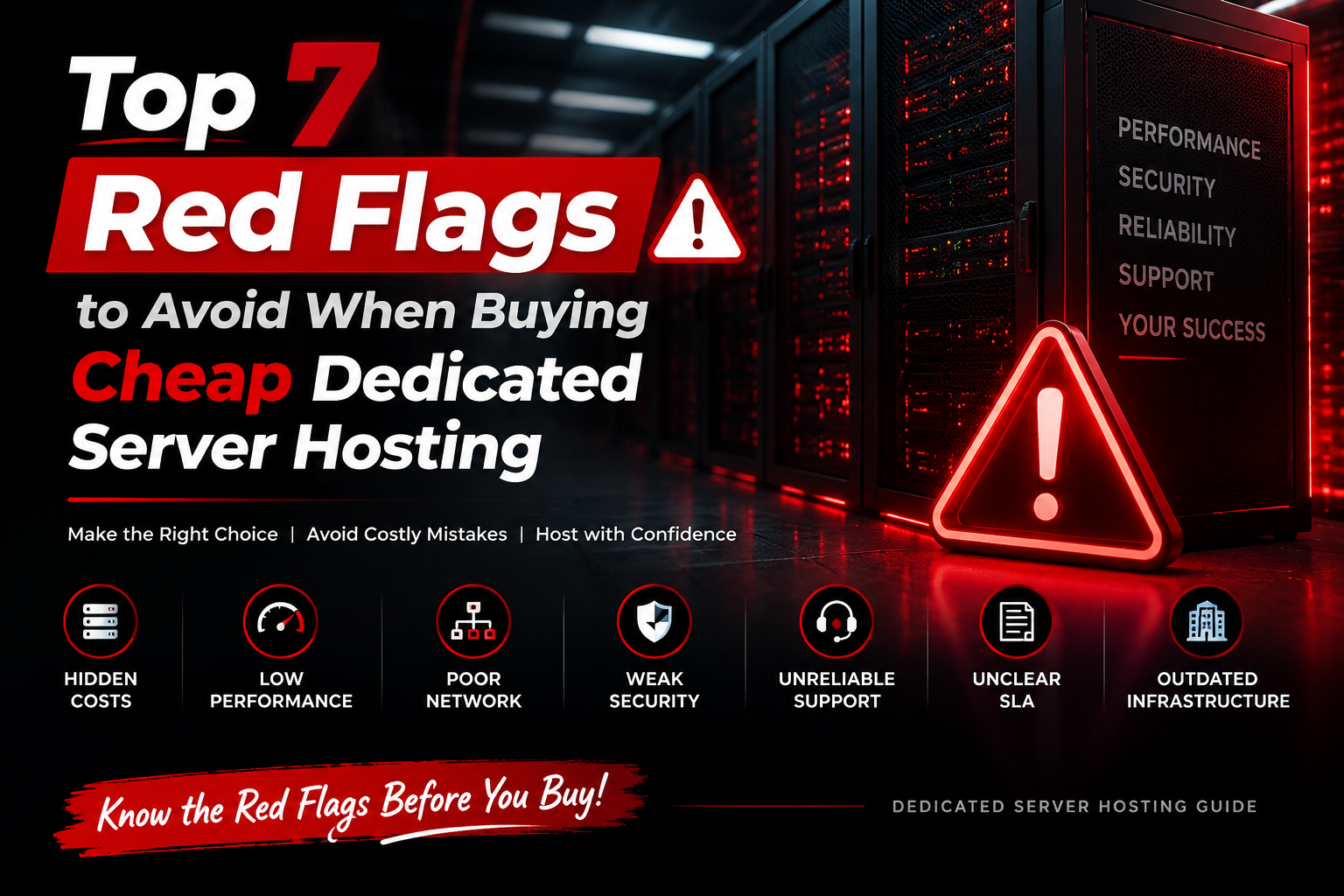
When selecting budget dedicated server hosting, the top red flags include legacy desktop-grade hardware (old Core i7/DDR3) sold as enterprise servers, shared or heavily throttled bandwidth lines, lack of IPMI/KVM out-of-band remote management, hidden hardware replacement fees, slow single-homed network transit without carrier redundancy, and slow or unmanaged support during hardware drive failures.
Things to Check Before Buying Cheap Dedicated Server Hosting
Choosing cheap dedicated server hosting is not only about finding the lowest monthly price. Hardware quality, network performance, security features, and support policies directly affect the reliability of your applications and websites. For verified technical specifications and deployment parameters, consult the official Linux Kernel Documentation.
Before selecting a provider, evaluate CPU performance, memory configuration, storage technology, bandwidth allocation, remote management access, and service commitments to avoid unexpected limitations after deployment.
Cheap Dedicated Server Hosting: 7 Important Factors to Check Before Buying
A dedicated server provides complete access to physical hardware resources, making it suitable for websites, applications, databases, SaaS platforms, and business workloads that require predictable performance.
However, choosing a cheap dedicated server requires careful evaluation. Low pricing does not always represent better value because providers may use different hardware generations, bandwidth policies, management options, and support processes.
A reliable dedicated server should provide the right balance between cost, performance, security, and scalability. Understanding the important technical factors before purchase helps businesses select infrastructure that matches their workload requirements.
Check Dedicated Server Hardware Specifications
The physical hardware inside a dedicated server directly impacts application performance. Before purchasing an affordable dedicated server, review the CPU model, memory type, storage technology, and upgrade options.
CPU Performance
Modern Intel Xeon, AMD EPYC, or high-performance processors provide better multi-threaded performance for demanding applications and virtualization workloads.
Memory Capacity
ECC RAM helps improve reliability for production environments where data accuracy and system stability are important.
Storage Technology
NVMe SSD storage provides lower latency and higher I/O performance compared with traditional hard drives.
Do not select a dedicated server only by CPU cores or price. Evaluate the complete hardware configuration according to your application workload.
Verify Bandwidth, Port Speed, and Network Quality
Network performance is one of the most important factors when selecting a dedicated server. A powerful server with limited connectivity can still create performance problems during traffic spikes.
Review available port speeds, bandwidth limits, traffic policies, and network redundancy before deployment.
Check whether the server includes 1Gbps, 10Gbps, or higher network ports.
Understand monthly traffic limits, unmetered options, and fair usage policies.
Quality upstream providers and routing paths influence global accessibility.
A dedicated server should provide enough network capacity for current traffic and future growth requirements.
Check IPMI, KVM, and Server Management Access
Remote management access allows administrators to control servers even when the operating system is unavailable. These tools are especially useful during system recovery, troubleshooting, and maintenance operations.
Provides hardware-level monitoring and remote server control.
Allows direct console access for installation and troubleshooting.
Helps track hardware health, resource usage, and alerts.
Before buying a dedicated server, confirm which management features are included because they can significantly reduce troubleshooting time.
Evaluate Data Center Infrastructure and Availability
The quality of the data center hosting your dedicated server directly affects server availability, network stability, and physical security. Before choosing a provider, review the facility standards, power systems, cooling setup, and network redundancy.
Reliable data centers use backup power systems such as UPS infrastructure and generators to reduce the impact of electrical failures.
Proper cooling management helps maintain hardware stability during continuous high-performance workloads.
Multiple network connections and upstream providers improve connectivity reliability.
Review the provider’s uptime commitment, maintenance policy, and infrastructure details instead of selecting a server only based on price.
Review Security Options and DDoS Protection
Dedicated servers provide complete hardware access, but security management still requires proper configuration. Businesses should evaluate available security features before deploying production workloads.
Custom firewall rules help control incoming and outgoing network traffic.
Network-level traffic filtering can help reduce the impact of malicious traffic events.
SSH key authentication, restricted accounts, and monitoring improve server security.
Regular backups protect applications and data during unexpected failures.
Security should be considered as part of the complete hosting plan. Hardware performance alone is not enough for reliable production hosting.
Understand Support Response and Service Agreements
Technical support becomes important when dealing with hardware failures, network issues, operating system problems, or emergency maintenance.
Before purchasing cheap dedicated server hosting, check what level of support is included and how the provider handles critical issues.
Understand hardware replacement procedures and response expectations.
Check whether support covers only hardware or also includes system management.
Server monitoring can help identify availability or performance issues early.
Compare Total Cost Instead of Monthly Price Alone
The cheapest dedicated server offer is not always the most cost-effective option. Additional charges for bandwidth, management, backups, security services, or hardware upgrades can increase the actual hosting cost.
Compare the included hardware resources and configuration.
Check costs for management, backups, IP addresses, and upgrades.
Consider whether the infrastructure can support future growth.
Dedicated Server Evaluation Checklist
| Factor | What To Check | Why It Matters |
|---|---|---|
| CPU | Processor generation and core performance | Affects application processing speed |
| RAM | Capacity and ECC memory support | Improves stability for production workloads |
| Storage | NVMe SSD or enterprise storage options | Improves database and application response |
| Network | Port speed and bandwidth policy | Supports traffic and data transfer needs |
| Support | SLA and technical assistance | Reduces downtime during problems |
Frequently Asked Questions About Cheap Dedicated Server Hosting
What should I check before buying cheap dedicated server hosting?
Before purchasing, review hardware specifications, network capacity, storage performance, security features, support policies, and data center reliability. The lowest price should not be the only deciding factor.
Is a cheap dedicated server suitable for business websites?
Yes, a dedicated server can support business websites when the hardware configuration matches the workload requirements. Businesses should evaluate traffic, application requirements, and future growth before selecting a plan.
Why is NVMe storage important for dedicated servers?
NVMe storage provides lower latency and higher input/output performance compared with traditional storage options, making it useful for databases, applications, and high-traffic websites.
Do dedicated servers include DDoS protection?
DDoS protection availability depends on the hosting provider and plan. Review the included security features and network protection options before purchase.
Should I choose managed or unmanaged dedicated server hosting?
The choice depends on your technical requirements. Managed hosting provides additional assistance with server administration, while unmanaged hosting gives more control for users who manage their own infrastructure.
Conclusion: Strategic Architecture & Performance Summary
Implementing these technical optimizations for top 7 red flags to avoid when buying cheap dedicated server hosting ensures robust throughput, predictable latency, and maximum system reliability across production environments. Rigorous benchmarking and proactive parameter tuning eliminate latent resource bottlenecks before they impact end users.
Pairing disciplined operating system administration with reliable compute foundations is essential for mission-critical operations. Deploying workloads on enterprise dedicated server hosting provides the dedicated resources, network resilience, and hardware acceleration necessary to sustain high availability under heavy production load.
Choose Dedicated Server Hosting Based on Performance, Reliability, and Support
Buying a dedicated server requires evaluating more than the monthly cost. Hardware quality, network infrastructure, security controls, and support availability all influence the long-term reliability of your hosting environment.
A properly selected dedicated server provides predictable resources and better control for websites, applications, databases, and business workloads.
By following this dedicated server buying checklist, businesses can make a more informed decision and select infrastructure that fits their technical needs.

