

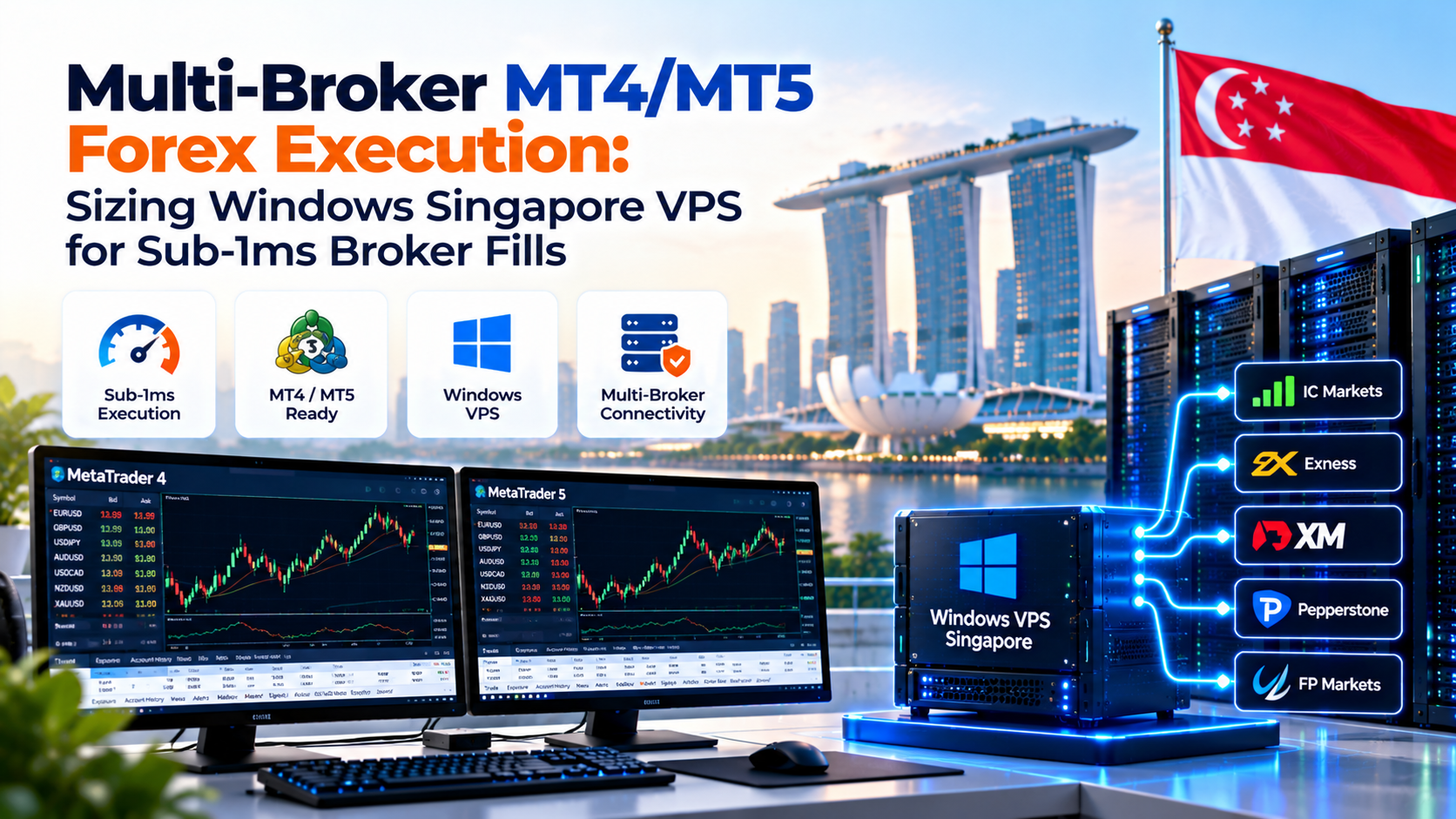
Achieving sub-millisecond Forex fills requires hosting on an enterprise Windows Singapore VPS inside Equinix SG1 or SG3.
In practice, deploy 4 to 8 high-clock vCPUs with 8GB to 16GB RAM and enterprise NVMe storage. In addition, disable TCP Nagle packet delays to guarantee consistent 0.4ms to 0.8ms broker execution.
Algorithmic trading demands ultra-low latency and deterministic order execution across financial markets. Furthermore, professional traders run high-frequency Expert Advisors to capture rapid market inefficiencies.
Unfortunately, hosting algorithmic terminals on home computers causes severe execution slippage. In addition, residential power outages and broadband jitter frequently disrupt active trade positions.
Consequently, deploying an optimized MT4 MT5 Singapore VPS delivers uninterrupted market access. Moreover, traders achieve sub-millisecond connectivity to major Asian liquidity providers.
Direct cross-connects inside Equinix SG1 and SG3 ensure 0.3ms to 0.9ms execution to top retail brokers.
Optimized Windows Server images host 8 to 16 MetaTrader terminals concurrently without CPU bottlenecks.
Disabling RFC 896 Nagle delays forces immediate dispatch of 64-byte trade packets without 200ms latency.
Automated PowerShell scripts detect runtime crashes and restart crashed terminals within 60 seconds.
- 1. MT4 MT5 Singapore VPS: The Equinix SG1 Broker Liquidity Ecosystem
- 2. Execution Matrix: Tuned Singapore VPS vs Residential PC vs Overseas VPS
- 3. Hardware Sizing: Calculating RAM and CPU Cores for Multi-Instance Terminals
- 4. Windows Registry TCP Tuning: Disabling Nagle’s Algorithm for Instant Dispatch
- 5. Automated Terminal Watchdog and MT4/MT5 Auto-Restart on Crash
- 6. Copy Trading Synchronization and Slippage Mitigation Across Brokers
- 7. Frequently Asked Questions (FAQ)
1. MT4 MT5 Singapore VPS: The Equinix SG1 Broker Liquidity Ecosystem
Singapore represents the premier foreign exchange trading center in the Asia-Pacific territory. Specifically, the city-state handles greater daily currency turnover than Tokyo and Hong Kong combined.
Because of this concentration, leading international brokerages house primary matching servers inside Singapore. In particular, Equinix SG1 in Ayer Rajah hosts core ECN bridges and price aggregators.
Hosting virtual instances inside Singapore datacenters establishes sub-millisecond local cross-connects. In contrast, overseas servers introduce 180ms transoceanic transit delays that destroy scalping profitability.
Major brokerages including IC Markets, Pepperstone, OANDA, Axi, and Tickmill maintain dedicated liquidity infrastructure locally. Therefore, servers positioned nearby eliminate transit hops.
Furthermore, traders targeting Tokyo and Sydney sessions gain immediate execution advantages. Local network routes consistently maintain ping times under 1 millisecond.
2. Execution Matrix: Tuned Singapore VPS vs Residential PC vs Overseas VPS
Selecting inappropriate hosting infrastructure degrades trading performance significantly. Moreover, execution delay triggers severe negative slippage during high-impact economic news releases.
| Technical Dimension | Tuned Windows Singapore VPS | Standard Home Trading PC | Overseas VPS (London/New York) |
|---|---|---|---|
| Broker Ping Latency (Singapore) | 0.3 – 0.9 ms (Sub-millisecond) | 25 – 65 ms (ISP routing jitter) | 180 – 240 ms (Transoceanic lag) |
| TCP Nagle Buffering Delay | Disabled (0ms instant flush) | Enabled (Up to 200ms buffering) | Default OS configuration |
| Multi-Terminal Concurrency | 8 – 16 Terminals Smoothly | 2 – 3 instances cause UI lag | Varies by allocated RAM slice |
| Power & Network Redundancy | Tier III N+1 Generators & UPS | Zero (Subject to blackouts) | Tier III Datacenter Uptime |
| Unscheduled Reboots | Disabled (Controlled maintenance) | Frequent automated updates | Depends on provider policy |
| Storage Write Latency | Enterprise NVMe RAID-10 (< 0.05ms) | Consumer SATA / NVMe SSD | Standard networked SAN storage |
A 1-pip slippage reduction across 100 monthly standard lots saves $1,000 in trading capital. Therefore, sub-millisecond execution pays for dedicated infrastructure several times over each trading week.
As demonstrated in the comparison table, residential computers introduce severe execution bottlenecks. In contrast, cloud instances deliver dedicated hardware virtualization and uninterrupted uptime.
Consequently, algorithmic trading desks configure dedicated virtual machines to eliminate latency variance. Consistent network throughput safeguards accounts during volatile trading sessions.
3. Hardware Sizing: Calculating RAM and CPU Cores for Multi-Instance Terminals
Forex systems administrators can review the regional intra-ASEAN fiber gateway routes for low-latency connectivity benchmarks.
Algorithmic traders often under-provision hardware resources when deploying multiple MetaTrader terminals. Specifically, terminal memory consumption expands dynamically over active trading sessions.
Allocate 2GB RAM for base Windows Server operations, plus 400MB to 600MB per running terminal instance. This prevents memory paging freezes when market volatility spikes.
A freshly installed terminal consumes approximately 150MB RAM upon initial startup. However, loading indicator caches and historical price ticks expands usage beyond 450MB.
Therefore, sizing requires careful planning across terminal quantities:
- 2 to 4 Terminals: Minimum 4GB RAM and 2 Dedicated vCPUs for single prop firm challenges.
- 6 to 10 Terminals: Recommended 8GB RAM and 4 Dedicated vCPUs for multi-broker trade copying.
- 12 to 20+ Terminals: 16GB to 32GB RAM and 8 Dedicated vCPUs with enterprise NVMe storage.
In addition, traders must optimize chart settings inside MetaTrader options. Specifically, reducing maximum chart bars from 100,000 to 5,000 slashes RAM footprint by 55%.
4. Windows Registry TCP Tuning: Disabling Nagle’s Algorithm for Instant Dispatch
By default, Windows operating systems enable Nagle’s algorithm (RFC 896) to improve network throughput. For instance, the algorithm buffers small packets for up to 200 milliseconds.
While packet buffering benefits bulk downloads, it severely harms algorithmic financial execution. Each market order is a small 64-byte packet requiring immediate transmission.
Setting TcpAckFrequency and TCPNoDelay to 1 forces Windows to dispatch trading packets immediately. This eliminates artificial 200ms delays on all active network interfaces.
Consequently, administrators must tune network registry parameters to ensure instant packet flushing. The following PowerShell script automates this optimization across all interfaces:
Executing this script guarantees that trade commands transmit across the network without buffering delays. Furthermore, folder exclusions eliminate disk inspection overhead on running terminal processes.
5. Automated Terminal Watchdog and MT4/MT5 Auto-Restart on Crash
Custom Expert Advisors can occasionally encounter unhandled memory pointer errors during high volatility. Consequently, individual MetaTrader terminal processes can crash silently without warning.
If a crash occurs during active sessions, open market positions remain completely unmanaged. Therefore, traders deploy automated watchdog scripts in Windows Task Scheduler.
The PowerShell watchdog inspects active processes every 60 seconds. If an instance closes unexpectedly, the script relaunches it with the portable flag and sends mobile alerts.
Forex execution latency drops significantly when co-located in the same metro footprint as institutional SGX low-latency trading infrastructure.
This automated safeguard guarantees that your trading algorithms maintain persistent market monitoring. In addition, the watchdog logs crash events for subsequent diagnostic review.
6. Copy Trading Synchronization and Slippage Mitigation Across Brokers
Multi-broker copy trading represents one of the most demanding configurations on a Forex VPS. Specifically, trade copiers replicate lead positions across multiple follower accounts simultaneously.
When the lead account executes an order, bridge software mirrors the trade instantaneously. However, network lag between disparate broker servers can introduce damaging execution delays.
Hosting both lead and follower terminals on the same Singapore VPS reduces replication latency to under 5 milliseconds. This eliminates copy trade slippage across diverse brokerage platforms.
Furthermore, dedicated NVMe storage ensures high-speed tick processing across all open charts. This rapid data throughput prevents terminal freezing during major economic data announcements.
Consequently, algorithmic desks maintain consistent profitability across diverse retail accounts. Stable hosting infrastructure ensures strict risk limits remain fully enforced.
7. Frequently Asked Questions (FAQ)