

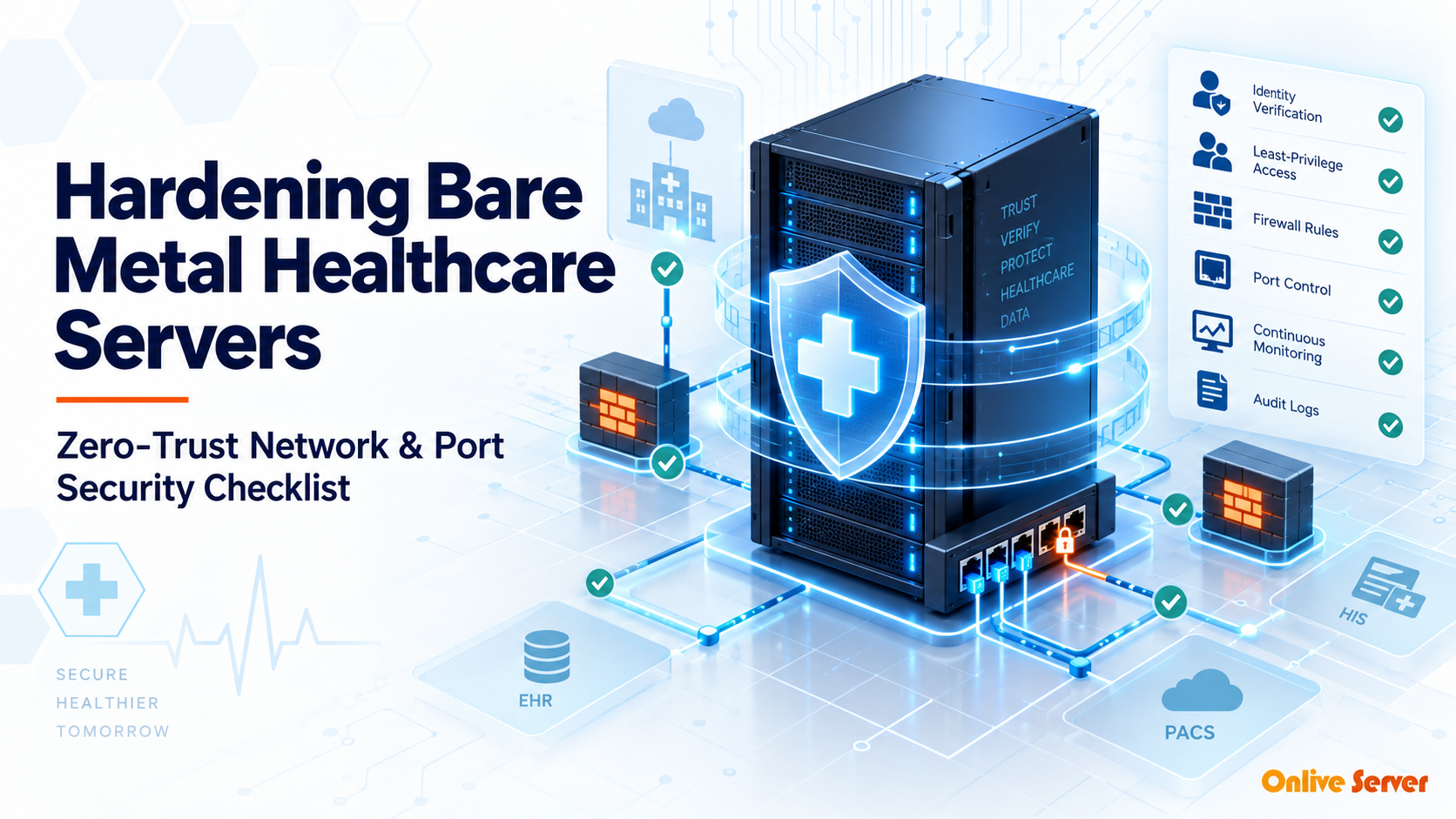
Hardening bare-metal healthcare servers involves enforcing zero-trust ingress filtering via stateful firewalls, disabling unencrypted legacy protocols, restricting SSH access through hardware-backed PKI keys and VPN bastions, and configuring immutable audit logging (auditd) to meet strict HIPAA compliance mandates.
Healthcare organizations handle some of the most sensitive digital records in existence. Electronic protected health information (ePHI) commands high black-market valuations, making hospital infrastructure a continuous target for ransomware syndicates.
Deploying default Linux operating system installations on bare-metal servers leaves numerous unnecessary network ports and permissive default configurations exposed. Without comprehensive baseline hardening, attackers can exploit exposed services to gain root access.
Establishing defense-in-depth security requires systematic operating system and network lockdown. Leveraging certified expert Linux administration services ensures zero-trust controls, kernel protections, and audit pipelines are implemented according to medical standards.
Core Healthcare Server Hardening Checklist
Achieving regulatory compliance and operational resilience requires systematic lockdown across multiple layers. The following checklist outlines the essential technical controls required for healthcare server deployment:
Zero-Trust Healthcare Hardening Matrix
| Security Control | Implementation Standard | HIPAA Requirement |
|---|---|---|
| Network Filtering | Default-drop iptables / nftables policy | § 164.312(e)(1) Transmission Security |
| Access Control | ED25519 SSH keys, MFA, disabled root login | § 164.312(a)(1) Access Control |
| Data Encryption | LUKS2 volume encryption & TLS 1.3 only | § 164.312(a)(2)(iv) Encryption at Rest |
| Integrity Auditing | Immutable auditd daemon & remote syslog | § 164.312(b) Audit Controls |
Zero-Trust Network and Port Security
In a zero-trust model, all incoming traffic is considered hostile until verified. Systems administrators configure stateful packet inspection firewalls with a strict default DROP policy on all external network interfaces.
Only essential ports (such as HTTPS port 443) are opened to public IP networks. Management ports including SSH and database listeners are bound strictly to private internal management VLANs or accessible only over WireGuard VPN tunnels.
Hosting clinical applications on hardened dedicated bare-metal servers provides the dedicated network isolation necessary to establish hardware-level network micro-segmentation.
Transport Layer Encryption and Certificate Management
HIPAA regulations mandate end-to-end encryption for all patient data in transit. Legacy cryptographic protocols such as TLS 1.0, TLS 1.1, and insecure cipher suites must be permanently disabled at the web server and reverse proxy levels.
Administrators enforce modern TLS 1.3 with Perfect Forward Secrecy (PFS), preventing captured historical traffic from being decrypted if server private keys are later compromised. Implementing robust enterprise SSL certificate protection ensures hospital portals maintain continuous verification and patient trust.
Hardware Root of Trust and UEFI Secure Boot Verification
Protecting healthcare infrastructure begins before the operating system kernel boots into memory. Advanced persistent threats and firmware rootkits attempt to alter low-level boot loaders to bypass OS security boundaries undetected.
Bare-metal healthcare servers leverage Trusted Platform Module (TPM 2.0) chips to establish an immutable hardware root of trust. During boot, the system measures firmware hashes, bootloader binaries, and kernel images against cryptographic baselines stored within the tamper-resistant TPM.
Enabling UEFI Secure Boot with cryptographically signed Linux kernels blocks unauthorized bootkits. Furthermore, deploying Linux Integrity Measurement Architecture (IMA) continuously verifies file integrity before critical clinical daemons execute.
Microsegmentation and nftables Firewall Enforcement
Zero-trust architecture mandates that internal network traffic receives the same scrutiny as public Internet packets. If an external-facing web application is compromised, internal microsegmentation prevents lateral movement toward backend electronic protected health information (ePHI).
Administrators configure host-based nftables firewalls on bare-metal servers to drop all unsolicited incoming traffic by default. Network ports are restricted strictly to whitelisted clinical IP subnets using connection-tracking stateful rules.
Legacy unencrypted management protocols—including Telnet, FTP, and unauthenticated RPC services—are completely disabled. Administrative SSH access is bound exclusively to private wireguard VPN interfaces, protected by non-standard ports and strict rate-limiting tables.
Privilege Management and Mandatory Access Control (SELinux)
Superuser privileges represent the ultimate target for attackers seeking access to clinical databases. Healthcare compliance standards require enforcing least-privilege principles across all server administrators and service daemons.
Operating systems must run with Security-Enhanced Linux (SELinux) configured in enforcing mode. SELinux confines web servers, database engines, and healthcare APIs within strict mandatory access control domains, preventing processes from reading sensitive medical files even if compromised.
Direct root SSH logins are permanently disabled across all production instances. Engineers authenticate using individual named accounts authenticated by hardware security keys (FIDO2 / YubiKey), with administrative commands audited via centralized immutable syslog streams.
Zero-Trust Healthcare Port Hardening Checklist
Securing bare-metal servers handling sensitive electronic health data demands rigorous operational controls across every network interface:
- Disable IPMI / BMC network access from public subnets, restricting out-of-band management strictly to isolated physical management VLANs.
- Disable USB mass storage drivers and external peripheral ports in the server BIOS to prevent physical unauthorized data extraction.
- Enforce strong TLS 1.3 encryption across all internal database replication and clinical message queue transports.
- Deploy automated file integrity monitoring daemons (such as AIDE or Tripwire) to detect unauthorized changes to core system binaries.
- Implement strict kernel sysctl protections, including disabling source routing, ICMP redirects, and TCP SYN flood cookies.
eBPF-Based Network Observability and Runtime Security
Traditional Linux audit daemons can introduce performance bottlenecks under heavy I/O loads. Modern bare-metal healthcare servers leverage extended Berkeley Packet Filter (eBPF) programs injected directly into the Linux kernel for real-time security tracing.
eBPF monitors socket connections, privilege escalations, and system call executions with negligible CPU overhead. By analyzing packet flows directly at the network interface layer, security daemons detect unauthorized lateral scans before anomalous packets reach clinical application processes.
Security teams pair eBPF tooling with automated SIEM alerting pipelines. If an unapproved binary attempts to establish an outbound TCP connection, eBPF security hooks terminate the rogue socket instantly and record forensic memory dumps for compliance investigation.
Physical Interface Hygiene and Inactive Port Deactivation
Physical hardware security is an essential pillar of HIPAA compliance. Bare-metal server chassis located within shared colocation racks present physical attack surfaces if unused physical ports remain operational.
Healthcare infrastructure teams systematically disable all unused Ethernet ports, serial consoles, and PCIe expansion slots directly within server BIOS settings. Disabling auxiliary network controllers prevents unauthorized physical devices from bridging network subnets.
Chassis intrusion detection switches are wired to out-of-band management alerts. If a server rack door or chassis cover is opened unexpectedly, the system triggers cryptographic key erasures and alerts security guards immediately, neutralizing physical tampering risks.
Administrators also lock down onboard USB host controllers via kernel module blacklisting. Adding custom modprobe configurations prevents unauthorized flash drives from mounting and copying clinical data.
Network interface cards operating in promiscuous mode present severe compliance hazards in healthcare environments. Host intrusion detection systems continuously audit network device flags, immediately alarming if unauthorized packet capturing software is detected.
Additionally, server administrators enforce strict physical cable labeling and port authentication using 802.1X protocol standards. Any unauthorized Ethernet drop plugged into a switch port is instantly quarantined into an isolated blackhole VLAN.
Continuous validation via automated vulnerability assessment ensures that every physical and virtual interface remains strictly aligned with federal healthcare compliance directives. Routine port audits protect patient records from emerging hardware and network vulnerabilities.
Key Architectural Summary: Delivering Uncompromising Healthcare Infrastructure Security
Hardening bare-metal healthcare servers requires an uncompromising zero-trust methodology spanning hardware, kernel, and network layers. Assuming perimeter breaches will occur empowers organizations to design internal defenses that prevent unauthorized access to sensitive patient health records.
By enforcing TPM-backed Secure Boot, SELinux mandatory access controls, and strict nftables microsegmentation, healthcare IT teams protect critical clinical infrastructure. Rigorous port auditing and automated security patching ensure your medical systems remain compliant, resilient, and impervious to emerging cyber threats.
Frequently Asked Questions
Conclusion: Maintaining Uncompromising Healthcare Security
Hardening bare-metal healthcare servers is an essential engineering responsibility. By enforcing zero-trust networking, eliminating default credentials, and securing data at rest and in transit, medical organizations protect patient records against evolving cyber threats.
Secure your healthcare applications with OnliveServer compliant dedicated servers, backed by enterprise hardware security, proactive DDoS mitigation, and 24/7 technical monitoring.
Maintaining continuous audit trails and automated integrity alerts ensures your healthcare cluster adheres to regulatory compliance standards without manual overhead. Regularly scheduled vulnerability scans keep clinical data pipelines protected against evolving intrusion techniques.
